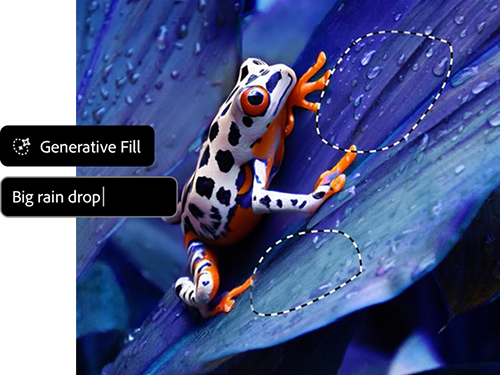
Make content in powerful new ways with AI in Photoshop.
From concepting creative ideas to making complex edits and refinements, Generative AI can help you quickly realise your vision while giving you complete control over every creation. All results are safe for commercial use and empowers you to spend more time ideating, visualizing, and creating. We champion standards that enhance productivity, support responsible development, and enable anyone to use our tools as part of their daily workflow.
Do more with new generative AI features and controls.
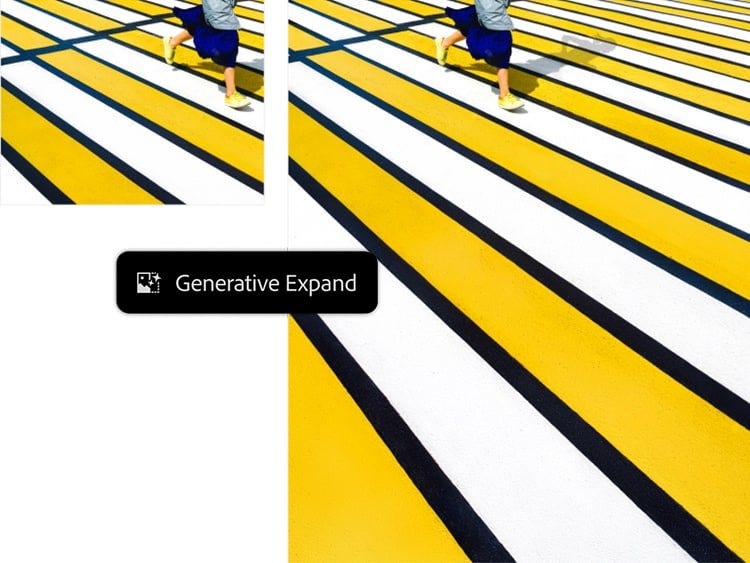
It’s easier than ever to make everyday images amazing and with full text to image support you can generate dozens of ideas in a matter of minutes. Features like Generate Image, Generative Expand, and Remove Background allow you to quickly add, remove, and replace elements, and expand your photos beyond their original borders when you edit photos with AI in Photoshop.
Get results that perfectly match your creative vision.
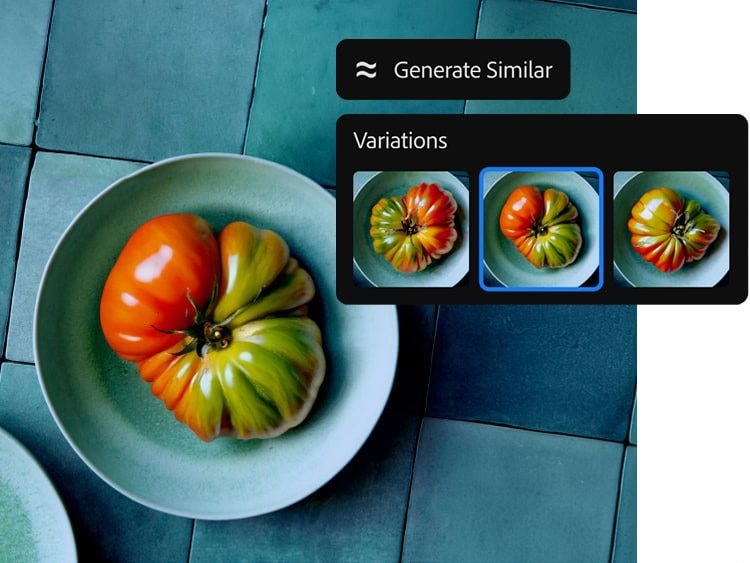
Achieve greater control using Reference Image in the Photoshop (beta) app to visually guide your results by uploading an image to go with your prompt — perfect for hard-to-describe details. You can also create variations of your favourite generated images with Generate Similar.