Education
Valuable teaching tools for the new school year
Adobe Express
08-12-2025
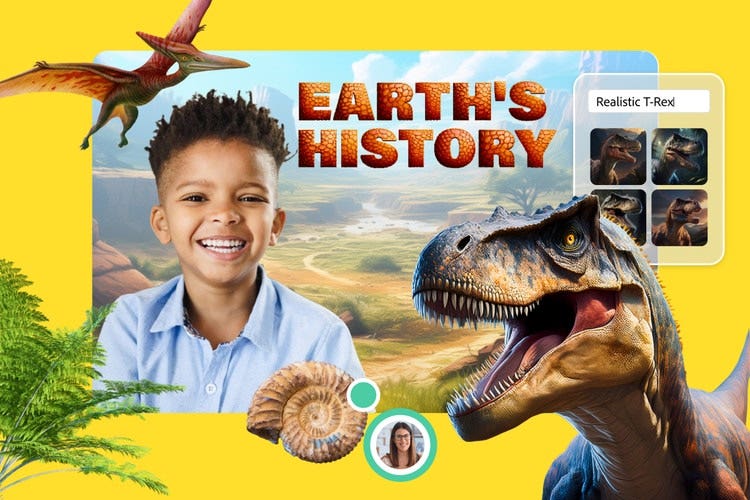
Adobe Express for Education sparks student imagination and is a tool for teachers to use to bring learning to life. Best of all, it's free for K-12 schools and it keeps getting better. Guided Activities is a valuable, new feature for the school year and is part of 100+ curricular activities that teachers and students can use to bolster digital media skills, from the first day of school and beyond.
Guided Activities are quick, structured starter projects — including templates, video tutorials and written instructions — that can be completed in 10 minutes or less. Each activity includes a template along with written instructions and video. Best of all, they're designed to be easy to share with fellow students or among educators and support skill-building for creativity, digital literacy and collaborative.
Fun, ready-to-use activities
What's great about Guided Activities is that each activity is easy to integrate into class. It's a way to build on skills like graphic design, video creation and storytelling. And it's scaffolded learning to help students develop confidence with creative tools.
It's safe, student-friendly and curriculum-aligned to support educational standards and learning goals. The scaffolded learning technique helps students build confidence over time with creative tools. It's a great way to familiarise students with Adobe Express tools without too much structure or pressure.
Typically, these activities feature:
- Curriculum-aligned templates
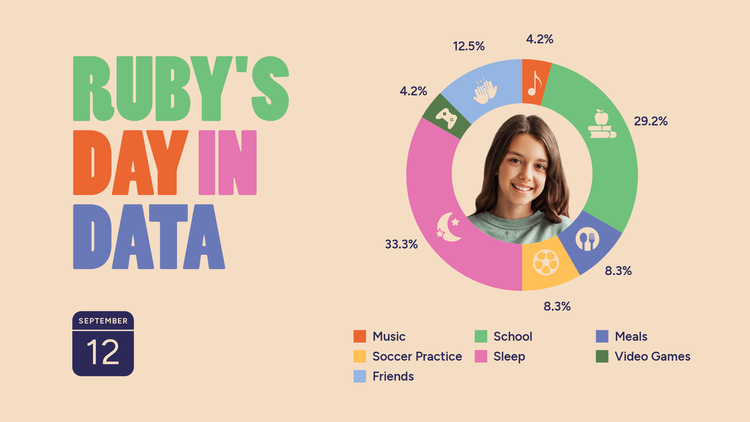
- Creative outputs, specifically: biography posters, science explainer videos, math concept infographics, web pages, animated characters
- Scaffolded, step-by-step guidance
- Integration with other tools
Ways to get started with Guided Activities
Guided Activities are engaging Express activities that come with an activity template and step-by-step instructions. To find Guided Activities, go to the Educator Resources section under the Learn tab. Here, the standards-aligned templates and guided activities are organised by grade level, subject and output type.
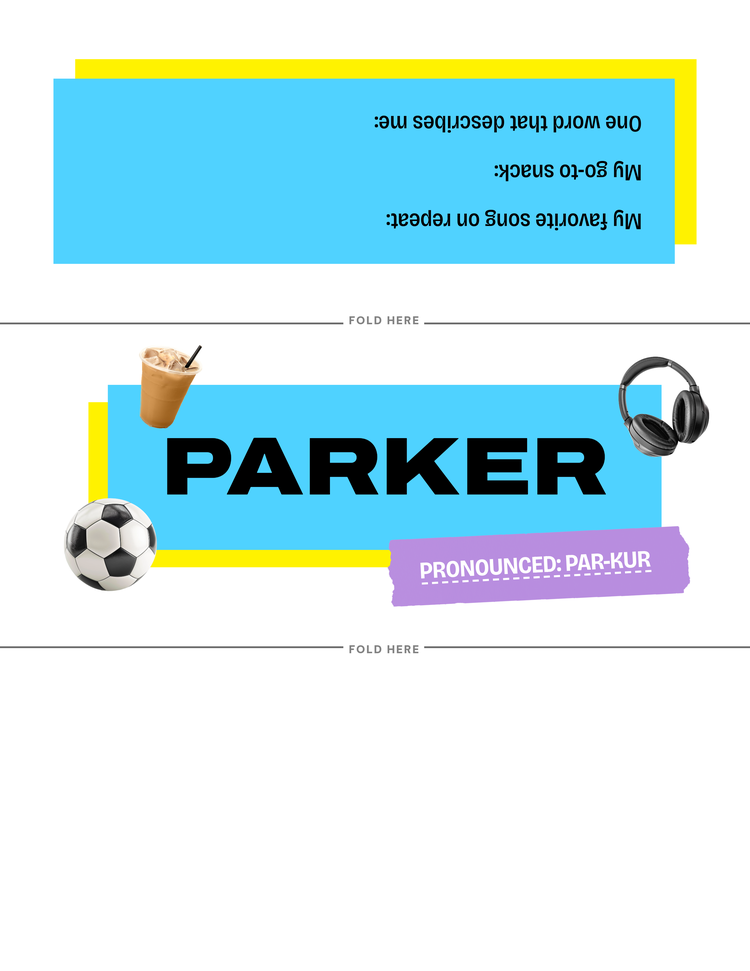
Guided Activities come with an activity template, a how-to video and corresponding step-by-step instructions. Activities range from recording a video reflection to illustrating a storybook to designing a book report to directing a short film and more. There's truly something for all grade levels and project types.
Here are a few examples of activities you can do:

Explore curricular activities, too
In addition to Guided Activities, standards-aligned curricular activities in Adobe Express for Education are creative learning experiences designed to meet educational standards while engaging students in digital media creation. These support core curriculum goals across subjects and grade levels, make it easier for educators to integrate creativity into their teaching.
Under Educator Resources, you'll find hundreds of standards-aligned classroom activities, each of which is aligned to national curricular and ISTE standards for every subject and grade level. These activities can be broken down by subject or grade level (upper elementary, middle and high school).
Some favourite templates include:
- Place infographic: A streamlined exploration of a location's geography, features, trends, culture and opportunities.
- Science in the news: A newsletter about a scientific concept or discovery that shares data and links to resources for more learning.
- Character profile: A text-based resume about a character's traits, growth and symbolism.
- Book trailer video. A film-style video trailer that summarises and analyses key elements of a book.
- Voices of the past poster. A way to explore diverse perspectives from the past to encourage enquiry and critical thinking.
With guided and curricular activities in Adobe Express for Education, educators can save time, have more flexibility and rest easy that images are safe and inclusive.
Explore more related posts.

Ready to create standout content?