

Free CV maker.
Make a standout curriculum vitae in minutes with our free CV templates.
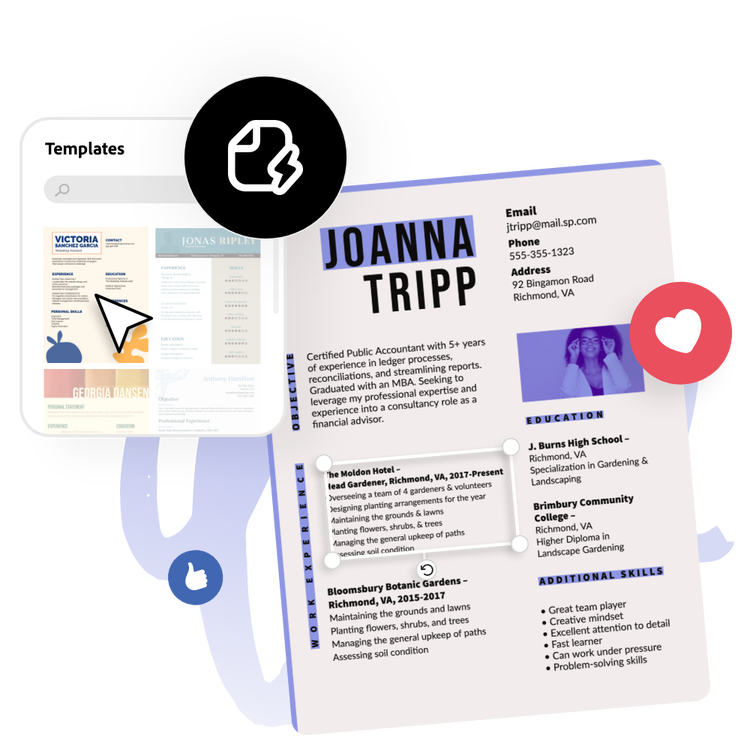
Start making a CV by searching for a template
With tons of free, professionally designed CV templates ready for you to customise, you’ll be able to showcase your experience, skills, and knowledge front and center.


 Free to use
Or start with these popular templates


1. Pick a resume template.
Browse a variety of professional templates, from modern and minimalist to creative and corporate, to match your style and industry. Whether you’re applying for a first job, a promotion, or a career change, there’s a perfect starting point for every resume.
2. Customise your resume.
Click any text box to add your information, including work experience, skills, and education. Adjust fonts, colours, and layout to fit your personal brand. Upload a photo if desired or use free Adobe Stock assets for a polished, professional look.
3. Download and share.
After you’ve finished editing, instantly download your finished resume as a PDF to print or share online.
An easy-to-use CV builder.
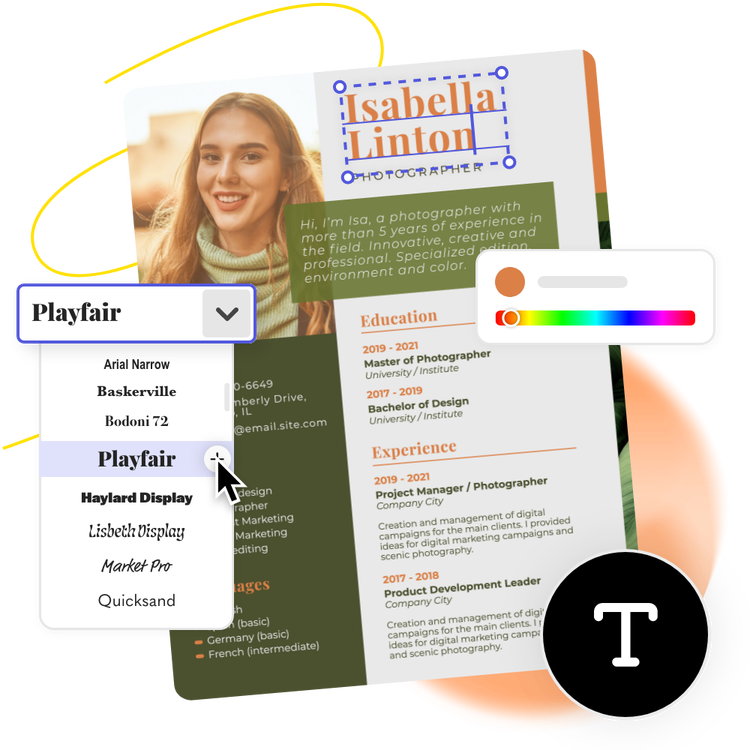
Showcase your breadth of experiences while letting your personality shine when you upload your own logo and apply a colour scheme to your Adobe Express CV template of choice. You’ll even get curated font recommendations for your project, so you can be confident your design looks good. In minutes, you’ll have a polished document ready to be printed or sent out via email. Go back anytime to edit or update your CV as your professional experiences grow.
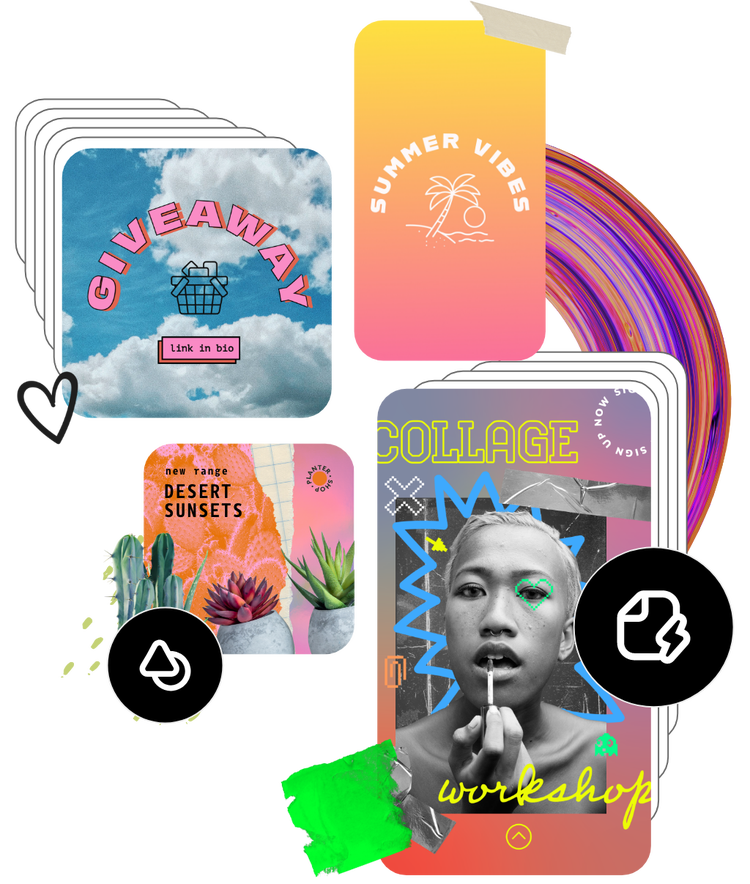
Free CV templates for every possible career.
Build a CV in any style for any industry with the free Adobe Express editor. Then, duplicate your CV in the same project and use it as a template to make a matching cover letter or resume. When you’re finished, save your file as a PDF, JPG, or PNG to publish on your website and LinkedIn, or email it to the recipient in mind. You can print and post it out, too.
Create a CV for UK recruiters and employers with Adobe Express.
Transform your job applications with our free CV maker and resume builder tool. Take your pick of free CV templates for every industry, role and job sector, then customise for a more personal touch. Showcase your work history, volunteering experience and educational background using a professional curriculum vitae layout in just a few clicks. It’s easy to distribute, too. Download and share directly with UK recruiters and employers online or in person. Find your dream role in no time with the best resume builder for professionals and students alike.
Showcase your line of expertise.
A good CV allows you to promote yourself to potential employers and show them why they should hire you. Making a custom CV design lets you highlight skills or experiences that help you stand out and make a good first impression. The Adobe Express CV maker helps you create a CV in just a few clicks, no prior design experience necessary. Whether it’s for a part-time job or a full-time position, you can use the Adobe Express CV maker for free to create a CV online.
Impress recruiters with an up-to-date CV.
When writing a CV, include your general contact information and references. Also include important sections, such as your education and experience, honours or awards, publications and presentations, relevant professional activities, and skills. Format your CV in a way that makes it easy to read and carefully check your CV for any typographical or spelling errors. The online CV maker from Adobe Express gives you plenty of customisation options so you can create a CV that best fits your needs quickly and easily.
Create easier with the Adobe Express CV maker.
With the Adobe Express CV, you can make your own CV design in minutes, no creative experience required. Choose from lots of CV templates to help you bring your CV vision to life. Drag and drop icons, graphics, and shapes to liven up your custom CV using simple editing features. If you plan on sharing your CV digitally, you can even add animated effects to any element and make your design stand out. Making a CV from start to finish couldn't get easier with Adobe Express. All you need is an idea to get started.
Frequently asked questions.
What is a CV?
A CV is an in-depth professional document that is meant to highlight an individual’s career journey, including educational and professional accomplishments. Think of a CV as a comprehensive account of everything you have professionally done. Some employers require a CV as part of the job application.
What does CV stand for?
CV stands for curriculum vitae, which is Latin for “course of life.” Like its Latin meaning, a CV is an in-depth step-by-step document that outlines an individual’s career journey.
Do I need a different CV for every different job application?
It’s not required, but it’s generally good practice to customise your CV based on the job you are applying to. Consider how you prioritise the information on your CV to make you look the best for each specific application. Another good tip is to use verbiage directly from the job description and include it in your CV so the people reading your CV can easily tell you have the qualifications they are looking for.
How do I choose the right CV template?
First, do some research about standard CVs for your specific industry. Then decide how you’ll add your personal touch to that style. Consider which sections you’ll want to include, what order they should go in, and how you’ll highlight the most important information.
Can I have my CV reviewed when I’ve finished building it?
You should definitely have your CV reviewed whenever you can. Send an editable link to mentors, peers, friends, or connections at the company you are applying to view, comment on, and edit your CV directly.
Can I create my own CV template?
Any new or existing project can be turned into a shareable template. To turn your CV into a template, click on the three-dot menu to the left of the Download button and follow the steps to turn your design into a template.
Is Adobe Express free CV maker easy to use?
Yes, Adobe Express is easy to use and welcomes all skill levels to start creating a curriculum vitae. Our intuitive drag-and-drop editor is easy to use. Move elements around with ease, switch up the fonts, text, and so much more until you’ve customised it to align with your personal style. Discover all the ways you can make stunning CVs, cover letters, and CVs in an aesthetic and professional way with Adobe Express at your side. Adobe Express makes the design process a breeze, so you can focus on the other details of the job-seeking process.
illustrator
