Introducing Adobe Firefly.
Use generative AI and simple prompts to create the highest-quality output - images, text effects, colour palettes and more.


AI technology has developed rapidly in an impressively short period of time: from simple text generation just a few years ago, to realistic image and video creation today.
Thanks to modern tools, with a quick prompt and a few clicks, you can generate unique and lifelike creations using AI photo and image generators.

AI image generators can create almost any visual idea that you can imagine. They just require a prompt to get started, which should offer as much information and detail as possible to generate the best possible result.
You can also provide reference images to help guide the process. Just remember: the richer the instruction you provide, the more impressive the output will be.
AI image generators can produce:
Now that you understand the capabilities of AI image and photo generators, it’s time to start thinking of a few ideas. Here are some further examples for different use cases – from marketing your brand, to generating your next big creative idea.
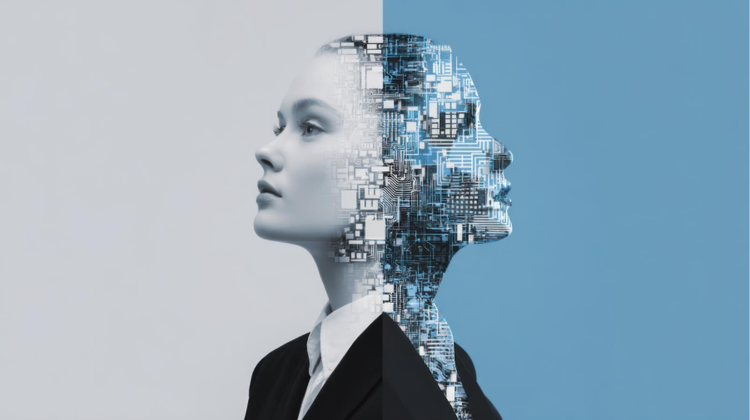
AI can create unique human likenesses, from stylised historical portraits to highly detailed faces. For example, you could use an AI portrait generator to turn memories such as wedding or holiday photos into romanticised couples or family portraits, or create a unique, abstract gift for a friend.
You can use artificial intelligence to generate highly realistic and artistic images in a wide range of styles. You can also produce visuals inspired by real photographs. Whether you’re creating AI artwork from scratch or a reference, experiment with generating different pieces like watercolour re-works, Romantic scenes, or abstract oil paintings.
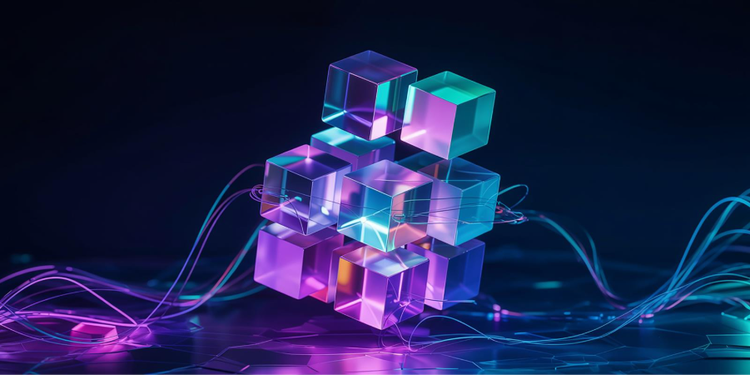
If you’re launching a new brand or product, an AI product image generator can create useful mock-ups and previews. You could generate product images to put in pitch decks and ads before you’ve started production, to give clients and customers a taste of what they can expect. Think realistic photos, 3D renders and product breakdowns, and bring your next big idea to life.
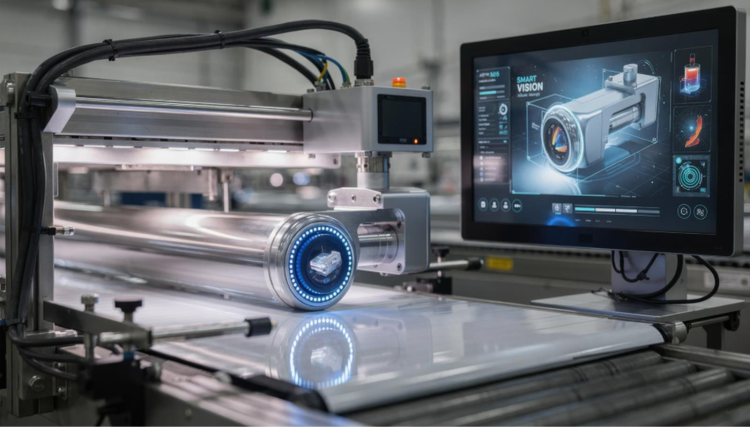
AI tools can also be used as a graphic design generator, whether you’re working on your next big campaign or building out assets for your personal brand. Create logos, art and assets for professional campaigns or creative projects. Experiment with tools to create unique designs from scratch, or use them as inspiration to get your creativity flowing.
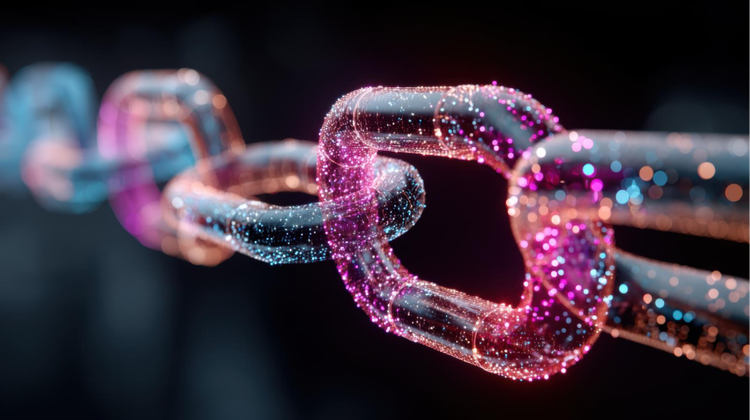
AI is revolutionising visual content for marketing and branding. Input prompts into a marketing image generator and create a range of different assets. Generate stunning social media graphics to maintain brand consistency, website banners and even video content. You can also pull together designs for print projects – if you’re needing bold posters and business cards that stand out from the crowd.
You may have a great photo or piece of character art, but you just feel that something’s missing. That’s where an AI background image generator can help you add that finishing touch to your projects – and really set the scene. Whether you need a whimsical woodland backdrop or an epic city skyline, the limit is your imagination.
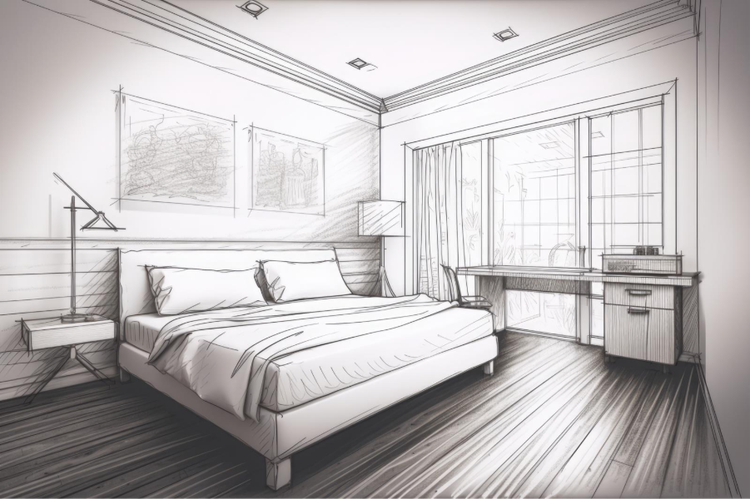
Create stunning sketches in seconds using AI tools. Generate new pieces from scratch with a quick prompt, or mock up designs for a new product. You can even turn existing images and photos into sketches by uploading them as reference images.
AI image generators can create stunning visuals, but it all has to start with a strong prompt.
These need to be clear, detailed and specific, offering instructions around the subject, style, and mood. It’s a good idea to come up with a few prompt ideas and variations beforehand, and try each of them out to get a range of possibilities. Don’t forget, you can also always edit your prompts – and refine the results – until you’re happy.
Below, we’ve pulled together a variety of different AI image prompt ideas across different platforms, style and mediums to help get you started.
You can create dazzling and eye-catching images in just a few clicks with Adobe Firefly’s AI text-to-image generator.
Whatever your project, simply input your prompt, adding a reference image if you like, and generate a variety of visuals in seconds. You can then revise your prompt and edit your images until you’re happy, or use them as inspiration to get your creativity flowing.

Use generative AI and simple prompts to create the highest-quality output - images, text effects, colour palettes and more.
Based on your location, we think you may prefer the United States website, where you'll get regional content, offerings, and pricing.


