Introducing Adobe Firefly.
Use generative AI and simple prompts to create the highest-quality output - images, text effects, colour palettes and more.


The creative landscape is rapidly transforming, thanks to the incredible pace of AI innovation. Generative AI technology brings boundless possibilities to wedding photography, offering a fresh perspective on capturing those special moments.
In this guide, we’ll delve into how AI wedding photo generators can assist in editing your cherished memories. Read on to find out how to use these innovative tools and refine your results with Adobe Firefly UK.
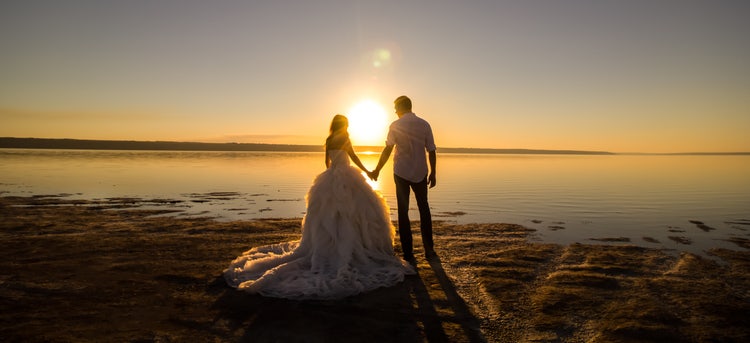
An AI wedding photo generator is a digital tool that harnesses artificial intelligence to create or modify wedding-themed imagery. It interprets either text prompts or existing photo references to produce entirely new AI-generated wedding photos or enhance your wedding portraits.
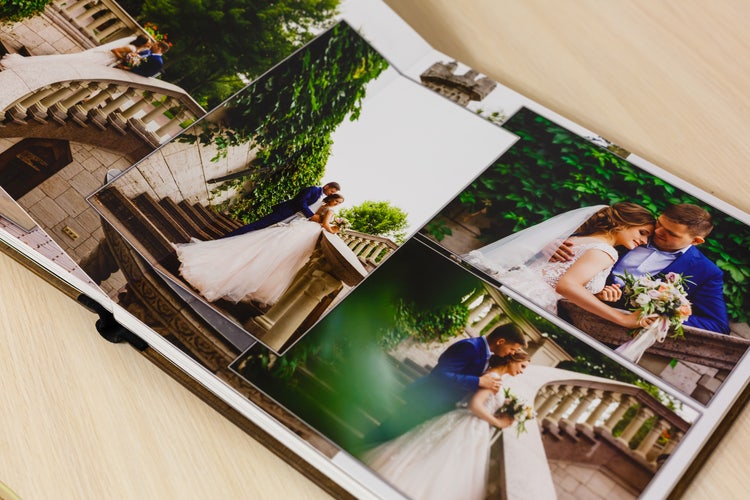
Using AI for wedding photos and imagery can offer many advantages, transforming how you preserve your precious memories. These include:
AI generators allow couples to experiment with countless themes, styles, and settings before the big day. Visualise different decor, floral arrangements, or even entire venue aesthetics, helping to refine your vision and communicate it effectively to suppliers.
Beyond traditional photography, AI can craft truly one-of-a-kind images. Imagine a fantastical wedding portrait, a vintage-style reimagining, or a whimsical scene. Capture your unique love story in an artistic, impossible-to-photograph way, creating truly bespoke mementoes.
AI tools can also be used to refine your actual wedding photographs. They can improve image quality by sharpening details, correcting colours, reducing noise, or even fixing minor imperfections like stray hairs or small blemishes. Advanced AI can also seamlessly alter backgrounds, expanding existing backdrops to fit a different aspect ratio, or transporting you to another scenic location.
For wedding industry professionals – be it planners, venues, or photographers – AI allows you to generate diverse marketing visuals. Create stunning mood boards, social media content, or website imagery quickly and cost-effectively, showcasing a range of styles and possibilities without need for extensive photoshoots.
Filmmakers and videographers can leverage AI to quickly produce visual storyboards or concept art for wedding films. This speeds up the planning process, helping to visualise camera angles, lighting, and narrative flow.
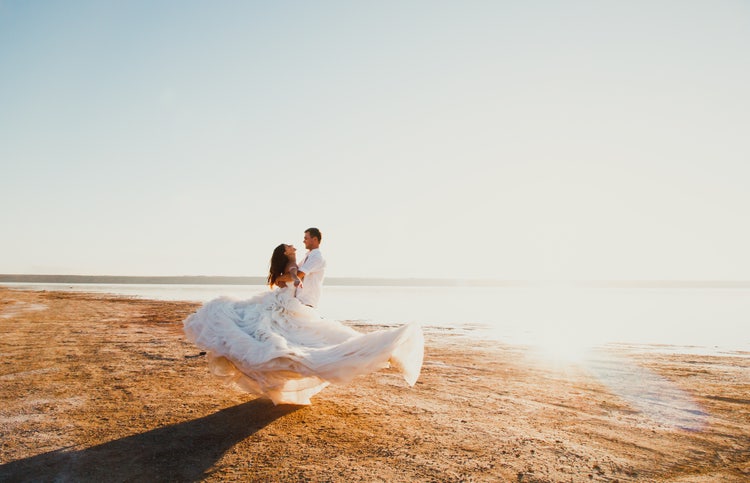
You can easily use Adobe Firefly’s AI image generator to create your own wedding photos. This can be a fantastic way to visualise dream wedding scenarios for inspiration or create unique artistic impressions. To achieve the best results, a systematic approach to prompting and refinement is key.
The foundation of a great AI-generated wedding image lies in a detailed and descriptive prompt. Think of it as painting a picture with words.
The more specific you are, the closer the AI will get to your vision. For instance, "a joyous couple in traditional Scottish wedding attire, embracing on a misty cliff edge in the Highlands at dawn, with a dramatic, painterly feel".
Once your prompt is ready, input it into the generator. Don't be disheartened if the first set of images isn't perfect; this is part of the creative process. Review the generated photos carefully. Identify what aspects work well and what needs adjustment.
Did the AI capture the setting correctly? Is the couple's pose as imagined? Note down any specific elements you would like to see altered and how. Now you can use AI wedding image enhancement to see the changes you want to make come to life.
Next, it’s time to refine your prompt. Experiment with different keywords: perhaps changing "cliff" to "mountain peak", or "golden hour" to "soft morning light." Try varying artistic styles, such as "vintage postcard aesthetic" or "modern minimalist photography."
Adobe Firefly text to image generation also lets you explore various factors like aspect ratio, and add in negative prompts (e.g., "avoid blurry faces"). Small tweaks can lead to significant improvements, so be prepared to iterate several times, focusing on one or two changes per revision.
While AI wedding photograph generators offer creative freedom, it's crucial to use them responsibly. Always respect likenesses; do not generate images of identifiable individuals without their explicit consent.
Be mindful of potential biases in AI models and strive to create diverse and inclusive representations. When sharing AI-generated content, consider transparency, especially if the images could be mistaken for real photographs.
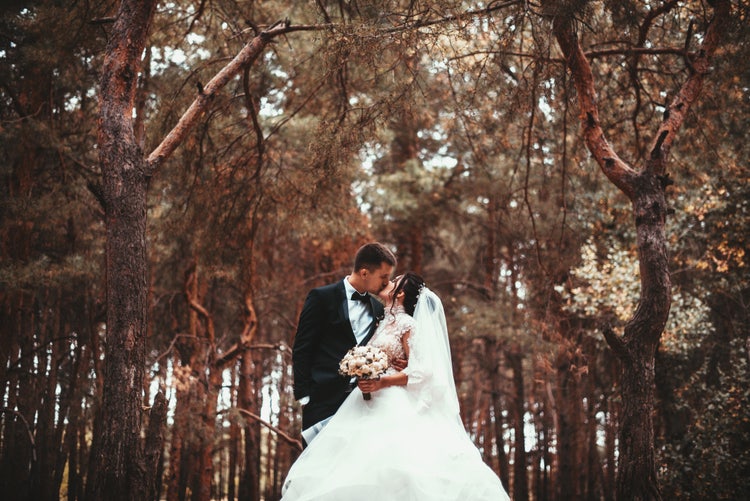
Tools like Adobe Firefly’s AI photo editor offer powerful capabilities for editing wedding photos using simple text prompts. This allows for precise, non-destructive edits, even if you don’t have photo editing experience.
Here’s how you can use generative AI for your wedding photos:
Learn more about how to use Adobe Firefly’s AI photo editor.
Crafting effective AI prompts, whether for generating new wedding imagery or editing existing photos, requires clarity and specificity. Here are some tips to guide you:
Planning your wedding is an exciting journey, and envisioning those perfect photographs is key. Innovative photography prompts offer a fantastic way to spark inspiration and help articulate your unique vision to your photographer.
Here are some imaginative AI wedding photography prompt suggestions to get your creativity flowing:

Use generative AI and simple prompts to create the highest-quality output - images, text effects, colour palettes and more.
Based on your location, we think you may prefer the United States website, where you'll get regional content, offerings, and pricing.


