.

Meet Photoshop AI Assistant.

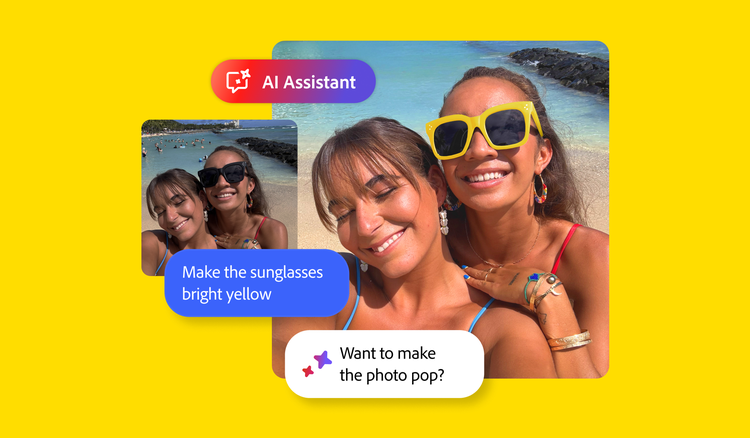
Transform images with the new Photoshop AI Assistant (beta). Simply speak or type a description of your edit to complete it and get suggestions. Your edits are adjustable, so you can make things perfect.

Try AI Assistant

The Adobe Photoshop AI Assistant is used to quickly change the colour of a woman’s suit from orange to blue using the simple prompt “Make her suit blue.”
Add. Edit. Repeat.
Delete distractions with precision.
Swap backgrounds in a few steps.
Make pinpoint adjustments.

Precision editing in the palm of your hand.

Now you can do all your image edits all in one app. Add new objects, make targeted adjustments, replace backgrounds and remove unwanted elements. That’s the power of Photoshop on mobile.

Make images as unique as you are.

Create things the world’s never seen with the power of Photoshop on mobile. Combine photos, graphics, Adobe Stock images and more. Add effects in a click. Collage. Retouch. Turn inspiration into amazing anywhere, any time.

Perfect any image. Fast.

Quickly and easily add objects, change backgrounds and blend the subject with the background in a blink with the new Harmonise feature.

Frequently asked questions.