{{premiere-features}}
{{adobe-premiere}} vs. {{blackmagic-davinci-resolve}}
More and more video editors and pro social creators are choosing {{premiere}}. It’s the only non-linear editing system with {{adobe-sensei}} AI-powered features like Auto Reframe, Colour Match, Auto Ducking and more, for precision results and faster workflows.
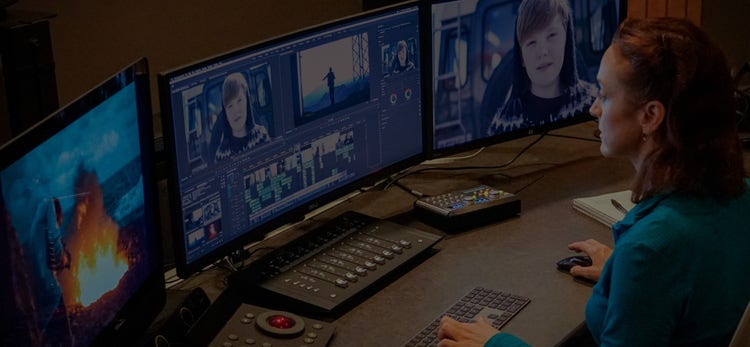

“The power of {{premiere}} is truly mind-blowing. It’s a fantastic example of how technology can support creativity.”
Scott Waugh
Editor, 6 Below: Miracle on the Mountain
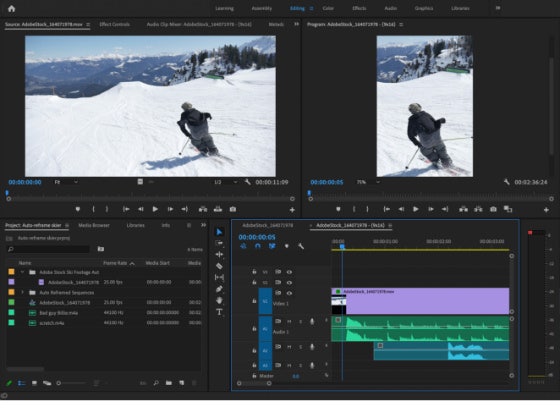
Get more creative control.
Accelerate your editing workflow with {{adobe-sensei}}’s AI technology. Use Auto Reframe to change your video's aspect ratio to optimise your work for any viewing platform. Colour Match makes colour correction painless and Auto Ducking lets you mix dialogue and voiceover against background audio in seconds.
Tools for the way you work.
{{premiere}} helps you to perfect your creative vision with all the tools you need for editing, sound, colour and graphics. It also works with other Adobe tools to go beyond video editing, like {{after-effects}}, {{audition}}, {{photoshop}} and many more.
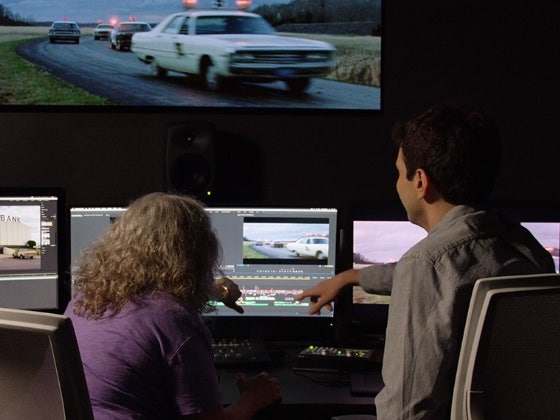
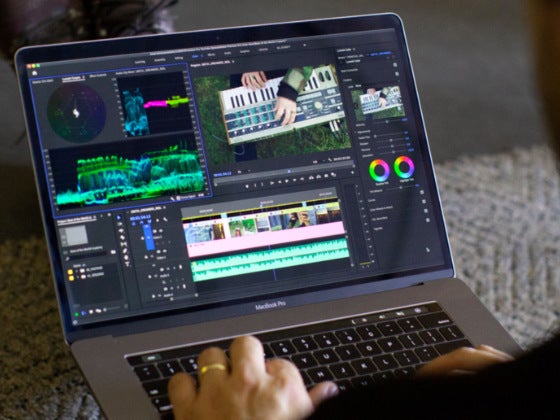
Connect your workflows.
Keep editing, post-production and approvals all in one place. Industry-leading integrations make for a connected workflow, with over 320 third-party technology partners so you’re sure to have every tool you need.
{{powerful-features}}

{{adobe-sensei-ai}}
Access the {{adobe-stock}} library while you work with the {{Creative-cloud-libraries}} panel. Pinpoint the right stock photos and video footage to make your final cut shine.

Adobe Creative Cloud integration
Native Adobe integration makes working with apps and services like {{after-effects}}, {{adobe-photoshop}} and more effortless.

Motion graphics templates
Integrating motion graphics and stock footage is easy with in-app access to {{adobe-stock}}.

360VR video
Import and work with native 360 footage with {{premiere}}’s VR video display mode.

Multi-camera editing
Create multi-camera source sequences with synchronised In/Out points, clip markers and audio.

Proxy workflows
Work with proxies for more responsive performance with the flexibility to start editing immediately.