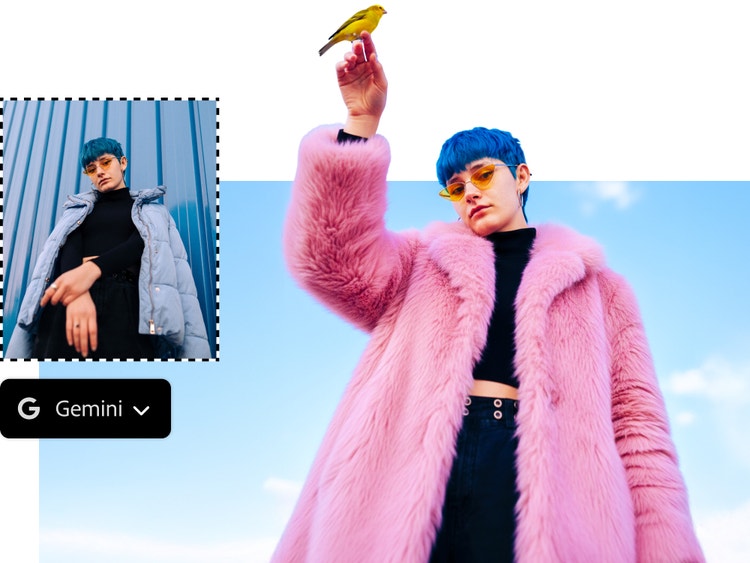
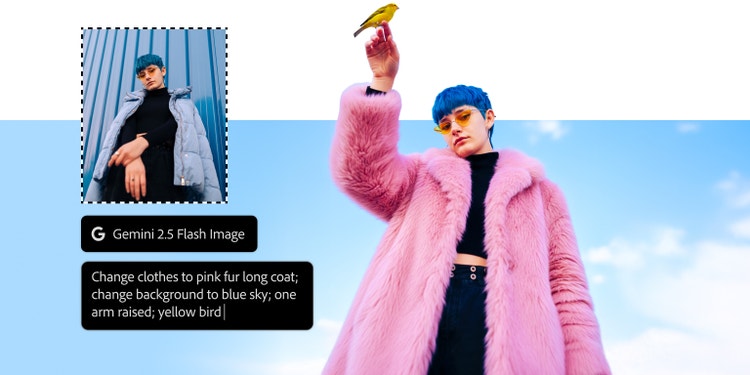

Made for your pro era.
https://main--da-cc--adobecom.aem.page/cc-shared/fragments/products/photoshop/product-page/riverflow
https://main--da-cc--adobecom.aem.page/cc-shared/fragments/products/photoshop/product-page/features
https://main--cc--adobecom.aem.page/cc-shared/assets/img/product-icons/svg/photoshop.svg

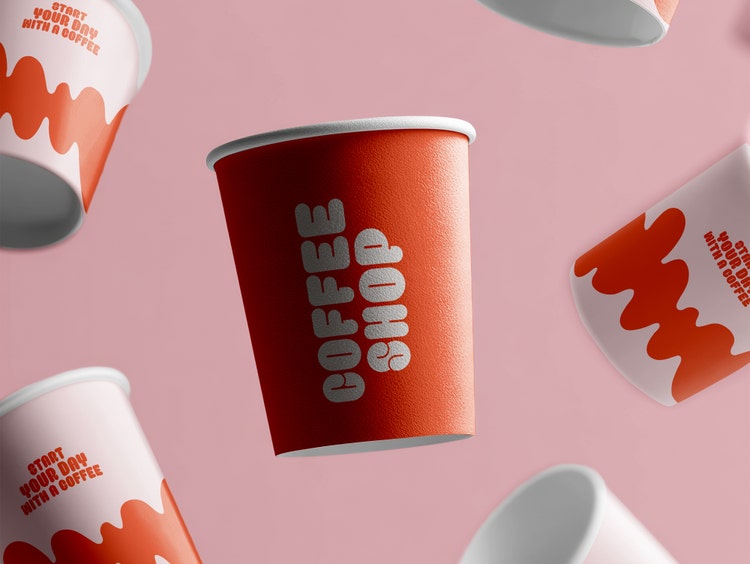
Begin by turning concepts into mock-ups with Photoshop.
Create polished mock-ups using Photoshop’s AI tools and intuitive controls. Pull in assets, explore creative options, and deliver presentation-ready visuals from the very first draft.
https://main--cc--adobecom.aem.page/cc-shared/assets/img/product-icons/svg/illustrator.svg
Next, refine and polish every detail in Illustrator.
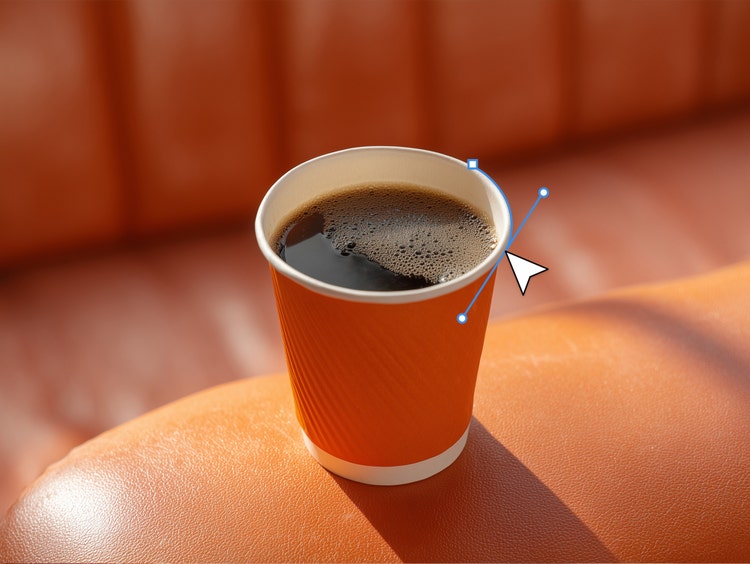
Move your Photoshop mock-up into Illustrator to refine vectors, logos, and icons. Advanced vector editing and AI tools help sharpen details, explore colours, and finalise artwork easily.
https://main--cc--adobecom.aem.page/cc-shared/assets/img/product-icons/svg/firefly.svg https://main--cc--adobecom.aem.page/cc-shared/assets/img/product-icons/svg/express.svg


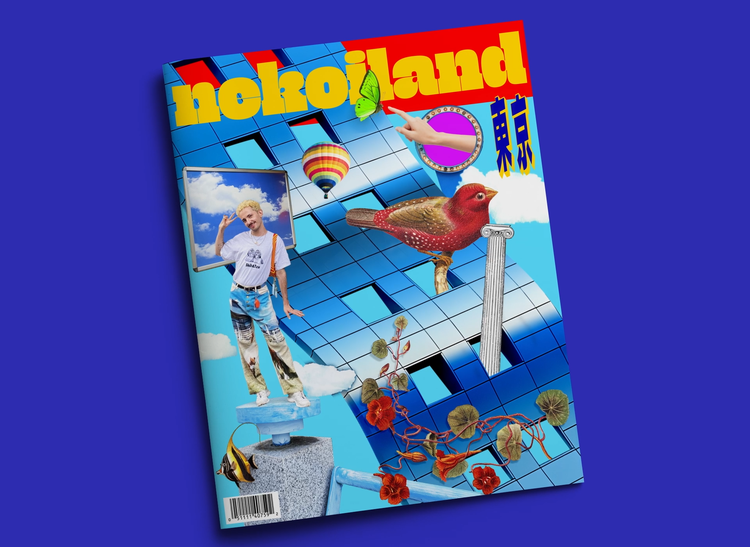
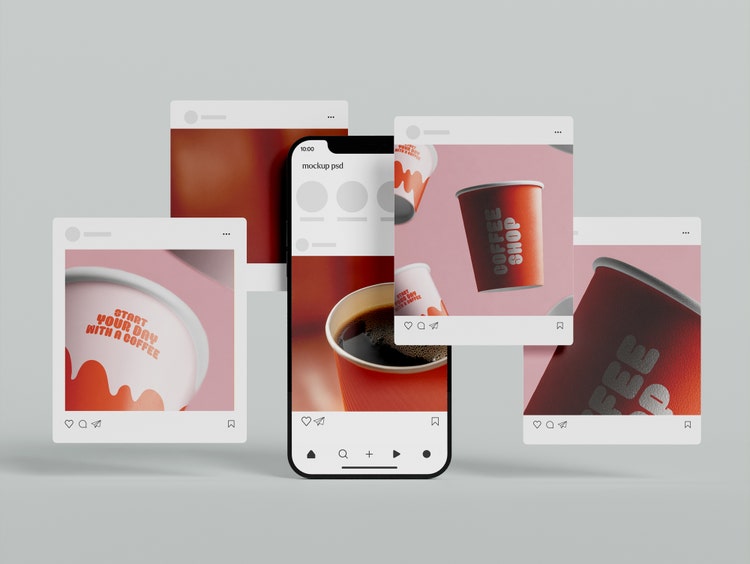
Finish up with Firefly and Express to publish everywhere.
Use Firefly and Adobe Express to generate variations, resize for any platform, and publish with ease. Connected apps let you deliver final assets across channels without starting over.