
Try these tutorials with Premiere
Create and edit films and video.
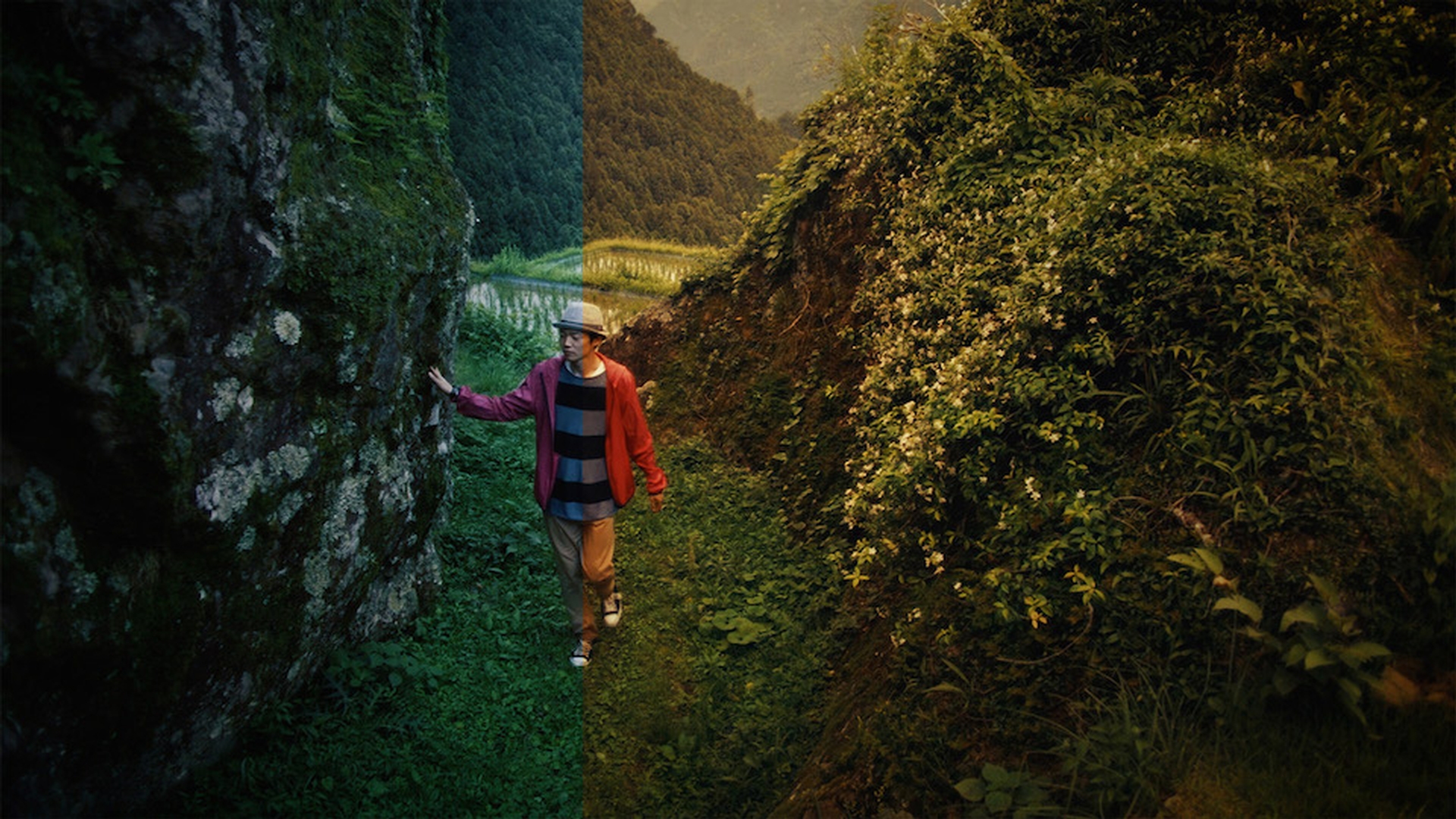
Learn how to use the Lumetri color tools inside Adobe Premiere Pro for color grading scenes in your video. Adjust the appearance using the basic color temperature and tint controls, and use the eye dropper to white-balance one shot and copy the same correction to other, similar shots. Finally, apply preset film stocks and adjust them to achieve the creative look you want.
