



Photoshop
Create gorgeous images, rich graphics and incredible art.
Access 20+ industry-leading apps, including Photoshop, Illustrator, Premiere and more, plus responsible AI features from Adobe Firefly.


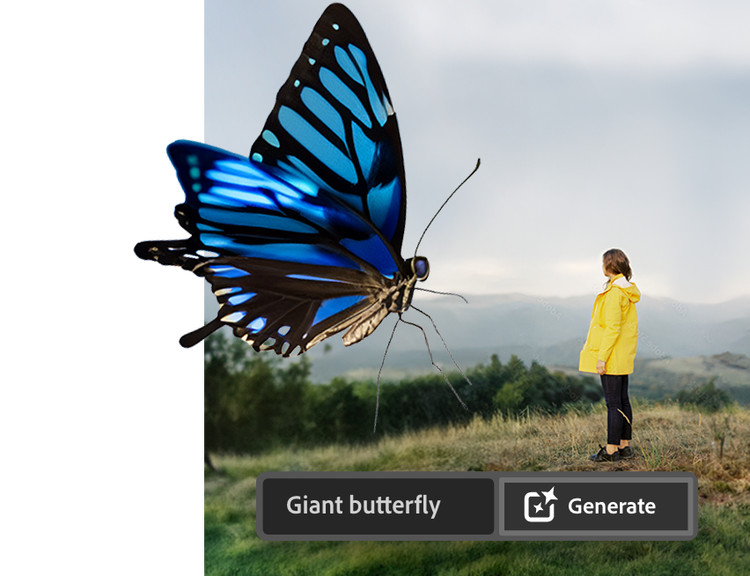
Find exactly what you need to get anywhere you want to go in school, at work and in life. It all starts with Creative Cloud Pro.
Save 75% on 20+ apps and Adobe Firefly creative AI for images, video and audio. Pay £16.24/moincl. VAT the first year and £32.99/moincl. VAT after that. See what’s included.
Annual, billed monthly


Apps for everything. Loads of perks. Plus, Firefly generative AI features for creating images with simple text prompts.
Create gorgeous images, rich graphics and incredible art.

Create beautiful designs, icons and more — then use them anywhere at any size.

Create, edit, sign and manage your PDFs — quickly, easily, anywhere.

Use everyday language to create extraordinary results with generative AI.

Create pro-quality videos like documentaries, short films and more.

Edit and share photos anywhere for social posts, club websites and blogs.
Create gorgeous images, rich graphics and incredible art.

Edit and share photos anywhere for social posts, club websites and blogs.
Edit and share photos anywhere for social posts, club websites and blogs.
Create pro-quality videos like documentaries, short films and more.

Create film titles, intros and transitions with the industry standard for motion graphics and visual effects.
Edit and share photos anywhere for social posts, club websites and blogs.

Edit and transform your photos on the go.
Create beautiful designs, icons and more — then use them anywhere at any size.
Create gorgeous images, rich graphics and incredible art.

Enjoy a natural painting and drawing experience with the world’s largest collection of brushes.

Model, texture and render 3D assets and scenes. Free for eligible students and teachers. Not included in Creative Cloud Pro.
See what’s included.

Unlimited access to standard creative AI image and vector features

4000 monthly generative credits for premium creative AI video and audio features

Tutorials for every app and skill level to build your creative skills

Special student discount on Adobe Certified Professional certifications

Adobe Fonts — 30,000+ fonts at your fingertips

Adobe Stock — One million+ free photos, drawings, video clips and more

Behance — Show your stuff and see what others are creating

Adobe Portfolio — Design your own websites in minutes
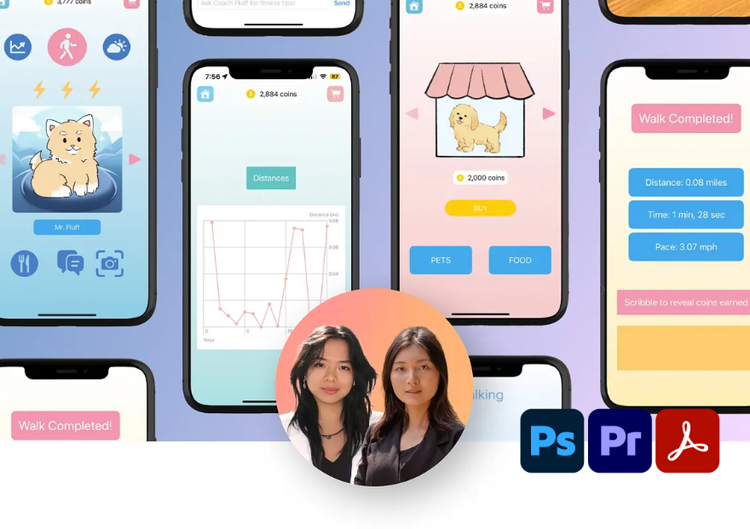
“Adobe Creative Cloud Pro was instrumental in turning our ideas into reality. The seamless integration between tools really allowed us to very quickly take our ideas and really refine our vision.”
Amber Xiao and Ximing Luo - Computer Science and Digital Media Design, University of Pennsylvania
Adobe verifies student status through the school-issued email address provide during purchase. A school email address may include .edu, .k12 or other email domains sponsored by educational institutions. If you haven't got a school-issued email address or your email address cannot be verified, additional proof of eligibility may be requested after purchase.
Students and educators at accredited schools
Proof of eligibility must be a document issued by the institution with your name, institution name and current date. Types of proof of enrolment include:
Homeschooled students
Proof of eligibility may include:
*Accredited schools are those that are approved by an association recognised by the U.S. Department of Education/State Board of Education or the Canadian/Provincial Ministries of Education and that teach students as their primary focus. In the U.S., such associations include: Middle States Association of Colleges and Schools, North Central Association of Colleges and Schools, Western Association of Schools and Colleges, Southern Association of Colleges and Schools, New England Association of Schools and Colleges, Northwest Association of Accredited Schools. † Documents dated within the last six months are considered current.
Based on your location, we think you may prefer the United States website, where you'll get regional content, offerings, and pricing.