Adobe Illustrator is a professional vector design app used to create scalable graphics like logos, icons, illustrations, and typography that stay sharp at any size.
Illustrator is used to create vector graphics for branding, marketing, web, print, and product design -from logos and icons to illustrations and layouts.
£21.98/mo incl. VAT for the annual billed monthly plan.
We'll get you started with tutorial videos and hands-on learning, free fonts and templates, access to Adobe Express Premium and more.
Learn more about purchasing options on the Creative Cloud plans page.
If you're interested in additional Adobe creative apps, you can also get Illustrator as part of the Creative Cloud Pro plan available at 50% for the first year. You pay a reduced price of Regularly at £66.49/mo Alternatively at £32.66/mo incl. VAT for the first 3 months of annual subscription, then £66.49/mo after that. Annual billed monthly plan. New subscribers only. See terms
Learn more about purchasing options on the Creative Cloud plans page.
Yes. Adobe offers a free trial of Illustrator, so you can explore its features and see if it’s right for your workflow before subscribing.
Illustrator is a paid monthly or yearly subscription, but you can sign up for a
free seven-day trial to see if Illustrator is the best graphic design tool for you. Or try making collages, flyers, videos and animations with the regular version of
Adobe Express — it's free forever.
Yes, students and teachers save over 75% on the Creative Cloud Pro plan. Find out more about student plans
here.
Illustrator is designed for vector-based artwork that scales cleanly, while Photoshop is best for pixel-based image editing and photo manipulation. Many creators use both together. Learn more about when to use Illustrator vs Photoshop
here.
Yes. You can download it in the App Store and it's included in your Illustrator or Creative Cloud Pro subscription. Illustrator on the iPad is especially great if you love to draw digitally with natural hand movements - for example, by using an Apple Pencil.
Find out more about Illustrator on the iPad here.
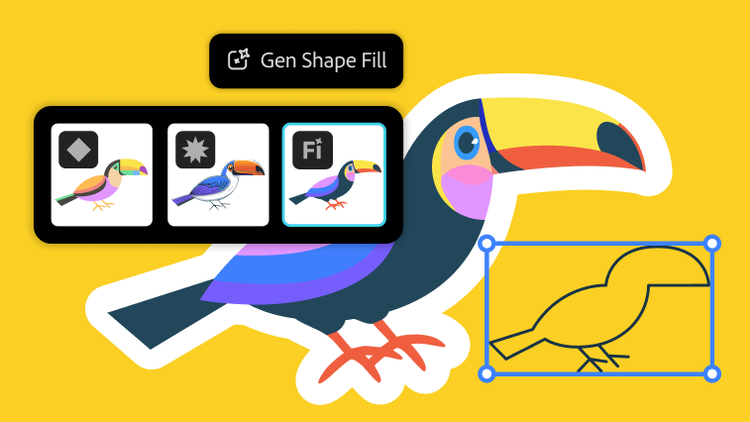
Not at all. With Illustrator, you can use shapes, lines, curves and edges to create beautiful designs with features like
Shape Builder, even if you've never drawn a thing in your life. Or, try out customisable templates for when you want to get started quickly on a project. The best part is that you can keep modifying and changing colours, fonts, shapes and more - whenever and as much as you like.
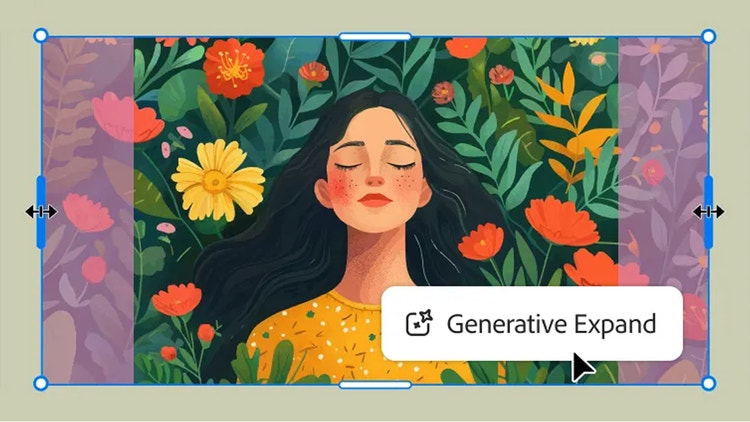
Generative Expand helps you extend vector artwork seamlessly
- Generative Expand is an AI-powered feature that lets you expand vector artwork beyond its original boundaries, automatically generating new content that matches your design.
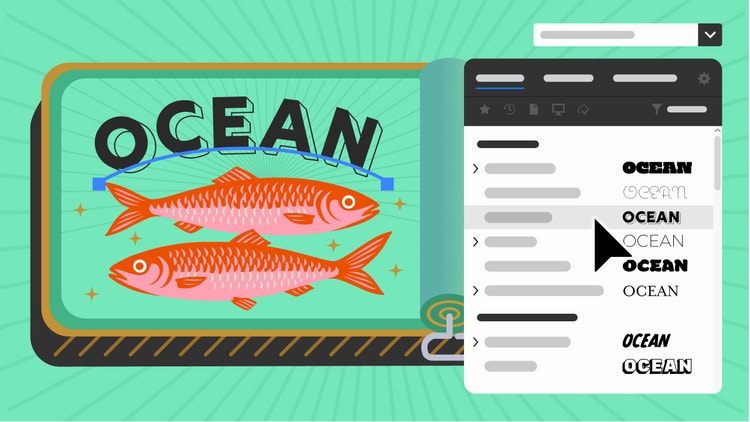
The Font Browser makes finding the right type faster
- The enhanced Font Browser helps you discover, preview, and compare fonts easily, so you can choose typography that fits your design with confidence.
Can I share my Illustrator work for review?
- Yes. Illustrator includes a share-for-review feature that lets you send a link to collaborators, collect feedback, and make updates — without exporting files.
Turntable helps you preview designs from multiple angles
- Turntable is a beta feature that allows you to rotate and preview artwork in a 3D-style view, making it easier to visualise designs from different perspectives.
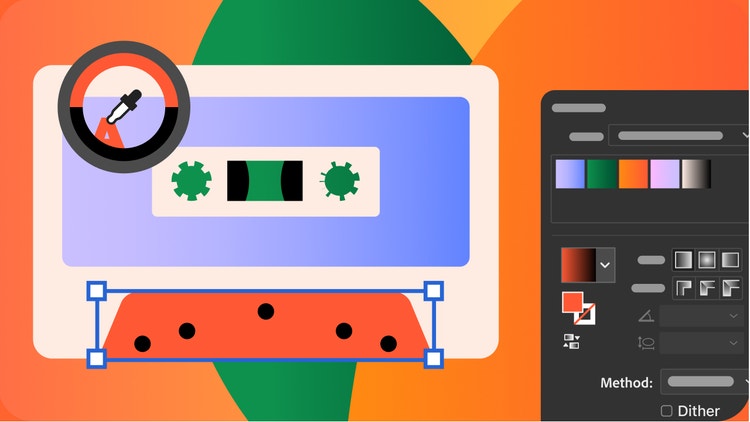
Illustrator offers advanced tools like precision gradients, custom brushes, pattern creation, advanced typography, and alignment controls, helping you create polished, professional-quality vector artwork.
Generative Credits let you use AI-powered features in Illustrator to generate and modify content. Credits refresh monthly and are included with eligible plans.
Yes. Illustrator includes a share-for-review feature that allows collaborators to comment directly on your work using a shared link.
Creative Cloud Pro includes 20+ professional creative apps, premium features, cloud storage, and access to the latest Adobe innovations — including Illustrator.
Learn more