Adobe Acrobat Sign
How to add a signature in Excel.
Learn how to prepare spreadsheets for approval and save paper by streamlining your workflow with electronic signatures.


Adobe Acrobat Sign
Learn how to prepare spreadsheets for approval and save paper by streamlining your workflow with electronic signatures.

From sales information to budget projections, Microsoft Excel documents help you keep data organized. But when you share spreadsheets with teams or clients, it can be tricky to ensure they get signed and accepted.
With Adobe Acrobat Sign, it’s easy to gather a signature in an Excel spreadsheet. Digital signatures are ideal for remote teams and can save time and money. And if you need sign-off on a financial spreadsheet or data analysis document, an electronic signature in Excel can speed up your workflow.
Forget waiting at the post office to mail off paperwork for a handwritten signature, or waiting for the courier to arrive with documents from a client. You can now just share your spreadsheets instantly for digital approval.
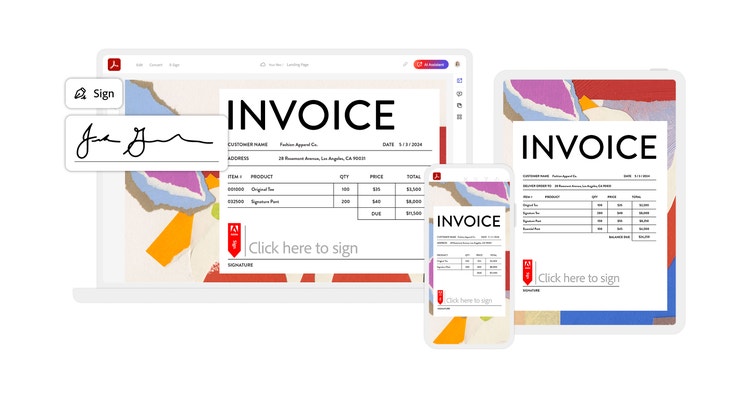
Before you can get your financial documents or sales data approved, there are a few steps you need to take to prepare for your signature in Excel:


Your file format shouldn’t limit your ability to tap into the benefits of digital signatures. You can add signatures to Microsoft Word documents and PowerPoint presentations just as you can to Excel spreadsheets. Going paperless is good for the environment and for your business — e-signatures add speed and convenience while helping push forward business goals.
For example, the NatWest Group used electronic signatures to reduce their carbon footprint, improve business productivity, and create secure financial processes. And with their new digital workflows, they saved nine million sheets of paper, 960 thousand gallons of water, and 336 thousands pounds of wood.
From financial records to project management workflows, Excel documents are vital to keeping your company running smoothly. And with Adobe Acrobat Pro, it’s easier than ever to edit, share, and approve your files.