
Try these tutorials with Illustrator
Create illustrations and other graphics with vectors.
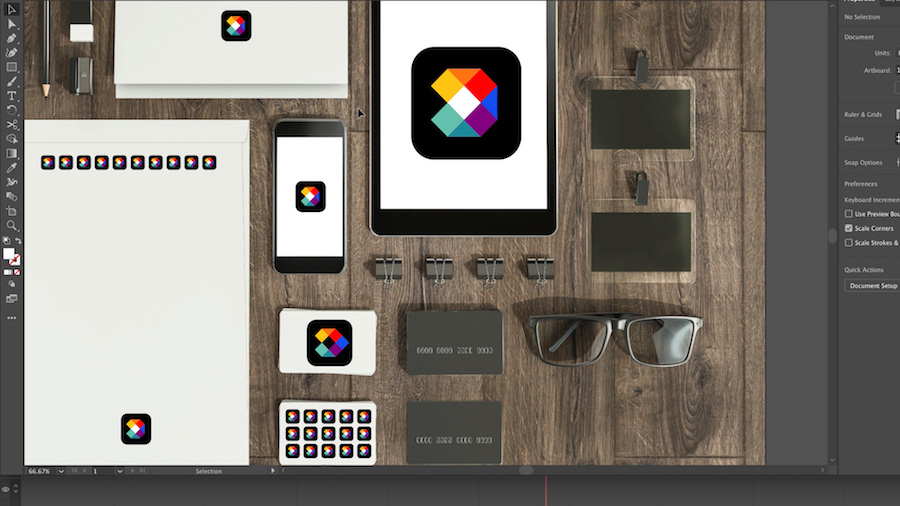
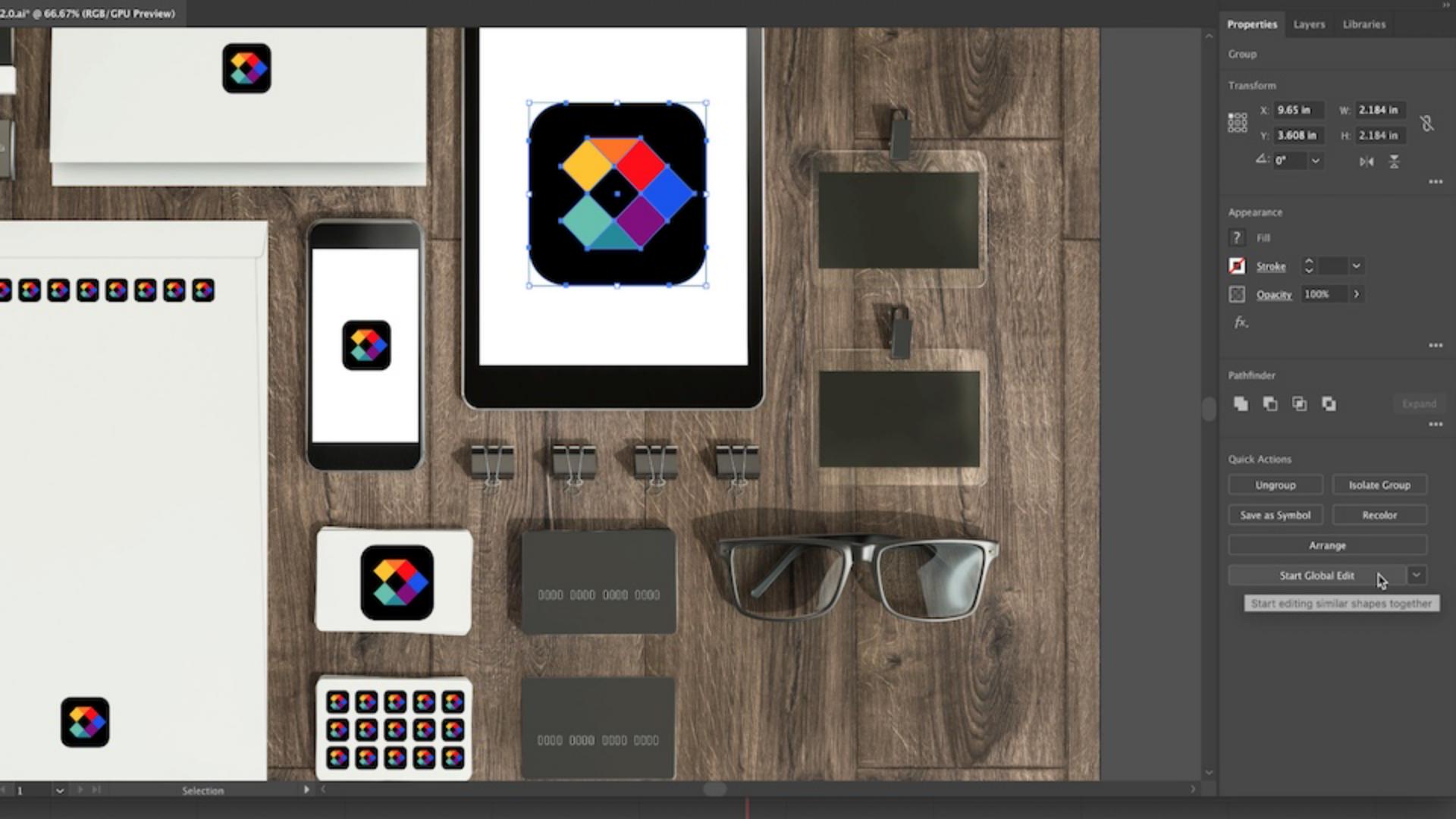
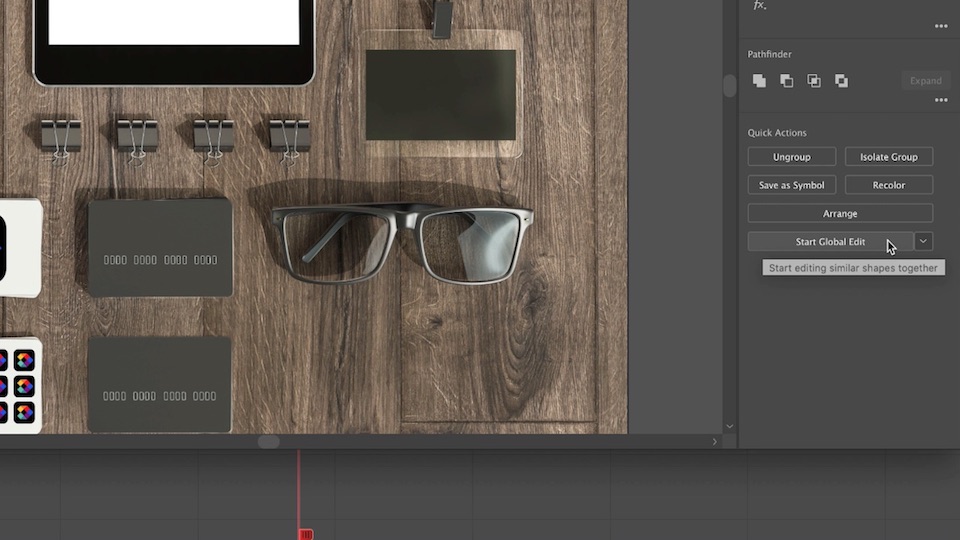
Select an object and click Start Global Edit in the Quick Actions section of the Properties panel. All similar objects will now be selected.
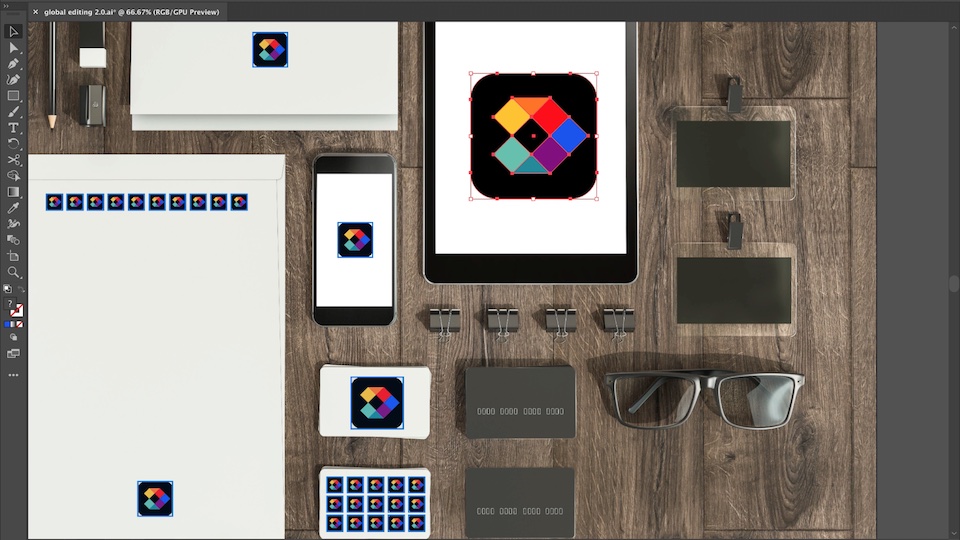
You can deselect any object in the group that you don’t want to edit by holding down the Shift key and clicking it.

Edit the single object, resulting in the identical edit taking place across all selected similar objects.
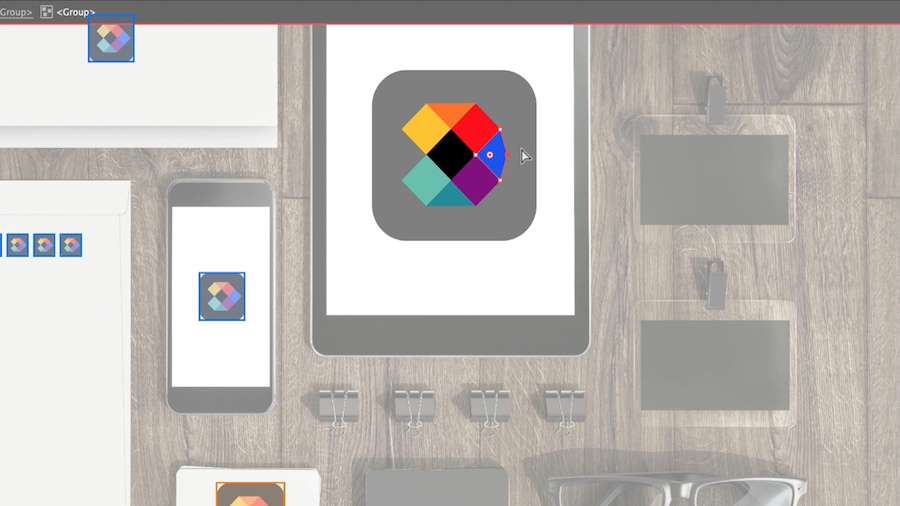
Just like that, the power of Adobe Sensei streamlines your workflow on client brand updates!