
Do your best work with Acrobat AI Assistant.
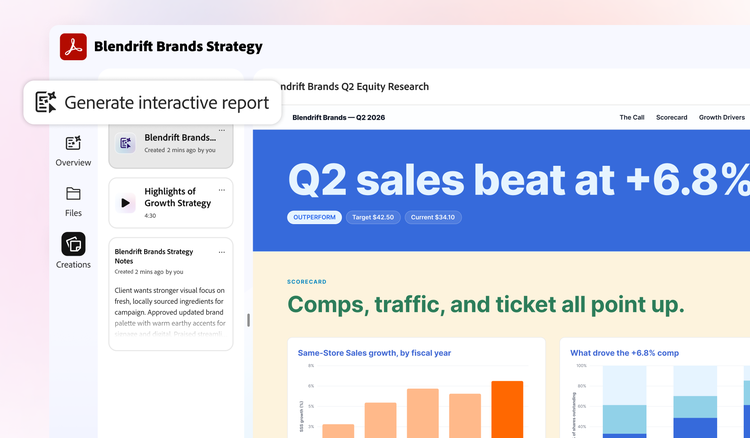
Turn files into an AI-powered workspace to understand content with summaries, podcasts and interactive visuals. You can even create insightful presentations.
mas-field: ACOM-DC/Headless/Individual/com/Acrobat Studio → ctas[1] See all plans | See all plans Adobe Acrobat
Understand your docs faster with AI.
Make sense of complex information, understand what matters and find the insights you need with a personalised AI Assistant.
Get the right info however you want.
Uncover key takeaways in your files with summaries, podcast overviews, interactive visuals or insightful presentations.
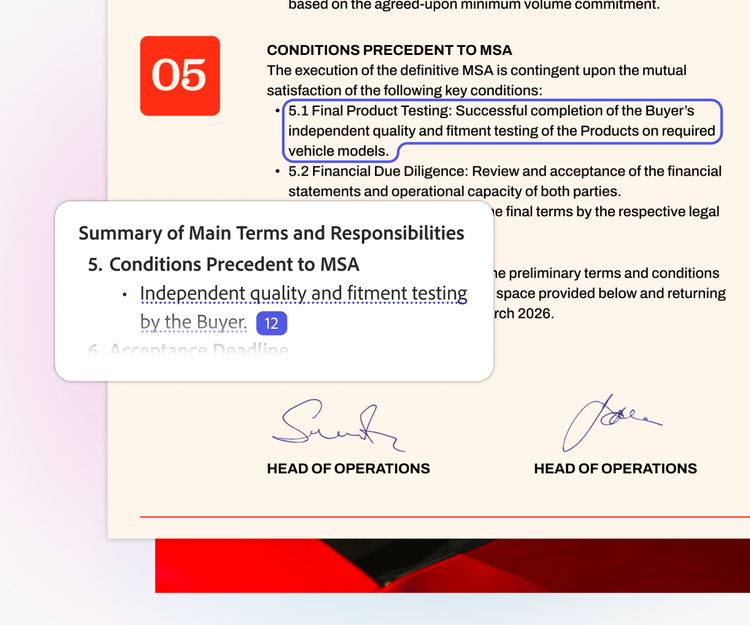
Summarise your docs. Instantly.
Get clear overviews of your files with precise citations that link right to the source in your docs.
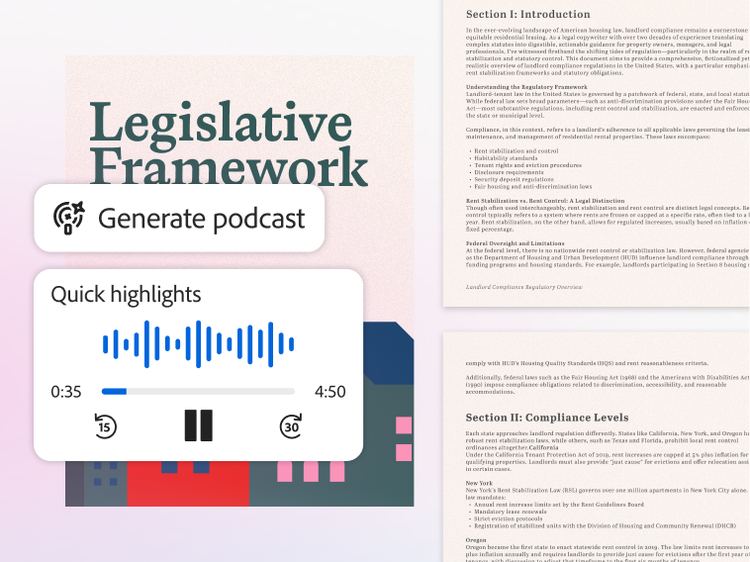
Get audio overviews on the go.
Generate a podcast-style overview of multiple docs. Tailor it for a summary, highlights or deeper dives.
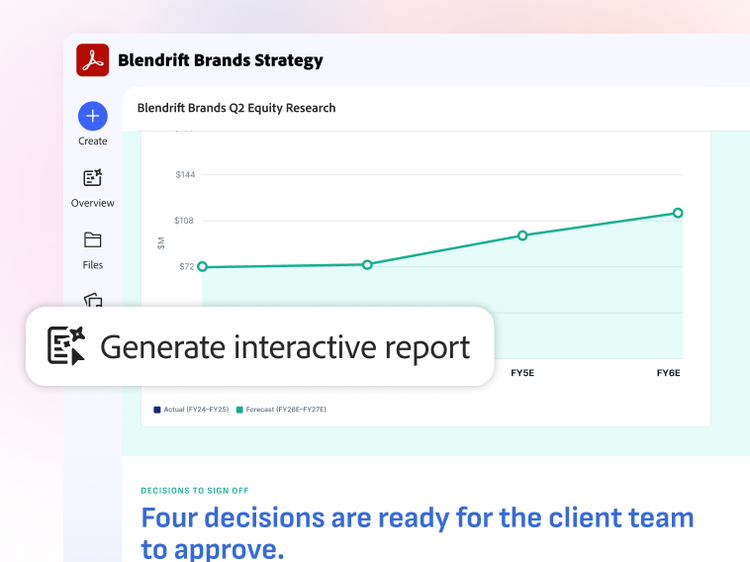
See the big picture of your docs.
Transform your docs into visual, interactive reports and presentations that bring insights to life.
Transform your docs. Just like that.
Edit, create and polish your PDFs with AI so you can go from first draft to finished work with less effort.
Create. Refine. Easy.
Whether you want to create new visuals or polish your work, you can edit, enhance and transform your docs with AI — all while keeping your original content intact.
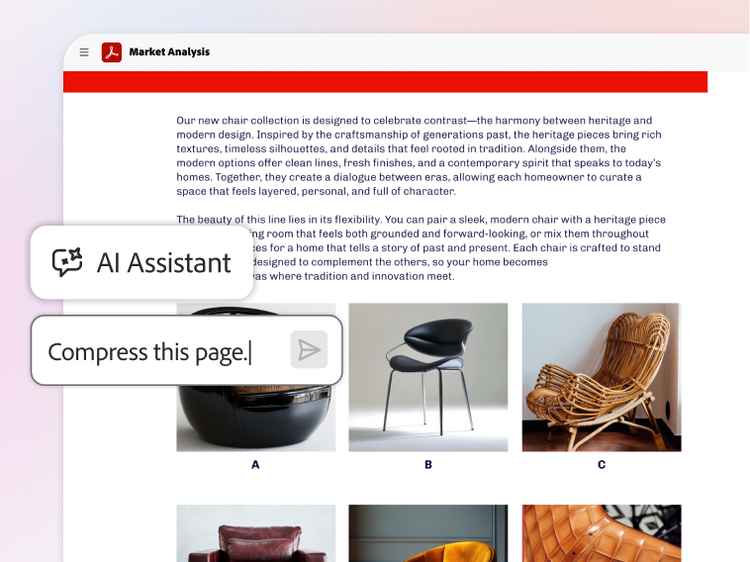
Save time on PDF tasks with AI.
Ask AI Assistant to edit, sign, redact and compress your docs so you can work faster with less effort.
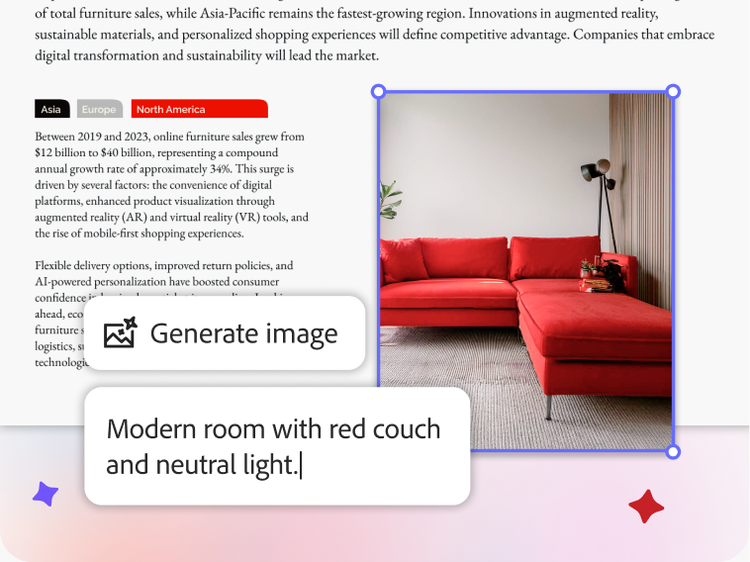
Create customised images.
Generate a customised AI-powered image in seconds. Just ask for what you need and watch it come to life.
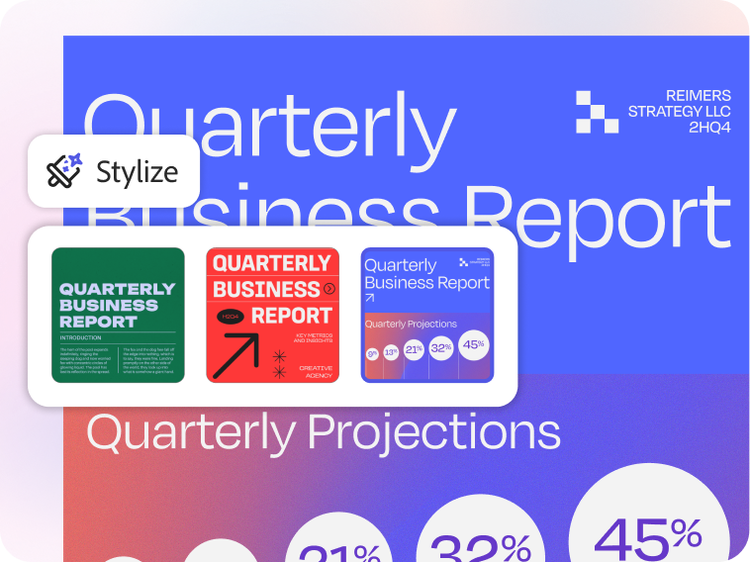
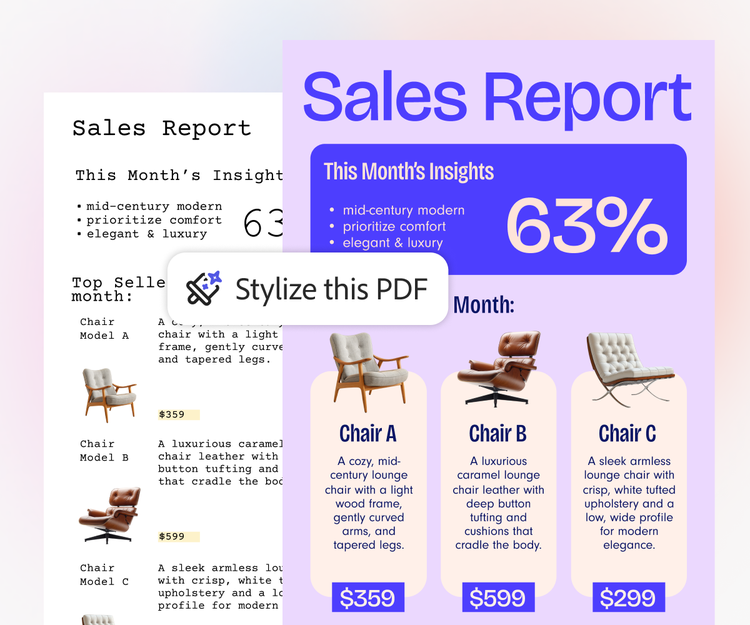
Stylise your docs. In a click.
Make resumes, reports and more stand out just as much as the content inside them with templates.
Work smarter not harder with PDF Spaces.
Get up to speed in no time.
Bring files into a PDF Space to uncover insights, create useful content and share the interactive experience with others.
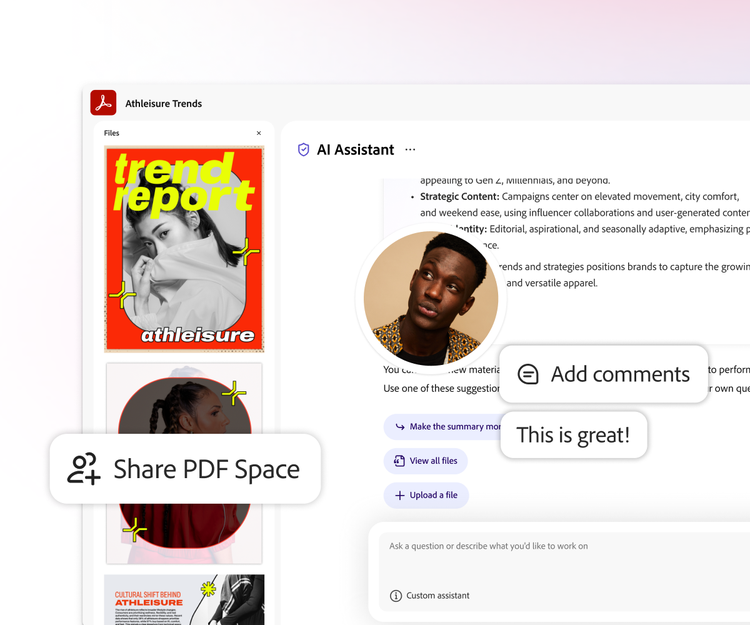
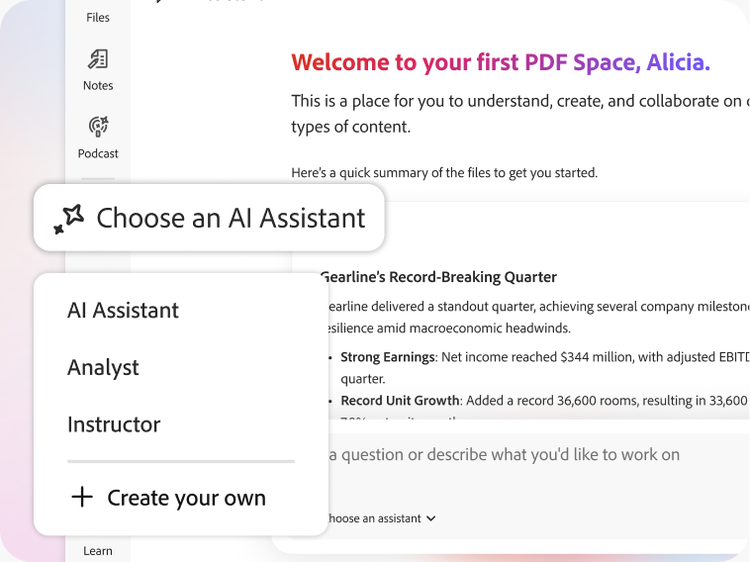
Guide your message with AI.
Share proposals and projects with a customised AI Assistant to set the tone of your content.
Choose how you take in info.
Create a summary, audio overview, visual report or presentation from your PDF Space.
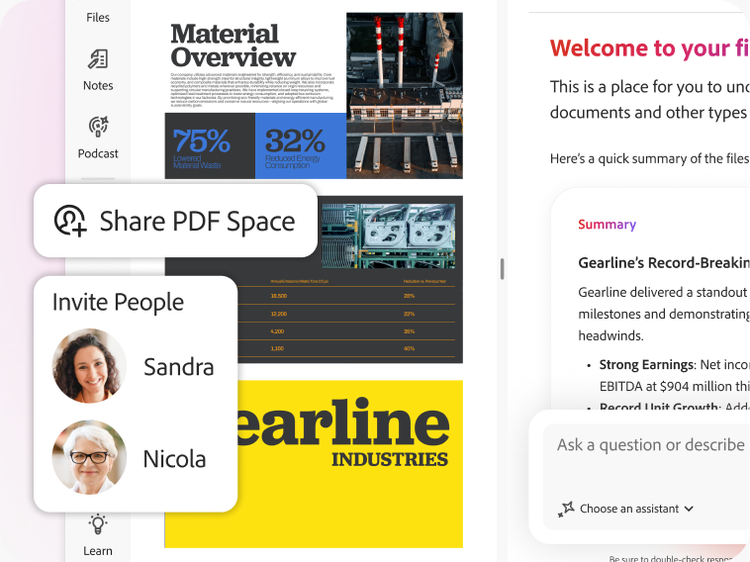
Share more than just files.
Bring others into your PDF Space to get up to speed, then see how they engage with insights.



Data Privacy
Your work. Your data. Always protected.
When you use AI Assistant, your content stays yours because it’s never used to train Adobe’s AI models. Your documents, chats and interactions are fully protected. Plus, AI responses are always cited back to your source documents for full transparency.
Explore AI resources.
Not sure how to get started with AI features in Adobe Acrobat? Learn more here.
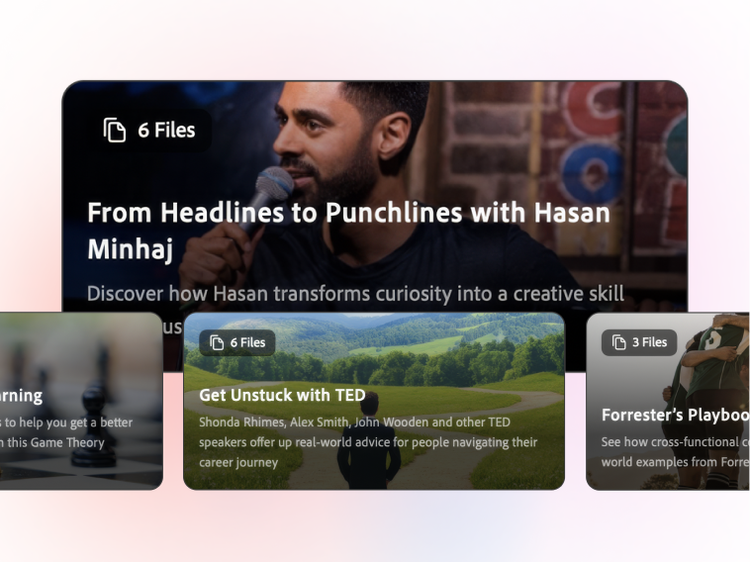
PDF Spaces gallery.
Find inspiration for your next great idea with a curated collection of AI workspaces.
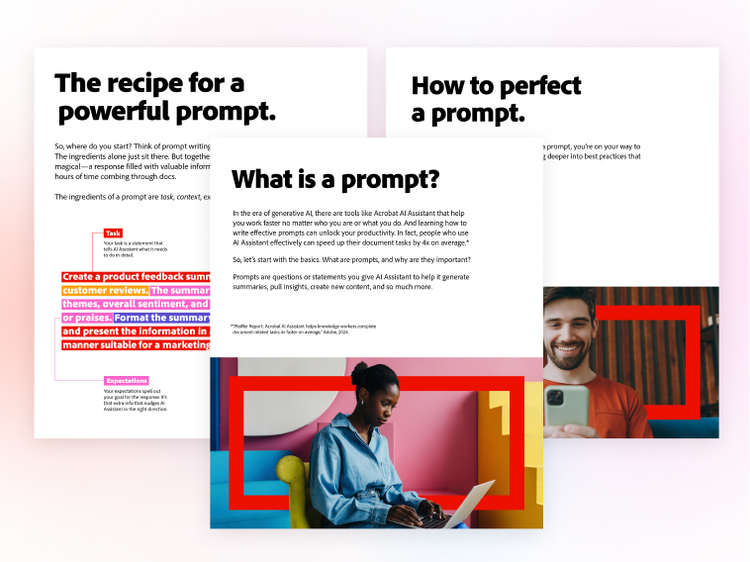
Build better prompts.
Get useful tips and a free guide on how to write more effective prompts.
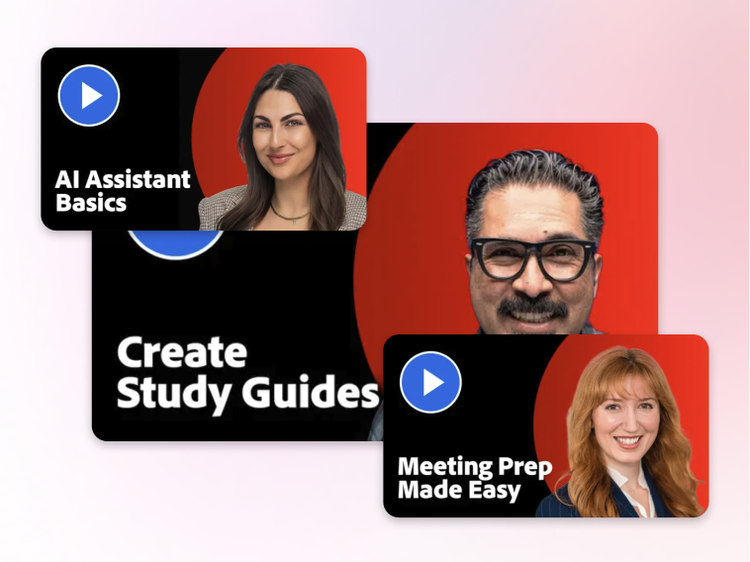
Use case videos.
See how others use AI tools in Acrobat to reimagine the way their work gets done.
Already an existing Acrobat customer?
If you already have an Acrobat Reader, Standard or Pro plan, simply sign in on your Acrobat or Acrobat Reader app and try AI Assistant today.