Introduction
You can instantly change the mood, boost color intensity or add a film look to your video using the color presets in Rush.
Creating a project and reviewing footage
I'll begin by creating a new project.
I've got some video clips in a Media folder on my desktop.
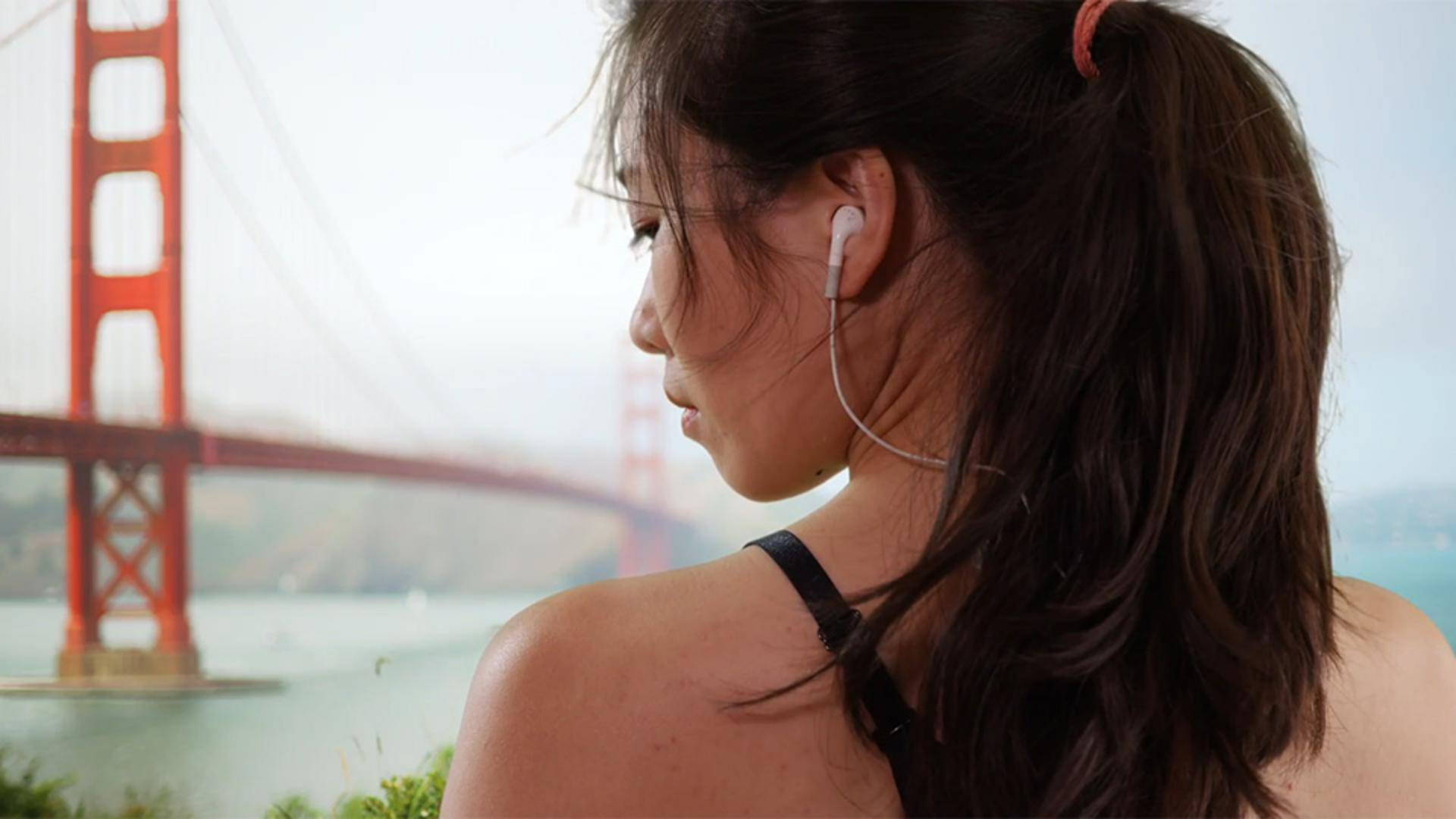
So, I'll select the hillside road clip and the extreme wide shot, then the rider on the bridge and finally the close up of the woman, then name this project and press the Create button to add these clips to a sequence.
As I scrub through these clips in my sequence, I can see they look pretty good, but I think they'd really pop with some color enhancements.
Applying built‑in color presets
So, I'll go up to the Color panel and try using some of the Built-in Presets.
The lighting is really different in each clip and by adding a film preset, I might be able to quickly unify the look of this series of clips.
First, I'll make sure the shot I want to change is selected in the sequence.
With the playhead right over the shot I want to adjust, I'll choose the Film preset.
That's a pretty subtle change.
Let's try something different.
You don't have to remove a preset to try another one.
Simply selecting a different preset changes the look and you can instantly see the results.
I'd like to try the Fuji film look to emphasize some of the blue and green tones in this clip.
Now I want to see what the Kodak preset does.
The Kodak setting looks a bit warmer with a bit more magenta being added.
Let's see what the Cinematic look does to this clip.
Wow, that's an intense look.
It's moody and I like it,
Adjusting preset intensity and comparing looks
but I think I'll tone it down a bit using the Intensity slider at the bottom of the Preset panel.
I think an Intensity setting of about 35 looks good.
Now I'll toggle the Color settings on and off just to compare the look with and without the preset.
So, I like this look best when its intensity is reduced, and I want to be able to quickly apply this to other clips.
I'll go up to More Options and choose Create Preset.
Creating and saving custom color presets
I'll name the preset and press Save, and it will be available under Your Presets in my Color panel so I can apply it to other clips.
Fine‑tuning color for different clips
When I apply my custom preset to this last clip, I think it looks too saturated even when I pull the Intensity slider to the left, her skin tones just don't look natural.
I can set this clips preset to None which removes the Color settings, or if I wanted to desaturate this clip a bit, I could add the Mono preset and back off on the Intensity slider until I get a nice natural looking skin tone.
When I find a look I like, that works with my video clips, I just save another custom preset.
The built-in color presets in Rush can help you achieve really dramatic looks.
Try playing with some of these color presets in your own projects.



