
https://main--da-dc--adobecom.aem.live/dc-shared/assets/images/shared-images/checkmark-circle.svg
No subscription required
Join millions of users who have successfully merged PDFs using Acrobat.
How to merge PDF files online
With the merge PDF tool from Adobe Acrobat, you can combine multiple PDF documents into one file for free online. Now it’s easy to merge separate PDFs, organise pages in your document and create a single, shareable PDF without installing software.
Learn how to combine multiple PDF files into one with these easy steps:
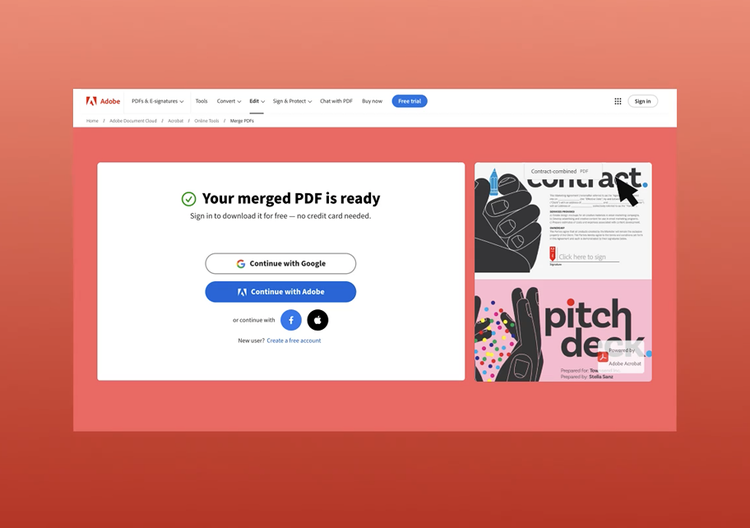
- Click the Select files button above or drag and drop files into the drop zone.
- Select the files you want to merge using the Acrobat PDF combiner tool.
- Reorder the files if needed.
- Click Merge files.
- Download your merged file or sign in to share it with a link.
Combine PDF files for free any time, anywhere

Merge PDFs online on any device
It’s quick and easy to merge PDF files for free into a single document with the Adobe Acrobat online tool. It works on any device and with any web browser, such as Microsoft Edge or Google Chrome.

Arrange files before you merge
Easily drag and drop files to control the order before you merge PDF documents. This ensures your final document flows exactly the way you want, whether you are preparing reports, coursework, or presentations.

Merge large PDF files with confidence
Merge up to 100 PDF files at once. Each file can be up to 500 pages, with support for a combined document of up to 1,500 pages in total. Designed to handle large files efficiently while maintaining document quality.

Download or share instantly
Once you merge PDF files, download your document with a click or share it securely via a link. This makes collaboration simple and keeps everyone working from the same file.

Works across browsers and devices
Use the PDF merger in any modern web browser, including Microsoft Edge or Google Chrome. It also works smoothly on Mac, Windows, and Linux, so you can combine PDF files wherever you are.

Trusted PDF technology
Adobe invented the PDF format, so you can rely on our tools to merge PDF documents efficiently and accurately. Combine your PDFs confidently, knowing your documents are handled responsibly.
Whether you are a professional, a student, or managing business documents, the PDF Merge tool can simplify the way you organise your files.

For professionals
Documents organised in minutes. Combine contracts, reports, and presentations into one structured PDF, making sharing and collaboration easier.

For students
All your notes in one place. Merge assignments, lecture slides, and research papers into a single organised document for streamlined revision and submission.

For business
Simplified document management. Bring together invoices, proposals, and internal reports into one professional PDF, helping you present information clearly and efficiently.
Why should I merge PDF files into one document?
Merging PDF files allows you to organise documents, keep related files together and simplify sharing. Discover how combining PDFs into a single file is useful in common workflows.

Combine project reports.
Combine multiple project reports, updates or deliverables into one organised PDF file before sharing with stakeholders or clients.
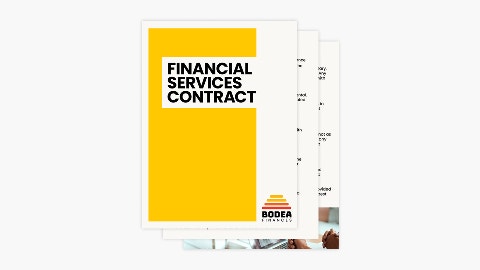
Merge contracts before sharing.
Merge separate contract pages into a single PDF document, so everything is in one place and easy to review.
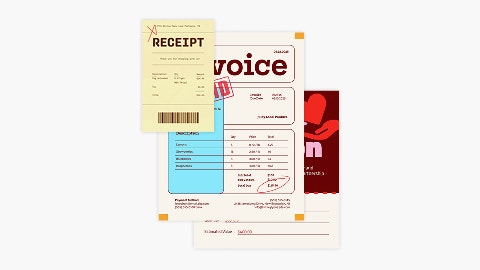
Consolidate scanned documents.
Turn multiple scanned pages pages into one PDF file to simplify storing, sharing and archiving paperwork.
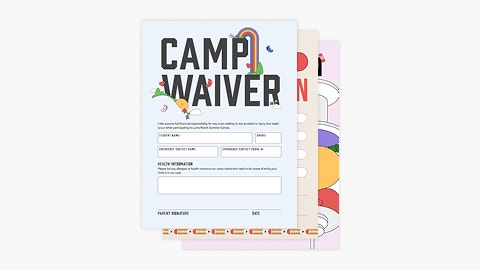
Organise forms.
Merge completed forms, applications or questionnaires into a single PDF to keep records tidy and ready to submit.
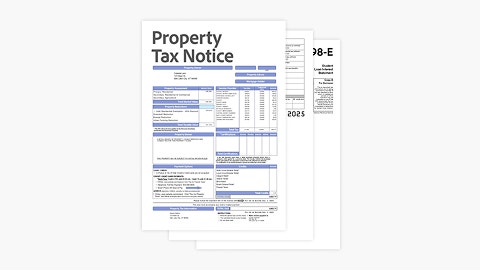
Prepare tax documents.
Combine tax forms, receipts and supporting documents into one PDF file, so it’s easier to file taxes or share information with an accountant.
More ways to work with PDFs
Try our online tools to convert, compress and merge PDF files - Acrobat can do it all.

Try our free PDF to Word converter

Try our free JPG to PDF converter

Try our free Word to PDF converter

Combine PDF files any time, anywhere
Frequently asked questions.
When you combine PDF files, you can reorder, add or delete files before you merge them into a single document. Sign in if you need to reorganise individual pages in your merged PDF. You can add, delete, move or rotate PDF pages as needed until your content is in the desired order.
You can also start an Adobe Acrobat Pro 7-day free trial to create PDFs, edit PDFs, add page numbers, insert bookmarks or watermarks, split PDF files, secure PDFs with passwords, convert PNG and other image files to and from PDF and convert PDFs to and from Microsoft PowerPoint, Excel and Word documents.
Merge PDF resources
Content as a Service v3 - merge-pdf - Wednesday, 29 January 2025 at 11.03
Use Acrobat tools for free
- Sign in to try 25+ tools, like convert or compress
- Add comments, fill in forms and sign PDFs for free
- Store your files online to access from any device
Create a free account | Create a free account Adobe Acrobat Sign in


