How to convert an Adobe Illustrator AI file to PDF online
Converting your Adobe Illustrator file to PDF is fast and simple with Acrobat online tools. Whether you’re working on desktop or on the go, you can turn vector artwork into a shareable PDF without installing extra software.
Follow these steps to convert an Adobe Illustrator AI file to PDF:
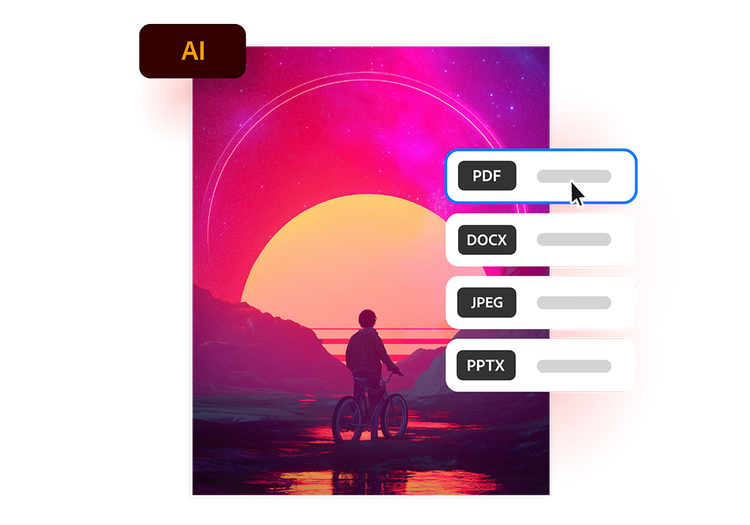
- Upload a source: Upload or drag and drop your Adobe Illustrator AI file into the converter tool above.
- Convert the file: Your Illustrator file is processed and converted into a PDF in seconds.
- Download your file: Download your newly converted file, then save, print or share your PDF.
Try our free Illustrator AI to PDF converter
Discover the benefits of converting Adobe Illustrator AI files to PDF with Acrobat online tools.
https://main--da-dc--adobecom.aem.page/dc-shared/assets/images/frictionless/icons/share.svg

Easily share artwork
Share Illustrator artwork with clients, colleagues and print providers without requiring Adobe Illustrator to view or review files. PDFs help keep designs accessible and ready to distribute.
https://main--da-dc--adobecom.aem.page/dc-shared/assets/images/frictionless/icons/image-quality.svg

Preserve vector quality
Convert Illustrator AI files to PDF while preserving sharp typography, colours and vector graphics, helping artwork look professional across screens, documents and print.
https://main--da-dc--adobecom.aem.page/dc-shared/assets/images/frictionless/icons/print.svg

Prepare files for print
Create PDFs that help preserve layout accuracy, colours and design elements, making Illustrator artwork easier to prepare for professional printing, production and final distribution.
https://main--da-dc--adobecom.aem.page/dc-shared/assets/images/frictionless/icons/compress.svg

Reduce file complexity
Adobe Illustrator AI files can include layers, linked assets and editable elements. Converting to PDF creates a simpler file for sharing, storage, archiving and long-term record keeping.
https://main--da-dc--adobecom.aem.page/dc-shared/assets/images/frictionless/icons/comment.svg

Streamline approvals and feedback
Share PDFs for review and comments without distributing editable Illustrator source files, helping teams and stakeholders provide feedback more efficiently throughout the review process.
https://main--da-dc--adobecom.aem.page/dc-shared/assets/images/frictionless/icons/more.svg

Access more PDF tools
After converting an Adobe Illustrator AI file to PDF, use Acrobat online tools to compress, merge, organise and protect documents for easier file management and sharing.
More ways to work with PDFs
Convert, compress and manage PDFs with Acrobat online tools. Explore more ways to turn creative files into easy-to-share PDF documents.

Try our free PDF to Word converter

Try our free JPG to PDF converter

Try our free Word to PDF conversion tool

Combine PDF files any time, anywhere
Questions about converting Illustrator AI files to PDF? We have answers.
Use Acrobat tools for free
- Sign in to try 25+ tools, like convert or compress
- Add comments, fill in forms and sign PDFs for free
- Store your files online to access from any device
Create a free account | Create a free account Adobe Acrobat Sign in


