PSD to PDF

{{verb-widget-legal}}

How to convert PSD to PDF online

Convert your Adobe Photoshop files into easy-to-share PDFs in just a few steps with Acrobat online tools. Whether you’re presenting designs, preparing proofs, or archiving creative work, you can convert PSD files without installing extra software.

Follow these steps to convert PSD to PDF:
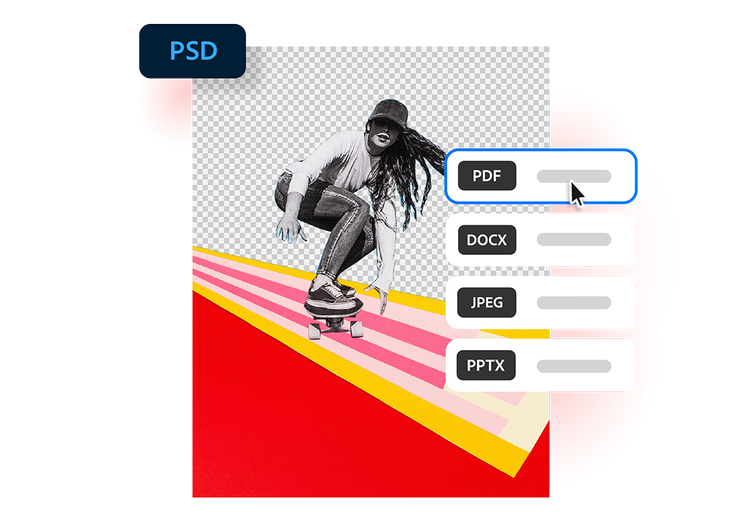
Skateboarder cutout over bold red and pink stripes, shown as a PSD to PDF conversion with PDF selected in the format menu

  • Upload a source: Upload or drag and drop your PSD file into the converter tool above.
  • Convert the file: Your PSD file is processed and converted into a PDF in seconds.
  • Download your file: Download your newly converted file, then save, print, or share your PDF.
#F8F8F8

More ways to work with PDFs

Try our online tools to convert, compress, and merge PDF files — Acrobat can do it all.

Try our free PDF to Word converter

Try our free PDF to Word converter

Try our free JPG to PDF converter

Try our free JPG to PDF converter

Try our free Word to PDF conversion tool

Try our free Word to PDF conversion tool

Combine PDF files anytime, anywhere

Combine PDF files anytime, anywhere

Questions about the PSD to PDF converter? We have answers.

What is a PSD file?
A PSD file is the file format used by Adobe Photoshop. It stores image layers, masks, text effects, and other editable design elements used in creative projects like photo editing, digital art, web design, and marketing graphics.
Are there limits on the number or size of PSD files I can convert?
The online converter is designed for quick, individual conversions. For large batches or bigger files, you may encounter limits. Explore Acrobat online tools for more options and formats.
Why should I convert PSD to PDF?
PSD files can only be viewed within Adobe Photoshop. By converting PSD to PDF, you can easily share, print, and view across devices without requiring Photoshop access.
Can I convert PSD to PDF on my phone?
Absolutely. This online converter works in any supported browser on your smartphone or tablet, so you can convert PSD to PDF on iOS, Android, or any supported mobile platform.
How secure is it to convert PSD to PDF online?
Your privacy and file security are a priority. Files are processed and deleted from Adobe servers unless you choose to sign in and save them.
What file types are supported?
The PSD to PDF converter supports PSD as well as JPEG, JPG, PNG, HEIC, TIFF, GIF, BMP, INDD, and AI files.

Try our free PSD to PDF converter

See how converting PSD files to PDF can simplify your creative workflow.

https://main--da-dc--adobecom.aem.page/dc-shared/assets/images/frictionless/icons/share.svg

Share designs easier

PDFs are an accessible cross-team tool. PDFs can be viewed without access to Adobe Photoshop, making it simple to send mockups, drafts, and final artwork to clients, teammates, and stakeholders.

https://main--da-dc--adobecom.aem.page/dc-shared/assets/images/frictionless/icons/image-quality.svg

Preserve visual quality

Converting PSD to PDF helps maintain the appearance of your design, including images, typography, colors, and layout details.

https://main--da-dc--adobecom.aem.page/dc-shared/assets/images/frictionless/icons/comment.svg

Streamline approvals and feedback

PDFs are ideal for reviews and collaboration. Clients and coworkers can open, comment on, and annotate your files without needing design software.

https://main--da-dc--adobecom.aem.page/dc-shared/assets/images/frictionless/icons/print.svg

Create print-ready files

Turn layered Photoshop projects into polished PDFs that are easier to print and distribute for presentations, posters, packaging, and marketing materials.

https://main--da-dc--adobecom.aem.page/dc-shared/assets/images/frictionless/icons/compress.svg

Reduce file complexity

PSD files often contain layers and editing data that make them large and difficult to share. PDFs create a cleaner, more portable version of your design.

https://main--da-dc--adobecom.aem.page/dc-shared/assets/images/frictionless/icons/more.svg

Do more with your PDFs

Edit, organize, and sign your PDFs with all the online tools that Acrobat has to offer. You can combine multiple files into a single PDF, compress large documents, and protect sensitive information by adding password protection.

Try these Acrobat online tools

Convert from PDF

Convert to PDF

Reduce file size

Edit

Sign & Protect

Generative AI

Convert from PDF
Convert to PDF
Reduce file size
Edit
Sign & Protect
Generative AI