
Fill and sign PDFs online
Filling out a form is quick and easy with the Adobe Acrobat Fill & Sign tool. Upload a file, then add text, checkmarks, lines, and more.
Follow these easy steps to fill out a PDF form online:
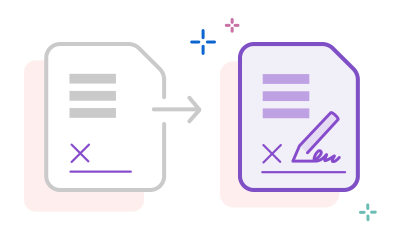
Filling out a form is quick and easy with the Adobe Acrobat Fill & Sign tool. Upload a file, then add text, checkmarks, lines, and more.

Create a free electronic signature and place it anywhere in your PDF. Type it, draw it, or upload an image of your handwriting.

Fill in a form, sign it, and share it with others without leaving Acrobat. Get your paperwork done from anywhere, on any device.

Once your form is complete, share it in a few clicks. You can even password protect your document to keep your information safe.

The PDF filler works in any browser. No software to install. All you need is an internet connection and your file.

Save time by clicking checkboxes, filling text fields, and adding your initials with a tap. Acrobat makes every field type simple.

As the inventor of PDF, Adobe has been working with PDF forms longer than anyone else. Trust Acrobat to handle your forms accurately and securely.

From tax documents to rental agreements, Acrobat is your one stop to complete any PDF form without ever printing a page.



