


Save time reading
Quickly understand the main ideas in lengthy documents without spending time reading every page. Summaries help you find the information you need faster.
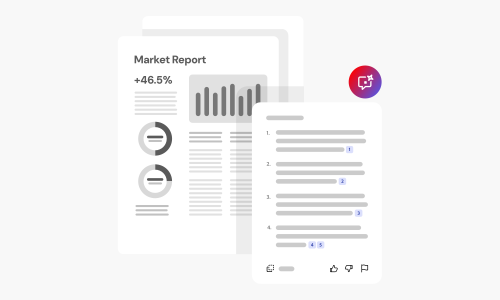
Save time reading documents by creating AI-powered summaries in just a few clicks with Acrobat online tools. Whether you’re reviewing reports, studying a research paper, or catching up on meeting notes, you can quickly identify the most important information without reading every page.
Follow these steps to summarize text:
Prompts provide guidance to AI Assistant so you can accomplish tasks fast. Here are a few example prompts. Click to copy, then select a file to paste into AI Assistant and get started quickly.
 AskAskAskAsk
Try our online tools to convert, compress, and merge PDF files — Acrobat can do it all.
Discover how AI-powered summaries can help you work faster and stay focused with Acrobat online tools.
Quickly understand the main ideas in lengthy documents without spending time reading every page. Summaries help you find the information you need faster.

Acrobat AI highlights the most important points, making it easier to identify takeaways, action items, and essential details from reports, articles, and other documents.

Spend less time reviewing documents and more time acting on what matters. Generate summaries for business documents, research papers, presentations, and more.

Turn dense readings into short, skimmable summaries to prepare for exams, review key concepts, or catch up quickly.

Use your summary to see how a document is structured, then jump to the sections that matter most before reading the full text.

Acrobat online tools offer more than AI summaries. Edit PDFs, organize pages, combine multiple files, compress large documents, collect signatures, and protect sensitive information with password protection.



