
Collect feedback with comments.
Drop in sticky notes, suggest changes by replacing or adding text, and tag teammates to keep reviews clear and collaborative.
Try our free PDF editor and speed up your document workflows.
Drop in sticky notes, suggest changes by replacing or adding text, and tag teammates to keep reviews clear and collaborative.

Place text boxes anywhere on the page and choose the fonts and formatting that suit your document.

Sketch freehand, or add lines and shapes in a variety of colors and styles.

Make text stand out by highlighting it in multiple colors. You can even attach a note to add context.

Fill and sign documents digitally. Complete form fields, check boxes, and add your signature.

Send a link to your PDF so anyone can view it and collaborate on the document.
Adding text to a PDF is quick, simple, and free. Follow these steps to get it done in minutes.
Try our online tools to convert, compress, and merge PDF files - Acrobat can do it all.

"If you're running a small business and constantly updating documents, like campaign materials, pitch decks, contracts, or invoices, Acrobat makes editing easy and efficient."
-Madison R.
Flirty Pineapple



Add Text to PDF
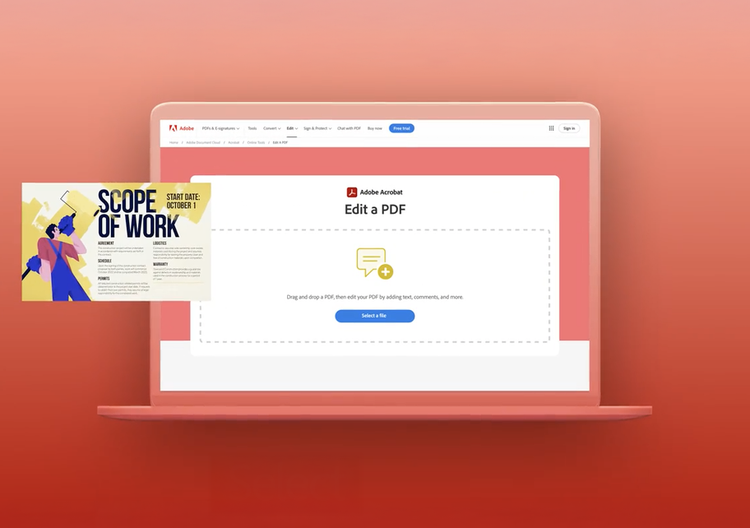
Make changes fast with Acrobat's free online PDF editor. Add text, comments, and fill & sign. Easy to use and secure.
Your file will be securely handled by Adobe servers and deleted unless you sign in to save it.
By using this service, you agree to the Adobe Terms of Use and acknowledge the Privacy Policy.