

https://main--cc--adobecom.aem.live/cc-shared/assets/img/product-icons/svg/premiere-pro.svg {{premiere}}
Create social videos with the CapCut alternative — Adobe Premiere on mobile.
Find out why creators around the world use the free app to make social videos that pop. Available now on iPhone and Android.
Scan the QR code to get the free app.

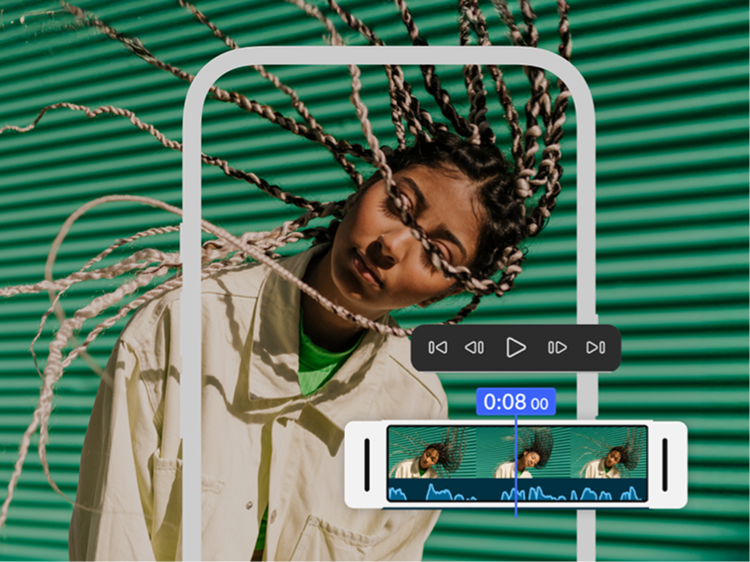
Edit without distractions.
No watermarks, upsell pop-up ads or clutter. The only time you pay is when you want to use generative AI credits. Enjoy a seamless editing experience that lets you stay focused on your content. (Gen AI credits are iOS only.)
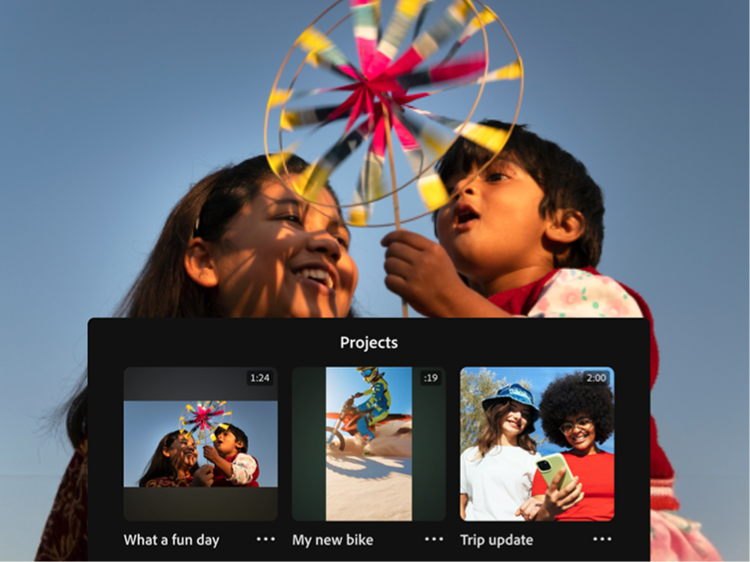
Create with confidence.
Adobe doesn’t claim any ownership of your content and we only train Adobe Firefly generative AI models on content where we have permission to do so.

Sound so good in seconds.
Easily smooth out dialogue and clean up background noise with Enhance Audio. Find trending tracks right inside the app and use your own voice to create perfectly-timed sound effects.
Get more with {{adobe-premiere}} on mobile, the CapCut alternative.
Check this out CapCut vs. Premiere comparison to find the best mobile video editor for your content.
Why Adobe Premiere on mobile?
- Video editing for everyone — The video editing app made for content creators, Premiere on mobile is powerful enough for any idea yet simple enough for anyone to use, making it the perfect choice to create studio-quality social videos on the go.
- Straightforward pricing — You only pay if you choose to use generative AI credits.
- Decades of creative leadership — The brand behind industry-standard apps like Premiere and Photoshop, Adobe is trusted by millions of creators worldwide.
ADOBE PREMIERE — OFFICIAL PARTNER OF YOUTUBE SHORTS
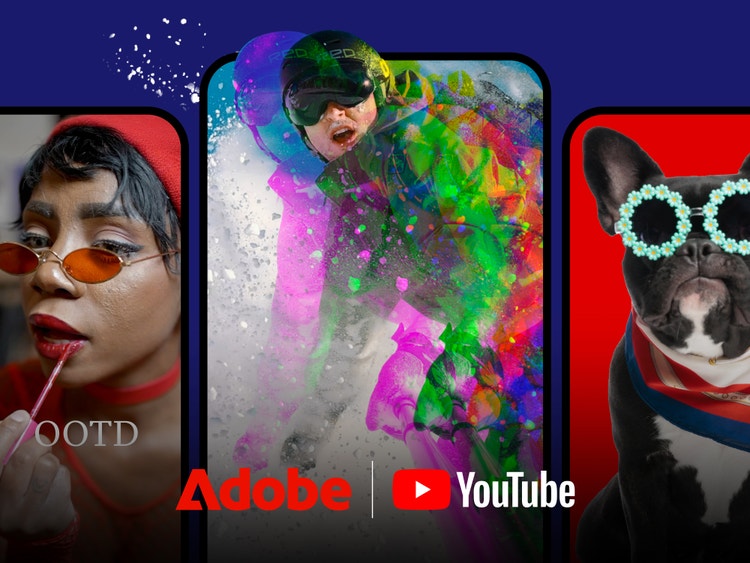
An easy new way to create YouTube Shorts.
Adobe Premiere on mobile offers a dedicated space for editing YouTube Shorts with exclusive templates, effects, transitions and title presets. Remix templates from other creators and publish content directly to YouTube.

Frequently asked questions
Which app gives me frame-accurate editing and drag-and-drop overlays?
CapCut vs. Adobe Premiere on mobile: Are auto-captions free in both apps?
Does Adobe Premiere on mobile add watermarks to exported videos?
Which app lets me export projects for use in Premiere on desktop, CapCut vs. Premiere?
Will Adobe use my content to train its AI tools?
Can I use content I generate with Firefly in my commercial projects?
Is Adobe Premiere on mobile really free to use? What about CapCut vs. Premiere?
So, which app should creators choose when it comes to CapCut vs. Premiere on mobile?
Premiere on mobile is backed by Adobe’s decades-long reputation and consistent platform stability. It’s the clear choice if you want:
- An app that’s free to download and use — you only pay if you need additional generative credits (Gen AI credits are currently for iOS only.)
- Frame-accurate editing
- Clean, watermark‑free exports
- Commercially safe AI output
- Peace of mind knowing that Adobe only trains Firefly generative AI models on content where we have permission to do so