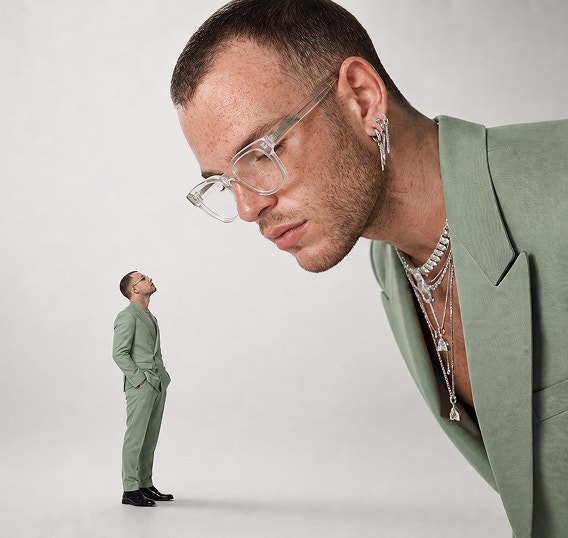
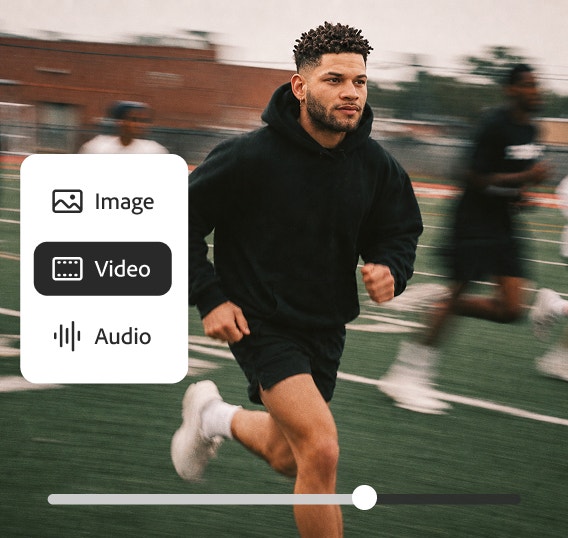
Vertical image with red and black colour gradient
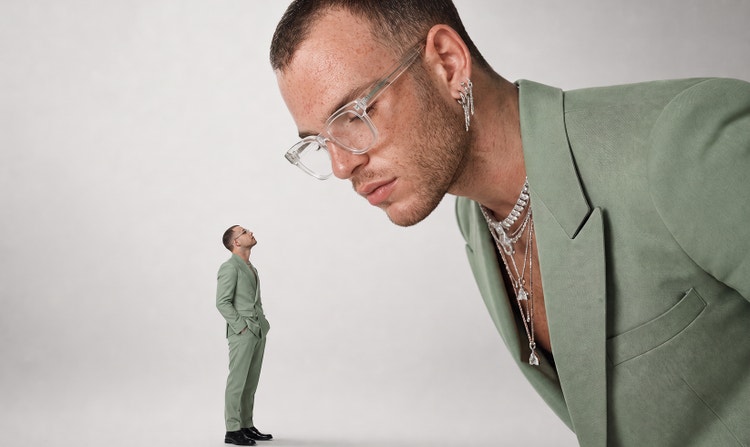
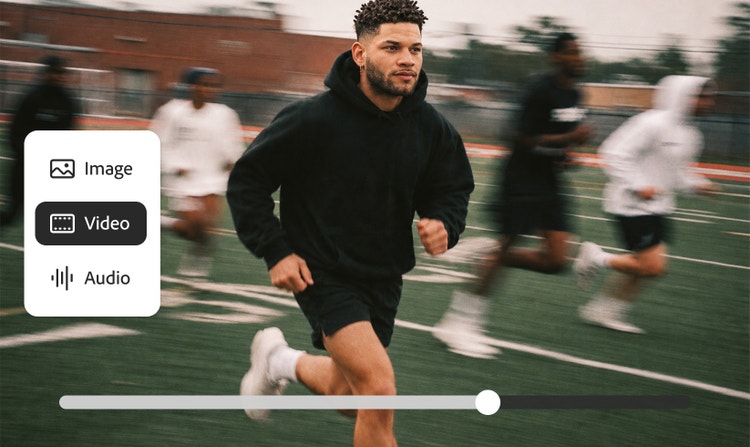
Horizontal image with red, black and blue colour gradient
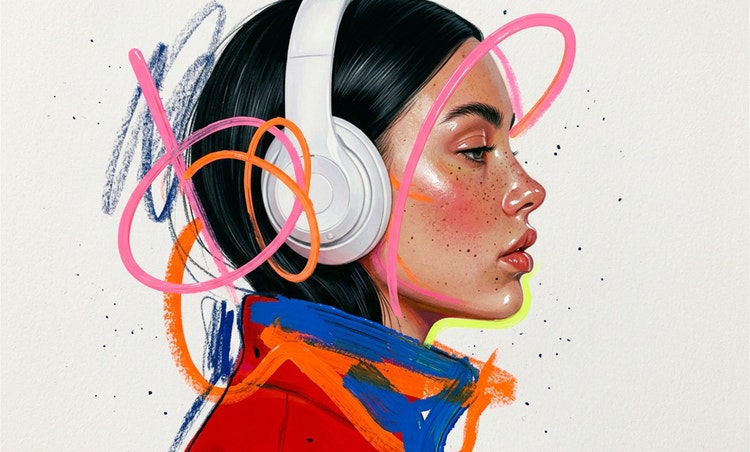
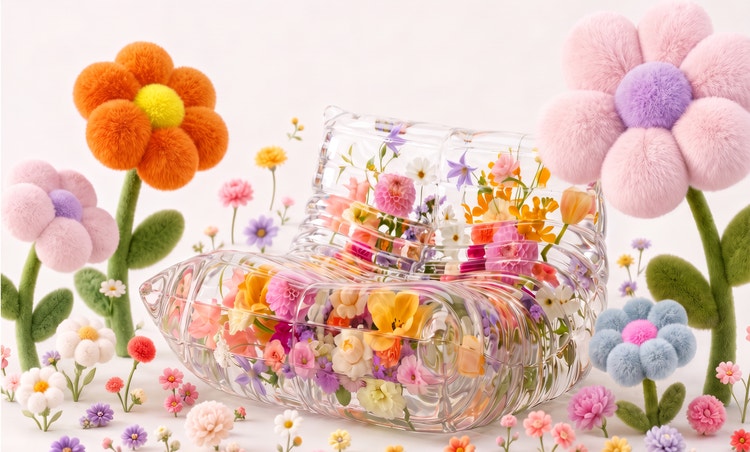
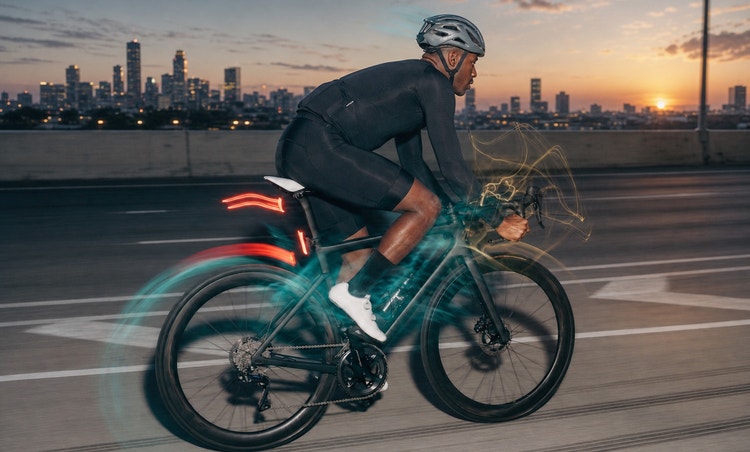
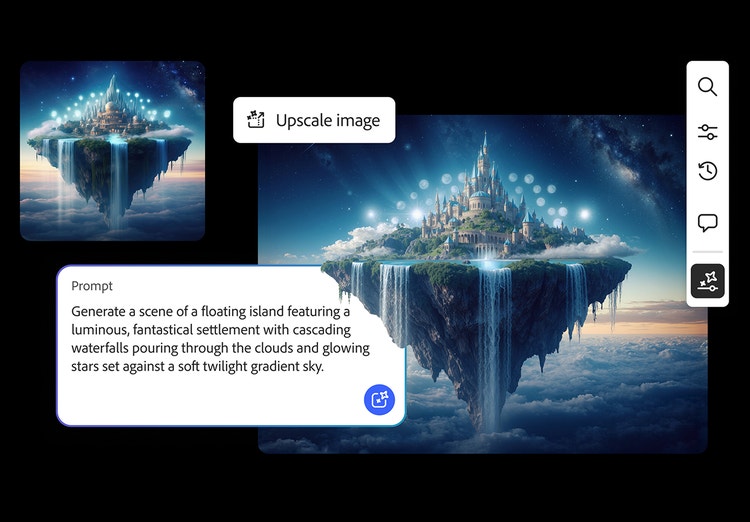
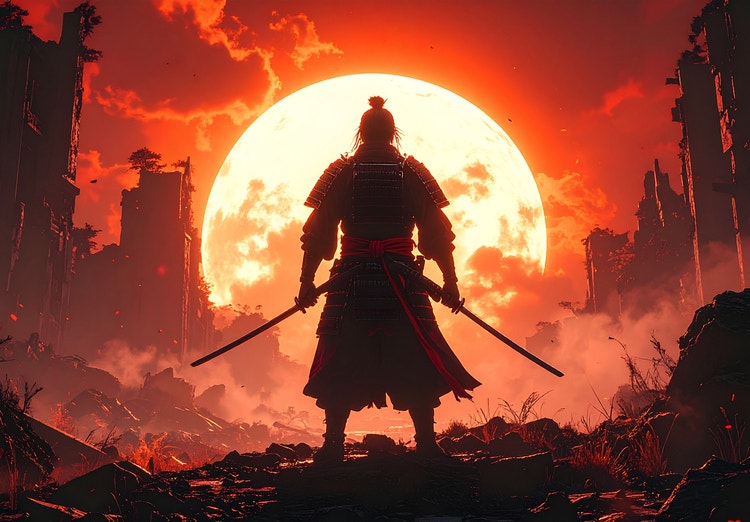
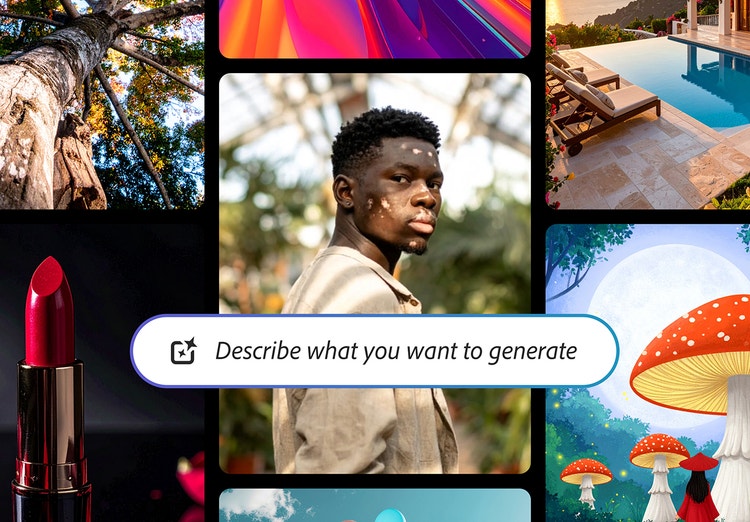
Collage of image styles from photorealistic to digital art created with text prompt in AI image generator

https://main--cc--adobecom.aem.page/cc-shared/assets/img/firefly.svg Adobe Firefly

Online AI Image Generator: Create images from text.

Bring your ideas to life with Firefly’s Generate Image, Adobe's online AI image generator. You can use text prompts to create and transform images quickly and easily, now with higher quality, more detail and improved lighting and colour.

con-block-row-supplemental (xxs-spacing)
#1E1E1E

Adobe Firefly

Get Firefly free

https://www.adobe.com/cc-shared/assets/img/product-icons/svg/firefly-appicon-64-new.svg

Adobe Firefly

Use everyday language to create extraordinary results with generative AI.

Get Firefly free

https://www.adobe.com/cc-shared/assets/img/product-icons/svg/firefly-appicon-64-new.svg

Adobe Firefly

Use everyday language to create extraordinary results with generative AI.

Get Firefly free

Transform Text to Images with Adobe Firefly.

Check out these stunning AI-generated images from Firefly and the text prompts that generated them.

https://firefly.adobe.com/community | AI generated picture of person surrounded by colourful butterflies with text prompt overlay in AI image generator
https://firefly.adobe.com/community | AI generated picture showing colourful clouds of dust in vibrant sky with text prompt in AI image generator
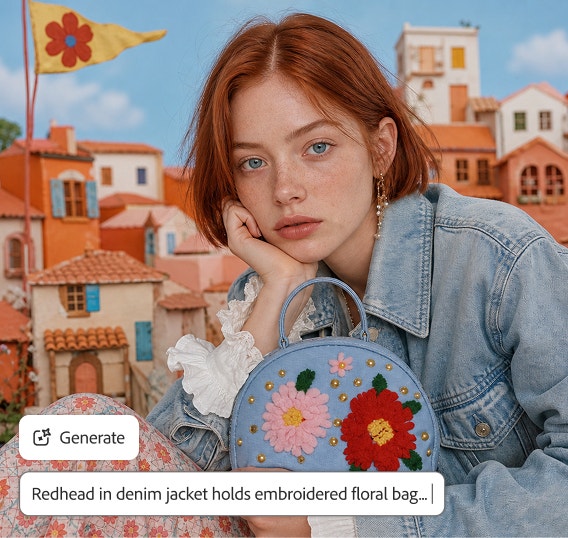
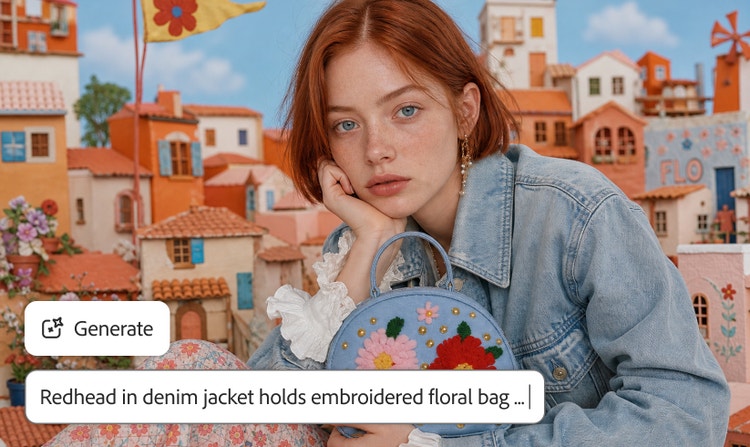
https://firefly.adobe.com/community | AI generated photorealistic image with colourful row of homes and text prompt overlay in text to image tool

Discover the magic of AI image generation with Firefly.

When used as an AI image generator, Adobe Firefly makes creative exploration easier and faster for everyone. Use AI image generator to experiment with your wildest ideas, find new sources of inspiration or create eye-catching content in just a few words.

Woman in maroon jersey playing basketball outside with preview of three image variations in AI image generator

Generate Unlimited Images.

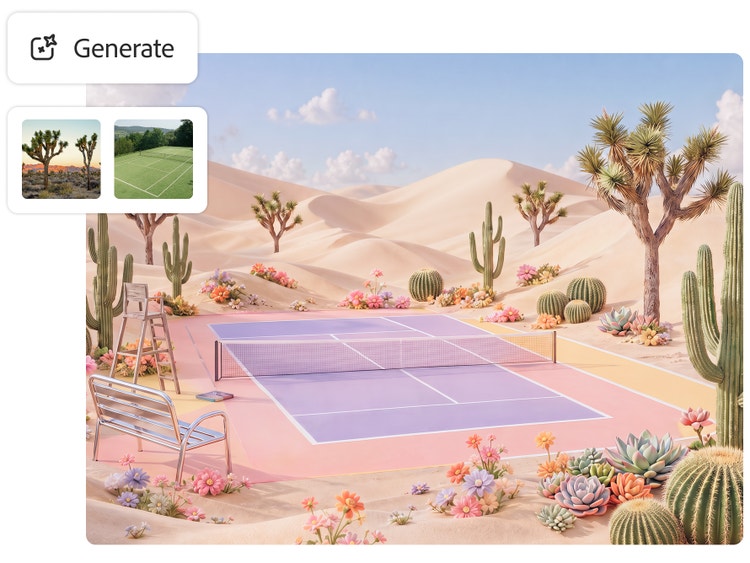
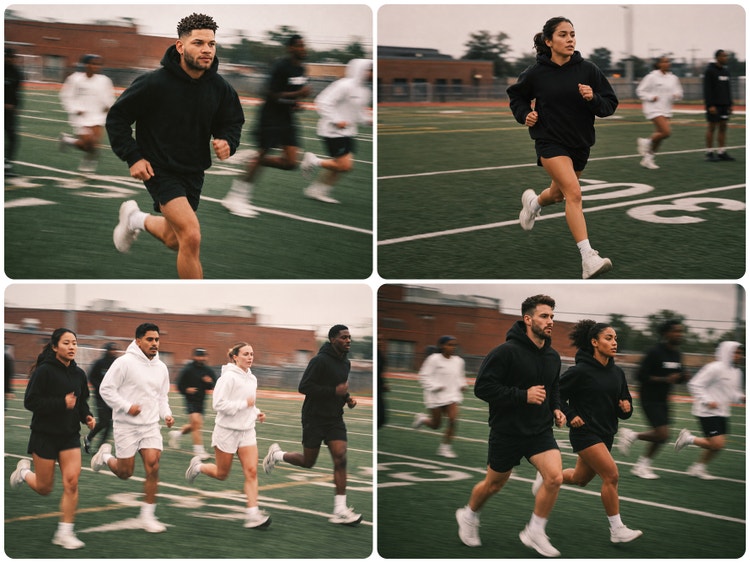
With the Generate Image tool, you can instantly create unique photos, illustrations or pictures in various styles — from realistic to abstract, graphic to painterly. Whether you’re designing content for social posts, banners, Instagram Reels, each prompt gives you four unique results. Click Load More to explore even more visual possibilities.

Refine Results with Image-to-Image Tools.

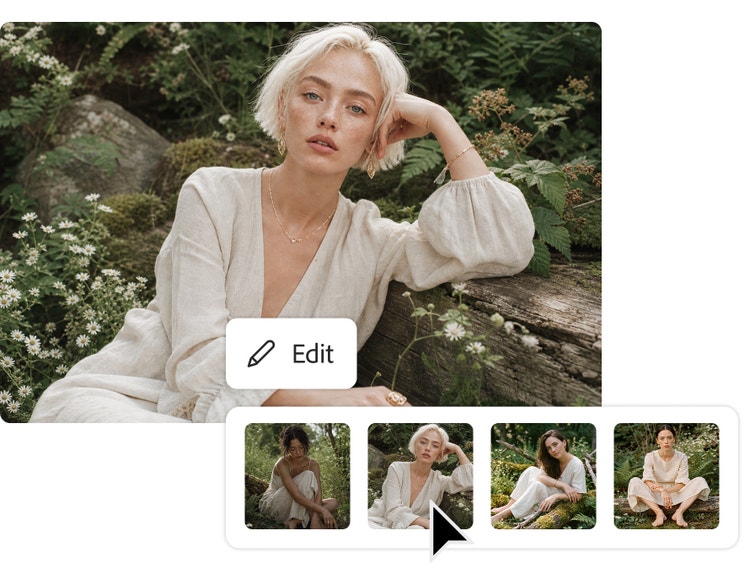
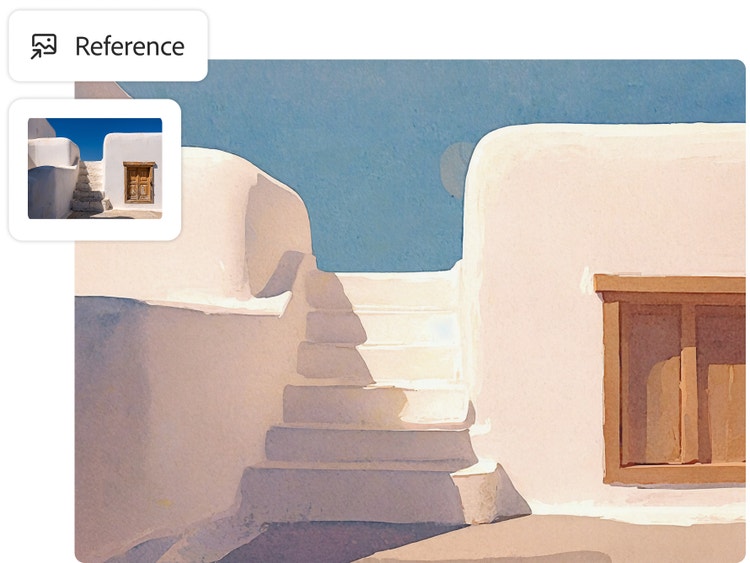
Already have a visual reference? Use the image to image generator to influence image composition, colour or mood, then fine-tune your result with cropping tools, opacity adjustments and filter effects to bring your vision to life.

AI generated photorealistic image of woman walking through breezeway and image style panel in AI image generator
AI generated image of beauty and wellness products with overlay showing 4 style variations in text to image tool

Create AI Images Fast.

Turn ideas into visuals in seconds. Each text prompt delivers four AI-generated images. Refine your favourites with Show Similar or enhance them instantly using Generative Fill.

Apply Custom Image Styles Easily.

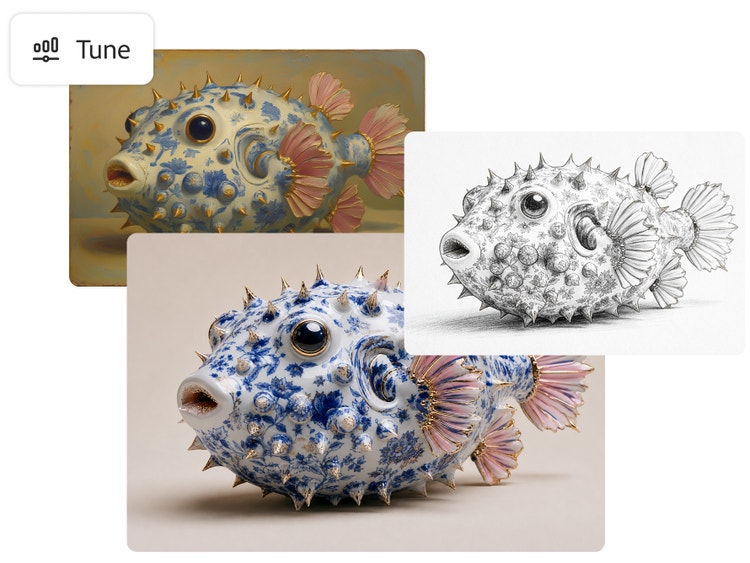
Choose your favourite image style — from Surrealism to Cubism to Impressionism — and turn text into stunning images with the free AI image generator. Adjust colour and lighting, add neon effects and more to create your masterpiece in minutes.

Four popular art style variations from geometric abstract to impressionism with AI text to image style overlay
AI generated picture of classic style oil portrait of woman with text prompt overlay in AI image generator

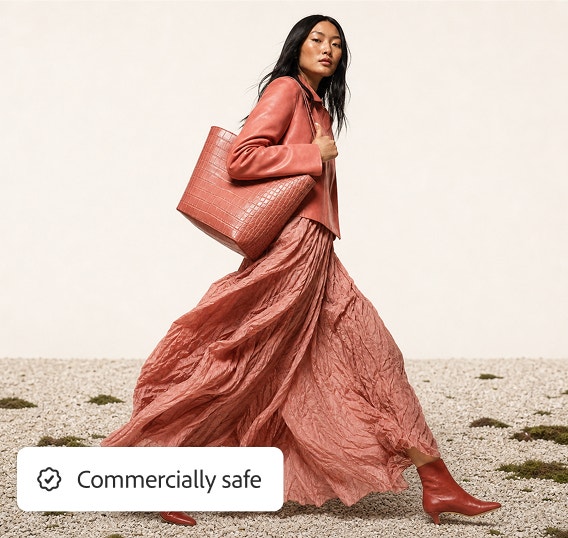
Designed to be commercially safe.

Text to Image in Firefly is powered by generative AI models trained on licensed images from Adobe Stock and public domain content where the copyright has expired. Learn more about Adobe’s commitment to AI ethics principles.

How to create AI-generated images?

Easily generate your own images following these quick steps in the online AI image generator.

1. Open the AI image generator in Firefly.

To get started, log in to Adobe Firefly with your Adobe ID or create a free account if you don’t have one. Select the Text to Image tool on the homepage to start using the free online AI image generator.

2. Write a text prompt.

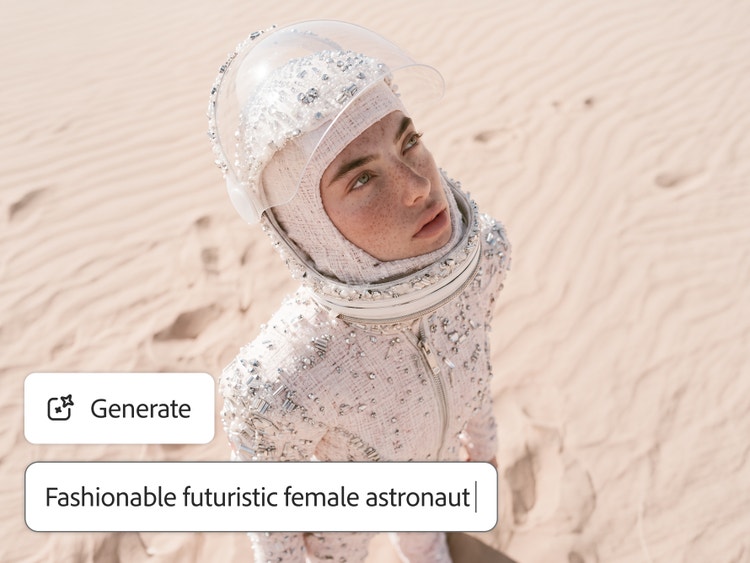
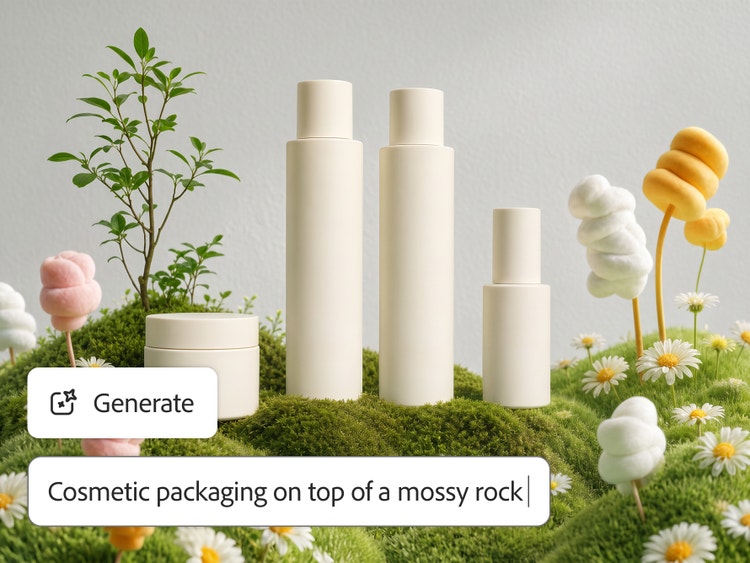
Type a detailed description of what you want to generate in the prompt field. Start with five words or more — for example, “a product shot of a sushi roll underwater.” Add specific keywords like lighting, angle or mood to shape the result.

3. Generate your AI image.

Click Generate and watch as Firefly produces four unique image options in just seconds. If you want a more specific style or layout, upload a reference photo or sketch and generate another set of visuals.

4. Refine, edit, regenerate.

Refine your image by tweaking the prompt or adjusting the settings for a fresh result. Turn your AI-generated image into eye-catching social posts, videos, flyers and more. Once you’re happy with your creation, download it, copy it to your clipboard or share it directly with others.

AI generated photo of tropical fish with coral reef background showing text prompt in AI image generator

AI-generated images for every creator.

For content creators

Grow your audience with scroll-stopping visuals made in seconds. Use Adobe Firefly to generate customised content that fits your brand and creative style.

For entrepreneurs

Design professional marketing and branding materials effortlessly. Create product visuals, social ads, and campaign imagery that capture attention. All with the power of Firefly.

For aspiring artists

Explore, experiment, and find your creative direction. Firefly helps you turn imagination into inspiration with AI-generated images that bring new ideas to life.

For everyday creators

Make memories even more creative. Use Firefly to reimagine family photos, design personalised cards, or create fun digital artwork to share with friends and loved ones. It is easy, playful, and beautifully personal.

Want to start with an existing image?

Already have a sketch, photo, or design you want to build on? Use Adobe’s Image to Image AI instead.

Tips for using the online AI image generator.

The best tattoo designs start with a strong concept. Whether designing for yourself or collaborating with an artist, a little clarity can go a long way. Use these tips to spark ideas, guide the AI tattoo generator and get results you’ll love.

Start with a simple prompt.

Start with a simple 4-5 word phrase, such as ‘raining football balls in the desert.’ Then experiment with different words to see what else Text to Image can create for you. For the best results, be as descriptive as possible. Use simple text prompts and iterate.

Upload reference images or shapes.

Upload an image whose style you want to replicate. For example, design a smooth 3D dome inspired by the Taj Mahal’s architecture. Then build on that shape to generate related structures like arches, towers, or other rounded designs.

Create images in stages.

Use generative AI whenever you're inspired to create images, then reuse the images as style reference later. For example, create underwater macro photo of colourful blobs, then reuse these same images to generate more.

#000000

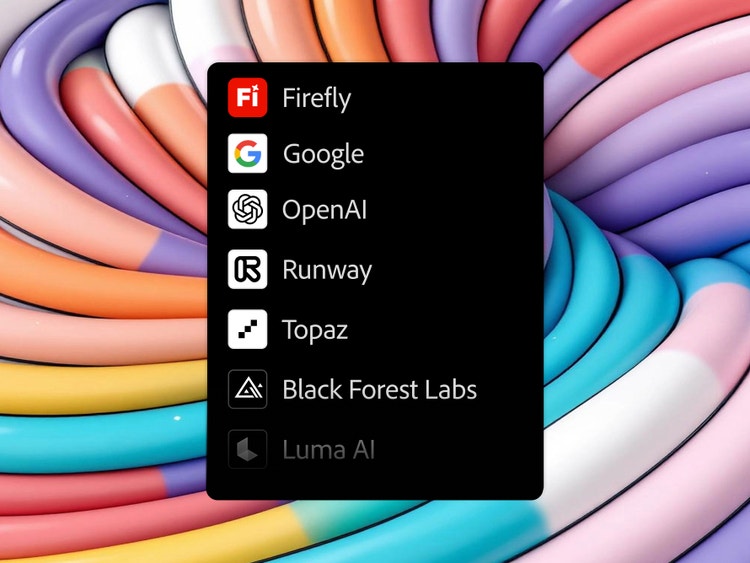
The industry’s top models. Right in Firefly.

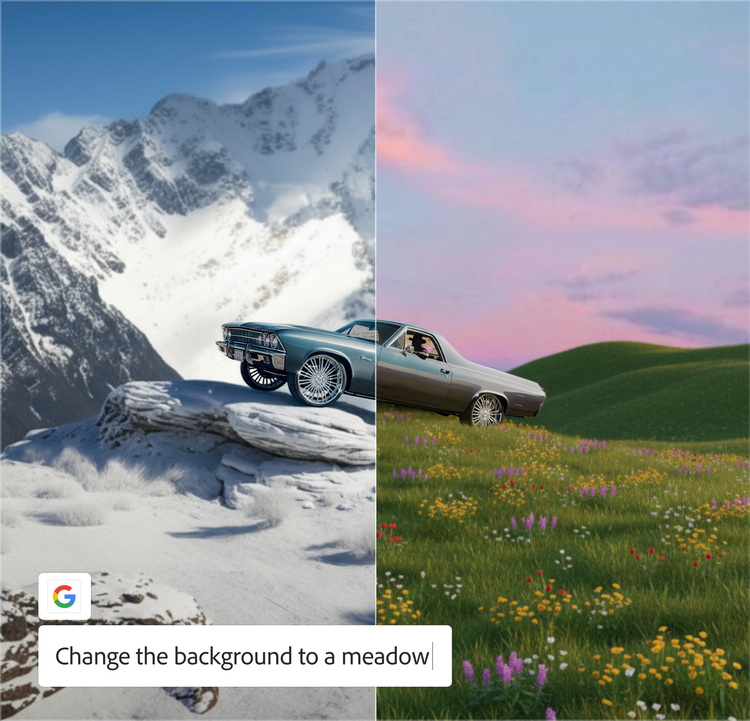
New partner models ensure that you have the right model for any task and every idea, whether you’re creating images or videos. No more workflow interruptions or hopping from app to app.

Create now|Create now - The industry’s top models. Right in Firefly. Learn more|Learn more - The industry’s top models. Right in Firefly.

https://main--cc--adobecom.aem.page/cc-shared/assets/img/product-icons/svg/3p/google.svg | Google https://main--cc--adobecom.aem.page/cc-shared/assets/img/product-icons/svg/3p/openai.svg | OpenAI

Remix content from the community.

Discover Firefly prompts to remix and submit your own images to the gallery.

FAQs about AI image generator.

What is an AI image generator?

An AI image generator allows users to enter simple inputs (such as a text prompt) to create visual imagery. Adobe Firefly is an example of an AI image generator with a text-to-image feature. Generative AI models are often trained on large amounts of wide-ranging visual data that form the basis of how it “learns” to generate imagery based on various styles, patterns and contexts.

What is text to image in AI?

Text to image is a type of generative AI technology that lets you create images with nothing more than a few words. The AI engine receives each word in a text description as an instruction and it builds the image based on the combination of words and their relationships to one another.

How does text to image work?

Text to image uses machine learning models trained on large datasets to turn written prompts into visuals. The AI interprets each word and its context to generate original images that match your description. Adobe Firefly is trained on licensed Adobe Stock images, openly licensed work, and public domain content where copyright has expired.

What makes an amazing AI image generator?

When choosing your AI image generator, look for one that produces high-quality images, allows you creative control to make those images fit your needs and makes it possible to use those images commercially. Firefly is a great choice because it does all these things.

Is Adobe Firefly's online AI image generator free to use?

Yes, you can use the AI image generator for free with an Adobe account. Free users receive a set number of monthly generative credits.

Can I generate images in Adobe Firefly using Nano Banana?

Yes. Nano banana is available as a partner model for image generation in Adobe Firefly. You can access it through the Text to Image module by selecting Gemini 2.5 Flash Image from the model drop-down menu.

Can I edit the images created by the AI picture generator?

Once generated, you can download the images and edit them using your preferred design tools or regenerate variations directly within Firefly.

Are Firefly images available for commercial use?

Yes, you can commercially use images generated with Firefly features that are out of beta. You can also use images generated with Firefly features still in beta, unless explicitly stated otherwise in the product or in a specific agreement with Adobe.
This will depend on the laws of your local jurisdiction. If you are interested in learning more copyright, check out this blog post by Adobe’s lead copyright solicitor.

https://main--cc--adobecom.hlx.page/cc-shared/fragments/products/firefly/firefly-sketch-to-image-four-cards-up