
https://main--cc--adobecom.aem.page/cc-shared/assets/img/product-icons/svg/firefly-80.svg
Adobe Firefly
https://main--cc--adobecom.aem.page/cc-shared/assets/img/product-icons/svg/firefly-80.svg
Adobe Firefly
The next evolution of creative AI is here for all your ideas, with image, video, audio and vector tools.
Upscale videos without interrupting your workflow.
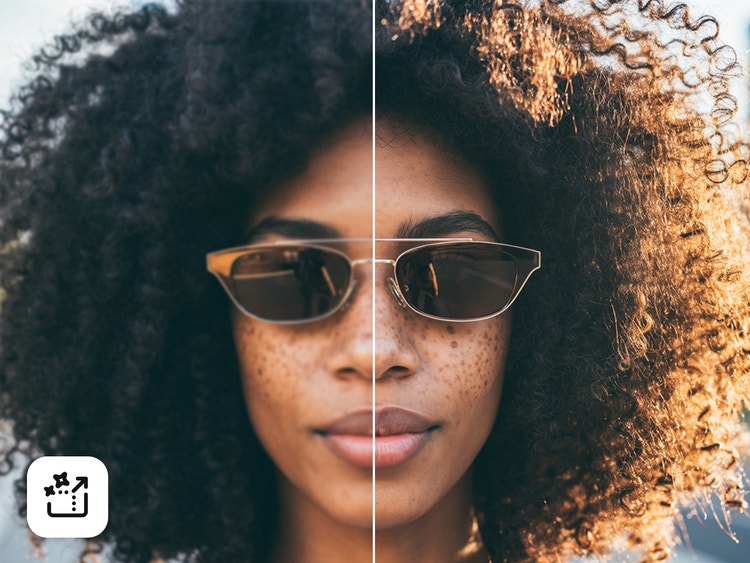
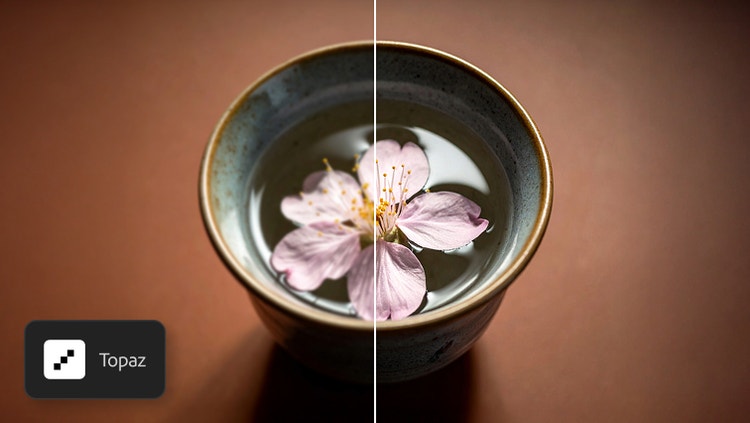
Topaz Astra is an AI-powered video upscaler that helps you to turn low-resolution footage into sharper, higher-quality video. Use it in Firefly Boards to improve resolution, preserve fine textures and enhance overall clarity, whether you’re restoring old clips or refining new ones.
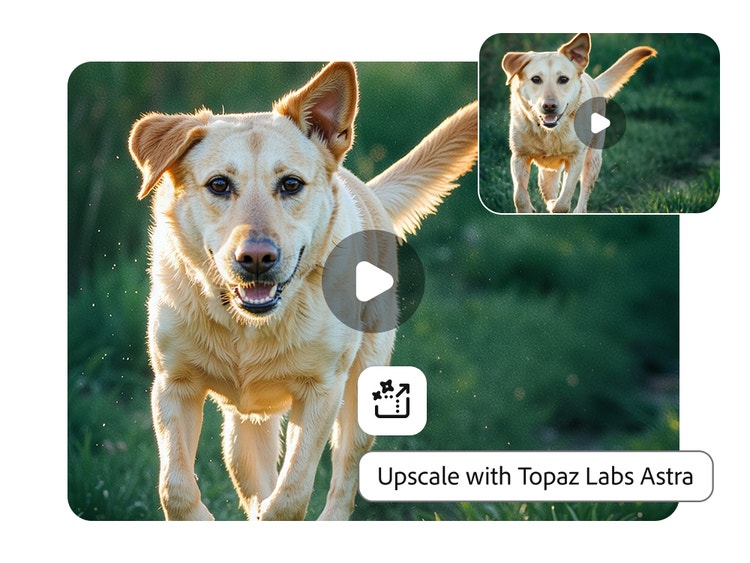
Enhance sharpness, texture and motion with Topaz video AI.
Go beyond basic upscaling. With Topaz Astra, you can restore lost details, strengthen definition and maintain natural movement for clearer, more polished visuals. Topaz Astra preserves fine features like facial details and architectural lines and increases clarity for everything from landscapes to close-up shots.
Choose your settings to get the look you want.
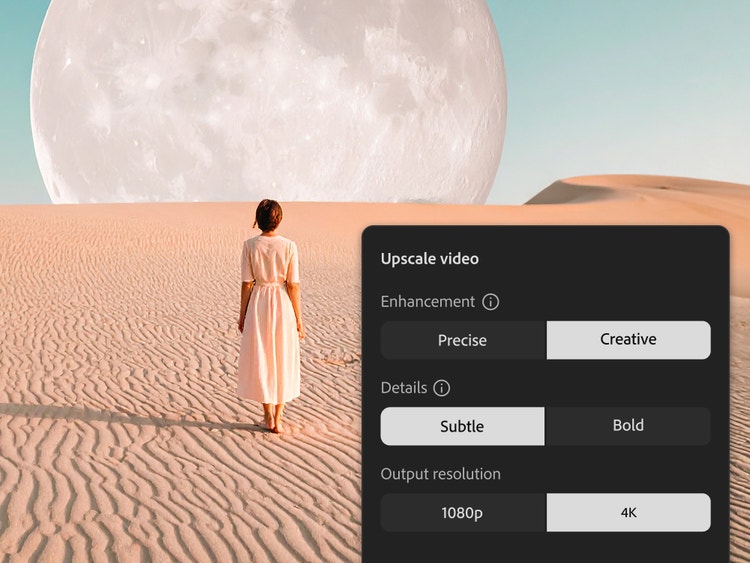
Pick the enhancement mode that matches your project’s style. Precise mode prioritises faithful restoration, while Creative mode generates more stlylised results. You can also adjust output quality, choosing between faster processing and maximum detail. And when exporting, you can select either 1080 p or 4K.
Elevate any project with Topaz Astra creative video upscaler.
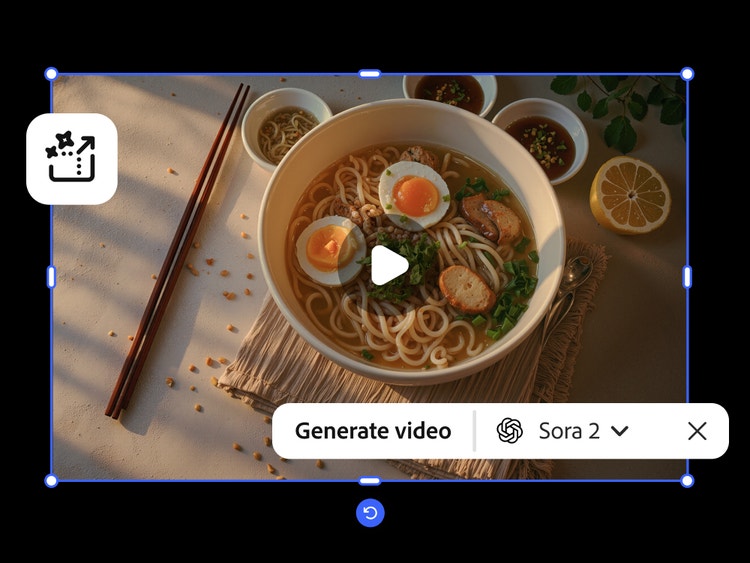
Topaz Astra is useful for any video creator building narrative content, experimenting with artistic ideas or preparing visual materials for teaching or presentations. And with Topaz Astra fully integrated in Firefly Boards, you can access it with your Adobe log in and pair upscaling with other Firefly features like Generate Video. It’s perfect for:
- Filmmakers: Make every shot compelling with crisp details
- Content creators: Create scroll-stopping short-form videos, social content and conceptual work
- Marketing teams: Enhance product demos, campaigns and brand visuals
- Educators and researchers: Improve clarity in simulations, demonstrations and visual explanations
Create with multiple top AI models, all in one place, in Firefly.
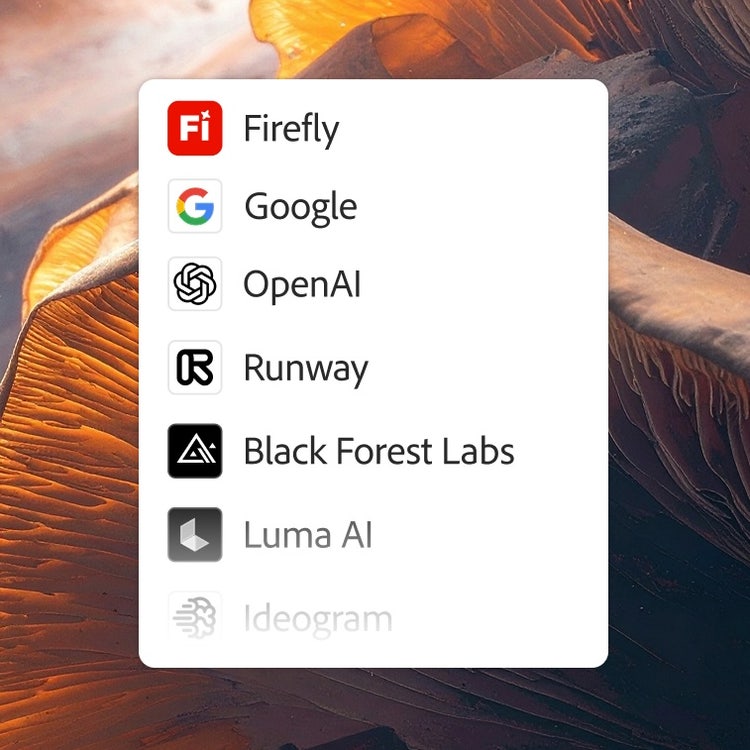
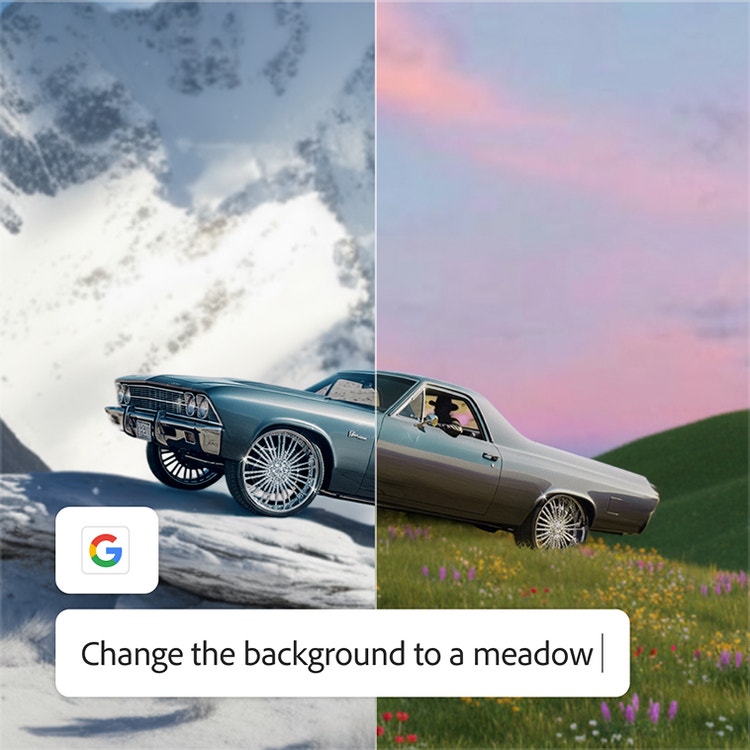
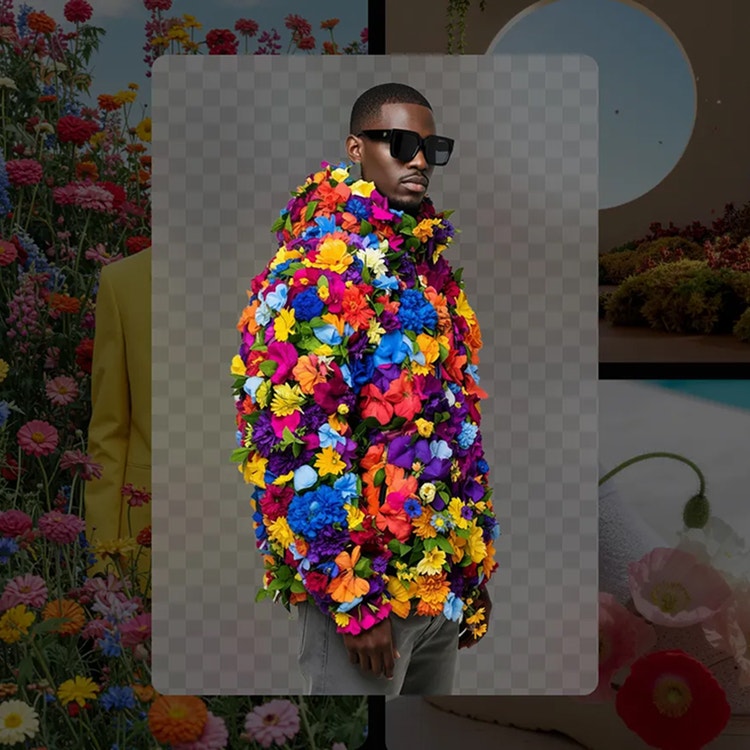
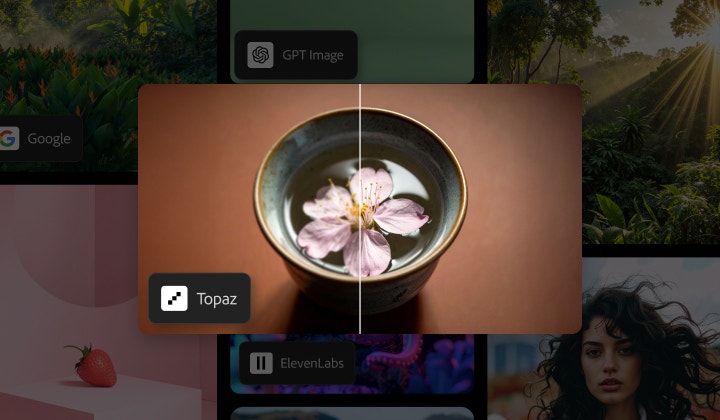
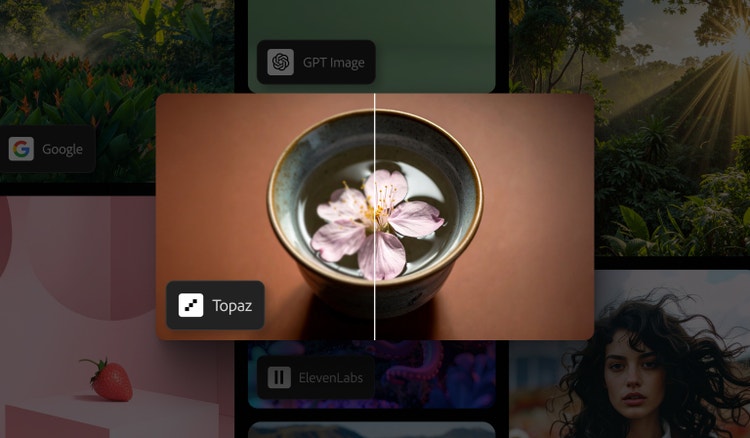
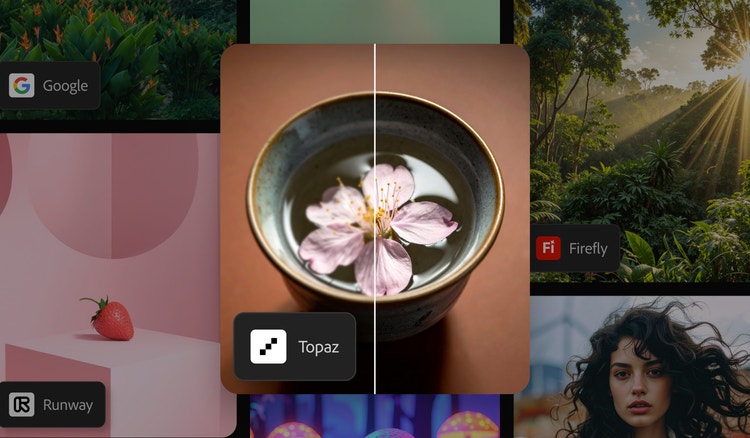
Choose top AI models from Adobe, Google, OpenAI, Runway and more to create your best content ever.
One log in. Multiple top AI models.
Mix and layer outputs to best suit your vision. More models means more creative range and you get them all with one log in.
The AI you need. When you need it.
Whether you’re doing full-on generative AI work or just getting a fast workflow assist, you always have the right model for the job.
Astounding power. Abundant controls.
Make the most of these advanced AI capabilities with the creative control you expect from Adobe. It’s all included.
How to use Topaz Labs Astra for video upscaling in Firefly Boards.
Follow these quick steps to upscale videos in Firefly Boards with Topaz Astra.
- Open Adobe Firefly.
Click Create a Board to open Firefly Boards. - Add video clips.
Import your videos using the Import option or generate videos with text prompts via the toolbar. You can also browse Adobe Stock to add content. - Select and upscale your video.
Click the desired video and select the Upscale with Topaz Astra icon in the Edit toolbar. - Adjust Upscale Video settings.
Choose between Precise or Creative enhancement modes, optimise for Speed or Quality and select either 1080 p or 4K resolution. - Generate and refine.
Click Generate to produce your upscaled video. Refine and edit the output as needed. - Download your clip.
Save your upscaled video directly to your device.
Discover even more features.
AI photo editor AI video editor Generate video Generate image Image to video Image to video Generate with FLUX Partner models