https://main--cc--adobecom.aem.live/cc-shared/assets/img/firefly.svg|AdobeFirefly Adobe Firefly
Create realistic animal sound effects for free with generative AI.
Animal sound effects can be used to add realism to any scene, video or audio story. Learn how generative AI can be used to create any animal sound from cat meows to lion roars.
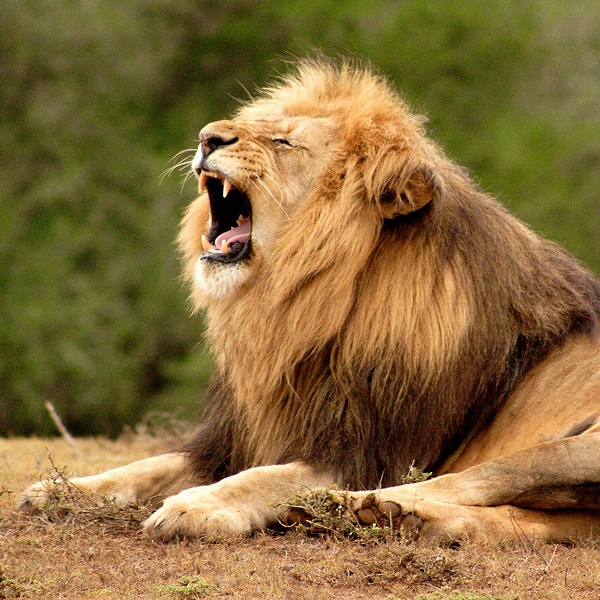
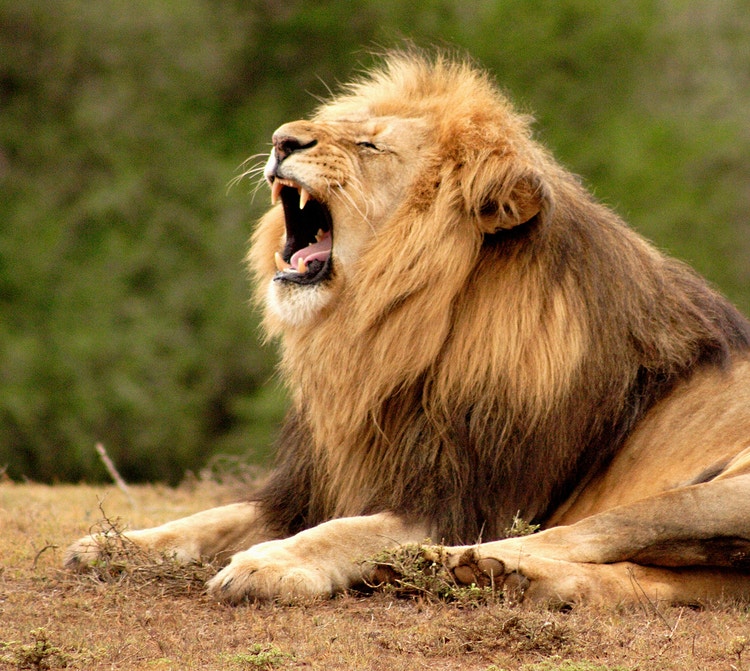
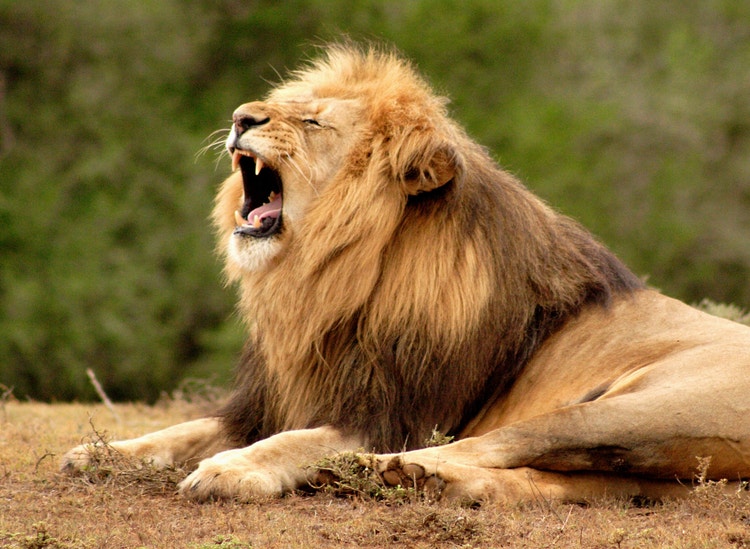
- audio
- Keep it short and specific, like birds chirping
- Adobe Generative AI Terms
- https://main--cc--adobecom.aem.live/creativecloud/animation/testdoc/unity/generate.svgGenerate
- Describe what you want to generate
- Prompt
- Suggestions
- Tip
- Variation 1
- Variation 2
- Variation 3
- Variation 4
- ff_campaign=embed_generate_acom&promoid=Y2KRGKFV&mv=other
- Unable to process the request
- Please describe what you want to generate.
- Prompt exceeds the max length of 750 characters
- Unable to play audio. Please try other variations.
- Enter prompt
https://main--cc--adobecom.aem.live/cc-shared/assets/img/product-icons/svg/firefly-80.svg
Adobe Firefly
The next evolution of creative AI is here for all your ideas, with image, video, audio and vector tools.
https://main--cc--adobecom.aem.live/cc-shared/assets/img/product-icons/svg/firefly-80.svg
Adobe Firefly
The next evolution of creative AI is here for all your ideas, with image, video, audio and vector tools.
Explore animal sound effects created with Firefly.



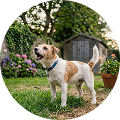
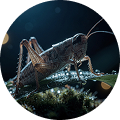
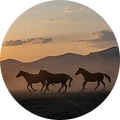
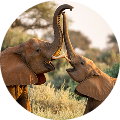

Generate your own animal sound effects library.
AI is transforming how creators design and use animal sound effects, making it faster and easier to build customised libraries or generate one-off sounds without big budgets or complex production set-up. With Adobe Firefly, novices and sound professionals alike can experiment with life-like audio, from wild roars to domestic chirps and shape each sound to match their project, all for free.
Discover ways to create realistic animal sounds.
Adobe Firefly uses advanced generative AI technology to create realistic and creative animal sound effects in just a few steps. You can create free animal sound effects in several ways: Record your own voice to mimic a sound (like a dog bark or elephant trumpet). Type a description such as “playful puppy bark” or “loud lion roar.” Upload an audio sample, like a chirp, growl or bleat to guide your outcome and create just the animal sound you need.
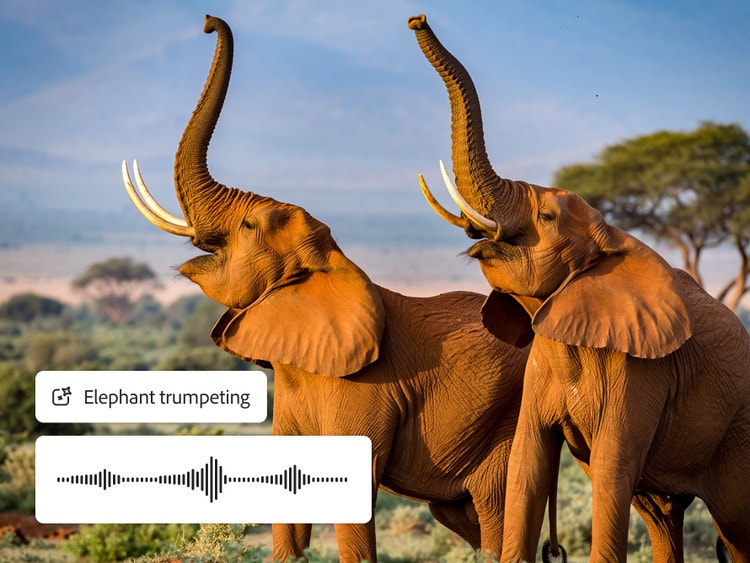

Generate animal sounds from domestic to wild.
Generate everything from household pets like cats and dogs to elephants, horses or crickets and even stlylised cartoon animal sound effects. Firefly gives you complete creative control to mix realism and imagination, so you can design any animal sound effect your project calls for whether is for film, games, animation or podcasts.
Add instant atmosphere with background animal sounds.
Ambient animal noises and nature sound effects add realism and immersion to films, podcasts and interactive experiences. With Firefly, you can layer environmental animal sounds to create a vivid sense of place. Use Firefly to create the sound of jungle insects and distant animal calls or nighttime frogs and owls

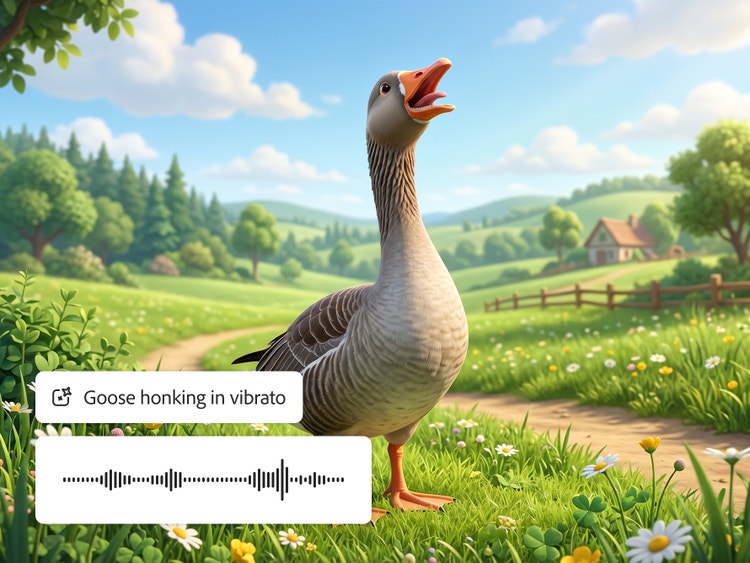
Get playful with cartoon animal sound effects.
Cartoon-style animal sound effects add a playful, exaggerated touch to animation, games, children’s content and social videos. Generative AI lets you design sounds that are whimsical, stlylised or even fantastical — perfect for bringing animated characters to life. Try creating a squeaky puppy bark or a Goose honk with a silly twist.
How to create animal sound effects with generative AI.
Step 1
Open Firefly AI sound effect generator.
Step 2
Choose your input type.
Step 3
Preview the animal sound effect and refine your results.
Step 4
Export and share in your chosen format.
- How to create animal sound effects with generative AI.
- Steps on how to create animal sound effects with generative AI.
- PT5M
- firefly
Why use Adobe Firefly to create animal sound effects?
Adobe Firefly helps you to create realistic animal sound effects for any project with total flexibility. Write a prompt, use your voice or upload an audio clip to generate just the sound you need.

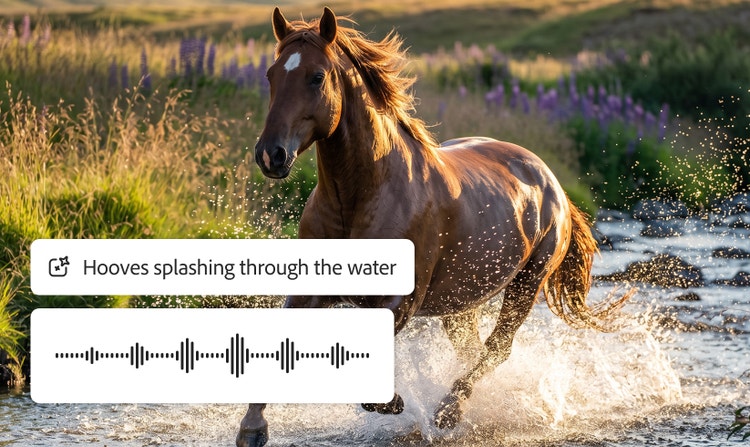
Enhance any soundscape
Animal sounds play a crucial role in storytelling. Add missing sounds or build a richer audio experience by adding texture to the background audio.
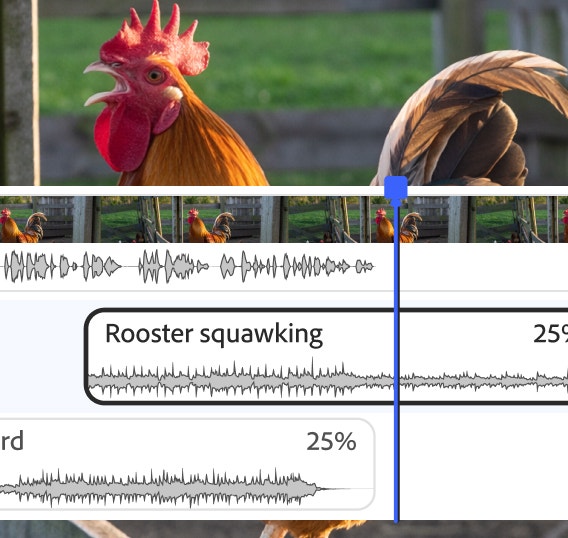
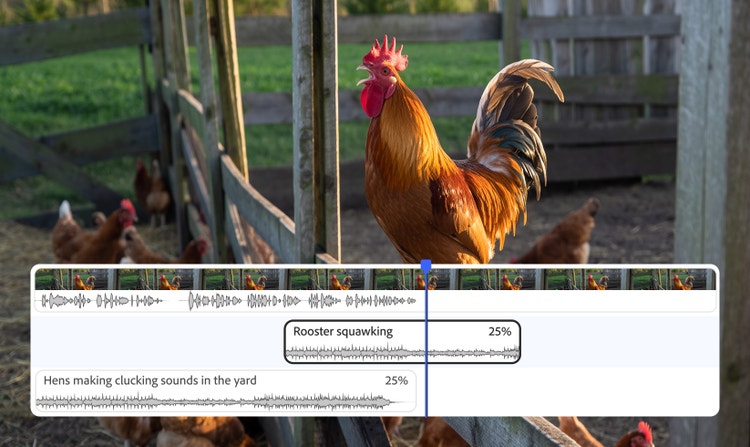
Natural-sounding results
Get realistic results from your animal sound effects by adjusting your prompts and settings. Add descriptive words, control clip duration, layer sounds and more.
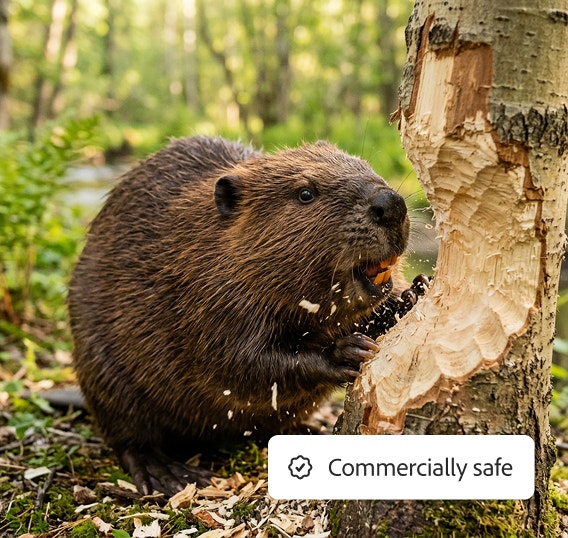
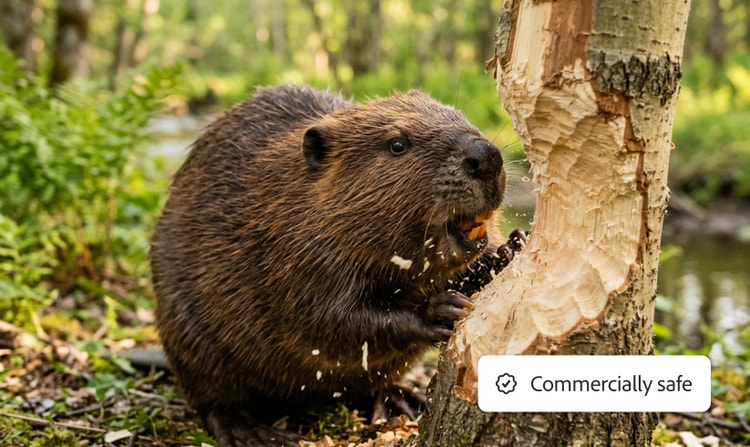
Commercially safe
Adobe Firefly models are trained on licensed content from Adobe Stock and public domain content where copyright has expired, so you can safely use your results.
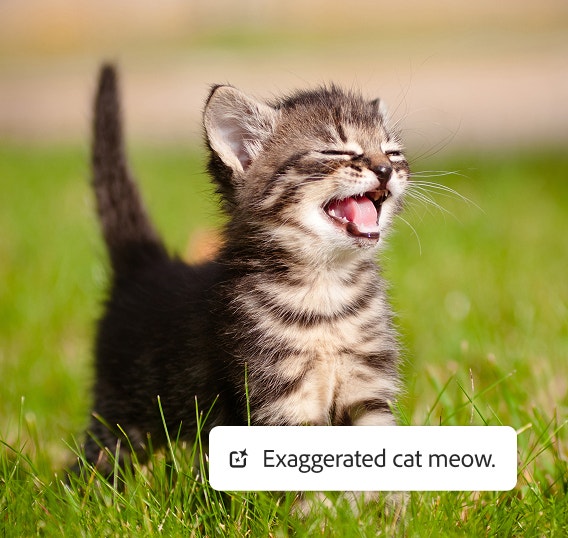
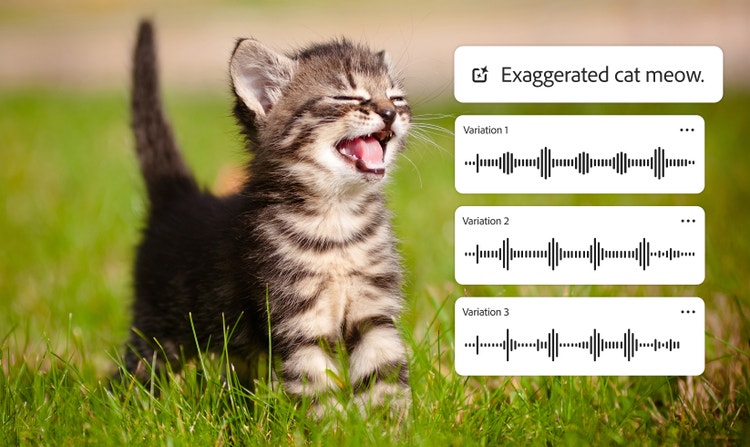
Multiple variations
Generate multiple sound options from one prompt so you can choose the one you like best and refine it until it’s perfect.
See what you can do in Firefly.



Discover even more features.
Questions? We have answers.
Can I use AI to make realistic animal sounds?
What can I use animal sound effects for?
Can I create free animal sound effects with Adobe Firefly?
What sounds are Adobe Firefly models trained on?
What formats can I export animal sound effects in?
Can I customise an animal sound effect that I create?
Can I use my own pets to make animal sound effects?
What are the most popular animal sounds?
Share this page
Explore more Firefly tools.

Generative AI vs. other types of AI.
Discover the different types of artificial intelligence (AI), how they compare to generative AI and how Adobe uses generative AI in Adobe Creative Cloud apps
Learn more | Learn more - Generative AI vs. other types of AI
How generative AI works: From training to output.
Generative AI is all over the headlines and that’s not empty hype. This new technology is likely to be part of your life soon — if it’s not already. Learn how generative AI works and start streamlining your workflow.
Learn more | Learn more - How generative AI works: From training to output

Generative AI is changing creative work.
Generative AI can mimic — but not replace — human intelligence. Learn how it can help you to take your creativity to new places.
Learn more | Learn more - Generative AI is changing creative work
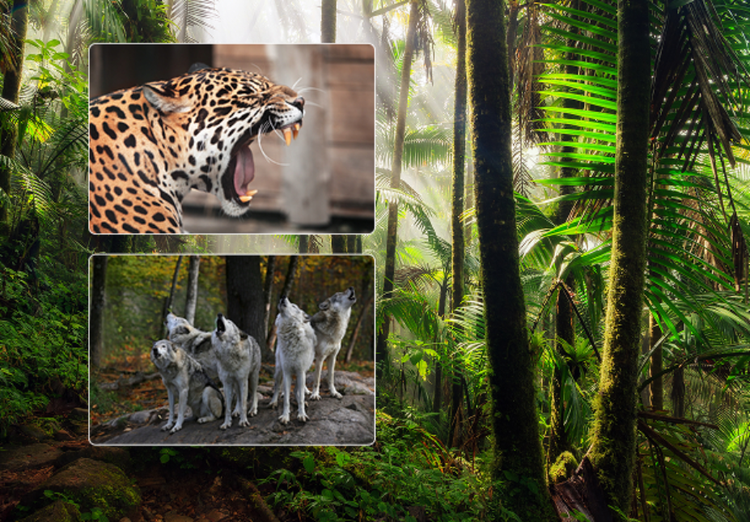
Create realistic nature sound effects with generative AI.
Nature sound effects are the foundation of immersive sound design. Generative AI makes it quick and easy to create a high-quality library of free nature sound effects for any project.
Learn more | Learn more - Create realistic nature sound effects with generative AI