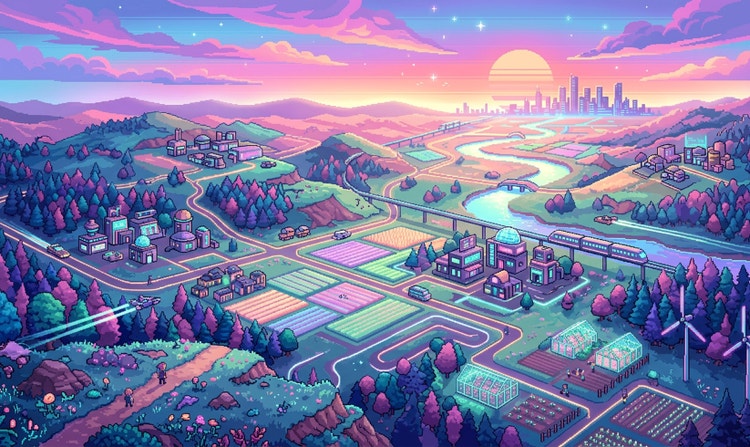
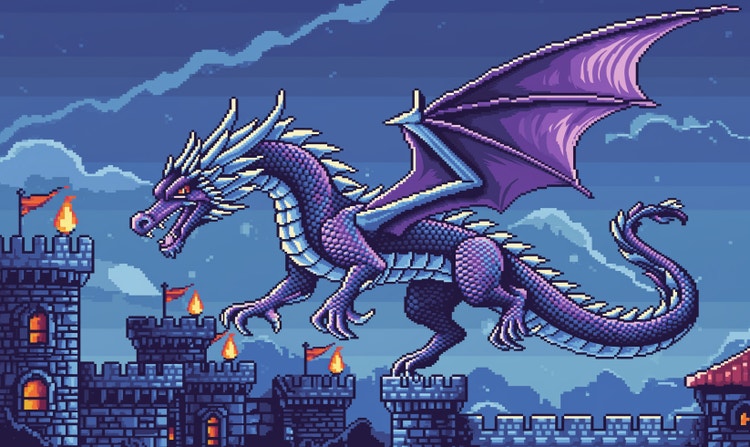
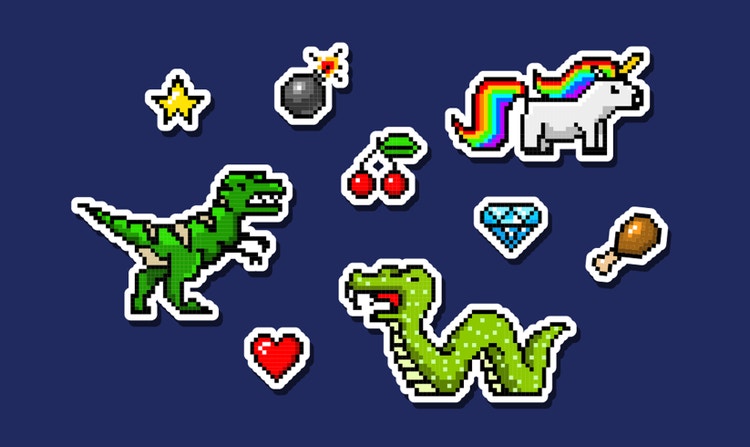
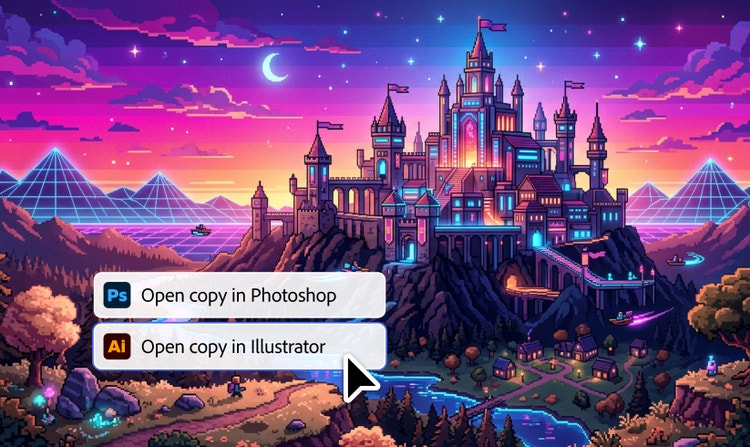
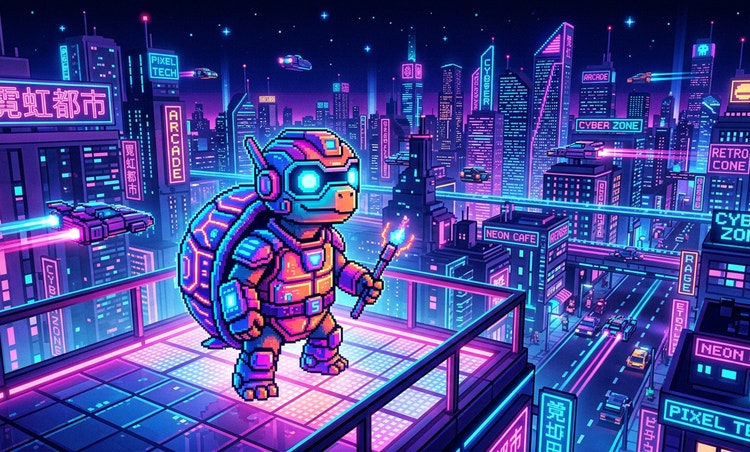
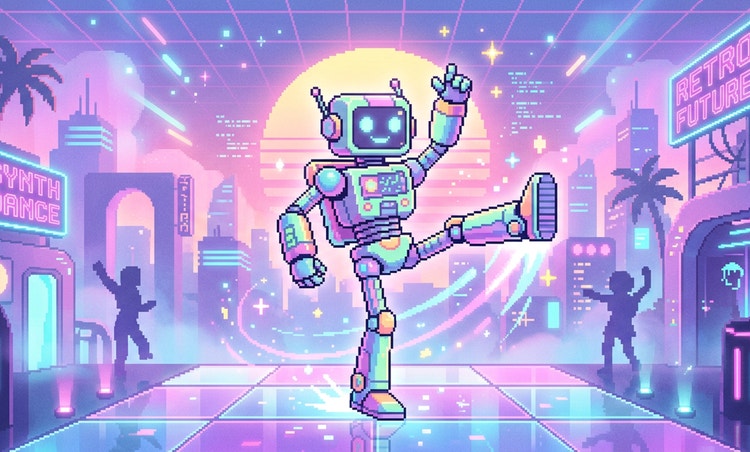
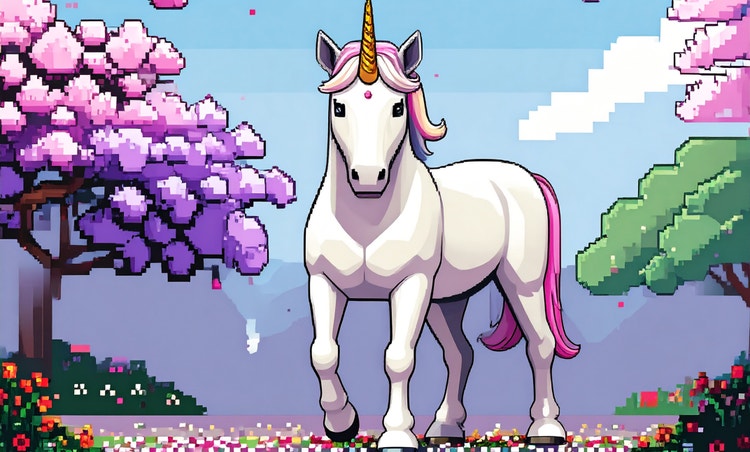
Retro-themed banner with pixel icons, vintage artwork, and nostalgic visuals

https://main--cc--adobecom.aem.page/cc-shared/assets/img/firefly.svg Adobe Firefly

Create retro artwork with an AI pixel art generator.

Generate nostalgic pixel graphics, icons and 8-bit designs for free with Adobe Firefly’s AI pixel art generator.

con-block-row-supplemental (m-body, static-links, s-spacing)
Generative AI User Guidelines
#1E1E1E

{{Adobe Firefly}}

Learn more

https://www.adobe.com/cc-shared/assets/img/product-icons/svg/firefly-appicon-64-new.svg

{{Adobe Firefly}}

Use everyday language to create extraordinary results with generative AI.

Generate pixel art

https://www.adobe.com/cc-shared/assets/img/product-icons/svg/firefly-appicon-64-new.svg

{{Adobe Firefly}}

Use everyday language to create extraordinary results with generative AI.

Generate pixel art

Bold, blocky pixel art is just a few taps away.

Learn how to use Text to Image in Adobe Firefly to create colourful, fun illustrations inspired by early digital design, perfect for fans of retro aesthetics and AI-powered pixel art creation.

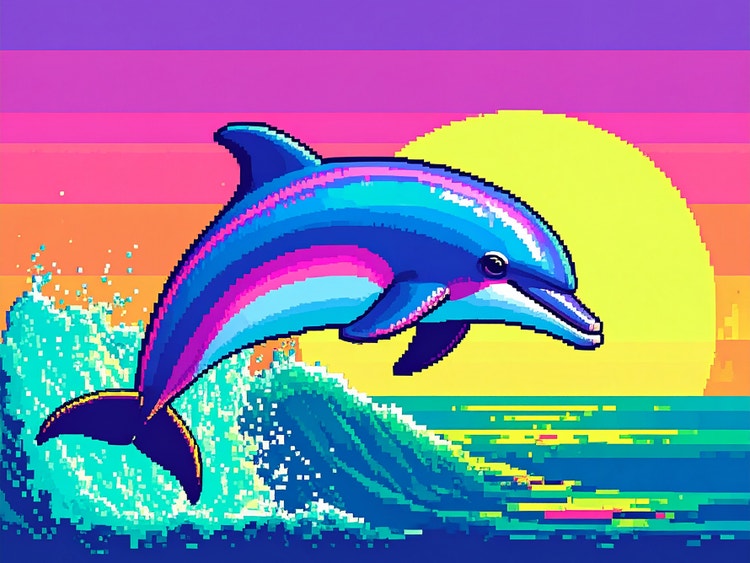
AI generated pixel art of a dolphin jumping through the waive during the sunset.

Travel back in time with pixel art.

Pixel art is a form of digital artwork made of small blocks (pixels) that create a complete image. Pixel art was used in some of the earliest web and game designs and is still used today in everything from fashion to NFTs for its striking visual quality and nostalgia. Use our pixel art maker to explore this retro visual style.

Go from prompt to pixel art.
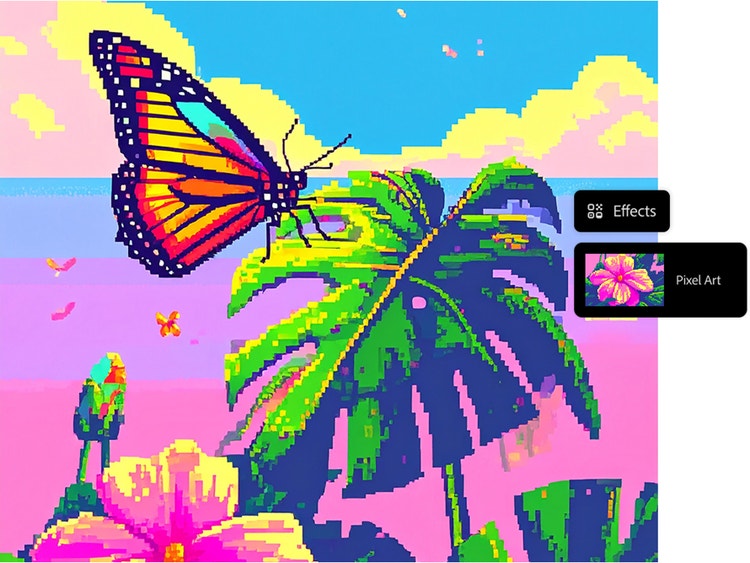
Creating pixel art is simple with Adobe Firefly’s Text to Image feature. Simply write a descriptive prompt, select Pixel Art from the menu of Effects section and instantly generate your image. Pixel art is ideal for creating characters, scenes, icons and beyond. Also try combining pixel art with effects like “Simple” or “Cartoon” for unique visuals.

AI generated pixel art of a butterfly that is sitting on a palm leaf.
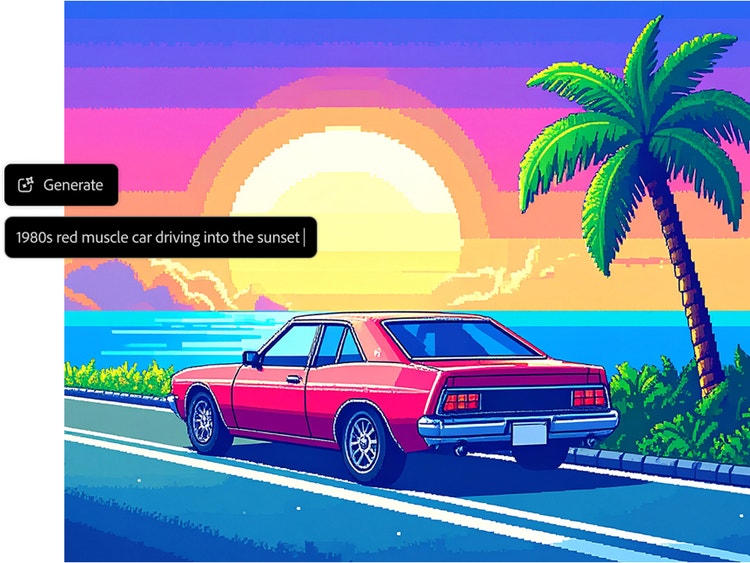
AI generated pixel art of a car on coastal road during the sunset.

Customise your results.

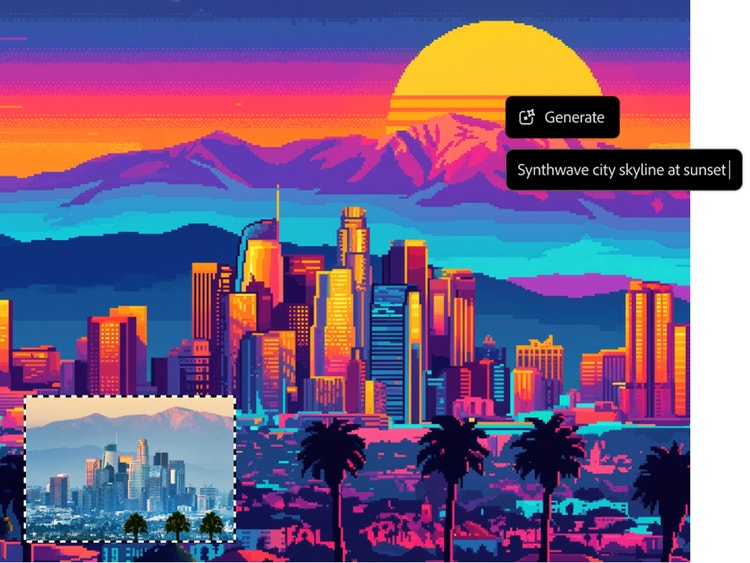
Fine-tune your pixel art with detailed prompts and settings. Use terms like “vintage movie poster” or “1980s retro gaming” for stylistic flair. Choose effects like Pixel Art + Simple and explore Colour and Tone options such as Bright Colours or Muted Tones.

Tips for better results:

  • Be specific with character types or objects
  • Include art styles (e.g., describing a “comic book” look or try using an AI anime art generator) to give your pixel art a unique visual identity
  • Mention cultural references for a local touch (e.g., “street market scene”)

Apply your designs anywhere.

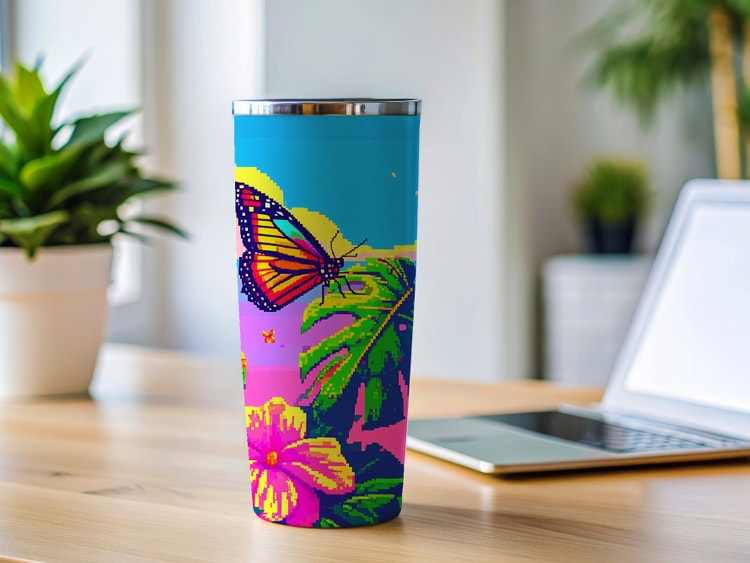
Use your AI-generated pixel art in avatars, NFTs, game sprites, digital stickers and merchandise. It’s perfect for mobile apps, YouTube thumbnails, or pixel-based web design.

AI generated pixel art of a butterfly on a palm leaf that was used a cup design.

How Adobe Firefly helps creators explore pixel art.
With Adobe Firefly’s Pixel Art Generator, creators can bring regional stories, traditions, and styles to life in bold, blocky visuals.

Pixel art for creators on social media.

Influencers and content creators can use pixel art to design eye-catching Instagram stories, YouTube intros, or animated stickers that resonate with local audiences.

Educational visuals for students.

Educators can create engaging pixel-style visuals to teach history, science, or art in both English and regional languages. Firefly’s ease of use makes it accessible for all skill levels.

Posters and cover art inspired by cinema.

Artists can recreate the bold style of classic film posters using pixel art prompts. Whether it is a 90s-style action movie or a retro drama, Firefly brings cinematic flair to digital designs.

Pixel art for comics and storytelling.

Writers and illustrators can use Adobe Firefly to create pixel-style comic strips and digital stories in different languages. It is a creative way to bring folklore and modern tales to life for digital audiences.

NFT design from diverse communities.

Digital artists can create NFT collections based on personal style and expression, even local influences. Adobe Firefly helps translate art into pixel-perfect collectibles.

How to generate pixel art with Adobe Firefly.

Pixelated artworks are just a few clicks away using Adobe Firefly’s AI pixel art generator. Here’s how:

  • Log in to Firefly.
    Go to the Text to Image section of the web app.
  • Write a descriptive prompt.
    Describe the pixel art image you want to generate. Be specific and use adjectives; longer prompts tend to get better results.
  • Select the Pixel Art effect.
    Choose Pixel Art from the Effects section. Try combining it with other effects (like Simple or Cartoon) for a different look.
  • Download, share and keep editing your image.
    Click the downward arrow icon to download your image. Click the pencil icon to keep editing it and click the upward arrow icon to share your image in the Firefly gallery.

Generate AI pixel art.

Generate vibrant, retro-style illustrations using an AI pixel art generator. Turn your ideas into characters, icons, and scenes in just a few clicks. Try now

Questions? We have answers.

How is the Pixel Art Generator used?

The Pixel Art Generator in Adobe Firefly lets you create pixel-style graphics inspired by culture, such as traditional clothing, festival scenes, or vintage movie posters. By using detailed prompts that reference specific cultural elements, you can generate artwork that reflects unique aesthetics while maintaining the bold, blocky style of pixel art.

Can I use Adobe Firefly to create pixel art in regional styles or themes?

Absolutely. With the Text to Image feature, you can generate pixel art that reflects specific themes such as traditional attire, iconic locations, or vintage poster aesthetics. Simply include descriptive cultural elements in your prompt to guide the AI.

Is the pixel art I generate free to use commercially?

Yes, you can use the Text to Image feature to create AI pixel art for commercial use, provided you adhere to Adobe guidelines and the content is produced using the commercially released version of Firefly. However, a Firefly plan subscription is required to access all of its generative features. All Firefly tools are designed to be safe for commercial use, as they are trained on Adobe Stock, licensed content and public domain materials.

What formats and resolutions are available for download?

Adobe Firefly currently supports downloading generated pixel art images in JPEG and PNG formats. These formats are available when using the Text to Image feature, and the maximum resolution for downloaded images is 2000 x 2000 pixels.

Does Adobe Firefly store the pixel art images I create?

Adobe Firefly may temporarily store generated images to improve performance and offer editing features, but your creations are not shared publicly unless you choose to submit them to the Firefly Gallery. You retain control over your content when using the pixel art generator.

Do I need a high-performance computer to generate pixel art with Firefly?

No, Adobe Firefly runs in your web browser, so you do not need a high-performance computer. The pixel art maker works efficiently on most modern systems with a stable internet connection. Firefly is compatible with popular browsers on both Windows and macOS.

Can I use the AI pixel art generator on my mobile device?

Yes, Adobe Firefly is optimised for modern mobile browsers on Android and iOS devices. You can access the AI pixel art creator and other features directly through your phone or tablet. You can also use Adobe Firefly app to generate your AI pixel art.

Can I choose the pixel art style or size?

You can choose the Pixel art effect from the Effects section, and you can combine this effect with others to customise your results. Additionally, you can adjust the colour and tone, use descriptive words in your prompt, and upload or select a Reference Image to further refine the outcome. You cannot manually set the pixel size or resolution beyond the general output resolution, which is a maximum of 2,000 x 2,000 pixels. For those looking to convert an image to pixel art, Adobe Firefly offers a range of tools to support creative flexibility.

Can I turn pixel art into animations?

The Adobe Firefly Text to Video feature allows users to create short video clips from text descriptions or images, including static pixel art illustrations. This tool is accessible through the Firefly web app, which integrates with Creative Cloud applications like Adobe Photoshop and Adobe {{premiere}}, enabling seamless transitions from ideation to production.

Can I use the generated pixel art for NFTs or digital collectibles?

Yes, you can use Adobe Firefly’s AI pixel art generator to create artwork suitable for NFTs and other digital collectibles. Just make sure the content is generated using the commercially released version of Firefly and follows Adobe’s usage guidelines. Firefly’s tools are trained on licensed and public domain content, making them safe for commercial use.