https://main--cc--adobecom.aem.live/cc-shared/assets/img/firefly.svg Adobe Firefly

Create art from any prompt with a free AI drawing generator.
Bring any idea to life with AI simply by describing what you imagine.
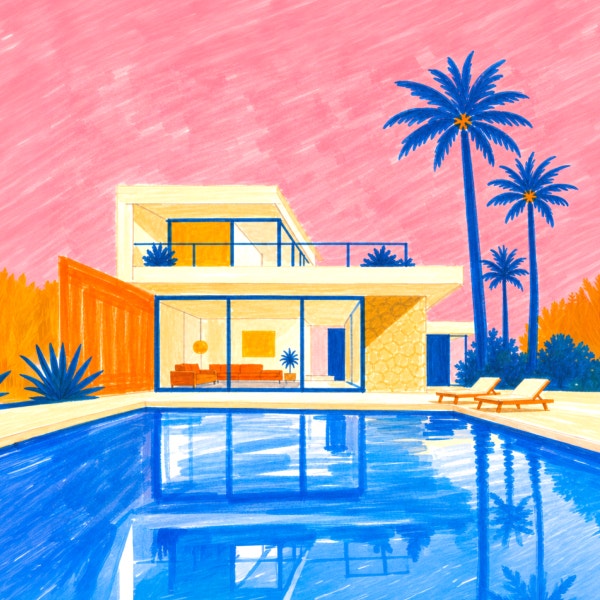
- image
- video
- Describe a subject, an action, a place, a mood or a style.
- Adobe Generative AI Terms
- https://main--cc--adobecom.aem.live/creativecloud/animation/testdoc/unity/generate.svgCreate AI Drawing
- Describe what you want to generate
- Prompt
- Tip
- Unable to process the request
- Please describe what you want to generate.
- Prompt exceeds the max length of 750 characters
- Enter prompt


https://www.adobe.com/cc-shared/assets/img/product-icons/svg/firefly-appicon-64-new.svg
{{Adobe Firefly}}
https://www.adobe.com/cc-shared/assets/img/product-icons/svg/firefly-appicon-64-new.svg
{{Adobe Firefly}}
The next evolution of creative AI is here for all your ideas, with image, video, audio and vector tools.
Draw anything with AI.
Explore the possibilities of AI art generation with Adobe Firefly. Whether you’re a beginner or skilled artist, you can quickly learn how to explore ideas, draft concepts and create artwork for free with simple text prompts.
Get a hand-drawn look with an AI drawing generator.
Create sketches that mimic the look of pen and ink renderings by using Firefly as a free AI drawing generator. Instead of generating the polished, hyperrealistic results you may associate with AI, you can create loose, minimalist line drawings in a few steps with Generate Image.
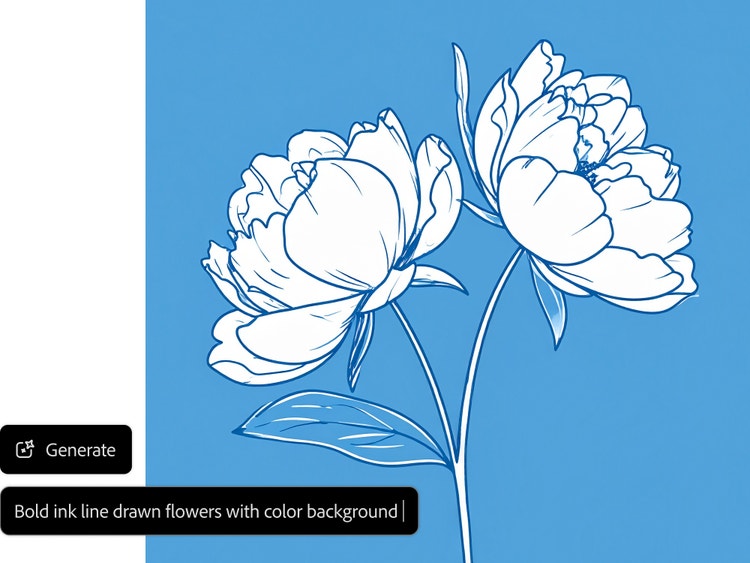
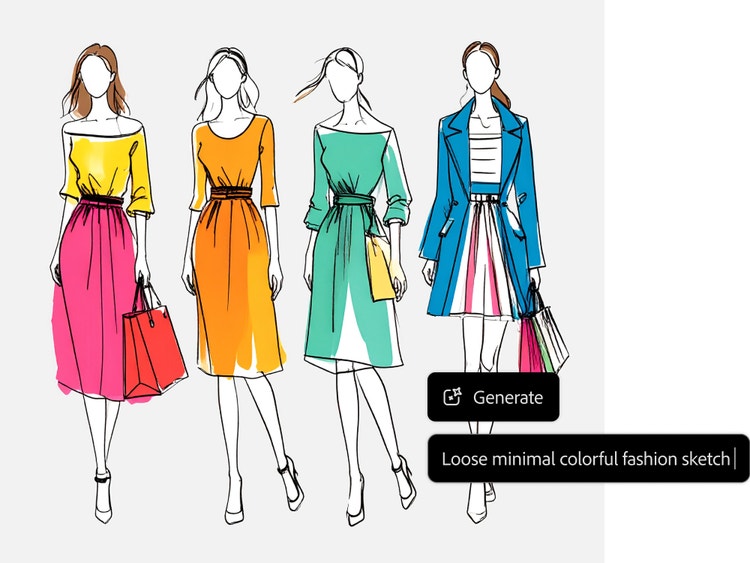
Produce sketches, concepts and more.
Firefly makes it easy to create art from text. Generate quick concept sketches for illustrations or fashion designs. Spin up ideas for tattoos, children’s book artwork or paintings. You can even try manga-style line art with the AI artwork generator.
Choose from a range of different styles in the AI drawing generator.
Select from a menu of effects to get the specific look you want. Effects include fundamental options like Line Drawing, Ink and Sketch in addition to options such as Stippling, Doodle Drawing and Geometric Pen.
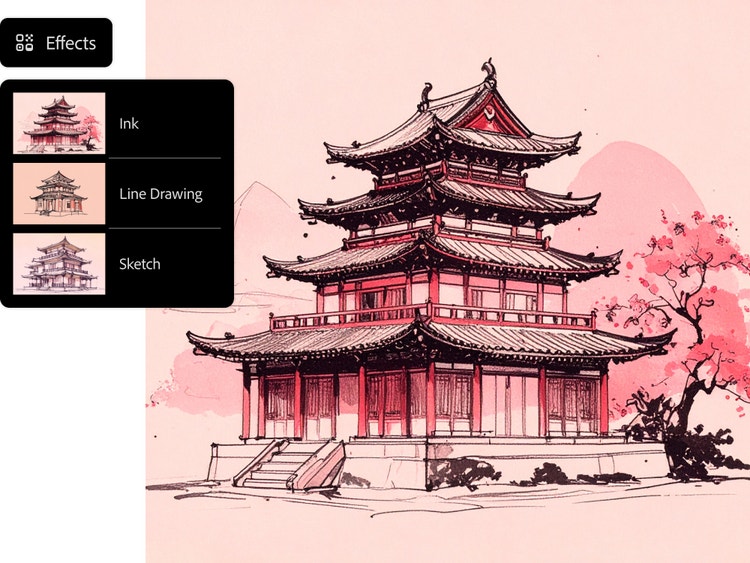
Refine your AI art even more.
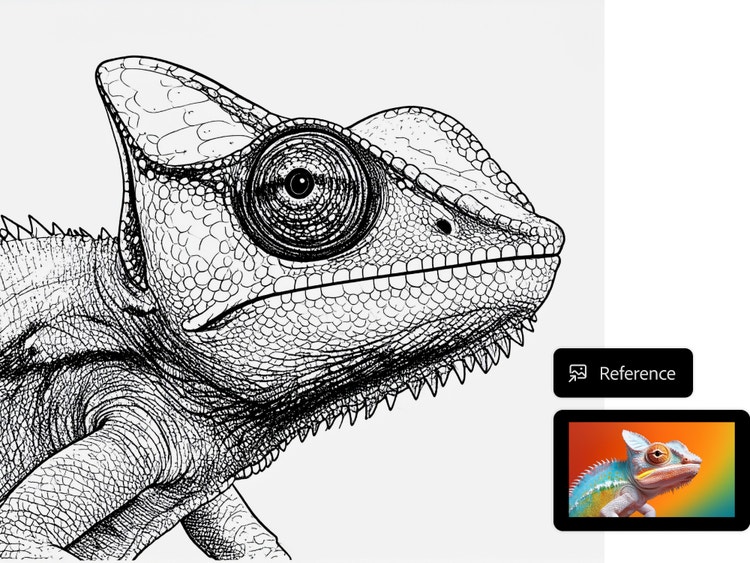
Upload a reference image — or choose one from the gallery — to generate artwork in a similar style. Adjust the intensity and strength of the reference image to further tailor the result. Use descriptive terms such as “heavy stroke” or “loose hand-drawn sketch” in your prompt. And select from a range of options in the Colour and Tone drop-down menus.
Generate drawings safe for commercial use.
Firefly generative AI models are trained on licensed and public domain content, so artists can confidently generate drawings for professional use. To learn more about how Adobe ensures responsible AI development, read the Adobe AI ethics principles.
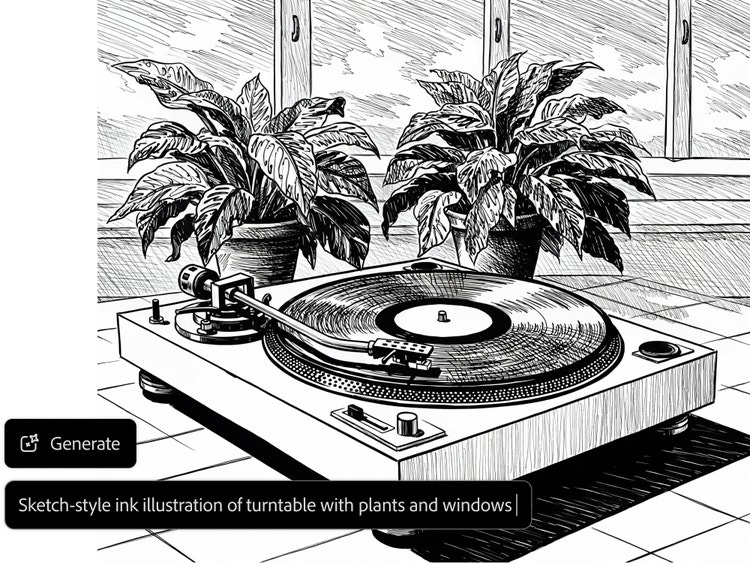
How to generate a drawing with AI in Adobe Firefly.
Step 1
Open the AI artwork generator in Firefly.
Step 2
Write a descriptive prompt.
Step 3
Choose an effect.
Step 4
Optional: Upload a reference image.
Step 5
Generate your artwork.
Step 6
Download, share and keep editing your image.
- How to generate a drawing with AI in Adobe Firefly.
- Steps on How to generate a drawing with AI in Adobe Firefly.
- PT5M
- firefly
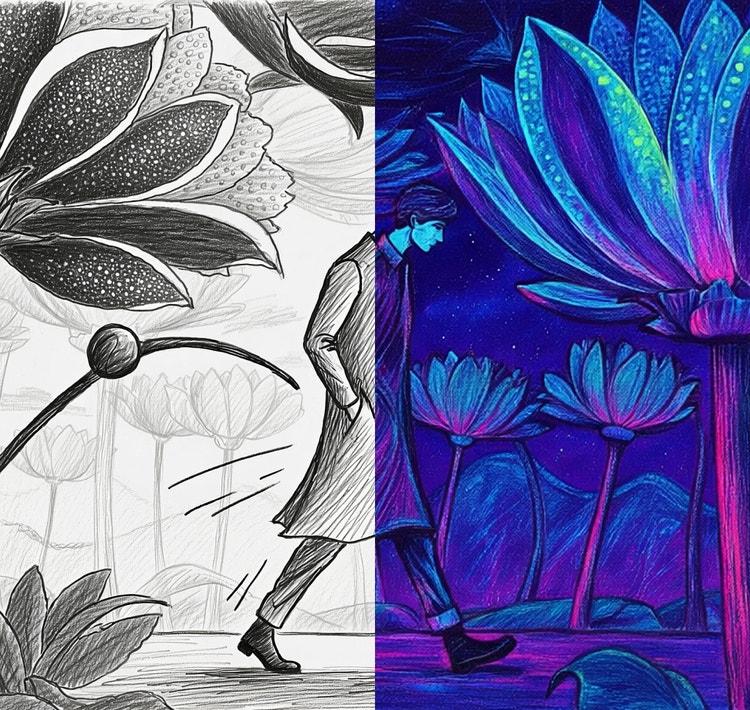
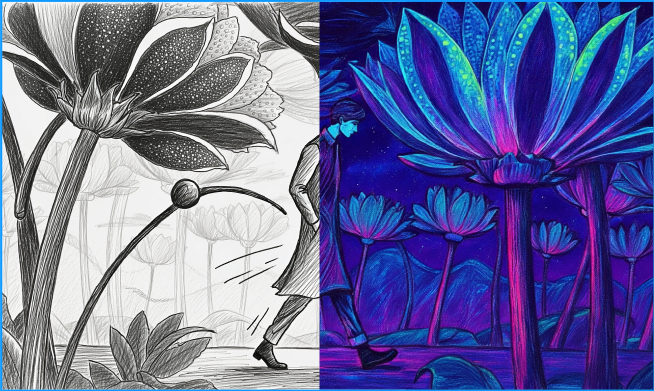
Versatile illustration styles
Firefly supports a wide range of illustration styles including line art, digital sketching, ink drawings and artistic illustrations while maintaining consistent detail and composition.
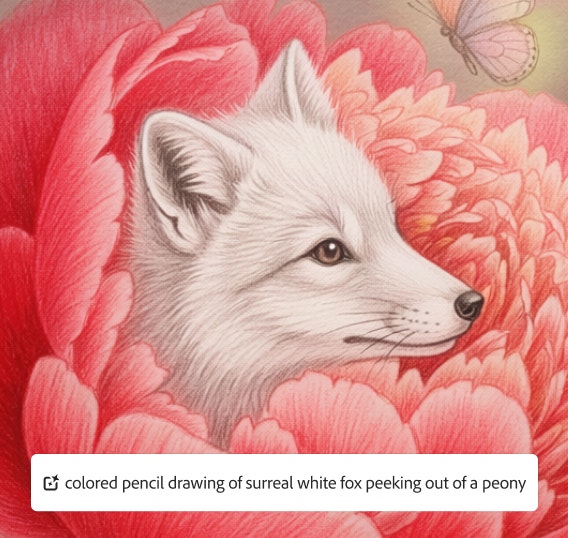
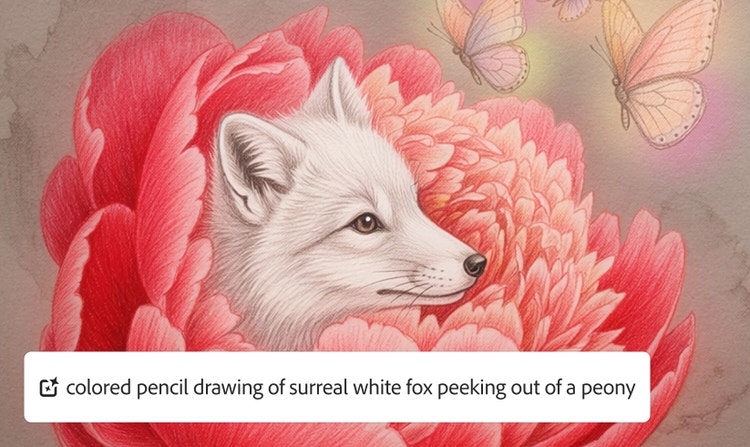
Precise creative control
Firefly combines high-quality artistic output with precise creative control, allowing users to generate clean, professional drawings from simple text prompts.
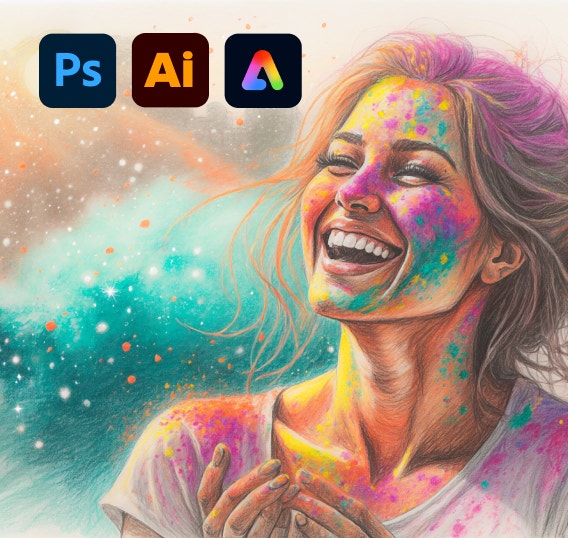
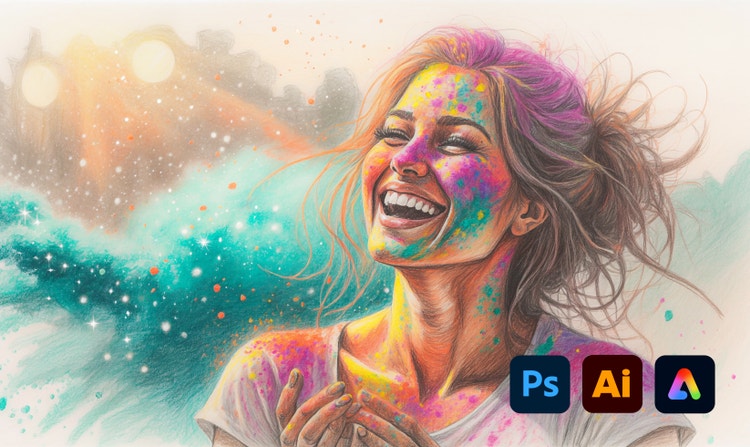
Design-ready outputs
With Firefly, you can generate finished drawings that you can actually use in your design workflow.
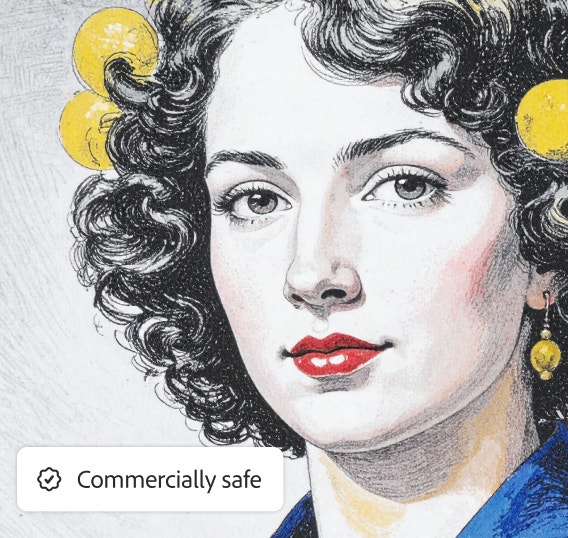
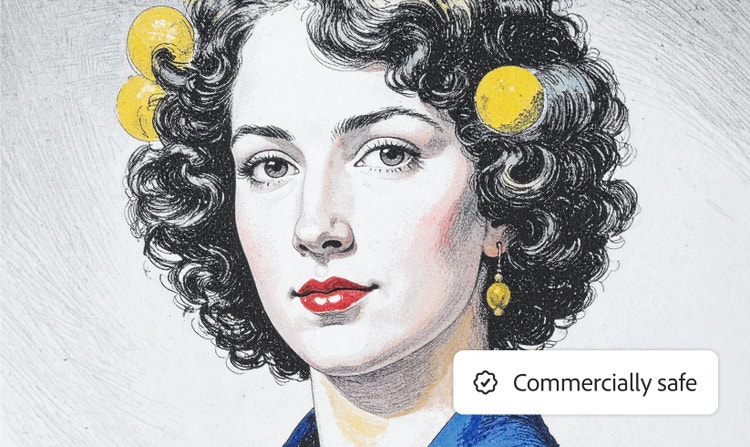
Commercially safe models
The Adobe Firefly generative AI model is trained on licensed Adobe Stock and public-domain content, so you can use it for professional and commercial use.
See what you can do in Firefly.
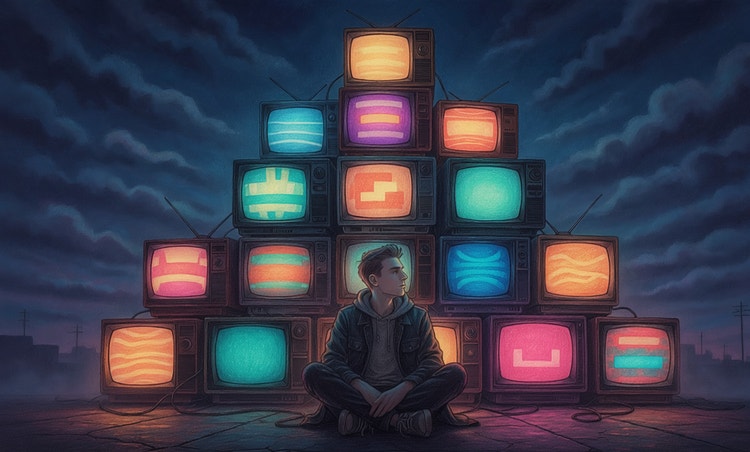
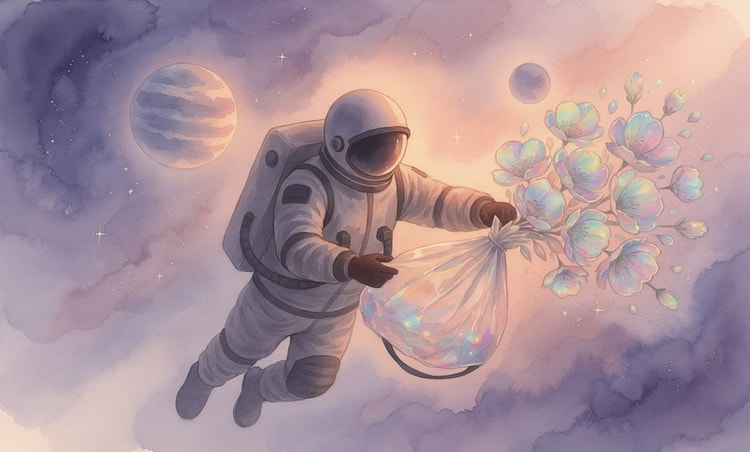

Discover even more features.
Questions? We have answers.
What is an AI drawing generator and how is it different from an AI artwork generator?
Can I upload a photo and turn it into a sketch?
What styles of drawings can I generate with Generate Image?
How can I customise my drawings?
Can I use AI-generated drawings for commercial purposes?
Do I need drawing skills to use a drawing generator?
What plans does Adobe Firefly currently offer?
What kinds of drawings can it make?
How do I get the best results from my prompts?
How does an AI drawing generator work?
Can I edit or refine the AI-generated drawing?
Can I use AI-generated drawings commercially?
What are the best AI drawing generators available?
Why is Firefly the best AI drawing generator?
Is the Adobe Firefly AI drawing generator free?
Share this page.
Explore more Firefly tools.
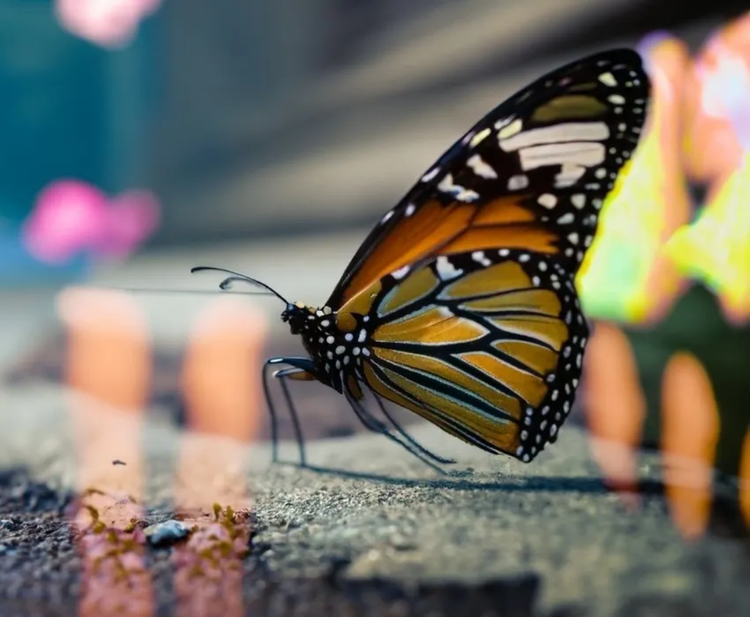
Benefits of Generative AI
New generative AI tools are quickly changing how we work and create. Learn how you can use them to boost productivity and discover new possibilities while maintaining creative control.
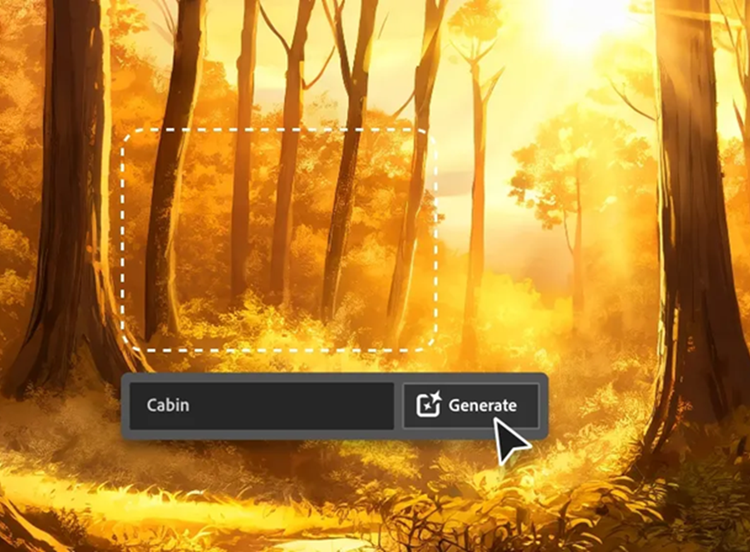
AI for Graphic Designers
Discover how AI for graphic design and Adobe tools like Firefly, Photoshop and Illustrator can speed up your workflow and expand your creative possibilities.
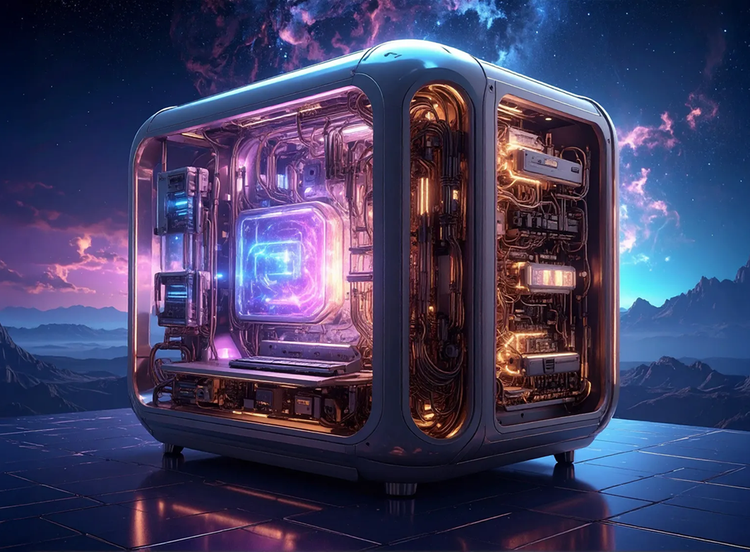
How Generative AI Works
Generative AI is all over the headlines and that’s not empty hype. This new technology is likely to be part of your life soon — if it’s not already. Learn how generative AI works and start streamlining your workflow.
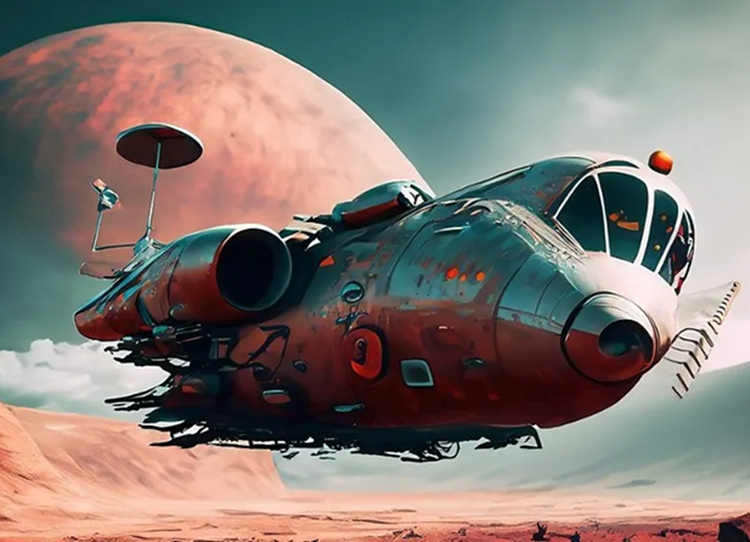
AI Art Prompts
The best prompts for AI aren't always obvious. These tips get you to your destination in record time.