https://main--cc--adobecom.aem.live/cc-shared/assets/img/firefly.svg|AdobeFirefly Adobe Firefly

Use one canvas for every medium with Firefly Design.
Firefly Design lets you work with vector, raster, motion and 3D in one canvas, with client review and delivery built in. Use precision tools when you need them and AI when you want it for a more streamlined workflow. Watch video
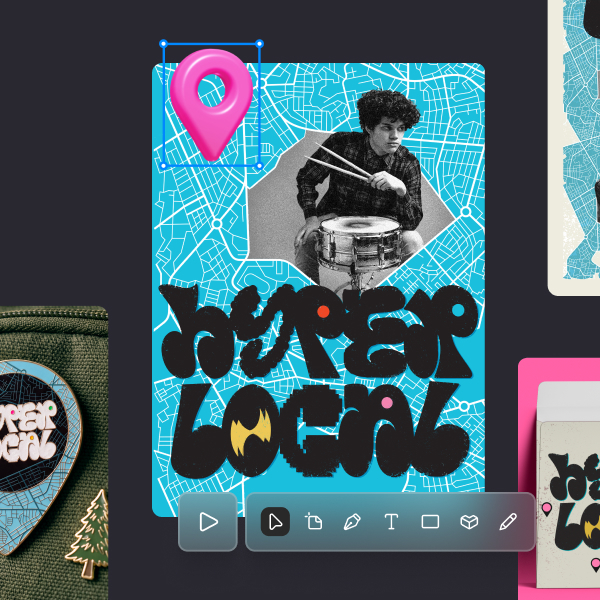
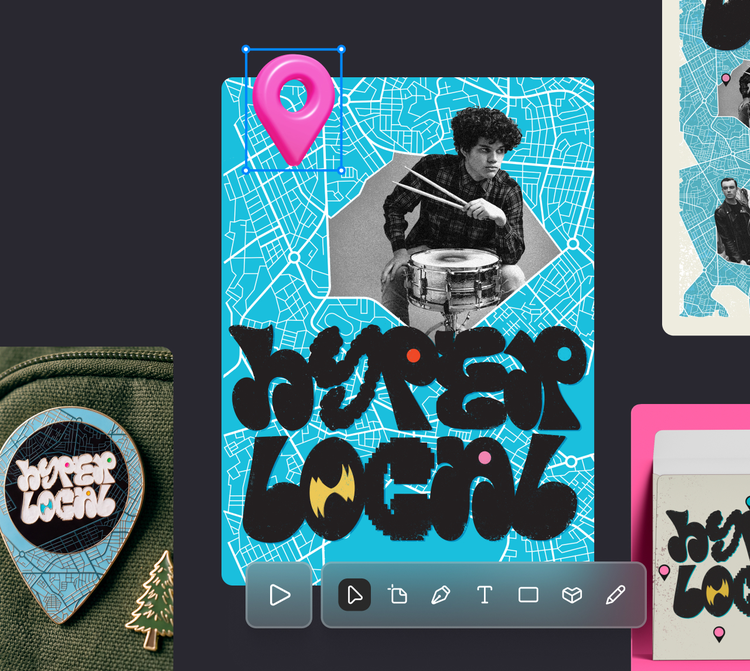
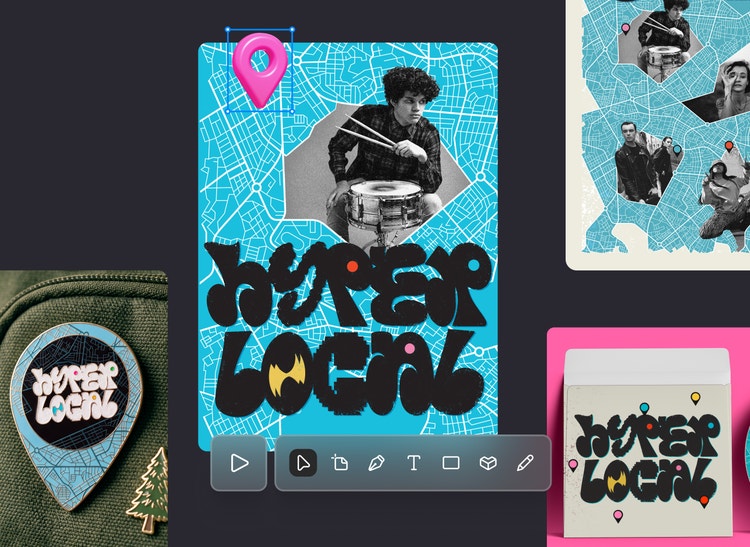

Go from first sketch to finished asset without switching apps.
Firefly Design is the modern, multi-medium design app that supports professional workflows from concept through review and delivery. Whether you’re creating brands or campaigns, you can work with vector, raster, motion and 3D without switching apps. Then edit by hand with precise controls or offload repetitive production work to an AI agent.
Stay in sync with all your design apps.
Move between vector, raster, motion, 3D and print without going back and forth between your design apps. Use Adobe Photoshop (PSD) and Adobe Illustrator (AI, SVG) files as linked assets while designing across every medium on one canvas.
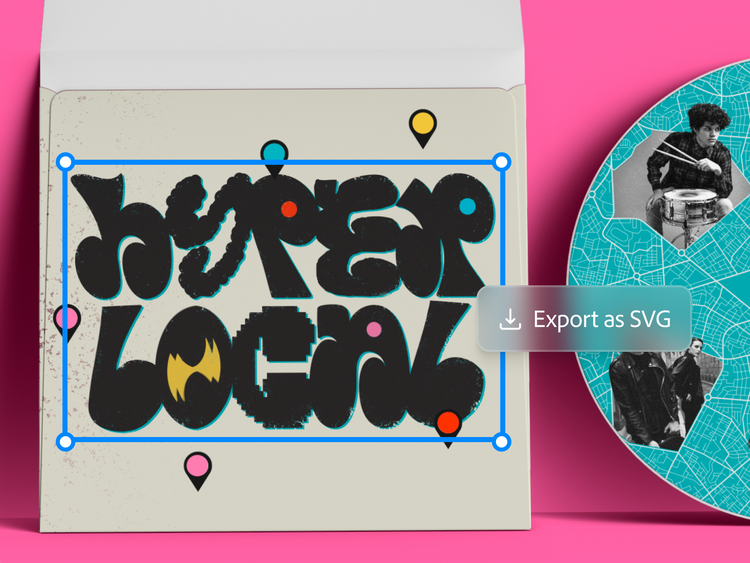
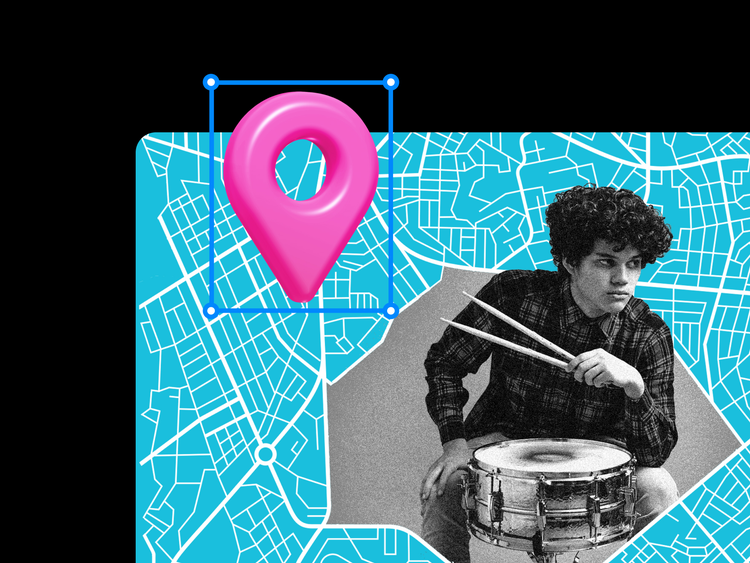
Pair precision with AI.
Firefly Design gives you precision tools that play nicely with AI. Every curve, anchor point and motion frame stays in your control while native 3D, shaders and effects render right onto your canvas. Then utilise AI to explore different directions while ensuring everything stays on brand.
Built-in client review.
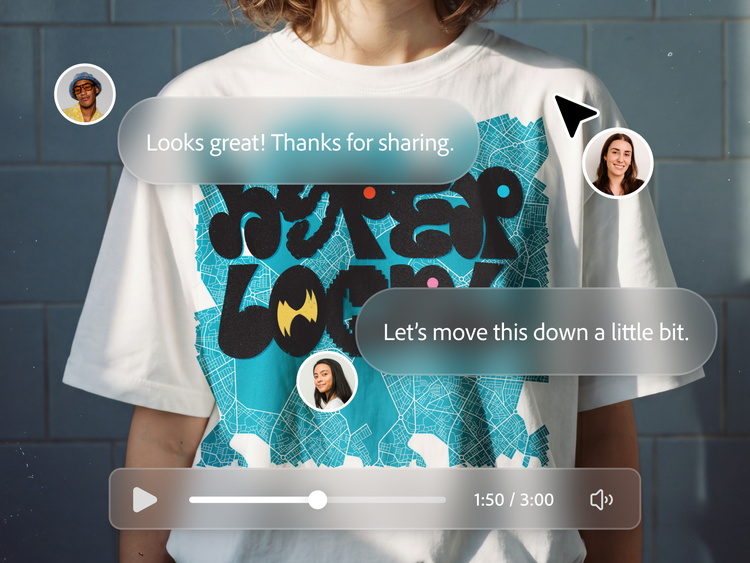
Connect with clients through a curated review space with video annotation. Feedback is captured in context and finished work exports easily to the formats clients already use.
How to use Firefly Design.
Step 1
Open Firefly Design.
Step 2
Bring your work in and keep it in sync.
Step 3
Work in a multimedia canvas.
Step 4
Easily automate brand systems.
Step 5
Streamline client reviews and delivery.
Firefly Design brings vector, raster, motion and 3D together in a single infinite canvas. Use precision tools when you need them and agentic assistance when you want it - so your creative work happens in one connected place, without switching apps.
PT5M
firefly
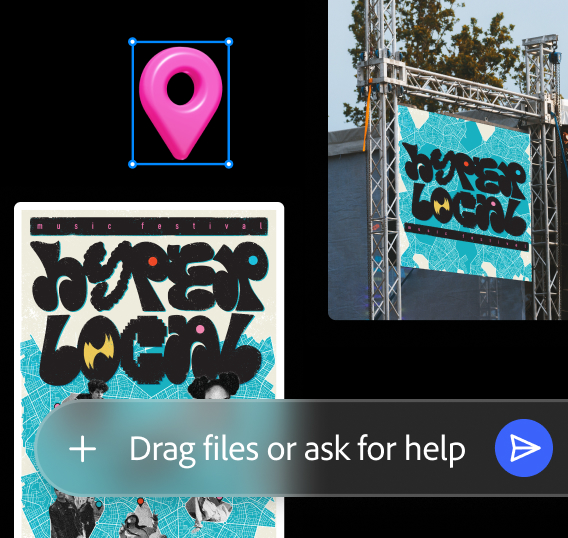
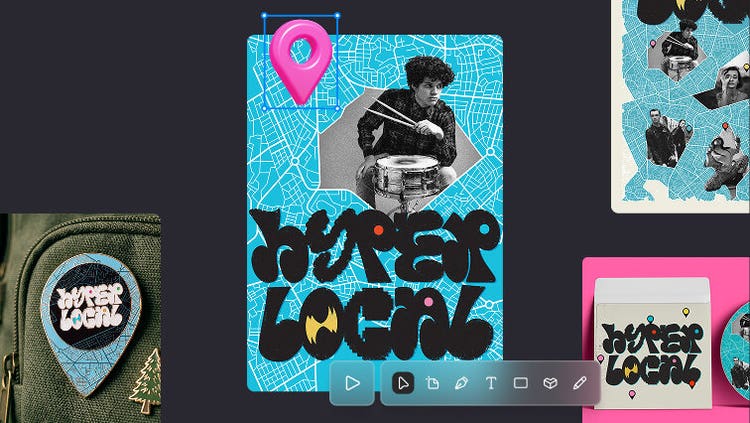
Faster artboard set up
Simply drop brand guidelines, a hero image and reference shots into the AI assistant and you’ll get a first draft with style, colours and typography already applied.
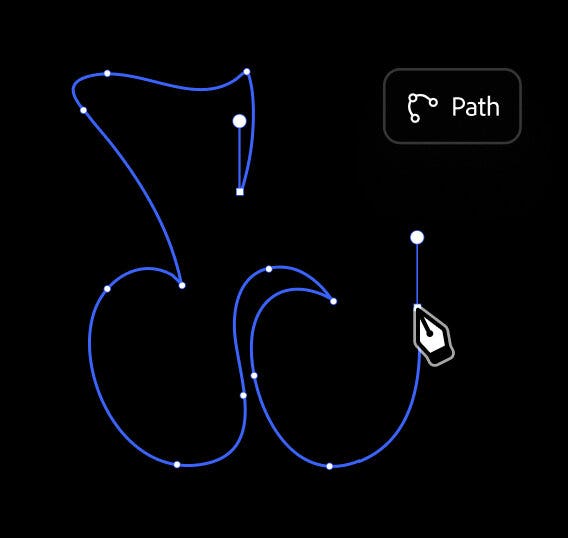
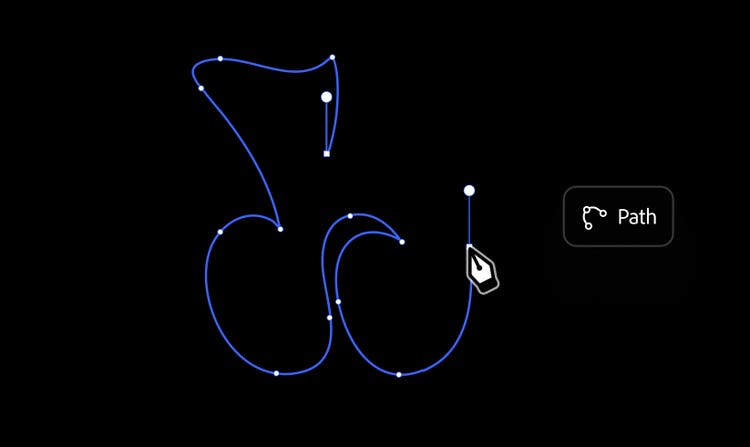
Design a logo with precise tools
Draw a logo with the Pen tool, then branch the path mid-stroke with Vector Networks instead of starting a new shape. With Firefly Design, it’s easy to go from one path to complete logo.
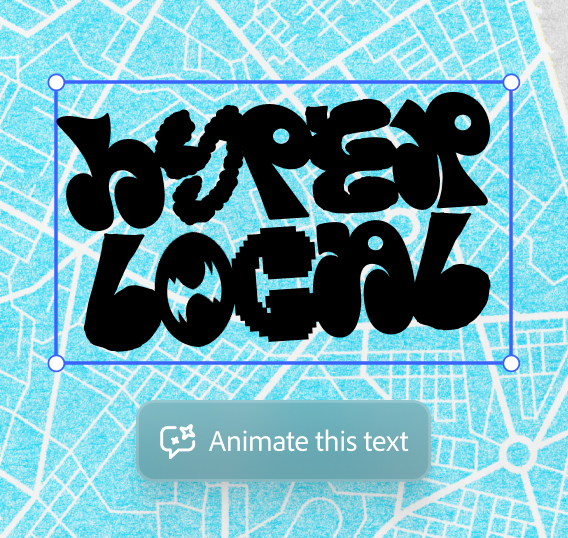
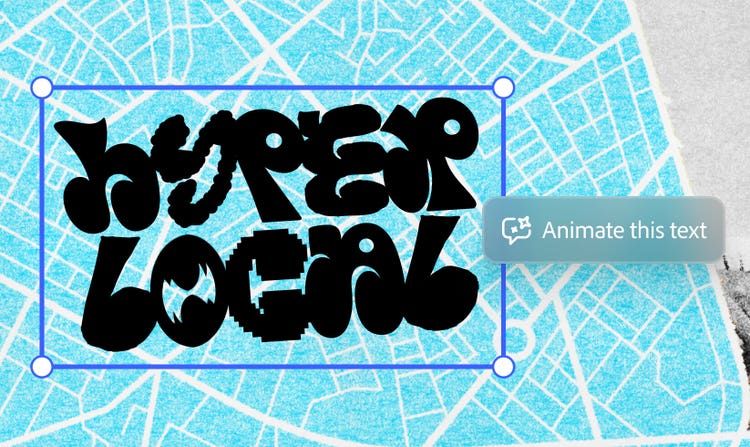
Stand out with motion
Turn a static headline or logo into a motion clip by typing the feel you’re looking for. Think playful, bold or soft. Customise it with controls for key frames and easing, then export it as a clip without opening a separate app.
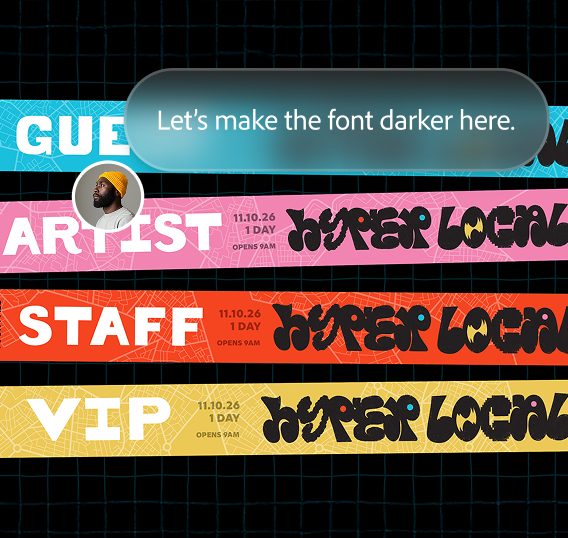
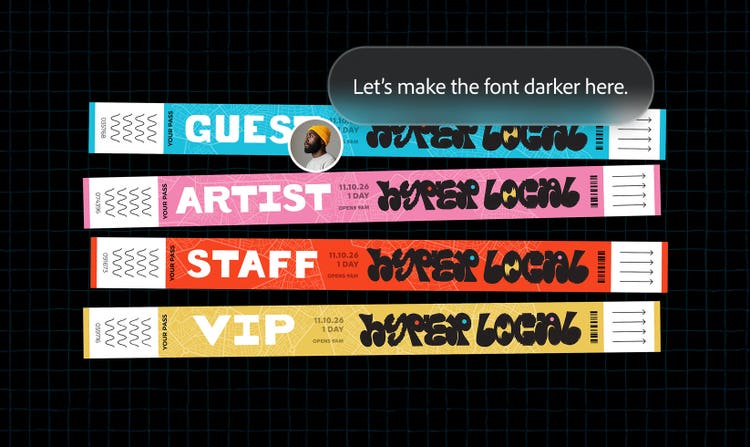
Frictionless client feedback
Get client feedback without leaving your file. Mark artboards for review, send an invite and comments will come in through the client portal.