https://main--cc--adobecom.aem.live/cc-shared/assets/img/firefly.svg https://main--cc--adobecom.aem.live/cc-shared/assets/img/ff-lockup-f4.svg | Adobe Firefly
Turn doodles into digital art using the sketch-to-image AI generator.
Transform rough sketches into professional assets in seconds with sketch-to-image AI. Just upload a hand-drawn concept and Firefly will generate high-fidelity photos, detailed paintings or polished designs ideal for pitch decks, merchandise, ads and high-impact marketing materials.

https://main--cc--adobecom.aem.live/cc-shared/assets/svg/s2-icon-upload-20-n.svg Upload your image
Or tap here
File must be JPEG (JPG), PNG or WEBP and up to 100 MB.
By uploading your image or video, you agree to the Adobe Terms of Use and Privacy Policy and confirm you are 18 years of age or older.

Or tap here
File must be JPEG (JPG), PNG or WEBP and up to 100 MB.
By uploading your image or video, you agree to the Adobe Terms of Use and Privacy Policy and confirm you are 18 years of age or older.
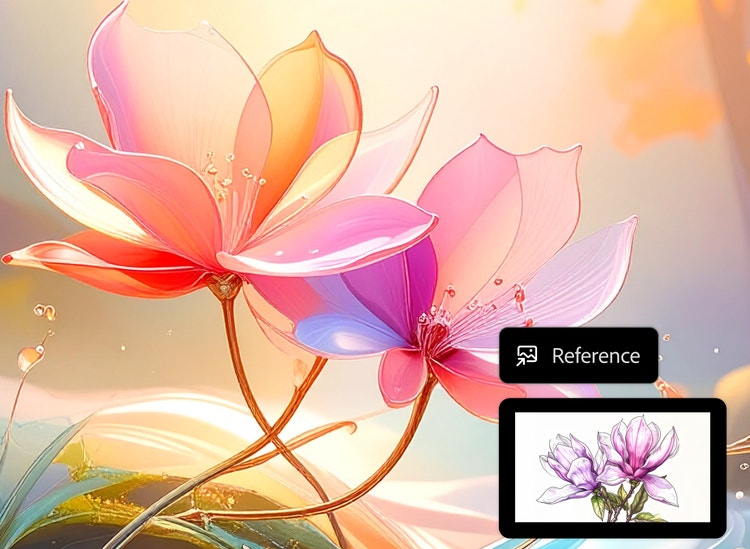
Or drag and drop here
File must be JPEG (JPG), PNG or WEBP and up to 100 MB.
By uploading your image or video, you agree to the Adobe Terms of Use and Privacy Policy and confirm you are 18 years of age or older.
- File size larger than 100 MB
- Unable to process the request
- We are unable to process this file type. Please try again.
- Only one file can be uploaded at a time.
- Image is smaller than the minimum dimensions (512 x 512 pixels). Please resize and try again.
{{Adobe Firefly}}
https://www.adobe.com/cc-shared/assets/img/product-icons/svg/firefly-appicon-64-new.svg
{{Adobe Firefly}}
Use everyday language to create extraordinary results with generative AI.
https://www.adobe.com/cc-shared/assets/img/product-icons/svg/firefly-appicon-64-new.svg
{{Adobe Firefly}}
Use everyday language to create extraordinary results with generative AI.
Bring your ideas to life with the sketch-to-image generator.
Leverage the power of the Adobe Firefly AI generator to transform your sketches into refined digital masterpieces. With generative AI tools, you can effortlessly convert simple sketches into polished, professional-quality images.
Create digital masterpieces with the sketch-to-image AI generator.
The Firefly sketch-to-image AI generator works with almost any visual starting point — rough hand-drawn outlines, doodles, wireframes, loose concepts, digital sketches or partially finished artwork. Simply upload your sketch, even if it’s imperfect or incomplete, Firefly will analyse your lines, shapes and composition and enhance the detail, texture, lighting and colour while preserving your original structure. In just a few clicks, you’ll have digital artwork you can use for any creative project.
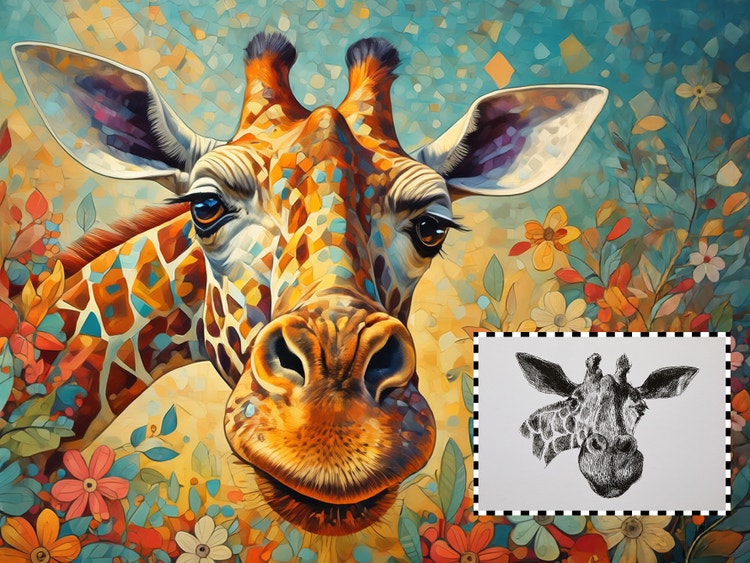
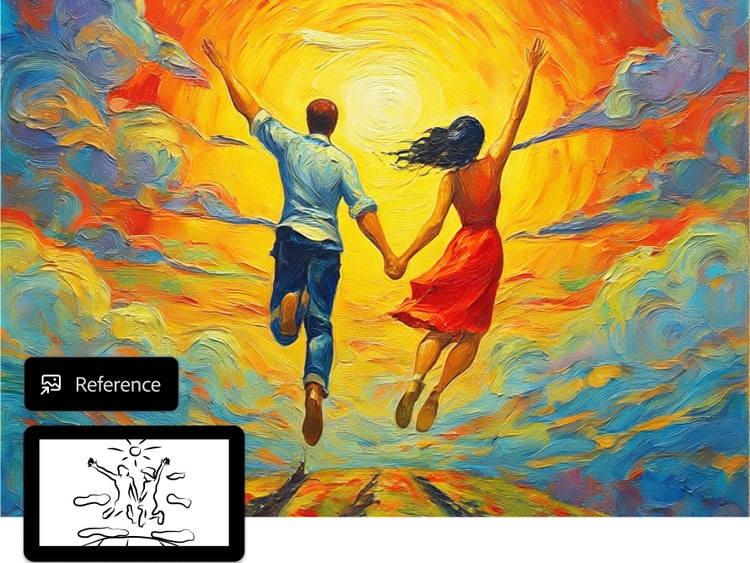
Refine and control your sketches with AI precision.
Firefly AI tools give you hands-on control to iterate, adjust and refine your drawings. Using prompts and variations, you can guide the style, detail, lighting and composition of your art as your ideas evolve. The sketch-to-image AI generator makes it easy to experiment, compare results and fine-tune outputs instead of settling for a single output. It’s an easy way to develop polished, high-quality visuals with precision and confidence without any advanced design or drawing skills.
Streamline your workflow.
Using sketch-to-image technology, the Firefly Generate Image feature helps you effortlessly bring your ideas to life with an intuitive, no-code interface built for speed and flexibility. Start with a sketch, describe your vision with a prompt and generate polished visuals in just a few clicks. Firefly also gives you access to multiple industry-leading partner models, so you can choose the one that best fits your creative goals all within one seamless workflow.
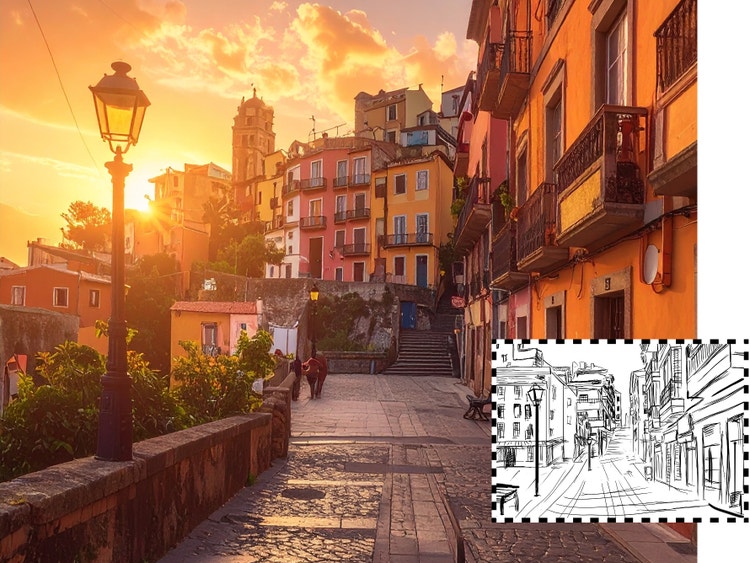
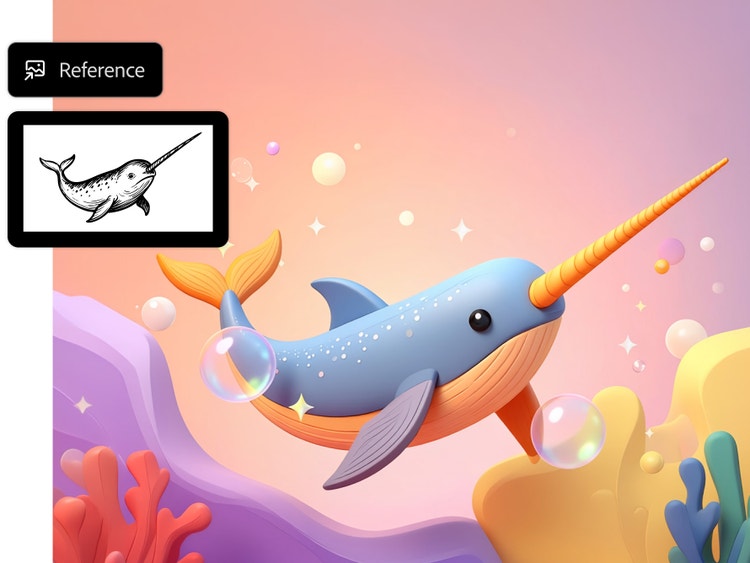
Use sketch-to-image AI for any creative project.
From early concepts to final assets, the Firefly sketch-to-image generator makes it possible to bring your ideas to life for any creative project. Turn a rough drawing into a polished photo for a pitch deck, transform layout sketches into eye-catching ads, convert an image to a cartoon for social media or turn a simple outline into an oil painting. With descriptive prompts and intuitive editing controls, sketch-to-image AI gives you the control to shape visuals that fit your vision and purpose.
How to create a new image from any existing sketch.
Step 1
Open the AI image editor in Adobe Firefly
Step 2
Upload a reference image and write a text prompt.
Step 3
Add a text prompt to turn your sketch into an image.
Step 4
Choose your AI model.
Step 5
Generate your image.
Step 6
Further customise styles, lighting and effects.
Step 7
Download your image.
Steps on how to create a new image from any existing sketch.
PT5M
firefly
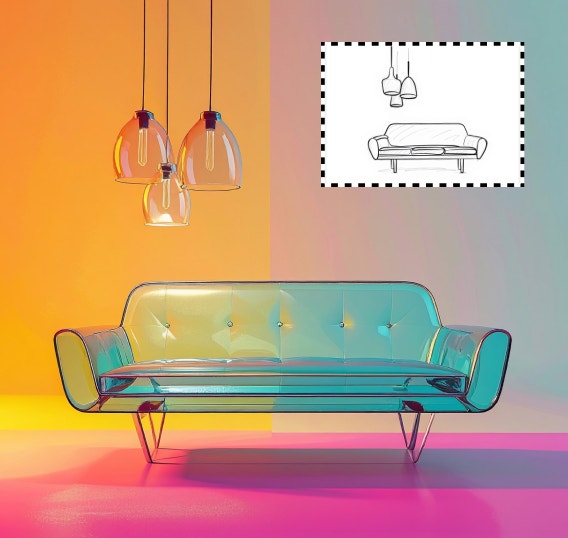
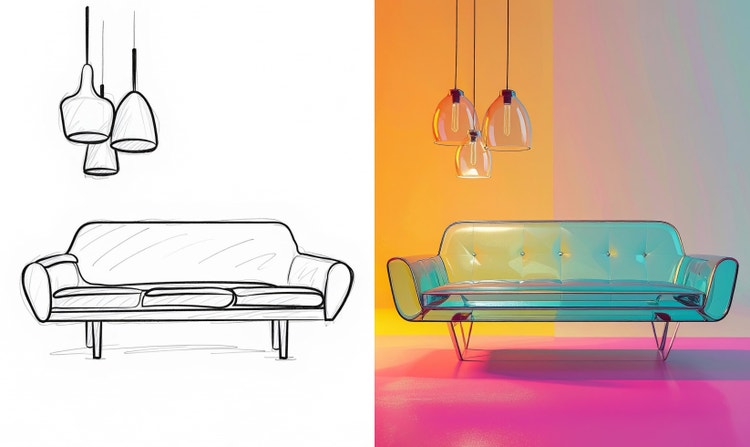
High-fidelity style control.
Turn concepts into polished visuals in a variety of styles. Transform rough sketches into visual assets ready for pitch decks, advertisements and more.
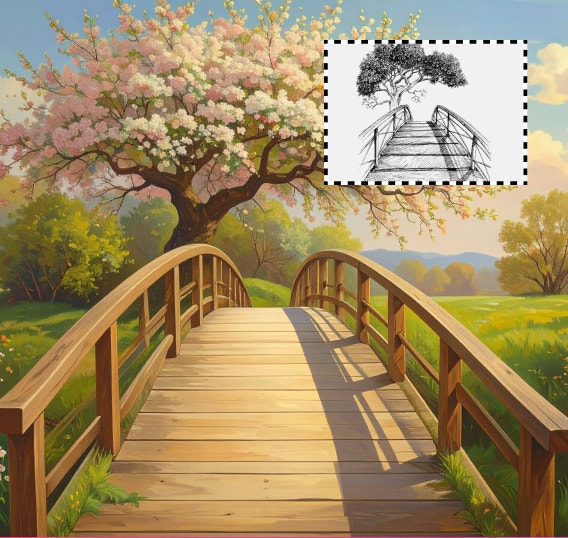
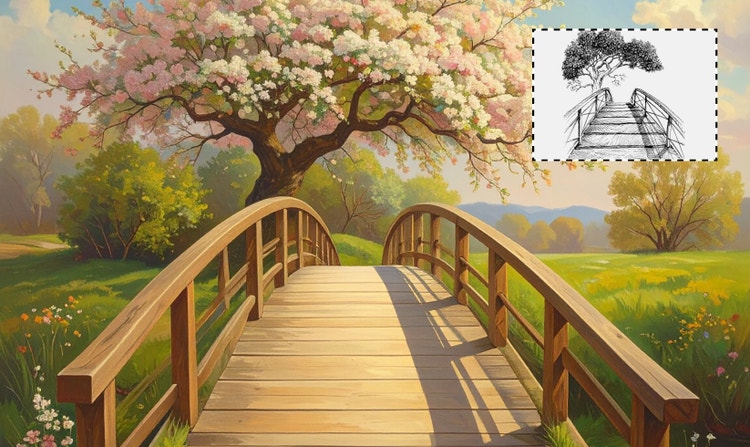
Maintain structure and proportions.
Make sure your digital art looks like it should. Firefly analyses lines and compositions and keeps visual elements aligned with each other as it enhances colour, texture and detail.
Integrate with Creative Cloud.
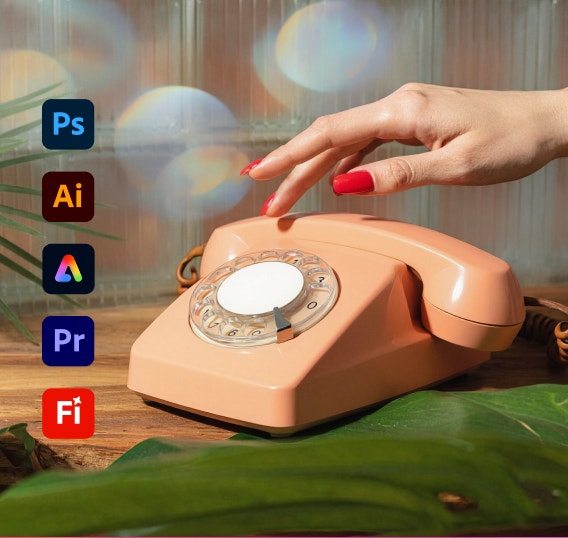
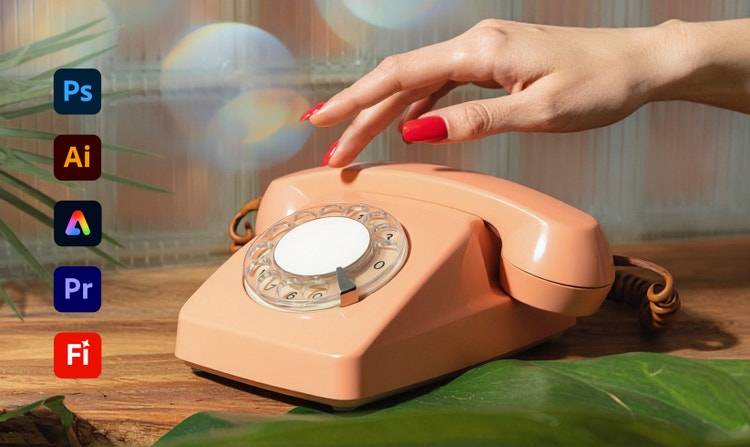
Seamlessly import your work into industry-leading creative apps like Adobe Photoshop, Illustrator and After Effects.
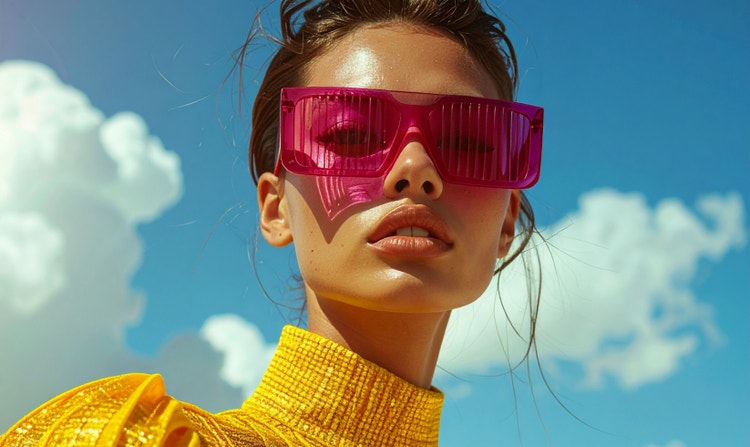
Commercially safe.
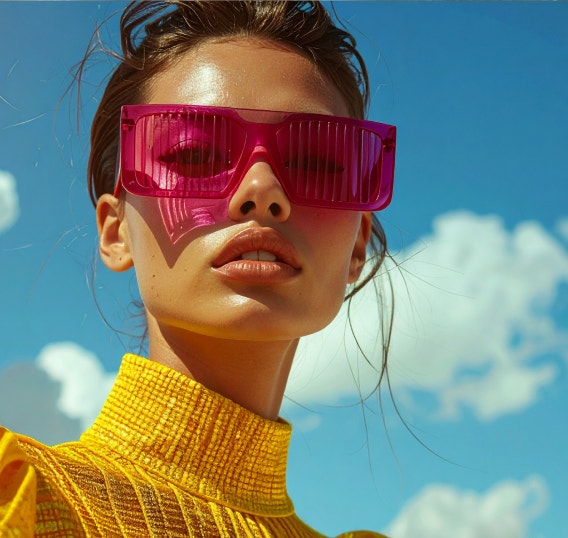
Firefly models are trained on licensed content and public-domain data, so you can confidently use sketch-to-image generation in commercial projects.
See what you can do in Firefly.


Discover even more features.
Questions? We have answers.
What is an AI sketch-to-image generator?
How do AI sketch-to-image generators work?
What types of sketches can I convert to images?
Can I customise the images generated by the Firefly AI sketch-to-image generator?
What is the best sketch-to-image generator?
Which tools allow me to use multiple AI models for sketch generation?
Can I turn a sketch into an image for free?
What are the technical requirements for using the sketch-to-image generator in Adobe Firefly?
What formats and resolutions are available for download?
Share this page
Explore more Firefly tools.
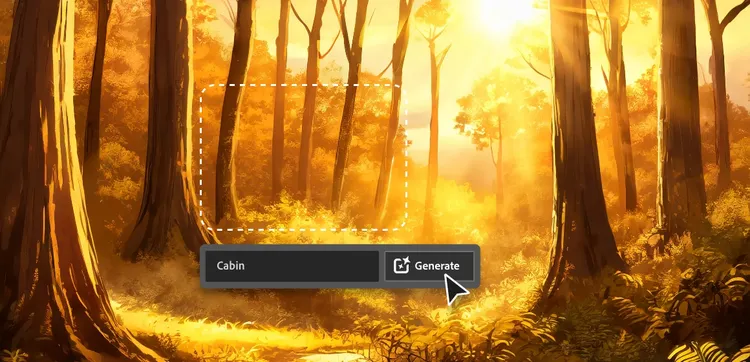
AI for graphic designers.
Learn about the AI tools available to graphic designers and how they can help you be more productive and take your work in surprising directions.

Turn words into artwork using Adobe Firefly as an AI painting generator.
You don’t need paint or hours of spare time to make a frame-worthy work of art, just an idea and the power of generative AI.
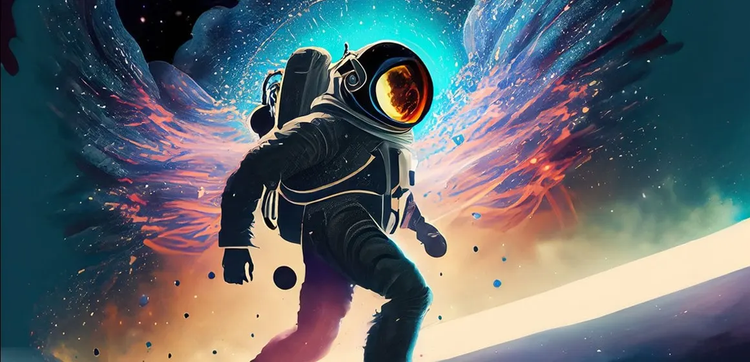
Generative AI is changing creative work.
Generative AI can mimic — but not replace — human intelligence. Learn how it can help you to take your creativity to new places.
Learn more | Learn more - Generative AI is changing creative work
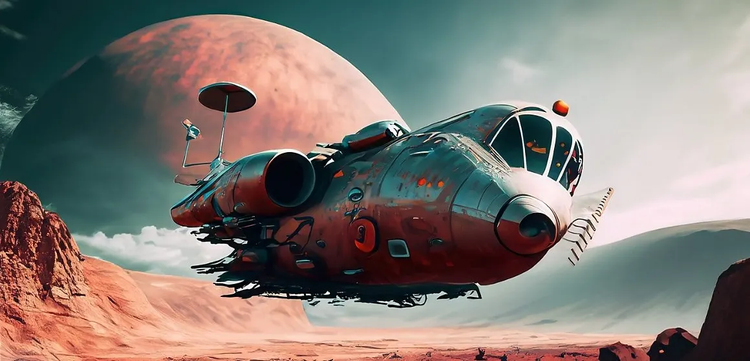
How to write AI art prompts that get results.
The best prompts for AI aren't always obvious. These tips get you to your destination in record time.
Learn more | Learn more - How to write AI art prompts that get results