https://main--cc--adobecom.aem.live/cc-shared/assets/img/firefly.svg Adobe Firefly

Create customised AI workflows with Firefly Graph.
Connect your ideas, AI models and Adobe apps like Photoshop to build precise, repeatable creative workflows. With Firefly Graph, you can create at scale with more speed and control. Watch video.

https://main--cc--adobecom.aem.live/cc-shared/assets/img/product-icons/svg/firefly-80.svg
Adobe Firefly
The next evolution of creative AI is here for all your ideas, with image, video, audio and vector tools.
https://main--cc--adobecom.aem.live/cc-shared/assets/img/product-icons/svg/firefly-80.svg
Adobe Firefly
The next evolution of creative AI is here for all your ideas, with image, video, audio and vector tools.
Go from concept to production faster.
Make connections between single creative actions or nodes and build workflows you can reuse and share.
Need solutions for medium or large businesses? Learn more about Firefly Custom Models for enterprise.
Iterate with integrated tools.
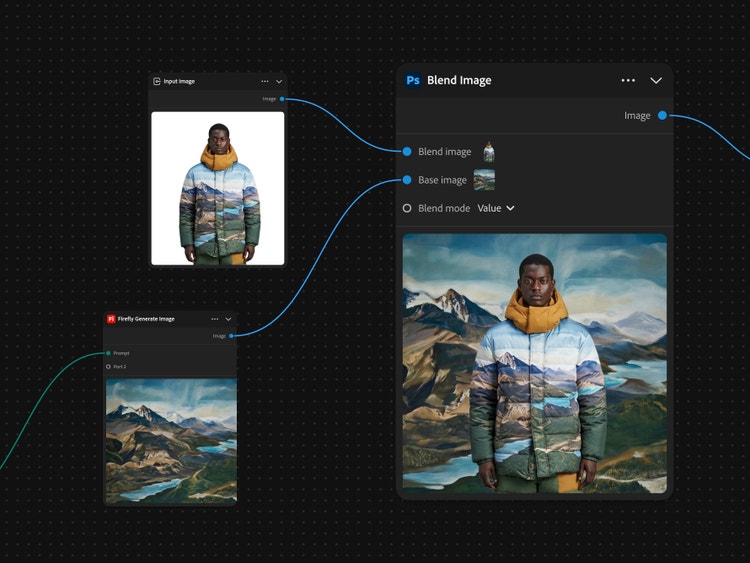
The Adobe creative tools you already use and trust are available in Firefly Graph, so you can use them to create repeatable production processes without switching apps.
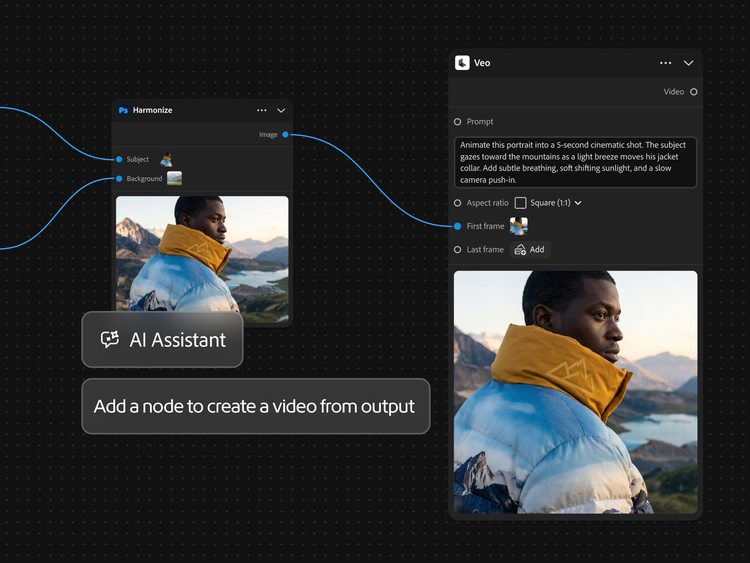
Build your workflow with an AI Assistant.
Setting up complex node graphs doesn’t require starting from a blank canvas. You can build and optimise workflows using natural language with an integrated AI Assistant.
Create with the best model for every job.
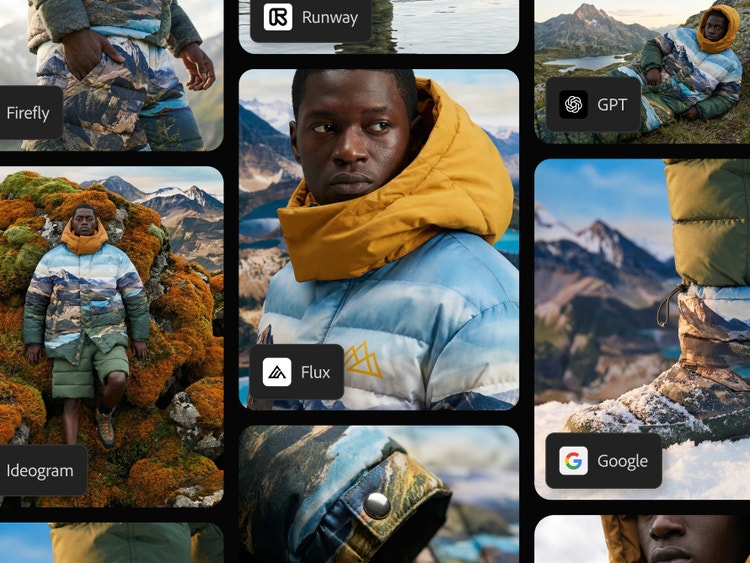
Work with AI models from Google, OpenAI, Adobe Firefly and more. Instead of prompting each model separately, set up nodes for multiple models and compare several outputs simultaneously on a single canvas.
How to create workflows in Firefly Graph.
Step 1
Open Firefly Graph.
Step 2
Start with a node.
Step 3
Connect your steps.
Step 4
Run your workflow.
Step 5
Refine and reuse.
- How to use Firefly Graph.
- Steps on how to use Firefly Graph
- PT5M
- firefly

Seamless Creative Cloud integration
Instead of moving files manually between separate Adobe tools, you can connect generation, selection, masking, editing and compositing steps on one canvas.
Multiple AI models
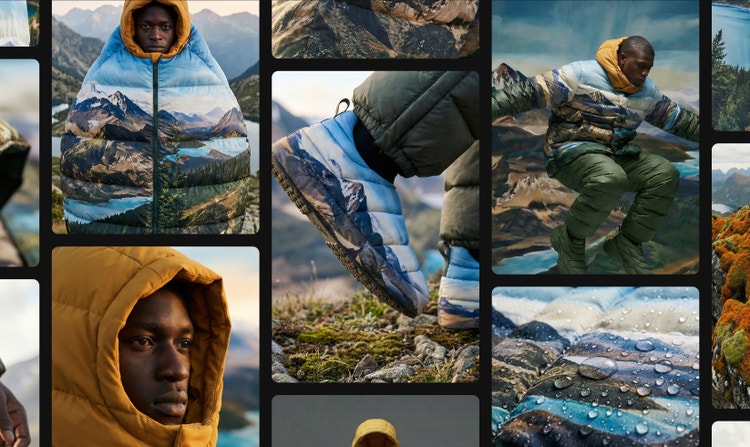
Access leading image and video models in one place. Compare outputs side by side and refine results faster.

Video and 3D capabilities
Turn stills into video and extend footage with Adobe Firefly or partner AI models without losing subject continuity.

Starter workflows
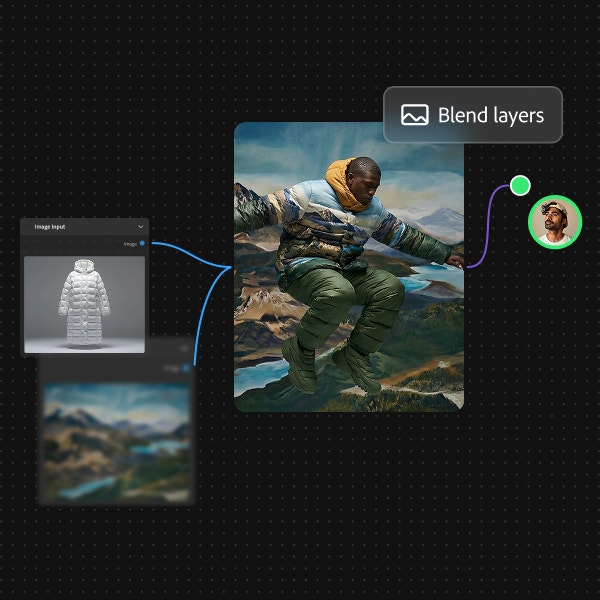
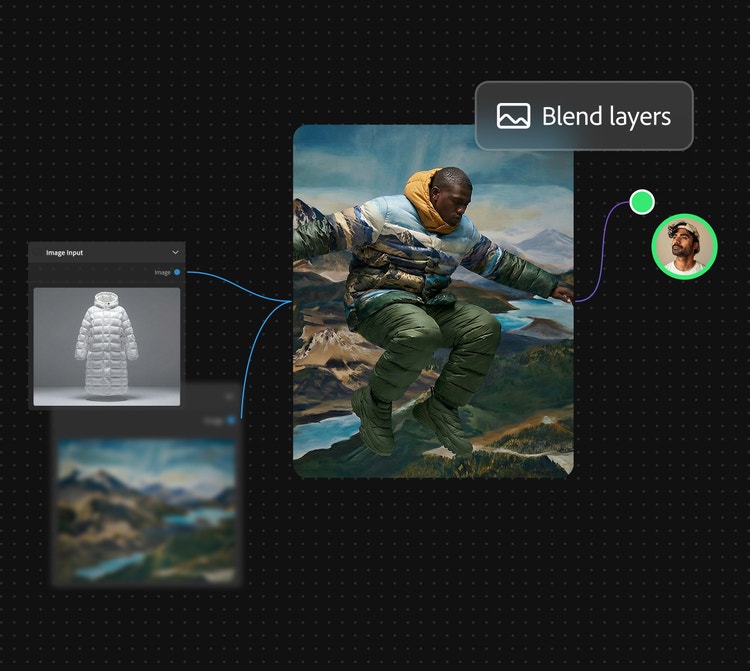
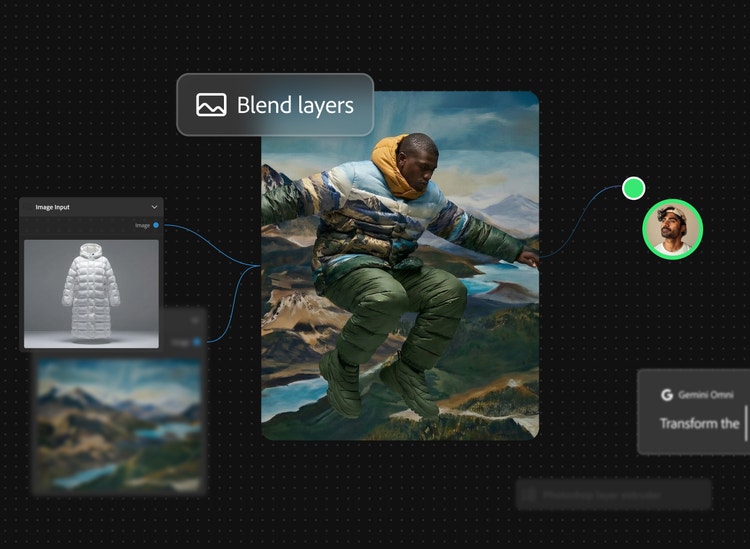
You don’t have to build your workflow from scratch. Get started with the AI Assistant or pre-built workflows for building storyboards, visualising branding, blending layers and more.