https://main--cc--adobecom.aem.live/cc-shared/assets/img/firefly.svg https://main--cc--adobecom.aem.live/cc-shared/assets/img/ff-lockup-f4.svg | Adobe Firefly
Free AI portrait generator: Create stunning likenesses.
Turn photos or text into realistic digital portraits with Adobe Firefly.
Or tap here
File must be JPEG (JPG), PNG or WEBP and up to 100 MB.
By uploading your image, you agree to the Adobe Terms of Use and Privacy Policy and confirm you are 18 years of age or older.
Or tap here
File must be JPEG (JPG), PNG or WEBP and up to 100 MB.
By uploading your image, you agree to the Adobe Terms of Use and Privacy Policy and confirm you are 18 years of age or older.
Or drag and drop here
File must be JPEG (JPG), PNG or WEBP and up to 100 MB.
By uploading your image, you agree to the Adobe Terms of Use and Privacy Policy and confirm you are 18 years of age or older.
- File size larger than 100 MB
- Unable to process the request
- We are unable to process this file type. Please try again.
- Only one file can be uploaded at a time.
- Image is smaller than the minimum dimensions (512 x 512 pixels). Please resize and try again.
{{Adobe Firefly}}
https://www.adobe.com/cc-shared/assets/img/product-icons/svg/firefly-appicon-64-new.svg
{{Adobe Firefly}}
Use everyday language to create extraordinary results with generative AI.
https://www.adobe.com/cc-shared/assets/img/product-icons/svg/firefly-appicon-64-new.svg
{{Adobe Firefly}}
Use everyday language to create extraordinary results with generative AI.
Bring your photos to life with an AI portrait generator.
The Adobe Firefly AI portrait generator lets you create professional-quality portraits from text prompts or images. Whether you’re designing a polished headshot, generating a social media avatar or transforming a photo into customised artwork, Firefly makes it easy to create portraits that match your vision.
Go from prompt to portrait with Firefly.
Use the Text to Image feature in the Firefly web app as an AI portrait generator for free. Upload an image and transform it into an artistic take on the original or simply describe a portrait in order to generate an image of a person you imagine. Whether you're designing characters, refreshing your profile pic, or experimenting with creative styles, Firefly makes portrait generation quick, creative and fun.
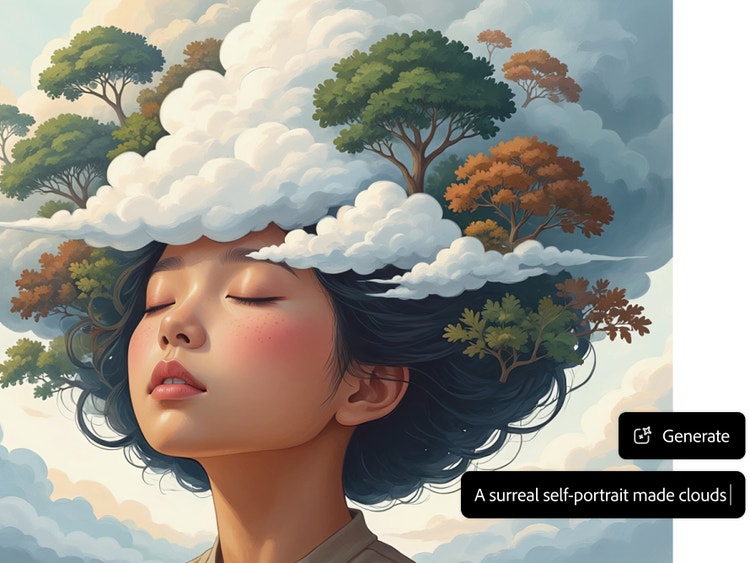
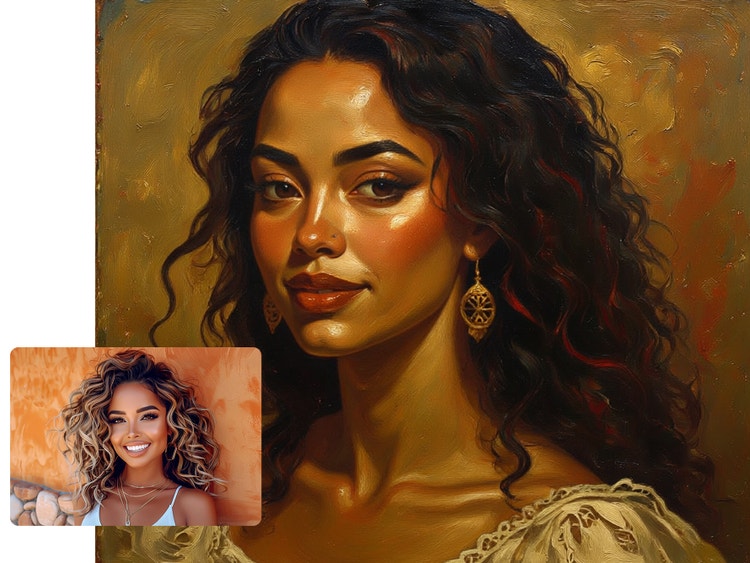
Use an image or just your words.
Upload a photo as a Reference Image, adjust your settings and write a prompt to guide the artistic adaptation. Something as simple as “turn photo into oil painting” can produce compelling results. To create a portrait of an imaginary person, describe the image you want to generate, such as “portrait of a woman with long brown hair smiling”. This flexibility makes Firefly one of the best AI portrait generators from photo or text, catering to both casual and advanced users.
Customise your portrait.
Select an effect like Anime or Linocut from the Effects section to add artistic flair to your portrait. You can also customise the angle, lighting, colour and tone in your settings. Use highly detailed descriptions, particularly if you are creating an image only from a prompt. From moody oil paintings to bright cartoon styles, this AI portrait generator gives you full control over how your portrait looks.
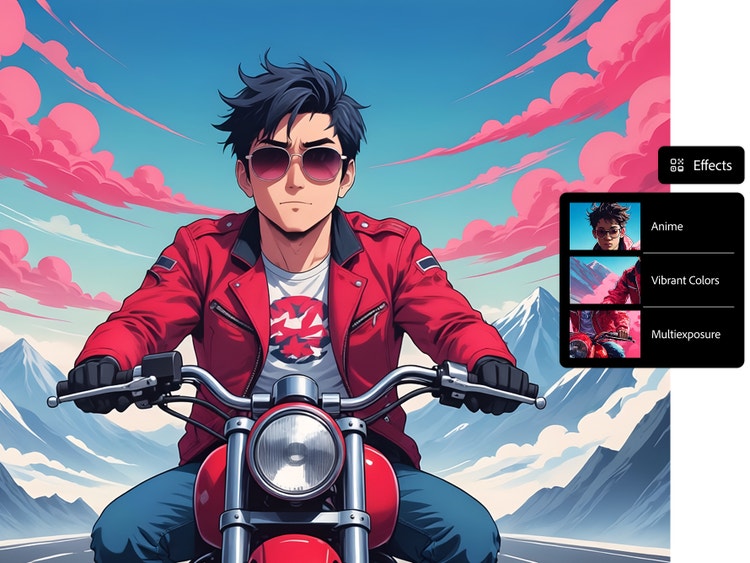
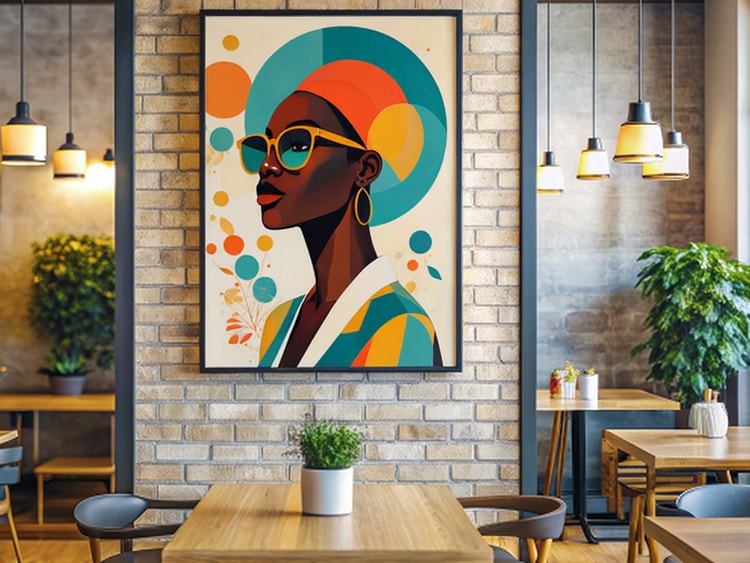
Use your portraits anywhere.
Use adapted photo portraits for profile images, as social media avatars, to create unique gifts for friends and beyond. Portraits of imagined people are ideal for mocking up ideas for games, books, website designs and more or simply as digital artworks. With Firefly’s free AI portrait generator, you can bring both real and fictional characters to life and reuse your images across any creative project.
Create and adapt portraits safely.
Firefly is guided by Adobe AI ethics principles, which prioritise accountability, responsibility and transparency in AI-powered image generation. Firefly models are designed to support brand-safe creation, helping you to generate and share AI portraits responsibly across personal, professional and commercial projects.
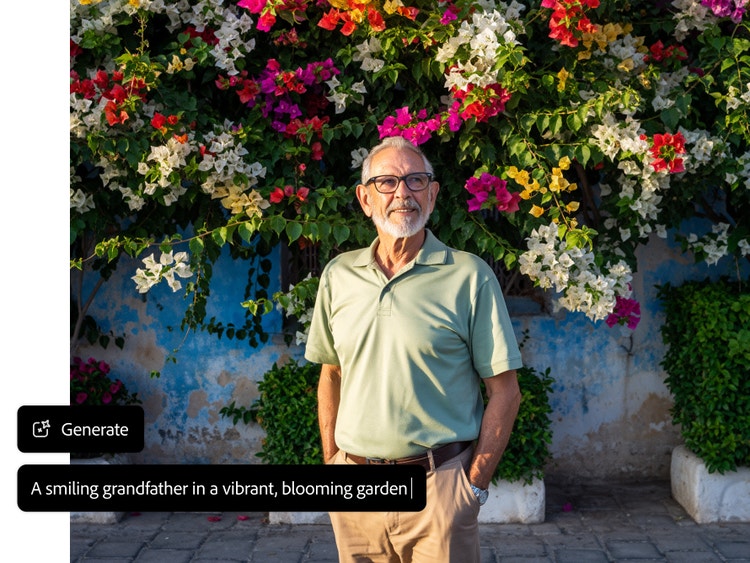
How to create portraits with the AI art generator.
Step 1
Log in to Firefly.
Go to the Image section of the web app and select Edit Image.
No installation required, just log in and start creating portraits online for free.
Step 2
Upload an image or use text alone.
Step 3
Adjust your settings.
Step 4
Generate your image.
Click Generate in the prompt bar to see your image results.
Your AI-generated portrait will appear in seconds, ready for download or fine-tuning.
Step 5
Download, share and keep editing.
Click the downward arrow button to download your image, click the upward arrow to share your portrait to the Firefly gallery or click the pencil icon to continue editing your image with AI tools, like Generative Fill.
All AI portraits can be saved as JPEG or PNG and used across personal or commercial projects.
Steps on how to create portraits with the AI art generator.
PT5M
firefly
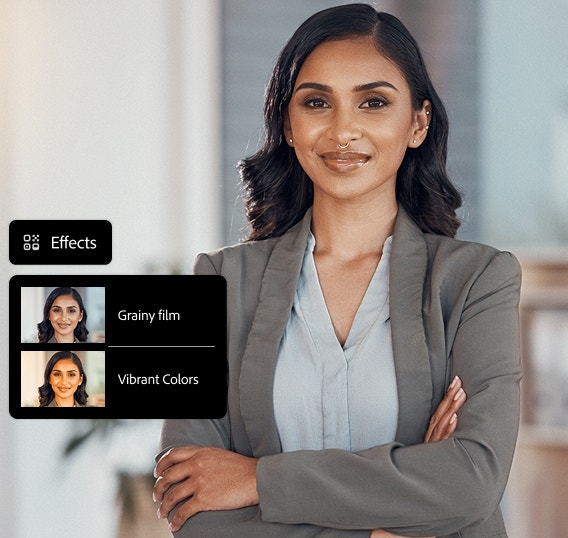
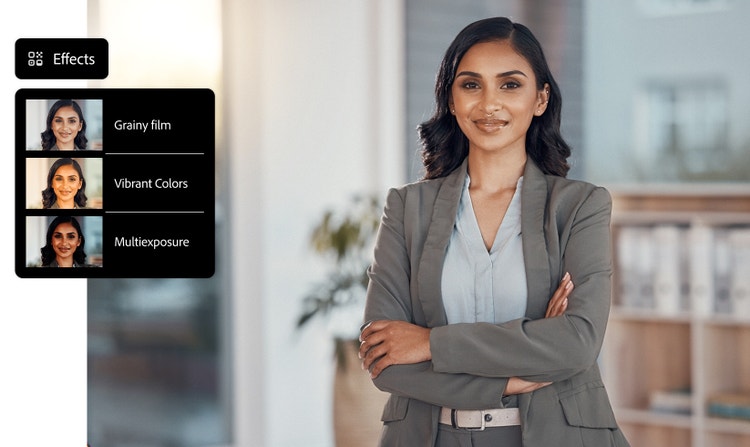
Complete creative control
Refine every detail of your portrait with text prompts, reference photo uploads and intuitive settings and effects.
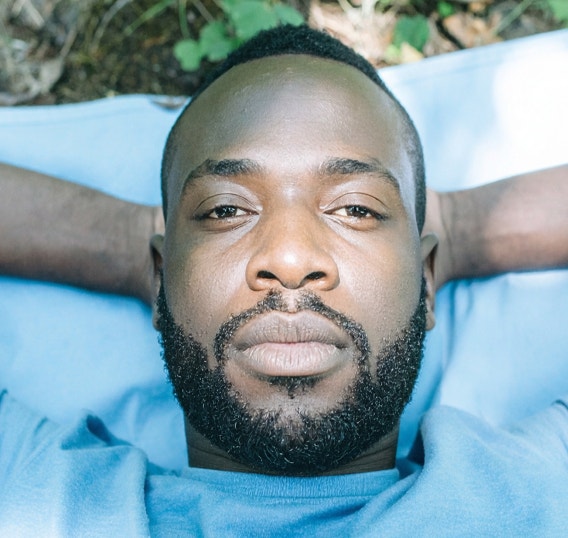
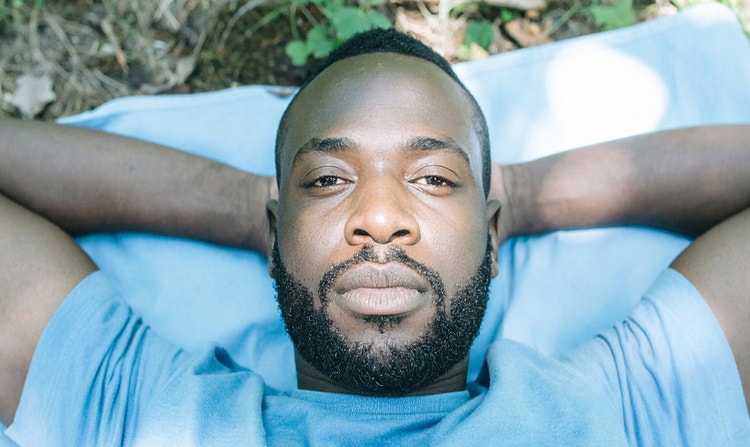
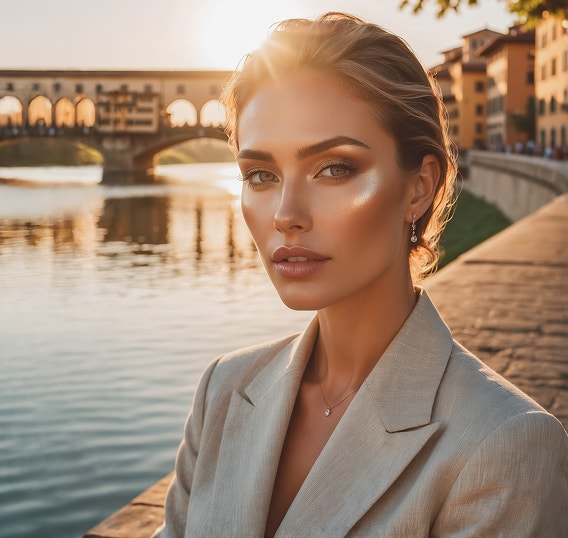
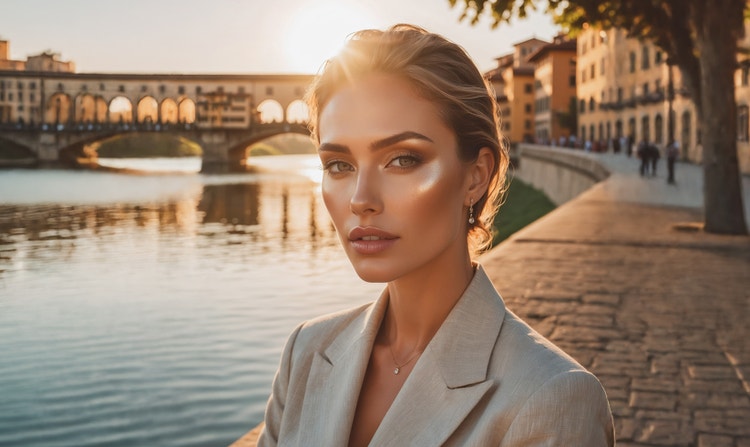
Photorealistic results
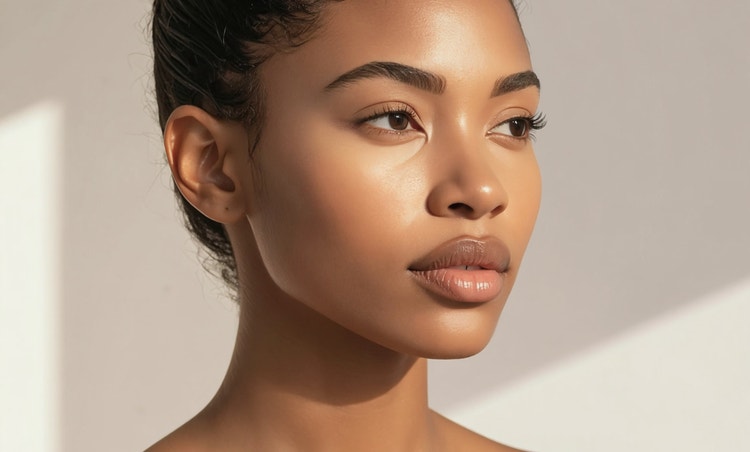
Create detailed portraits and headshots with natural lighting, texture and depth.
Commercially safe
Content generated with Firefly models is commercially safe, so designs can be used confidently for professional, client-facing or creative projects.

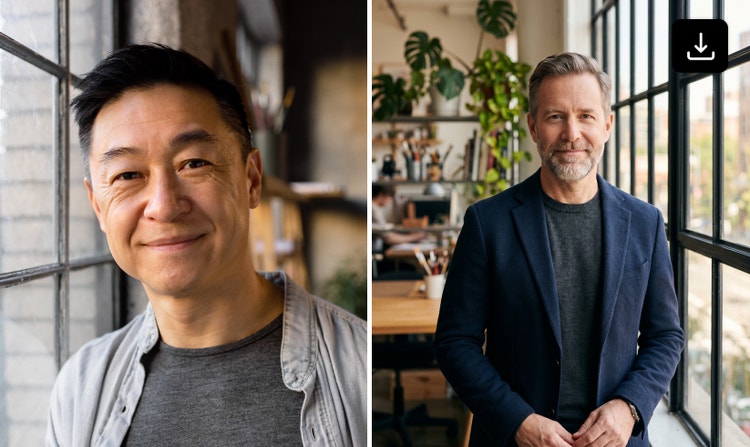
Multi image generation model experimentation
Generate variations on your portraits using different models and compare the outputs side-by-side. Refine results without restarting or switching tools and test ideas and visual styles quickly and efficiently.
See what you can do in Firefly.



Discover even more features.
Questions? We have answers.
How can I generate a portrait using AI?
What styles can I choose from when creating an AI portrait?
Can I use the portraits I generate for commercial purposes?
Is my photo or personal data stored or shared?
What formats and resolutions are available for download?
What AI models does Adobe Firefly support for generating portraits?
How can I write a good prompt for generating AI portraits?
Start by clearly defining your subject, including their action, emotion and overall mood. Next, describe the art form — such as photography, oil painting or illustration — and specify the composition, including framing and camera angle. Finally, refine the portrait’s realism and atmosphere by calling out lighting details, like golden hour or studio lighting, along with a clear colour scheme. By giving AI tools these specific instructions, you enable it to generate a precise, high-quality photo that closely matches your creative vision.
When using Adobe Firefly Image 4 or Adobe Firefly Image 4 Ultra to generate images, you can turn on the Enhance Prompt feature to improve your prompts automatically. This feature refines your prompt in the background by making it more detailed and descriptive, which contributes to generating richer and more diverse images.
Is the Adobe Firefly AI portrait generator free to use?
What browser and devices are compatible with Adobe Firefly?
What is the best AI portrait generator?
What is the difference between a portrait, headshot and avatar?
Share this page
Explore more Firefly tools.
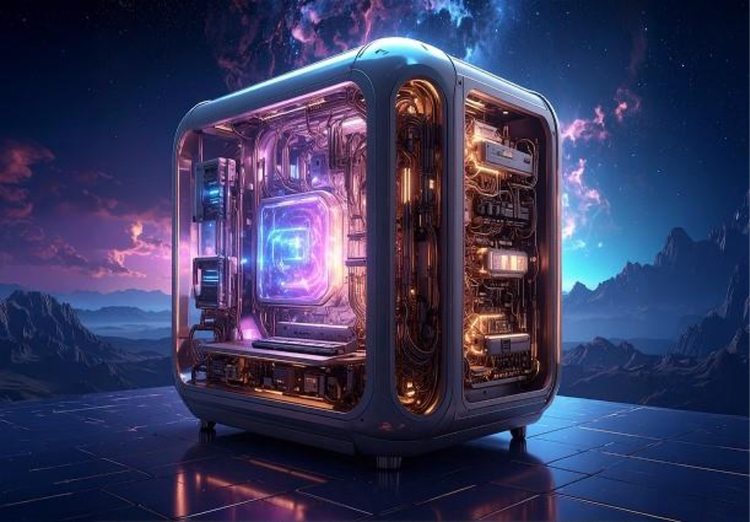
How generative AI works: From training to output.
Generative AI is all over the headlines and that’s not empty hype. This new technology is likely to be part of your life soon — if it’s not already. Learn how generative AI works and start streamlining your workflow.
Learn how | Learn how - How generative AI works: From training to output
What are the benefits of generative AI for creatives?
New generative AI tools are quickly changing how we work and create. Learn how you can use them to boost productivity and discover new possibilities while maintaining creative control.
Learn more | Learn more - What are the benefits of generative AI for creatives
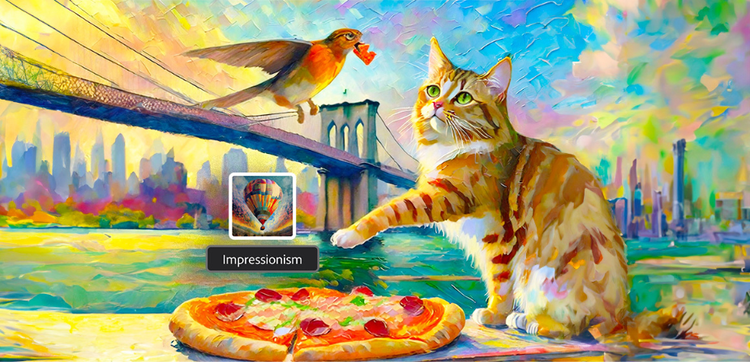
Explore art styles for AI prompts.
Surrealism, Cubism, Impressionism — find out how to create images in these and other art styles with generative AI.
Create with Google Gemini 3.
Unlock next-level creative power with Gemini 3 (with Nano Banana Pro) integrated in the Firefly app and Photoshop. Now it’s easier than ever to produce stunning visuals, streamline workflows and bring your ideas to life faster.