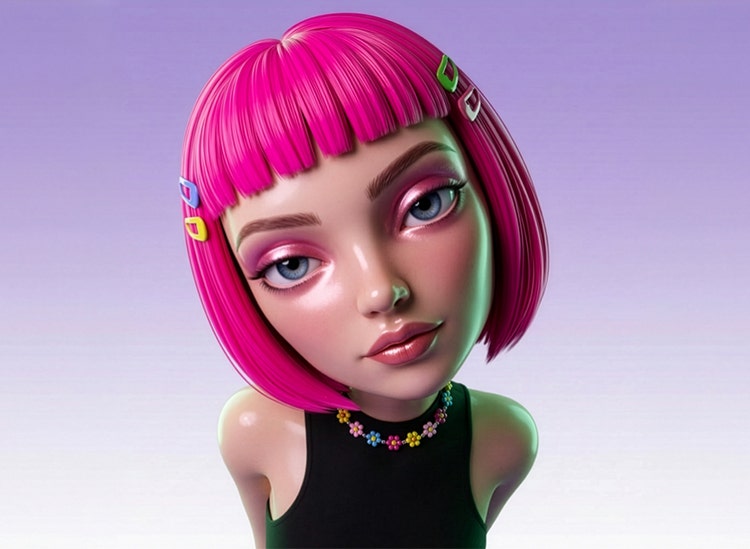



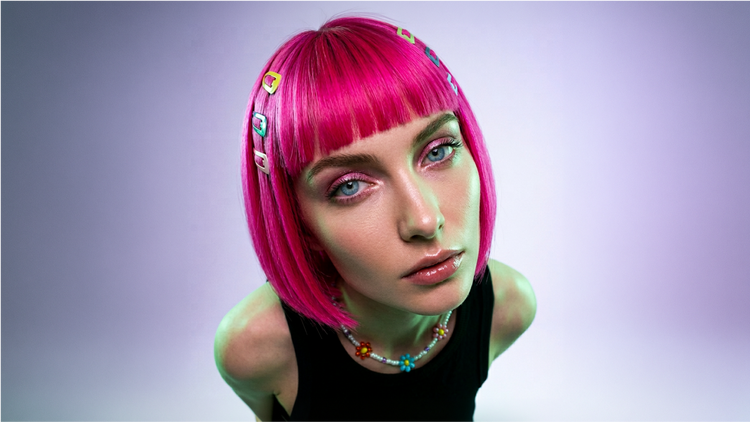

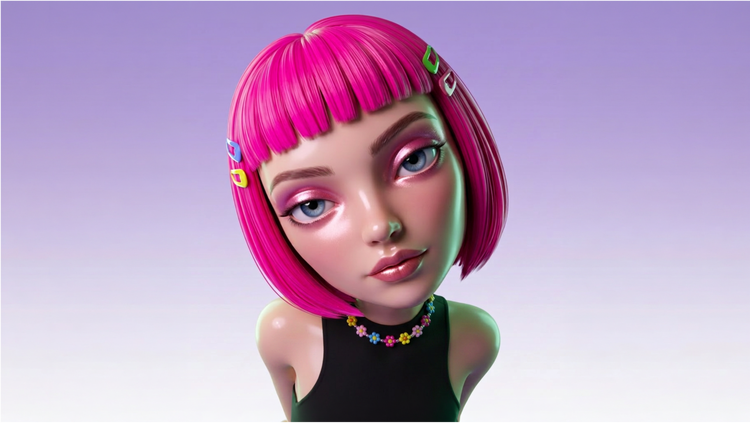

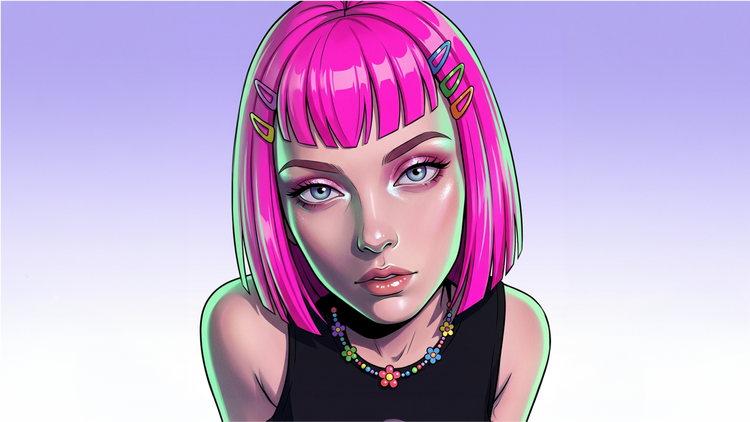




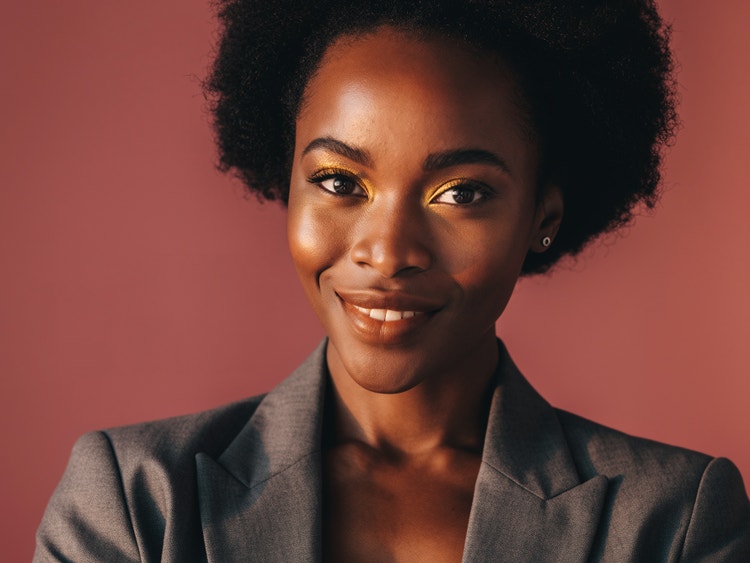



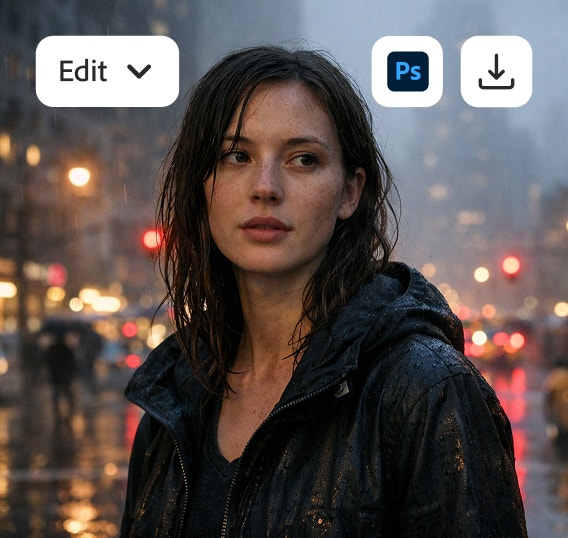
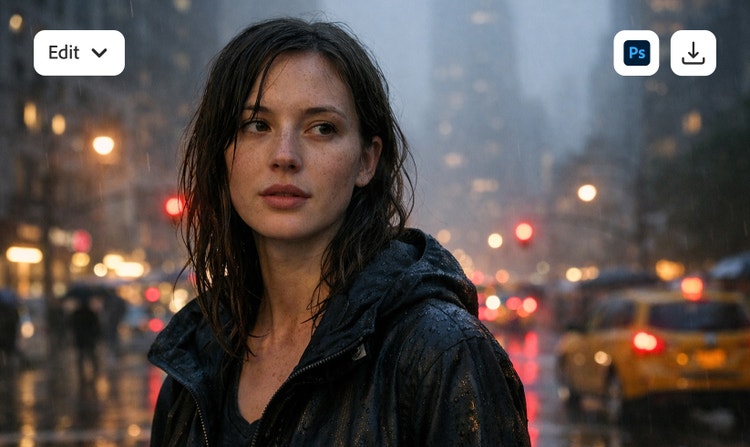

Create realistic human faces with the AI face generator.
Create realistic faces with personalities, expressions, and features for any project with the AI face generator. Just describe facial characteristics with a simple text to image prompt and generate a face in just a few clicks.
Realistic AI-generated faces with personality.
Create lifelike human faces in seconds with the AI face generator free from Adobe Firefly. Whether you need realistic avatars, digital spokespersons, or models for marketing, education, or creative projects, Firefly makes it easy to generate unique, high-quality faces at scale. Reiterate, remix, and explore styles to match your creative vision with faces that feel expressive and natural.
https://main--cc--adobecom.aem.page/cc-shared/assets/img/product-icons/svg/firefly-80.svg
Adobe Firefly
https://main--cc--adobecom.aem.page/cc-shared/assets/img/product-icons/svg/firefly-80.svg
Adobe Firefly
Use everyday language to create extraordinary results with generative AI.
Quickly generate human faces from text.
With Adobe Firefly, you can create AI faces simply by typing what you want. Describe features like “a confident businesswoman with curly hair and warm lighting” or “a friendly barista smiling at a customer,” and Firefly text to image AI can help you generate realistic faces anytime inspiration strikes. Easily experiment with styles and expressions to explore creative directions before refining your visuals with Adobe Photoshop or other design tools.

Lifelike features and expressions at your fingertips.
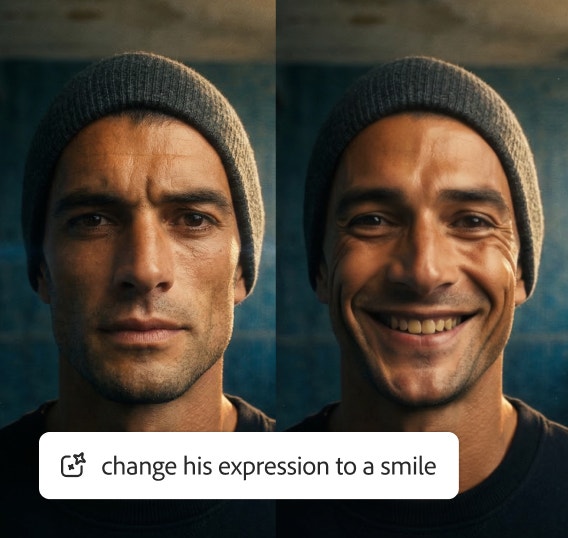
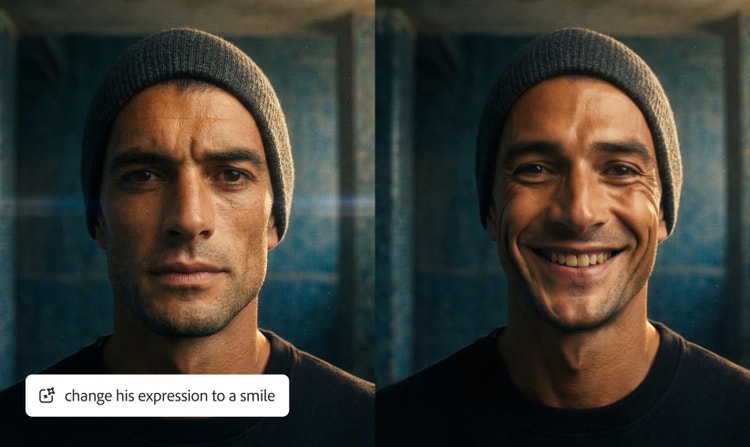
From subtle smiles to bold character portraits, Adobe Firefly gives you the freedom to create AI faces with a range of features or emotions. Adjust age, hairstyle, lighting, or mood to match your project — whether it’s a confident CEO, an excited gamer, or a reflective artist lost in thought. Customize every detail to generate distinctive, expressive faces that feel true to your story and purpose.
Create faces for avatars, ads, and more.
Use AI-generated realistic human faces anywhere you need an engaging character or personality. The AI portrait generator makes it easy to produce one-of-a-kind visuals for a variety of creative and professional projects, from concept art to brand storytelling.
Use AI-generated faces for:
- Digital avatars and profile images
- Marketing campaigns and branded content
- Game characters and NPC design
- Advertising and product demos
- Illustrations, concept art, and portraits
- Educational or training materials
Protect privacy with AI-generated faces.
Protect individual privacy and illustrate sensitive stories or global campaigns without putting real people at risk with AI-generated faces made with Adobe Firefly. AI-generated faces can help protect privacy in projects where showing a real person could reveal their identity or sensitive information.
Build connection with a realistic AI face generator.
With Adobe Firefly, you can create realistic AI-generated faces and AI avatars that bring warmth, clarity, and context to your content — whether for e-learning, product tutorials, or digital environments. Used transparently and responsibly, generative AI faces can help illustrate ideas, guide users, and make visual storytelling more immersive without relying on identifiable real people. It’s a practical way to build human-like engagement while keeping privacy and creative control at the forefront.
AI-generated faces safe for commercial use.
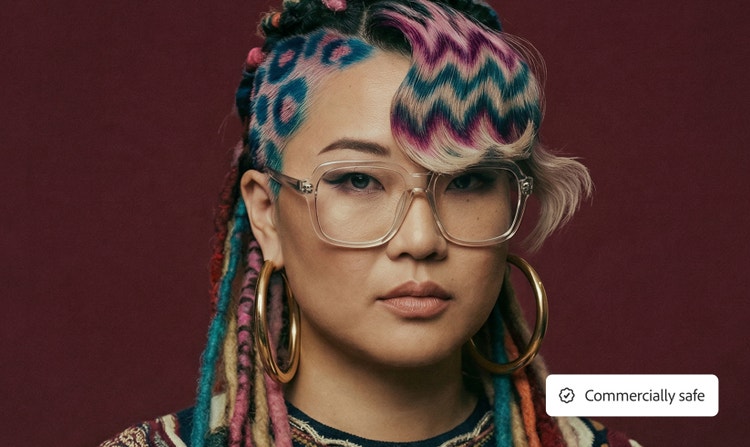
You can publish and promote your commercial work with confidence when using Adobe Firefly to generate AI faces. Firefly models are trained on Adobe Stock images, openly licensed content, and public domain data — never on unlicensed or private material. Each generated face is safe for use in marketing, product packaging, advertising, and other commercial projects.
How to generate AI faces with Firefly.
Bring your ideas to life with realistic AI-generated faces in minutes. The online AI face generator from Adobe Firefly makes it easy to design lifelike human faces for any project — whether you’re building a digital avatar, visualizing a character, or creating marketing assets.
Start with a simple text to image prompt, and Firefly will transform your ideas into expressive, high-quality faces ready to use in your creative projects.
- Open Firefly and select the Text to Image tool.
Open Adobe Firefly and choose the Generate Image feature. It’s designed to make creating lifelike visuals quick and intuitive. - Describe a face with text or upload a style reference.
Use a simple prompt like “a confident young engineer using a laptop in a modern office” or “a regal fantasy character with silver hair and green eyes,” and Firefly will create AI faces that match your vision. - Adjust the settings to customize your AI face.
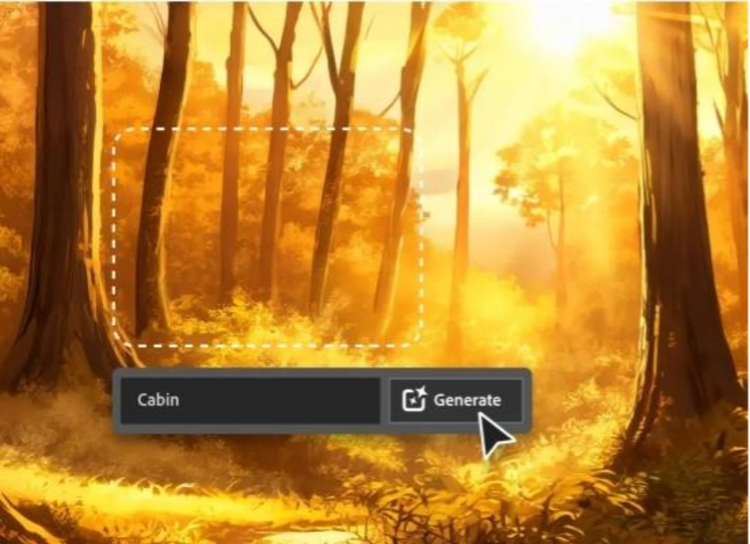
Fine-tune details like lighting, expression, and background until your design looks just right. - Click ‘Generate’ to see the results.
Firefly text to image AI can generate high-quality, realistic AI-generated faces in seconds. Generate multiple options to explore different looks or creative directions. - Refine and download your realistic AI-generated face.
Edit, regenerate, or upscale your favorite results, then download the images for your next campaign, illustration, or design project. Firefly AI makes it easy to go from idea to visuals in minutes.
AI face generator FAQs.
What does an AI face look like?
Can I create realistic AI-generated faces?
How does an AI face generator work?
How do I customize expressions or features on AI faces?
Can AI face generators be used for commercial purposes?
Is the Adobe Firefly AI face generator free to use?
Is it legal to use AI-generated faces online?
Can I generate faces for commercial projects?
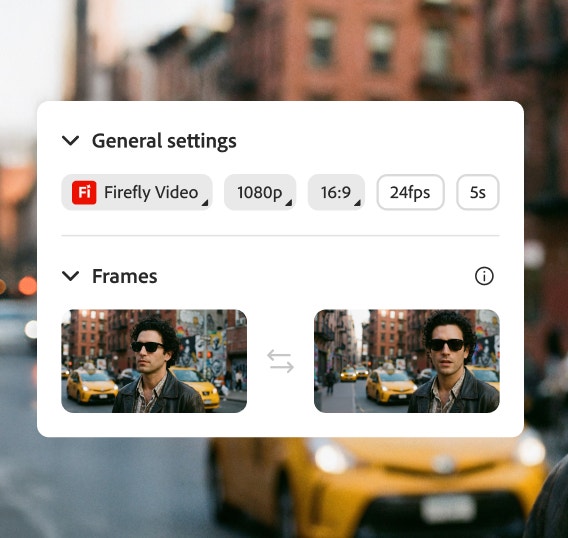
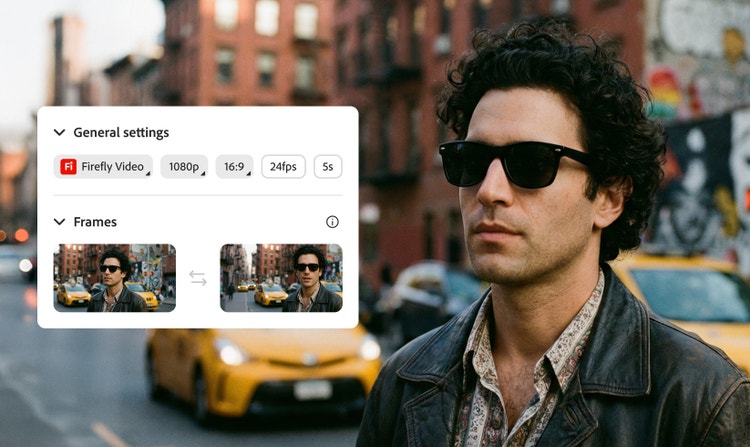
Can I turn my AI-generated face into a video avatar?
What file format can I export faces in?
Learn more about generative AI.
Adobe Firefly vs. DALL·E 3
Brainstorm at lightning speed and turn your dreams into amazing AI creations with Firefly.
Firefly vs Nightcafe Comparison
Find out how you can turn your ideas into images — and your pretty good images into great ones — with the latest in generative AI.
How generative AI is changing creative work
Generative AI can mimic — but not replace — human intelligence. Learn how it can help you take your creativity to new places.
Learn more | Learn more - How generative AI is changing creative work
AI for graphic designers: 3 major benefits
Learn about the AI tools available to graphic designers and how they can help you be more productive and take your work in surprising directions.
Learn more | Learn more - AI for graphic designers: 3 major benefits