FAQs about AI image prompt examples.
What are AI image prompt examples used for?
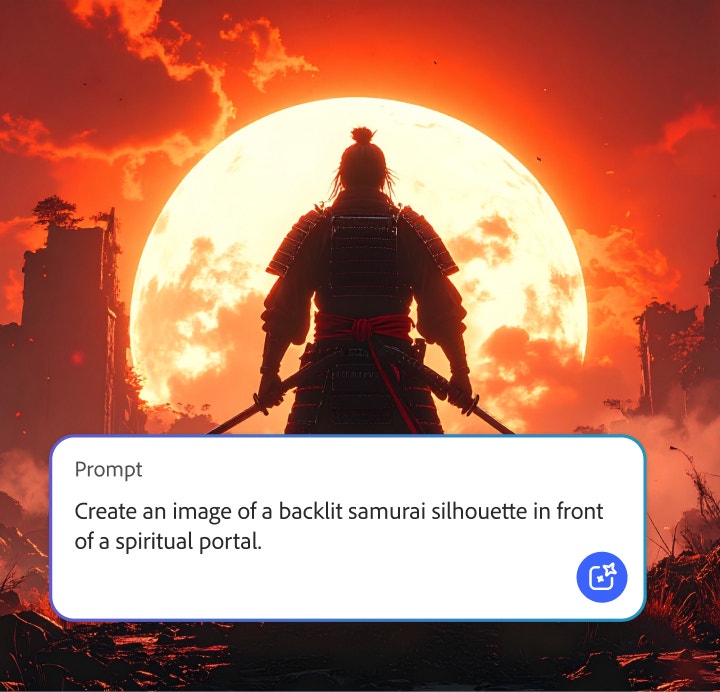
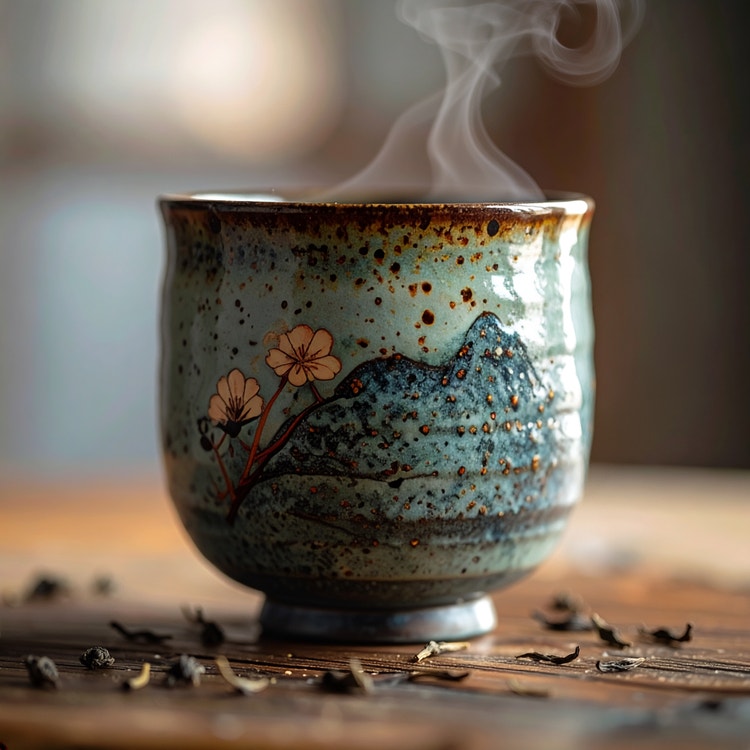
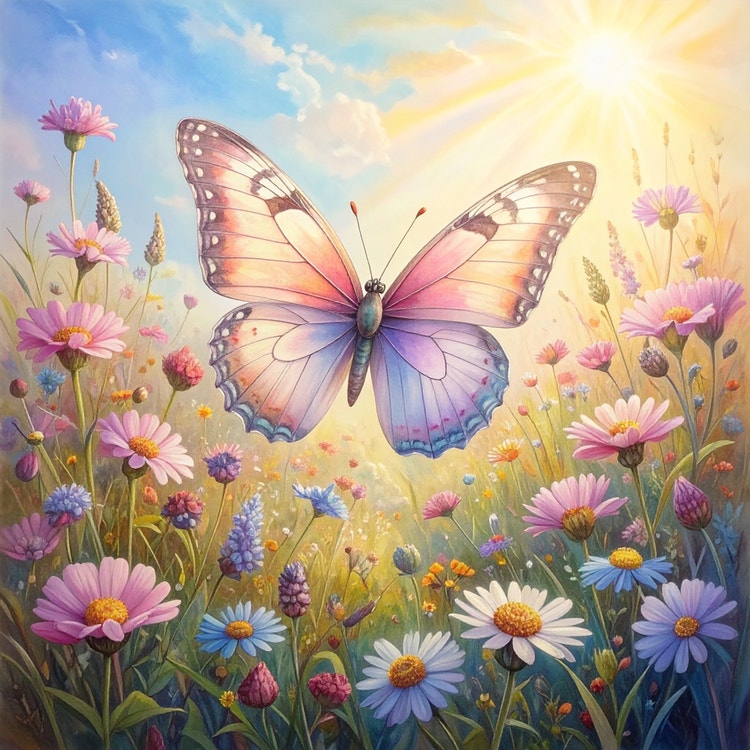
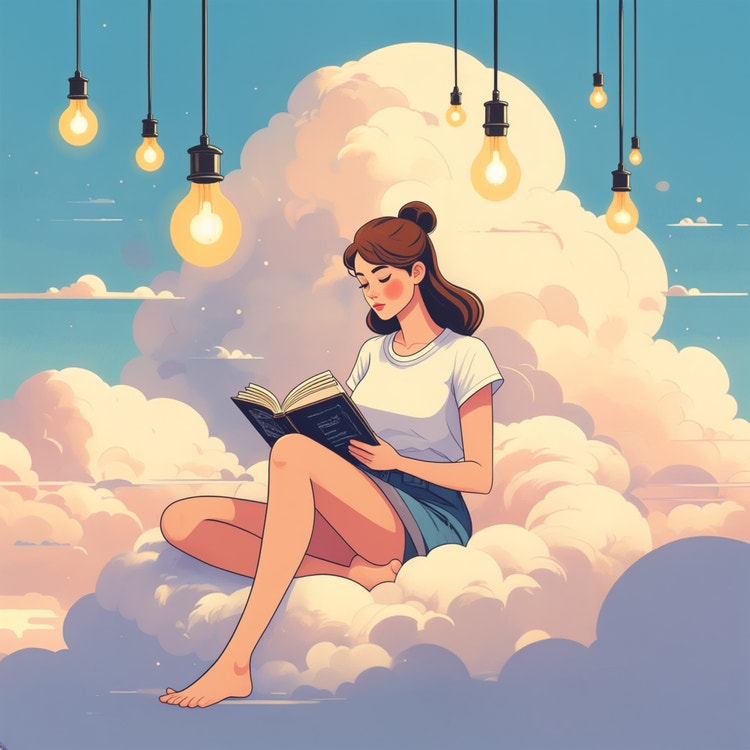
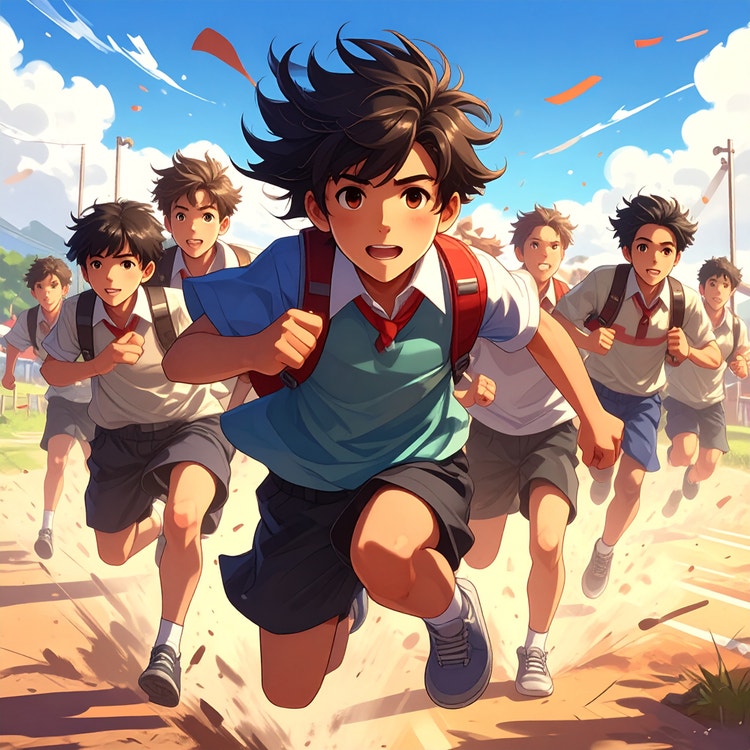
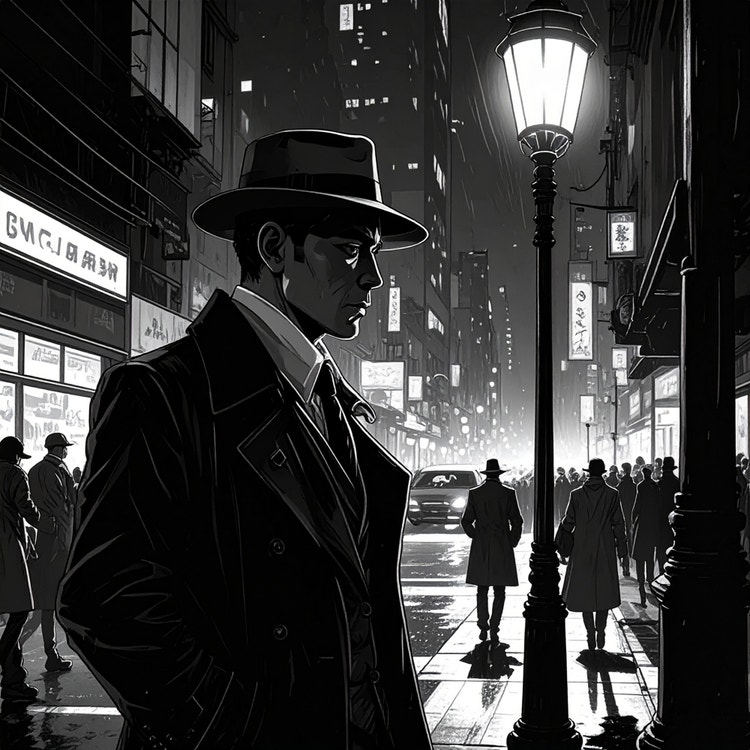
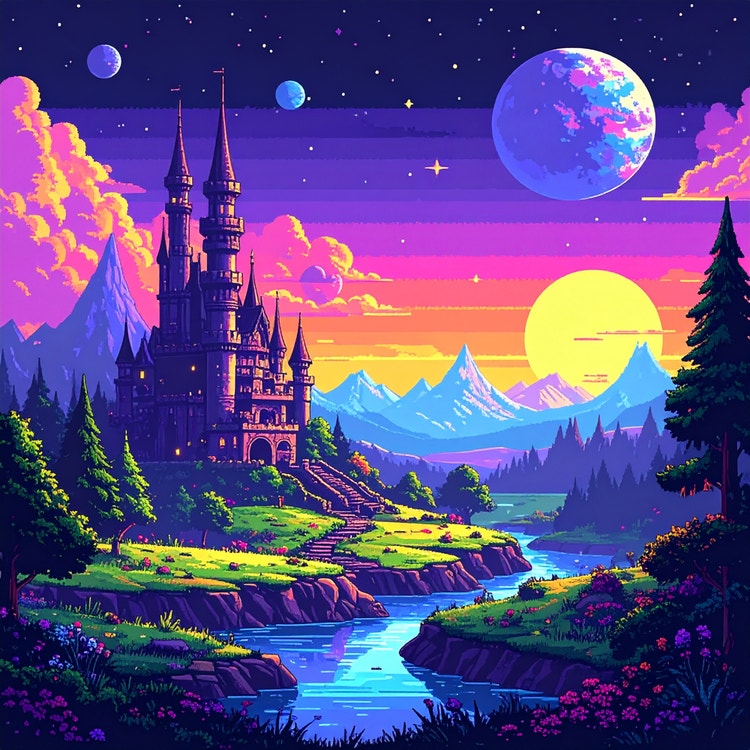
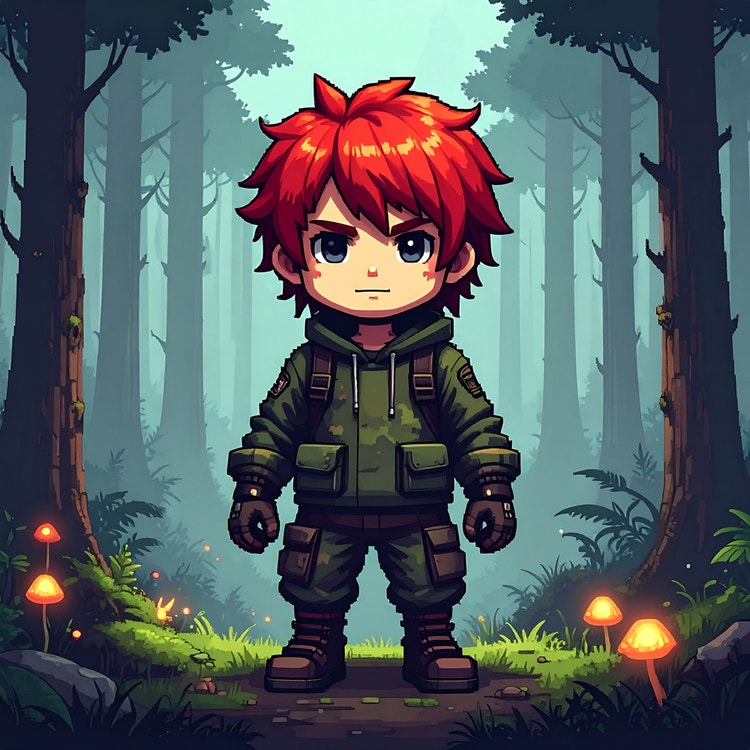
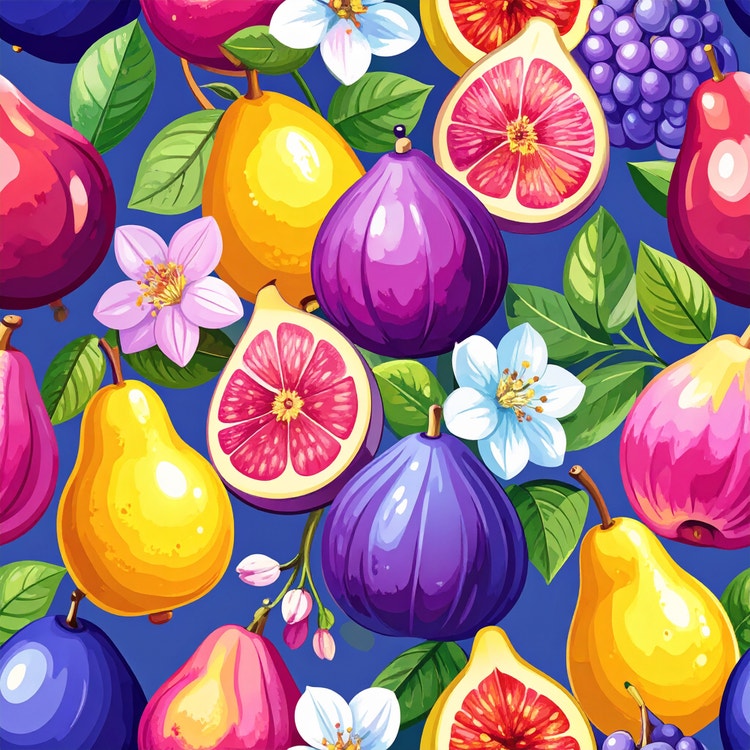
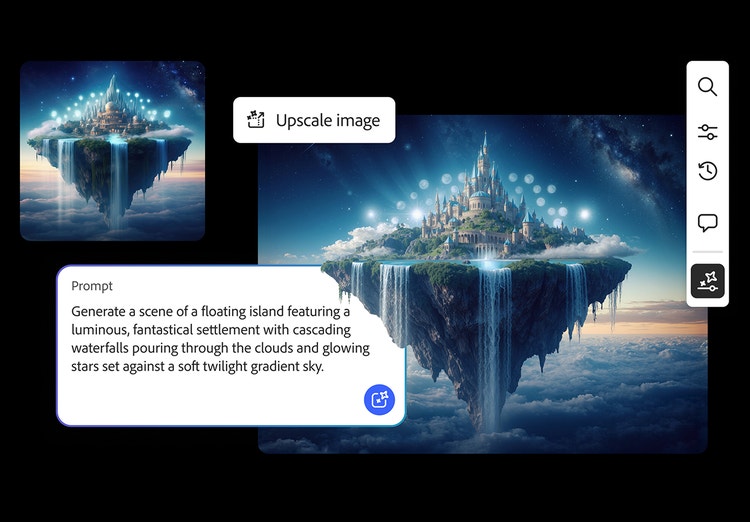
AI image prompt examples show how specific text descriptions generate different visual styles and outputs. They help you to understand what language, terminology and details work best for creating photorealistic images, illustrations, designs, 3D renders and experimental art. By studying prompt examples, you can learn how to craft your own effective prompts for any creative project.
Can I change the AI generated image prompt examples for my project?
The prompt examples throughout this guide are starting points you can customise. Swap style references, adjust colours and lighting, change subjects and settings or modify compositional details to match your specific vision. Experimenting with variations helps you to discover what works best for your needs.
How many variations and examples of AI image prompts should I try?
Start with three to five variations of a prompt to explore different approaches. Adjust one element at a time — like changing lighting from "golden hour" to "overcast" or switching style from "photorealistic" to "illustrated" — to see how each change impacts results. More complex projects benefit from broader exploration across 10-15 variations.
What is an example of a strong AI image prompt template?
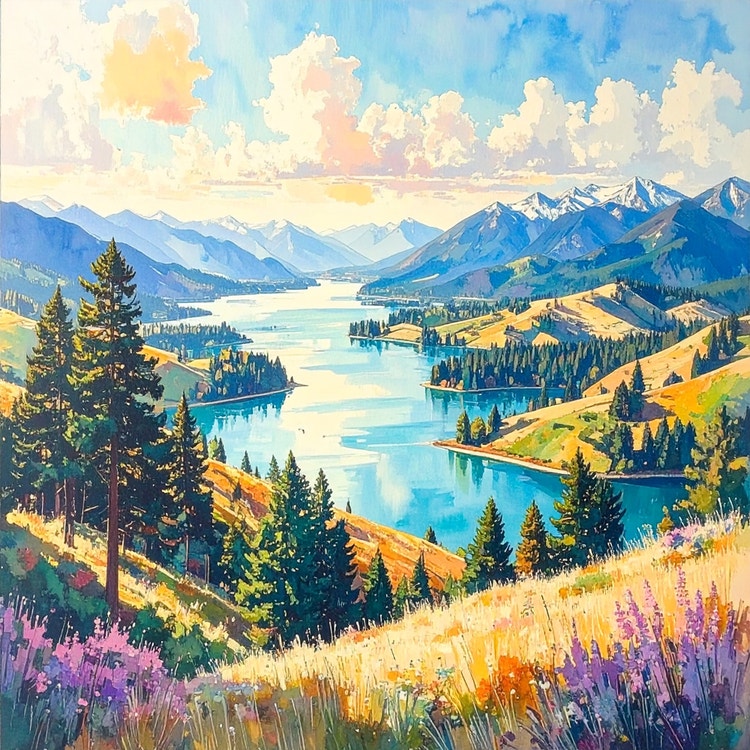
A strong template follows this structure: "[Style] image of [subject], [composition/angle], [lighting], [colour palette], [mood/atmosphere], [additional details]." For example: "Photorealistic image of mountain landscape, wide-angle view, golden hour lighting, warm earth tones, peaceful atmosphere, morning mist in valleys."
Many creators share their prompts and you can adapt them for your projects. Community examples offer inspiration and show what's possible, but personalising prompts to your specific needs typically yields better results than using them exactly as written.
What’s the best way to save my image prompts?
Keep a prompt library organised by style, project or use case. Store effective prompts in a document or note-taking app, labelling them with descriptions of what they generate. This collection becomes a valuable resource you can reference and build upon for future projects.