
See what new can do
The print industry’s most respected brands build solutions on Adobe imaging technologies, including PostScript and the PDF Print Engine. Click a logo to locate products.

Introducing Adobe RoboHelp on Mac
Create exceptional Help, policy and procedure and knowledgebase content using RoboHelp. Now available on Mac.

Efficient content reuse with cross-references
Efficiently reuse existing content (paragraph, table, images and so on) from within a topic or across multiple topics using cross-references.
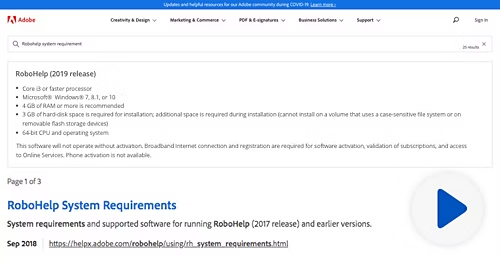
Create future-ready content with Microcontent authoring
Author modular, information-rich Microcontent snippets that can be leveraged by search engines, social platforms, in-context help, feature snippets, FAQs, chatbots and more.

Out-of-the-box chatbot integration
Use Microcontent to power next-generation voice and text-based chatbot interfaces.

Collaborate using out-of-the-box Online Review
Seamlessly collaborate with reviewers and subject matter experts using a web-based review process. Easily import comments as tracked changes back into a RoboHelp topic or project.

Out-of-the-box translation support
Reach global audiences by leveraging the all-new translation support to export XLIFF files for your content. Simply import the translated content back into RoboHelp. Boost efficiency by translating only modified files as required.
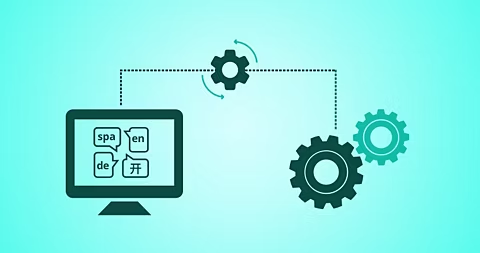
Automated machine translation
Save time and costs by taking advantage of advances in machine learning to auto-translate content within RoboHelp itself.

Better accessibility with top navigation bar
Make navigating on devices with various form factors easy with new Frameless HTML5 layouts featuring a navigation bar in the header.

Out-of-the-box support for Zendesk
Leverage out-of-the-box support for the Zendesk platform. Just drag and drop output to the Zendesk publishing dashboard to make content findable for customer support.

Out-of-the-box support for Salesforce Knowledge
Leverage out-of-the-box support for publishing Help content to Salesforce Knowledge.

Out-of-the-box support for ServiceNow
Update your ServiceNow knowledge bases right from within RoboHelp itself. You can configure RoboHelp output and publish directly to ServiceNow - without any plugins.
Enhanced features
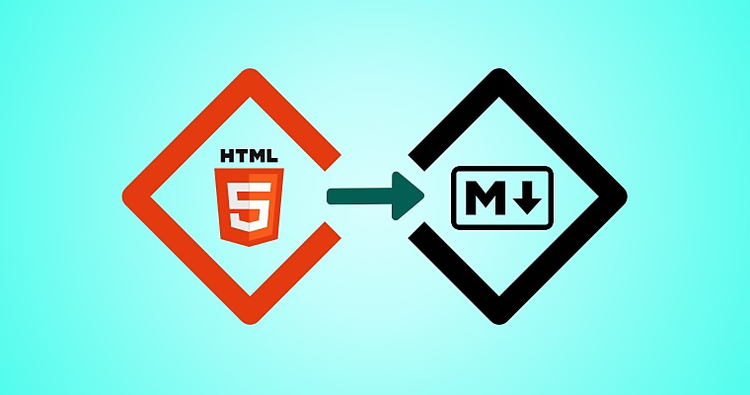
Smoother import of HTML and Markdown files
Easily import HTML or Markdown content as HTML topics. This allows you to seamlessly merge and work with API documentation in RoboHelp.
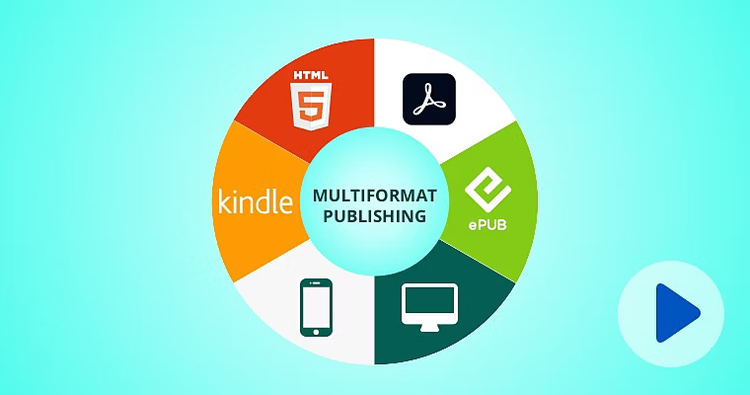
Multiformat publishing
Instantly publish content to a wide range of popular output formats - Frameless Responsive HTML5, PDF, Microsoft Help (CHM), mobile app and more.
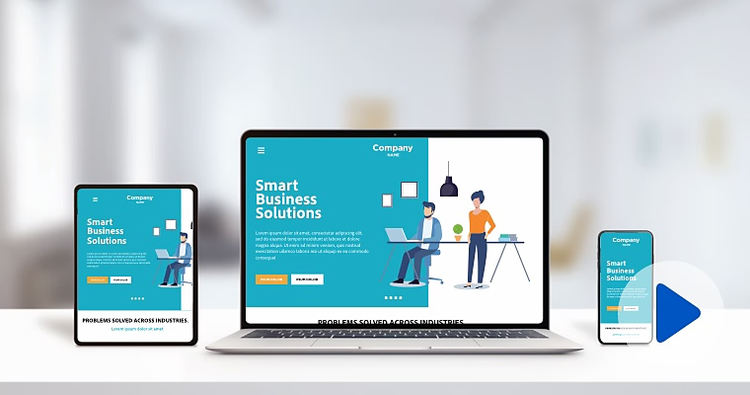
Next-generation Frameless Responsive HTML5 layouts
Deliver a superior content experience using the new Frameless Responsive HTML5 layouts with intuitive navigation, unique URLs for SEO and best-in-class search. Easily show or hide widgets such as glossary and TOC.
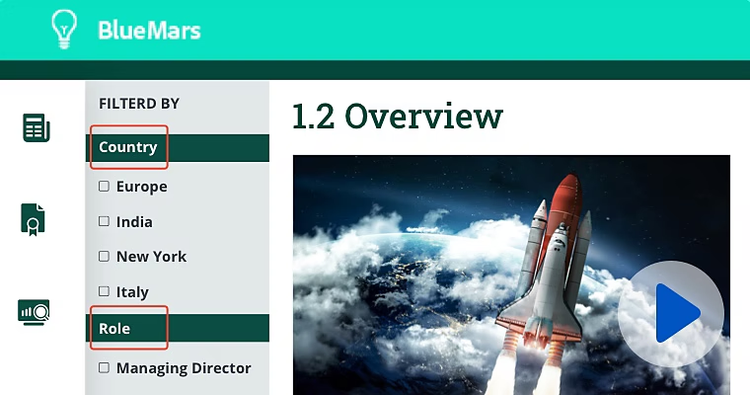
Dynamic Content Filters
Deliver more relevant and highly personalised content experiences with Dynamic Content Filters. Use conditional tags to enable end-users to filter content easily.

Enhanced PDF output
Take advantage of new PDF output capabilities. Publish chapter-based printed documentation like a book and have better control over the final output with CSS3.

Greater content accessibility
Deliver content that accommodates users’ special needs. Section 508 compliant Frameless Responsive HTML5 layouts let you create content that is accessible to all users.
Learn more › | Learn more about greater content accessibility