
Try these tutorials with Premiere
Create and edit films and video.
Get an overview of what makes market-leading Adobe Premiere Pro the best choice for non-linear editing, learn the basics of switching from other non-linear editing systems, and see why others in the industry have made the switch.

New, streamlined workflows and features built with editors in mind make the transition to Premiere Pro easy. From common commands, intuitive panels for color grading, refining sound and building dynamic graphics, to keyboard shortcuts that mirror your muscle memory, Premiere Pro is the best choice for all editors from beginners to seasoned professionals.
To get an overview of what Premiere Pro can offer, read the followingTop 10 reasons to switch (PDF, 301 KB):
Integration with Adobevideo andaudio tools
Intuitive, precise, and customizableediting tools
Resolution independence: HD, UHD, 4K, and beyond
Industry-leading file format support for editing with camera originals andmezzanine codecs
Industry-leading performance with Adobe Mercury Playback Engine
Import fromAvid Media Composer andApple Final Cut Pro 7 and Final Cut Pro X
User-friendlycolor workflows
Enhancedaudio control and performance
Uninterrupted playback
Native UI in 10 languages including English, French, and German
If you currently work with another nonlinear editing system (NLE), such as Apple Final Cut Pro or Avid Media Composer, you will find that traditional editing paradigms are supported by Premiere Pro. Learn how tomake the switch quickly (PDF, 296 KB). Topics include moving projects to Premiere Pro and keyboard shortcuts.
Learn the simple XML workflow forexporting projects from Final Cut Pro 7 or Final Cut Pro X and importing them into Premiere Pro.

Learn the simple workflow forexporting projects from Avid Media Composer and importing them into Premiere Pro.
Get the most out of using Premiere Pro from the perspective of aprofessional editor who has used Avid Media Composer for many years . Learn in this video series how to create familiar workspaces, migrate user settings, follow proper file management principles, and export media.
See why others in the industry have made the switch.
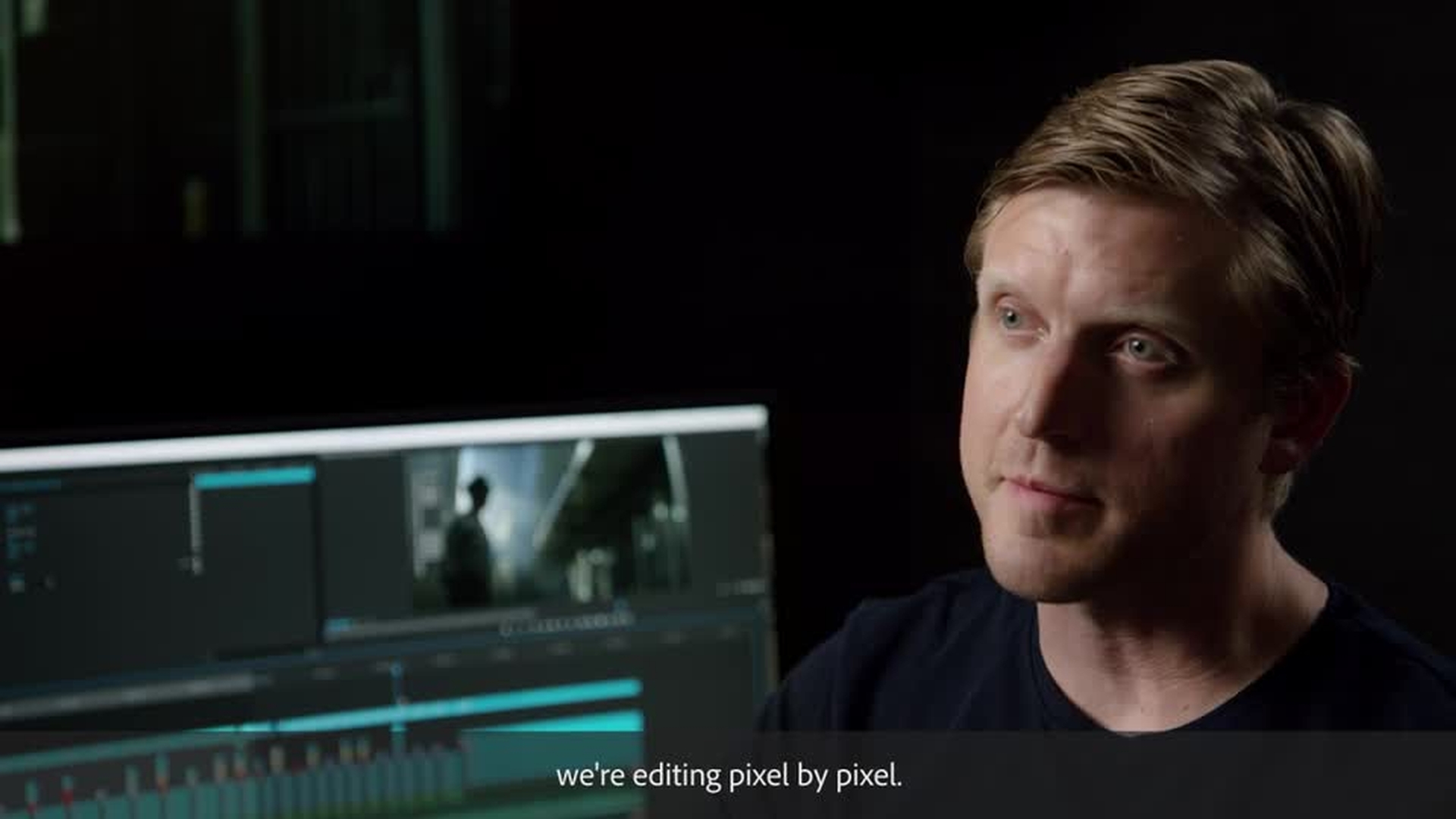
David Fincher's psychological drama for Netflix, "Mindhunter," leverages an all Adobe workflow, bringing editorial and VFX under one roof. Taking editorial from editing frames to considering every pixel, Fincher's team uses Premiere Pro and After Effects to push an evolution of editorial.
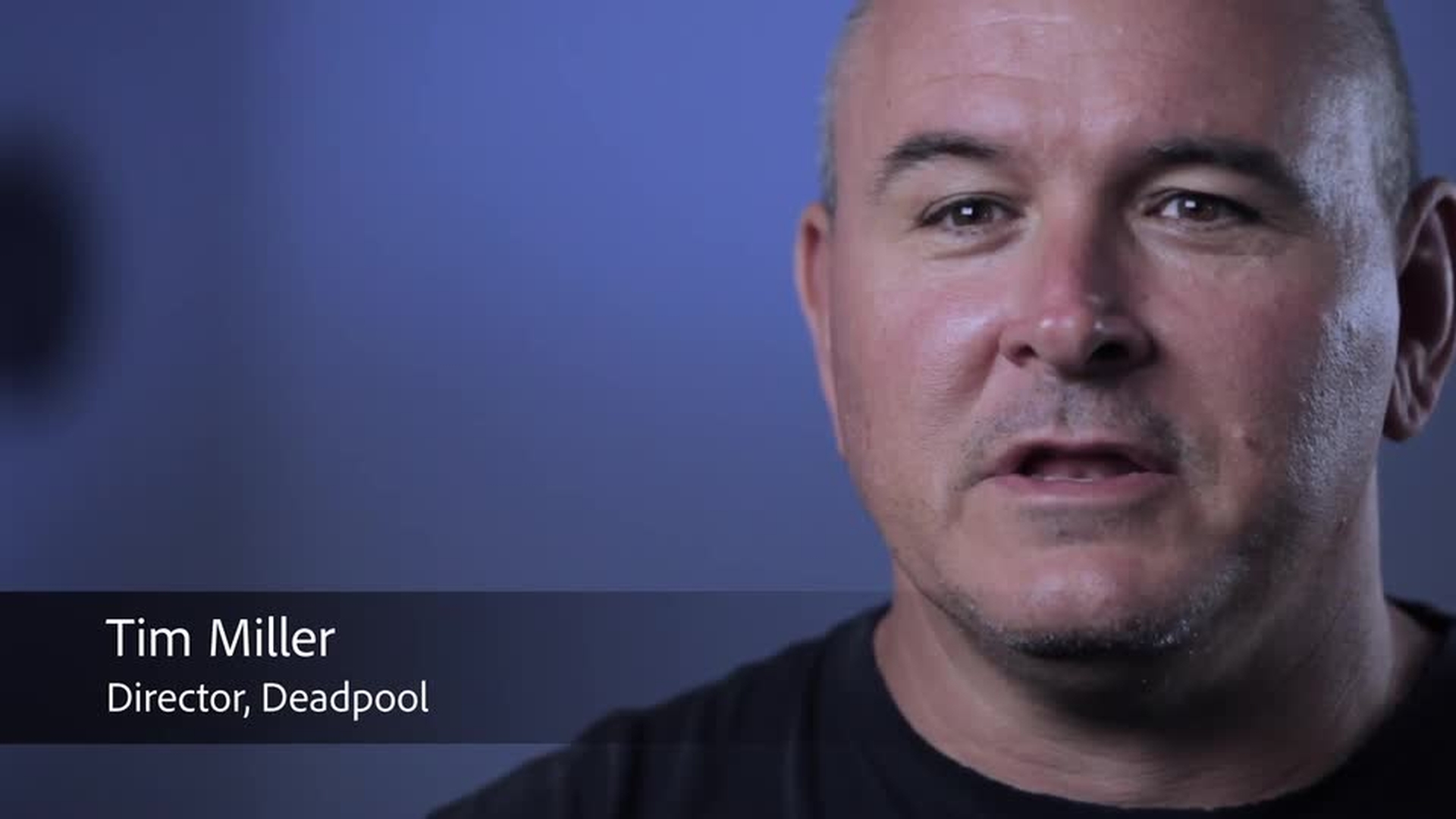
"Deadpool" director Tim Miller wanted to work in the future, with an uninterrupted workflow, so he chose Premiere Pro and After Effects to get the job done.