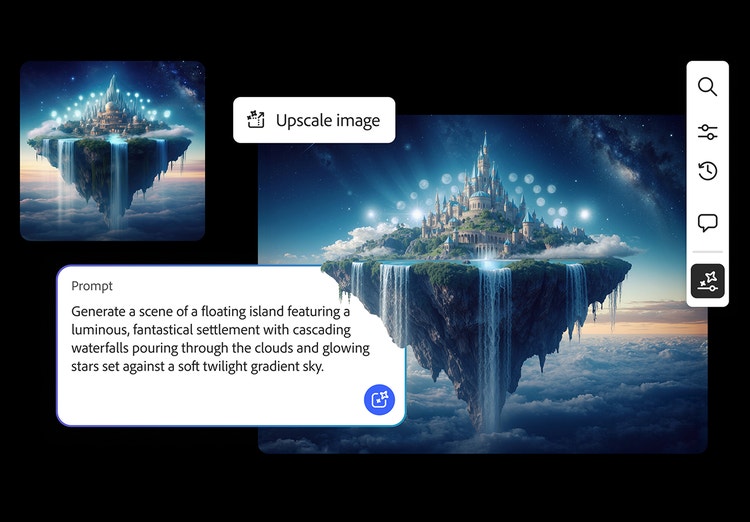
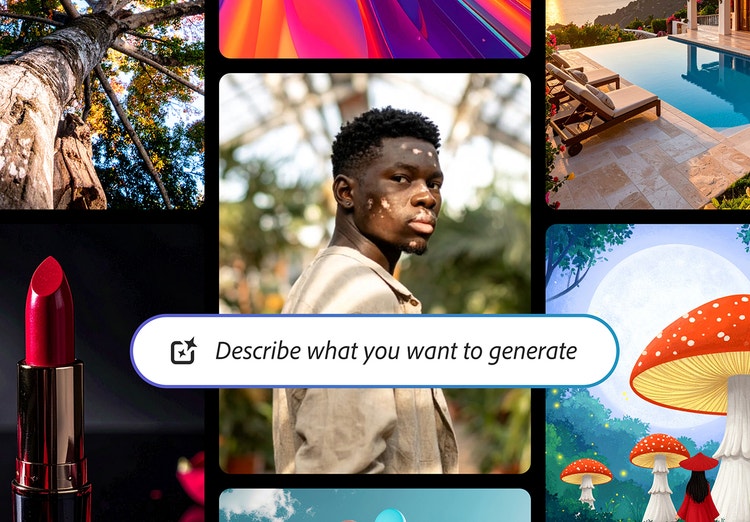
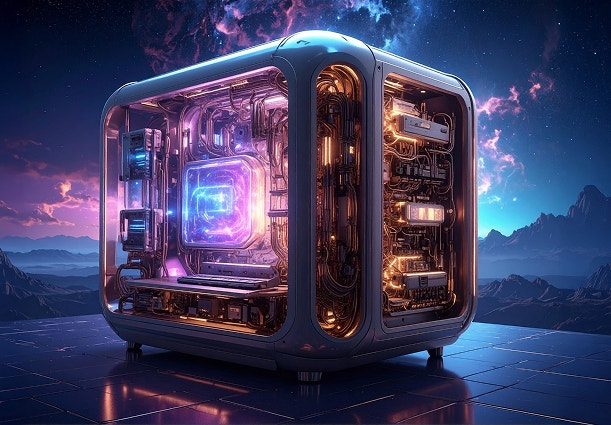
Text to image is a type of generative AI technology that lets you create images with nothing more than a few words. The AI engine receives each word in a text description as an instruction, and it builds the image based on the combination of words and their relationships to one another.
Text-to-image AI generators work like other types of artificial intelligence, using machine learning models and huge datasets to produce their results. In other words, the AI model learns from thousands and thousands of pictures. It creates brand-new images by applying what it has learned to the everyday language you enter in the prompt field. Adobe Firefly generative AI models are safe to use in commercial projects as they are trained on a dataset of Adobe Stock, openly licensed work, and public domain content where copyright has expired.
Yes, Adobe Firefly models are trained to avoid using copyrighted content, trademarks, and other intellectual property without permission, which supports commercially safe use of the images you generate. You’re responsible for determining whether content generated by partner models is appropriate for your project.
An AI image generator allows users to enter simple inputs (such as a text prompt) to create visual imagery. Adobe Firefly is an example of an AI image generator with a text-to-image feature. Generative AI models are often trained on large amounts of wide-ranging visual data that form the basis of how it “learns” to generate imagery based on various styles, patterns, and contexts.
This will depend on the laws of your local jurisdiction. If you are interested in learning more about copyright, check out
this blog post by Adobe’s lead copyright attorney.
Yes, you can use the Adobe Firefly AI image generator for free with an Adobe account. If you have a free account, you’ll get free daily generations to create images from text prompts across a wide range of styles and subjects. Learn more about using Adobe Firefly for free.
Paid Adobe Firefly plans are available for higher-volume use and for access to more partner models.
Once you generate your images, you can download them as is or continue in Adobe Firefly to edit them or regenerate variations.
Yes. Nano Banana AI models (AI image models from Google Gemini) are available as partner models for image generation in Adobe Firefly. You can access them through the Generate Image module by selecting one of the Google Gemini models from the model dropdown menu.
The best AI image generator is the one that gives you high-quality results without sacrificing creative control. Adobe Firefly makes this possible with intuitive tools that help you go from a simple prompt to a polished visual in moments. With Adobe Firefly, you can refine lighting, style, color, and composition to match your exact vision, and use Adobe Firefly image models for commercially safe outputs. With fast results, flexible controls, and professional-grade quality, Adobe Firefly makes it easy to create images that meet your needs.
Great prompts start with clear creative direction. To get the best results, include specific details across the core categories, including subject and action, style and medium, environment, lighting, and composition. These elements guide the AI model toward your intended mood, visual style, and level of detail. When your prompt covers these foundations, Adobe Firefly can quickly generate high-quality images that line up with your creative vision.
Adobe Firefly integrates top AI text-to-image generators, allowing users to switch between partner models such as Google Gemini, Flux, Runway, and GPT Image via the Model dropdown in General Settings. Users can leverage specialized capabilities, such as high-resolution detail or photorealism, within their existing text-to-image workflow.
Adobe Firefly Generate Image is for anyone looking to create high-quality images with exceptional detail. Content creators can use Generate Image to create visuals for social posts, mood boards, and thumbnails. Art directors and marketers can generate images for brand projects and branding visuals. From emerging creators to experienced designers, Adobe Firefly makes it easy to generate images from simple prompts.
Adobe Firefly is available across desktop and mobile on web browsers like Chrome, Microsoft Edge, Firefox, and Safari. You can also download the Adobe Firefly mobile app on
iOS and
Android.
Adobe Firefly accepts JPG, PNG, and WEBP for image uploads, with HEIC also supported for Generate Image in Safari on desktop or laptop. Downloaded images export as a high-resolution PNG. For the full list of supported formats by feature, visit the
Adobe Firefly Help page.