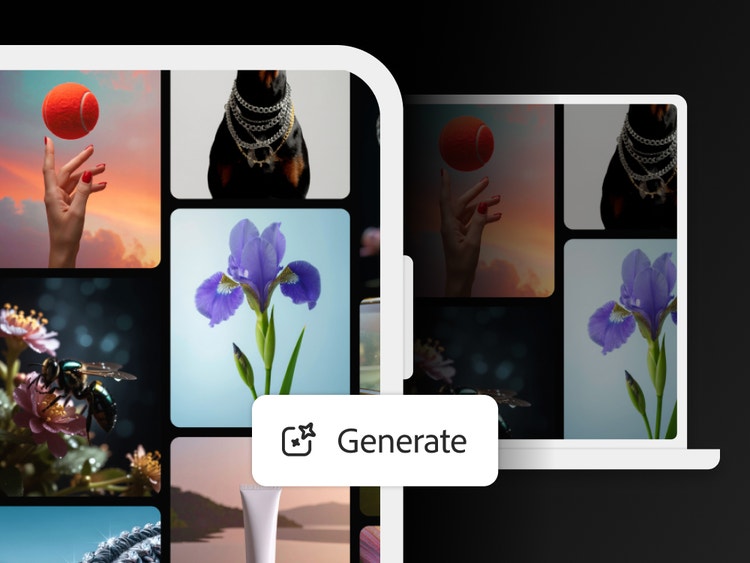
Why use the Firefly app.
The Firefly mobile app brings together image and video generation, sound effects, and AI-powered editing tools in a single mobile experience. The app is deeply integrated with Adobe’s professional creative tools, making it easy to move from on-the-go inspiration to production-ready content.
Generate and edit video on the fly.
Turn a text prompt into a video clip or generate video from your own reference image with Image to Video, right from the Firefly app. Choose from a range of resolutions and aspect ratios to meet your creative needs, and even add sound effects. And now you can use the Firefly AI video editor to trim and rearrange clips, and add titles, voiceover, and audio.
Create stunning images on the go.
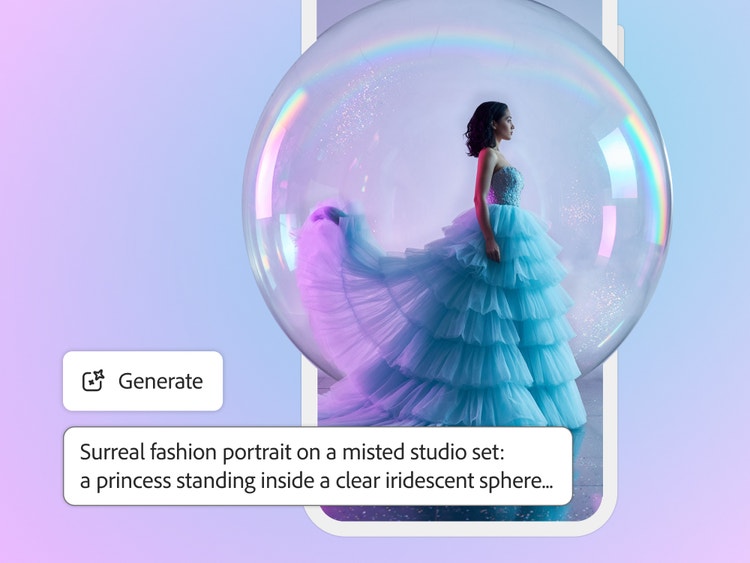
Dream it. Type it. See it. You can generate wow-worthy content in no time with Generate Image in the Firefly app.
Prompt to edit, right on your phone.
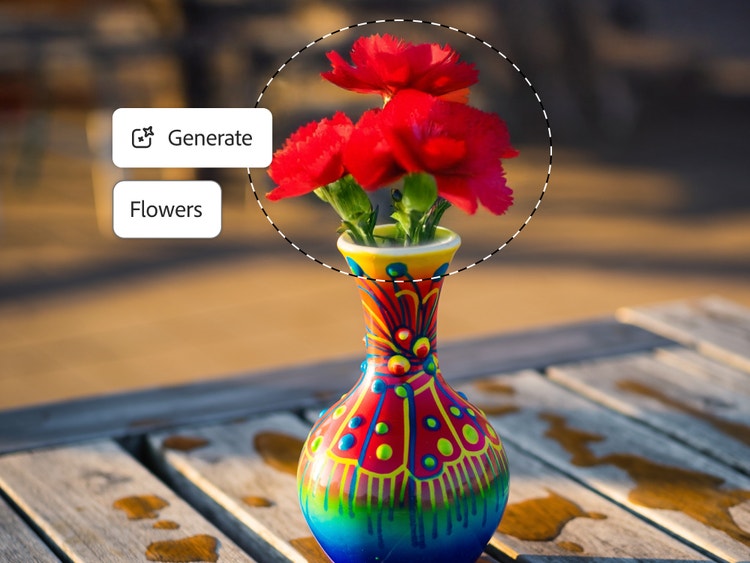
Refine and edit photos easily with the Firefly AI photo editor. Use Prompt to Edit to describe your changes in plain language, adding or removing objects, swapping backgrounds, or refining details instantly.
Start on mobile. Finish anywhere in Creative Cloud.
Generate and refine on the go with fast tools. Your work syncs automatically across desktop and web, so you can export your images and videos to other Adobe apps. And with the new Firefly app for iPhone, you can open generated images and videos directly in Adobe Photoshop, Premiere, and Adobe Express.