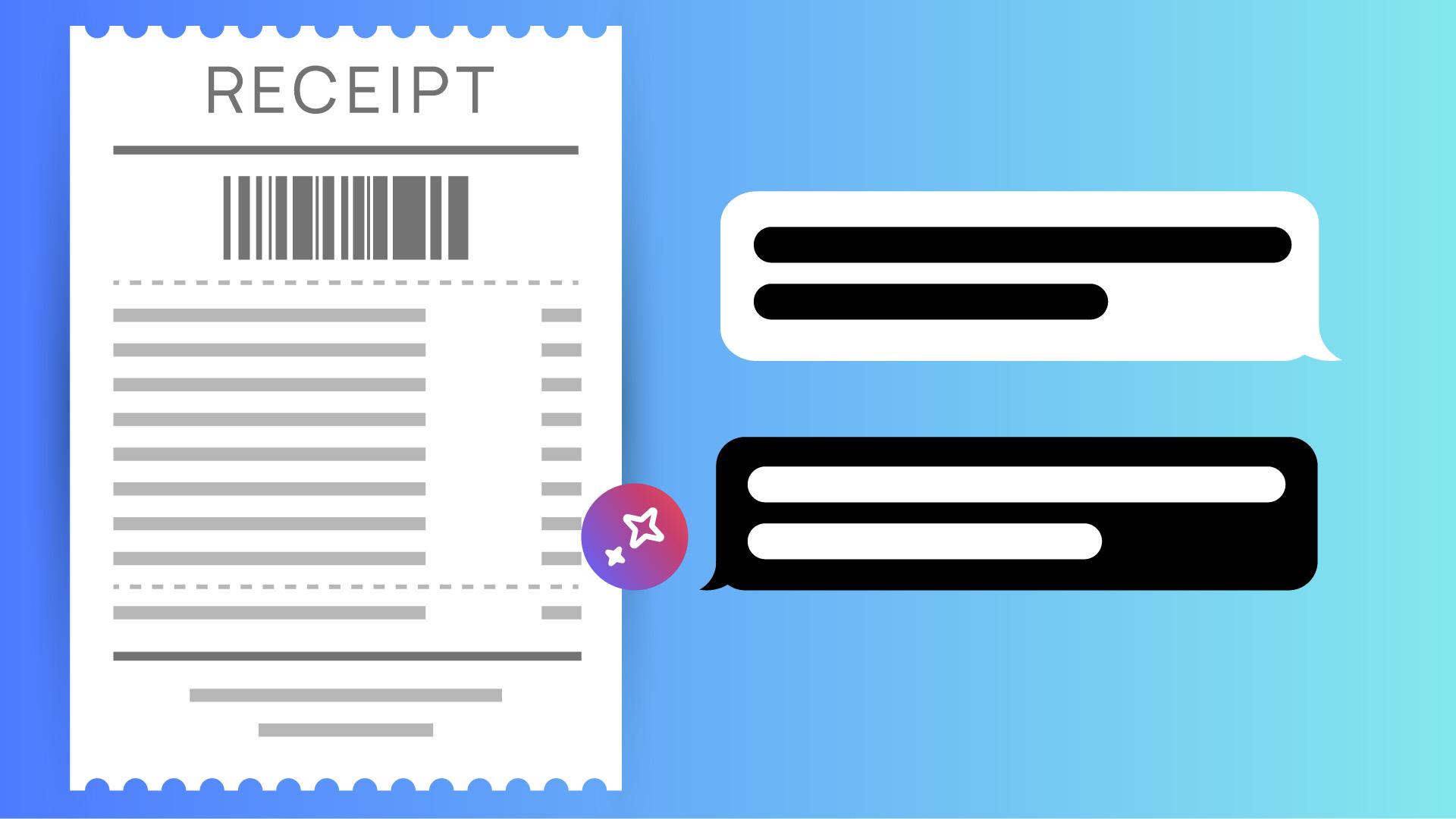
Scanne unterwegs einen Beleg, wandle ihn in eine PDF-Datei um, und frage den KI-Assistenten, welche Ausgaben in die Spesenabrechnung eingetragen werden können.
Einführung
[Stefan Gruenwedel]: Hi, ich bin Stefan Gruenwedel.
Ich bin Trainer im Adobe Learn-Team.
In diesem Video zeige ich dir „Scan in PDF-Datei umleiten“ in Acrobat auf dem Smartphone.
Als Beispiel verwenden wir eine Restaurantquittung.
Wir fragen sie in Acrobat ab, um die Ausgaben für eine Spesenabrechnung zu prüfen.
Richtig gehört – die KI von Adobe beantwortet Fragen zur Rechnung.
Sehen wir uns das an.
Einen Beleg auf dem Smartphone scannen
Tippe in Acrobat auf dem Smartphone auf „Scan in PDF-Datei umleiten“.
Ich mache ein Foto der Restaurantquittung von meiner letzten Geschäftsreise.
[Kameraauslöser klickt] Alternativ könnte ich tippen, um ein Foto des Belegs aus der Fotosammlung zu öffnen.
Wenn du nur eine digitale Kopie der Rechnung hast, z.
B. weil das Restaurant sie dir per SMS geschickt hat, kannst du die Quittung anzeigen und „In Acrobat in PDF konvertieren“ aus den Optionen zum Teilen wählen.
Egal, wie du es machst: Sobald du ein PDF in Acrobat hast, kannst du der KI von Adobe Fragen dazu stellen.
Den Beleg mit dem KI-Assistenten abfragen
Probiere zum Beispiel diesen Prompt aus: „Addiere die Beträge für Speisen und Getränke separat, und sage mir, welche Ausgaben ich in die Spesenabrechnung eintragen kann.“
Die Antwort erscheint sofort.
Bestimmt staunst du, wie ausführlich sie ist.
So nutzt du „Scan in PDF-Datei umleiten“ in Acrobat auf dem Smartphone.
Probiere es selbst aus.
Wir haben eine Restaurantquittung als Beispielbild zum Üben bereitgestellt.
Hinweis: Die zur Verfügung gestellten Medien aus Adobe Stock dürfen nur zu Übungszwecken verwendet werden.Bedingungen beachten.
Zusammenfassung.
Einen Beleg auf dem Smartphone scannen.
Fotografiere einen ausgedruckten Beleg, und wandle das Foto mit der Acrobat-App in eine PDF-Datei um. Du kannst auch einen digitalen Beleg auf deinem Smartphone über die Optionen zum Teilen als PDF importieren.
Den Beleg mit dem KI-Assistenten abfragen.
Stelle Fragen in natürlicher Sprache. Lasse dir zum Beispiel die Beträge für Speisen und Getränke separat aufführen. Der KI-Assistent gibt sofort eine passende Antwort.
You can control how Adobe websites use cookies and similar technologies by making choices below. But note that if you disable cookies and similar technologies entirely, Adobe websites may not function properly.
Cookies are small text files stored by your web browser when you use websites. There are also other technologies that can be used for similar purposes like HTML5 Local Storage and local shared objects, web beacons, and embedded scripts. These technologies help us do things like remembering you and your preferences when you return to our sites, measure how you use the website, conduct market research, and gather information about the ads you see and interact with.
You can make choices in the menu below about what cookies and other technologies you want us to use on Adobe sites when you visit them from this browser. You can always change those choices later by clicking on the Cookie Preferences link at the bottom of the page.
If enabled:
We can improve your experience by tailoring the site and the content to things we think might be of interest
We can better keep track of your preferences — like what language you prefer to use
We will better understand your likely interests so we can provide you more relevant Adobe ads and content on non-Adobe websites and in non-Adobe apps
It will help us improve the performance of our website and those of our partners who use the Adobe Experience Cloud
If disabled:
We won’t be able to remember you from session to session so the experience may not be tailored to your interests
You’ll still have access to the content of the site but certain features that depend on cookies may not function
You’ll still see ads, they just may not be as relevant to you
General information
You can control how Adobe websites use cookies and similar technologies by making choices below. But note that if you disable cookies and similar technologies entirely, Adobe websites may not function properly.
Cookies are small text files stored by your web browser when you use websites. There are also other technologies that can be used for similar purposes like HTML5 Local Storage, web beacons, and embedded scripts. These technologies help us do things like remembering you and your preferences when you return to our sites, measure how you use the website, conduct market research, and gather information about the ads you see and interact with.
You can make choices in the menu below about what cookies and other technologies you want us to use on Adobe sites when you visit them from this browser. You can always change those choices later by clicking on the Cookie Preferences link at the bottom of the page.
If enabled:
We can improve your experience by tailoring the site and the content to things we think might be of interest
We can better keep track of your preferences — like what language you prefer to use
We will better understand your likely interests so we can provide you more relevant Adobe ads and content on non-Adobe websites and in non-Adobe apps
It will help us improve the performance of our website and those of our partners who use the Adobe Experience Cloud
If disabled:
We won’t be able to remember you from session to session so the experience may not be tailored to your interests
We’ll still count your use of our site and services
You’ll still have access to the content of the site but certain features that depend on cookies may not function
You’ll still see ads, they just may not be as relevant to you
Operate the site and core servicesOperate site and measure engagement
Always active
These cookies are required, and they are used to enable the site and related services core functionality. Without them the site could not operate, so they cannot be disabled.
These cookies enable the site and related services’ core functionality and collect statistics about user engagement, such as counting active use to help us understand trends. These cookies cannot be disabled.
Measure performance
These cookies are used to analyze site usage to measure and improve performance. Without them Adobe cannot know what content is most valued and how often unique visitors return to the site, making it hard to improve information we offer to you.
These cookies are used to analyze site usage to measure and improve performance. Without them Adobe cannot know what content is most valued, making it hard to improve information we offer to you.
Extend functionality
These cookies are used to enhance the functionality of Adobe sites such as remembering your settings and preferences to deliver a personalized experience; for example, your username, your repeated visits, preferred language, your country, or any other saved preference.
Personalize advertising
These cookies are used to enable Adobe and our partners to serve ads more relevant to your interests. Without them you will still see ads, but they might not be as relevant to you.
Personalize advertising
These cookies are used to enable Adobe and our partners to serve ads more relevant to your interests. Without them you will still see ads, but they might not be as relevant to you.