Lernen Sie, wie mit Cinema 4D Lite in Adobe After Effects aus Adobe Illustrator-Dateien eine Titelsequenz machen.

Nik Hill von Territory erstellt UI-Grafiken und Filmtitel mit Tools von Creative Cloud, u. a. für „Marvel's The Avengers: Age of Ultron“ (Video-Clip: 4 min). Das können Sie auch! In diesem Tutorial zeigt er Ihnen, wie Sie Ihren eigenen Oscar-reifen Filmtitel zusammenstellen. Dazu verwendet er einefiktive Titelsequenz , die Territory für die Design-Konferenz OFFF in Cincinnati entworfen hat. Mit den Funktionen und Services von Creative Cloud können Sie die Sequenz nach Ihren Vorstellungen umgestalten.
In diesem Tutorial erfahren Sie,
wie Sie mithilfe von Creative Cloud-Bibliotheken Grafikelemente zwischen Adobe-Programmen austauschen können, z. B. Adobe Illustrator und Adobe After Effects.
welche kreativen Möglichkeiten die Zusammenarbeit von After Effects mit Adobe Stock bietet. Wählen Sie aus vielen Millionen Fotos und Videos.
dass die Gestaltung und Bearbeitung von 3D-Objekten mit After Effects und Maxon Cinema 4D einfacher ist, als Sie denken. (Cinema 4D Lite ist in After Effects enthalten.)
dass Dynamic Link die anwendungsübergreifende Bearbeitung mit Premiere Pro und After Effects perfekt unterstützt.
wie Sie Ihre Projekte auf Behance veröffentlichen und potenzielle Auftraggeber auf sich aufmerksam machen können.
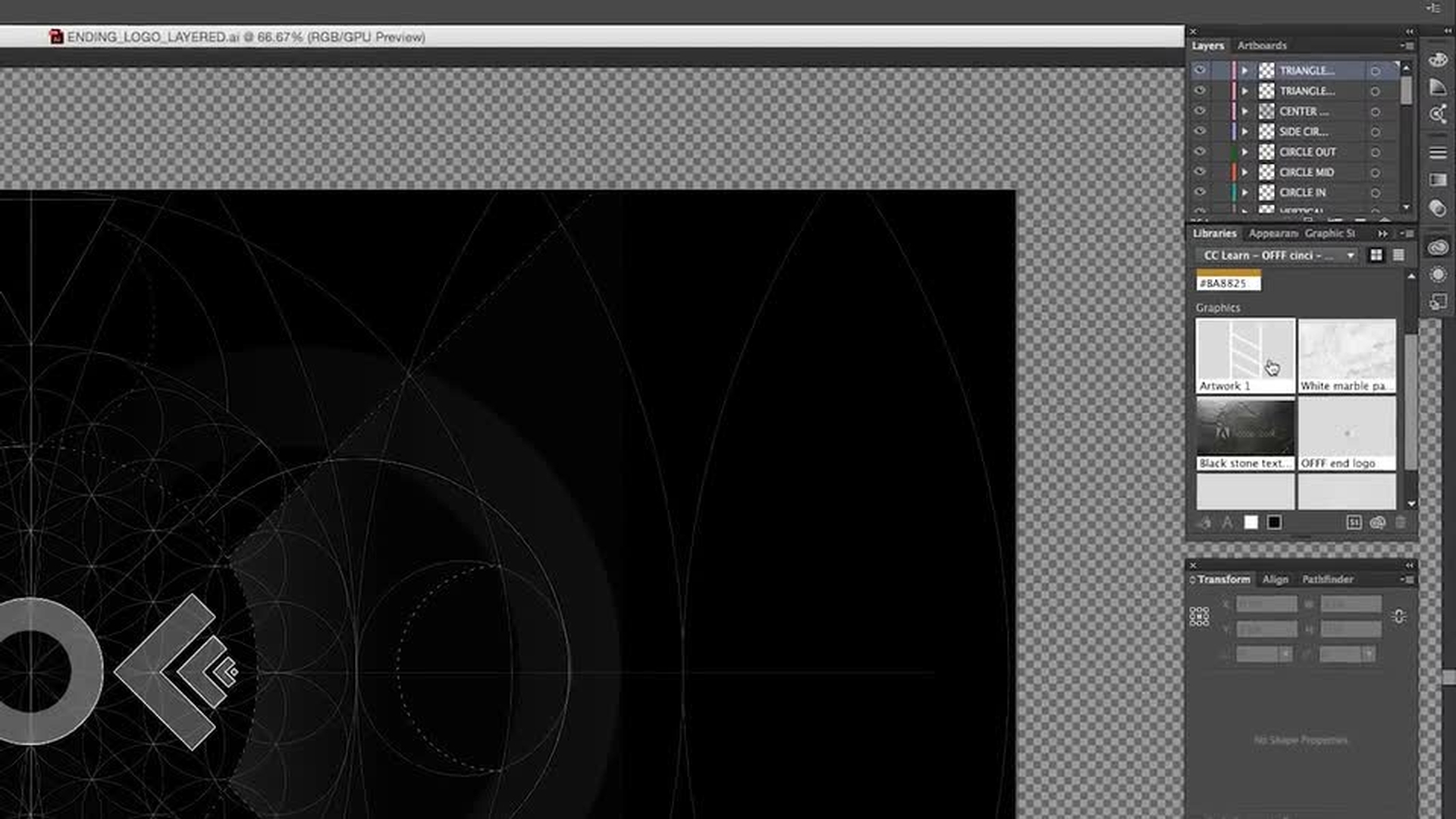
Über Creative Cloud-Bibliotheken Kreativelemente zwischen Illustrator und After Effects austauschen.
In diesem Video erhalten Sie einen Überblick über die Beispieldateien für dieses Tutorial. Ein Beispiel für den Austausch von Dateien: Sie passen die Schrift eines Kreativelements in Illustrator an, fügen die Vektorgrafik zu einer Creative Cloud-Bibliothek hinzu und importieren sie dann in Ihr After Effects-Projekt.
2
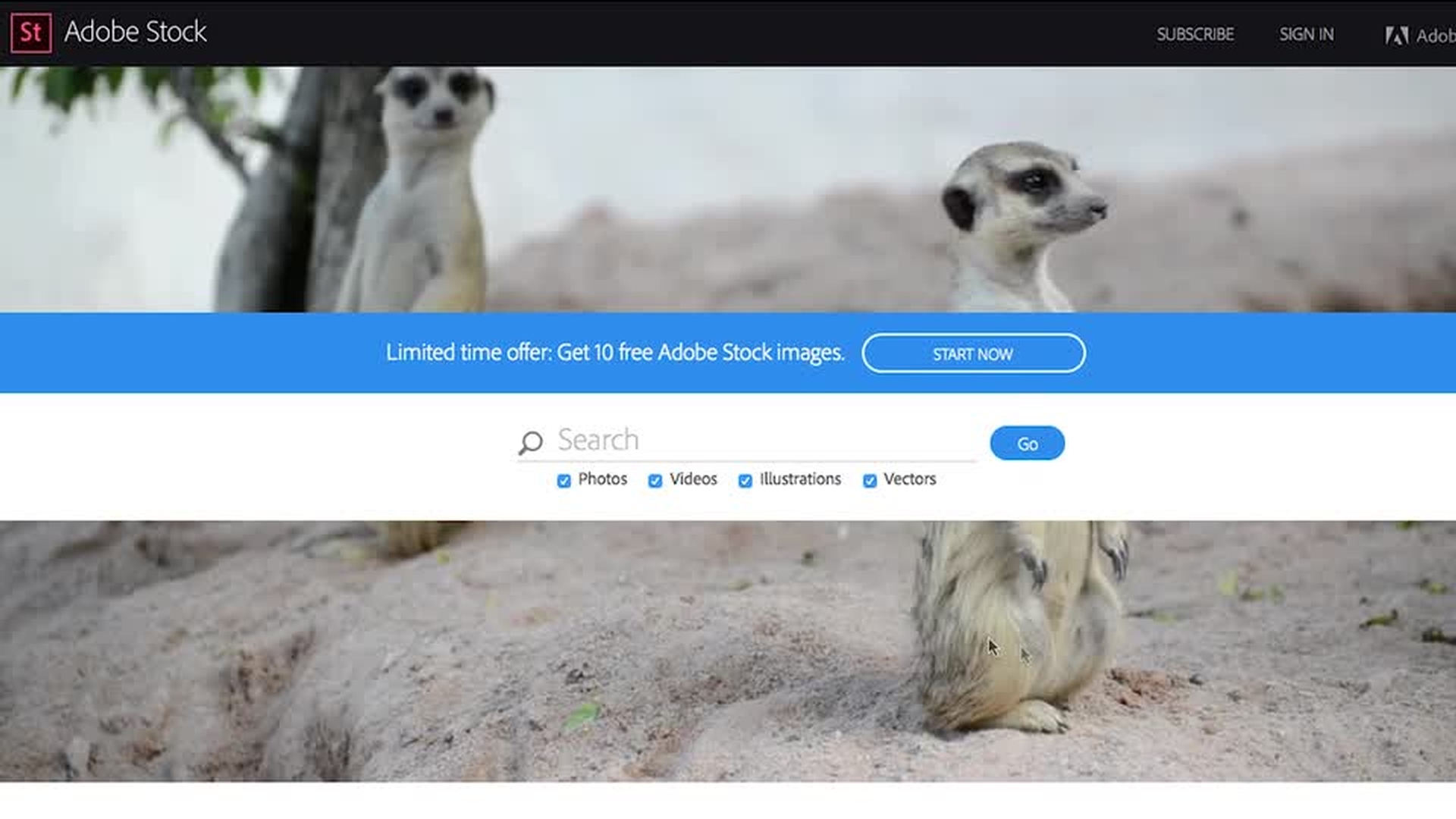
Hintergrund anpassen mit Adobe Stock.
Nachdem Sie die Dateien für dieses Tutorial heruntergeladen haben, können Sie entweder ein eigenes After Effects-Projekt anlegen oder eine Beispielaufnahme als Ausgangspunkt für Ihre Komposition auswählen.
In diesem Video erfahren Sie, wie einfach sich ein Bild aus Adobe Stock herunterladen und als Hintergrund für Ihre Szene verwenden lässt. Sobald Sie ein passendes Bild gefunden haben, klicken Sie auf das Cloud-Symbol, um es in der Bibliothek Ihrer Wahl zu speichern. Um es in Ihr Projekt zu importieren, klicken Sie mit der rechten Maustaste bzw. bei gedrückter Ctrl-Taste auf die Miniatur im Bedienfeld „Bibliotheken“, und wählen Sie „Importieren“. Nicht lizenzierte Bilder und Videos werden mit einem Wasserzeichen versehen.
3
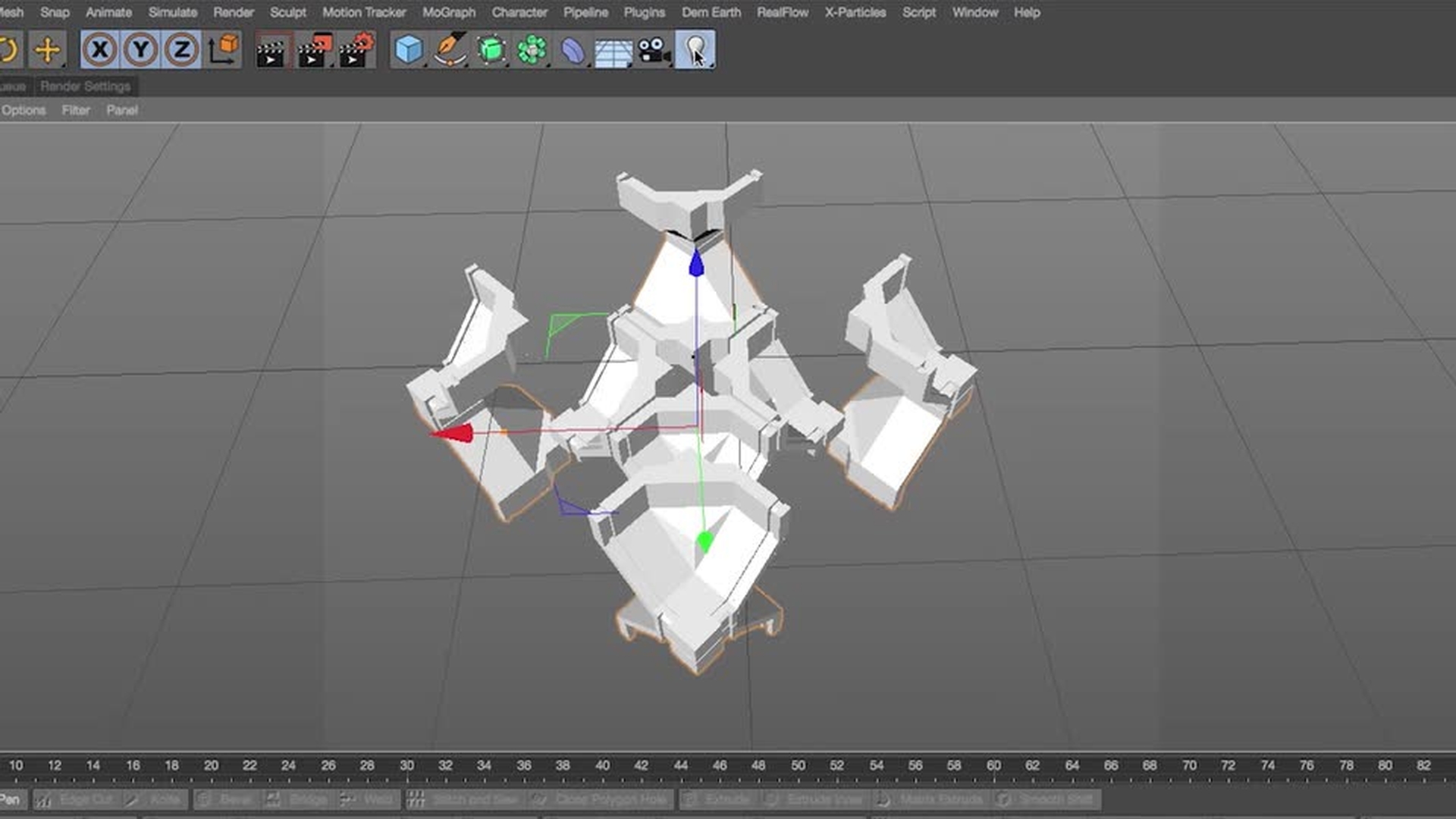
Cinema 4D-Datei in Cinema 4D Lite bearbeiten.
Im Ordner mit den Beispieldateien gibt es einen Unterordner mit dem Namen „3D PROJECTS“. Die Datei „OFFF SEGMENTS LOWPOLY“ enthält das geometrische OFFF-Logo, das bei der Erstellung des Filmtitels verwendet wurde.
In diesem Video lernen Sie eine Möglichkeit kennen, wie Sie mit Ihrer Komposition fortfahren können. Nehmen Sie ein Segment dieser Geometrie, und bearbeiten Sie es mithilfe des MoGraph-Moduls in Cinema 4D Lite in After Effects. Fügen Sie eine Lichtquelle zur Szene sowie Materialien zu Ihrem Modell hinzu. Nach dem Rendern ziehen Sie Ihr neu erstelltes Element in After Effects und legen es über Ihr Stock-Bild.
4
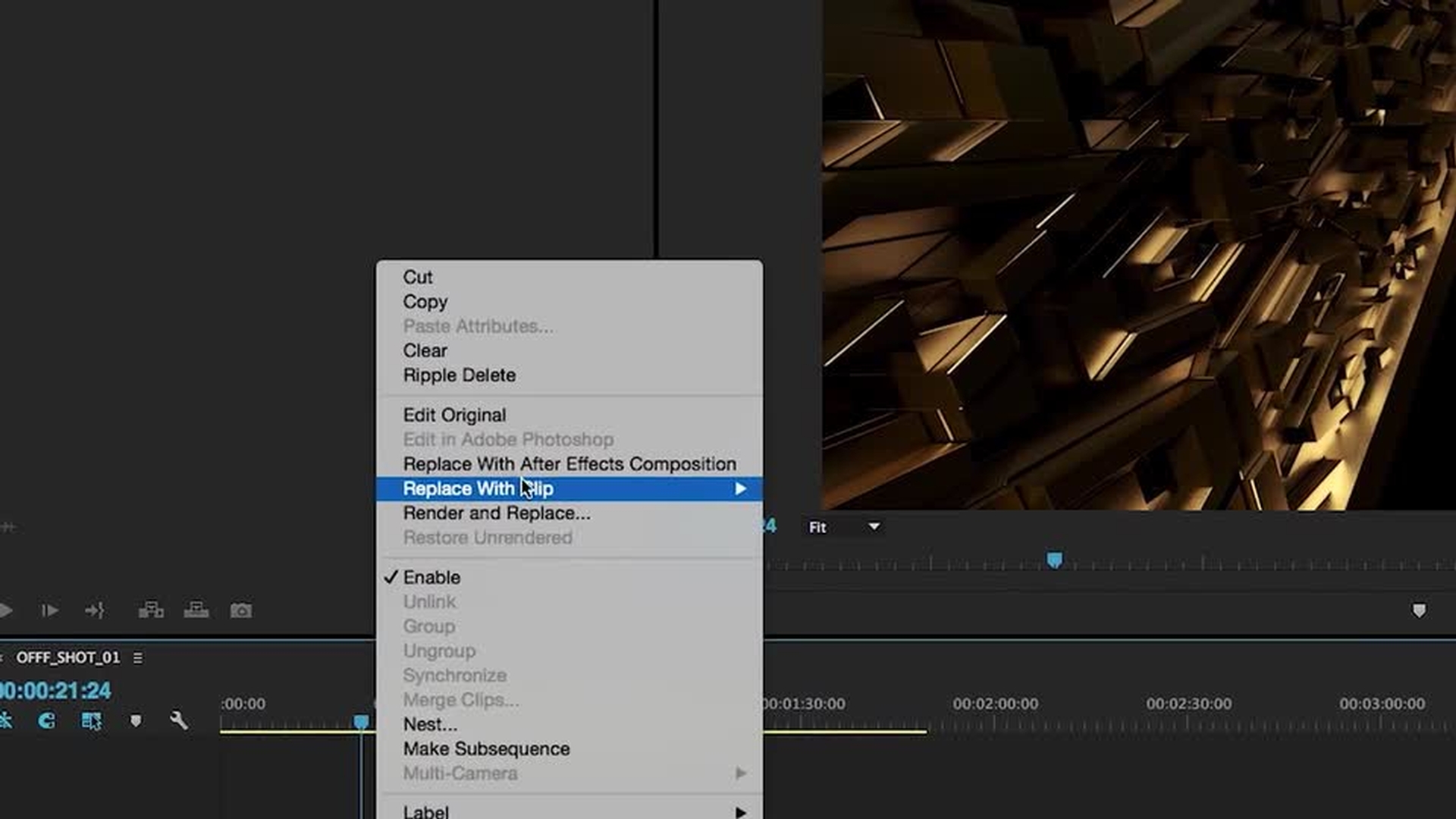
Über Dynamic Link zwischen Premiere Pro und After Effects wechseln.
Dieses Video zeigt Ihnen, wie einfach Premiere Pro-Clips über Dynamic Link mit After Effects-Kompositionen verknüpft werden können. So haben Sie die Möglichkeit, die umfassenden Bearbeitungsfunktionen von Premiere Pro zu nutzen, während Sie in After Effects Ihre Animationssequenz entwickeln und mit Effekten und Vorgaben experimentieren.
Beispiel: Sie legen animierte Typografie über Ihr Footage und haben gleichzeitig genügend Spielraum, um das Element im Schnittfenster zu verschieben.
5
Das Video mit Media Encoder exportieren und auf Behance präsentieren.
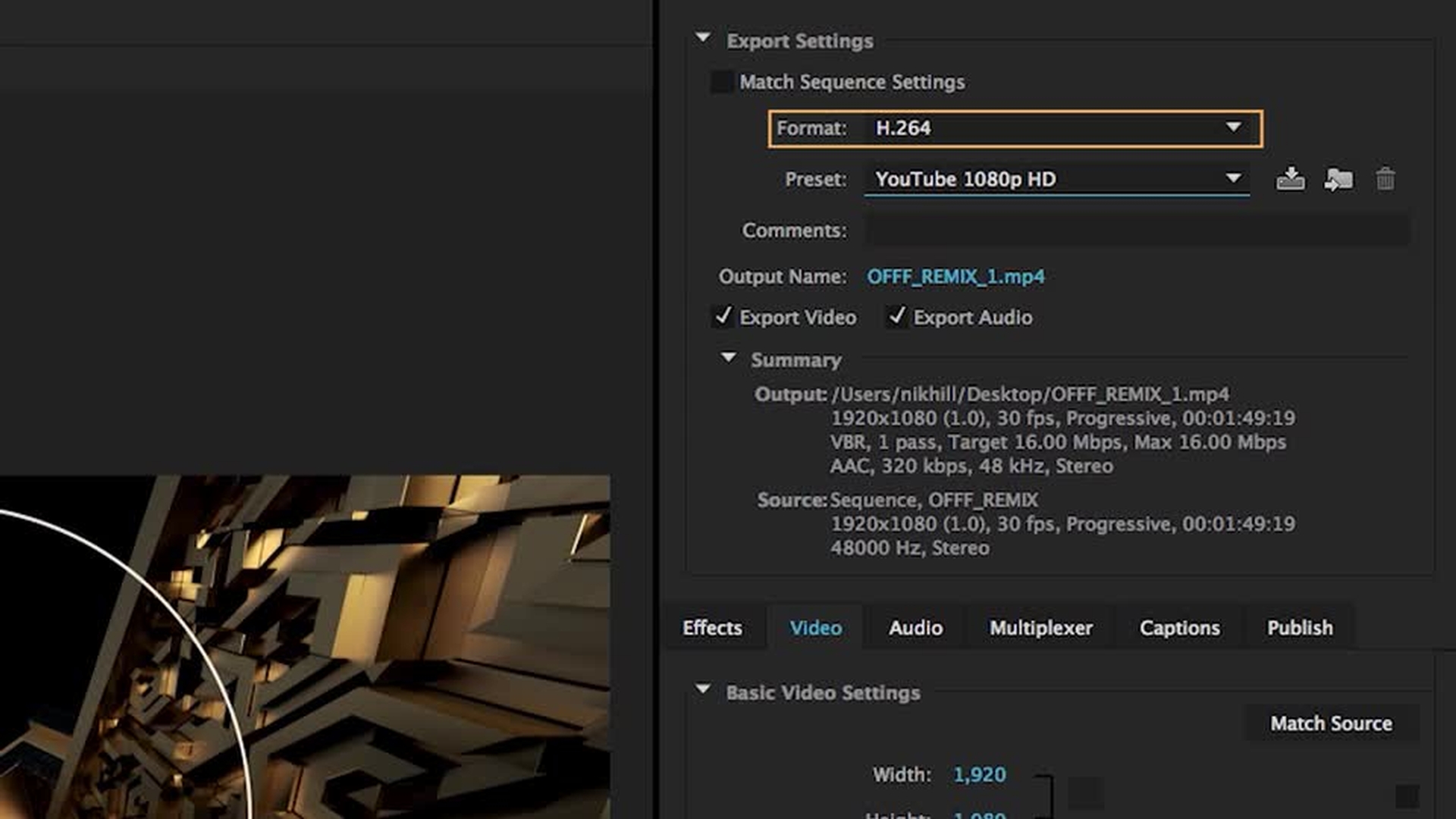
Hier erfahren Sie, wie Sie Ihre After Effects- und Premiere Pro-Projekte mit Media Encoder exportieren und
anschließend ein Portfolio auf Behance einrichten, um Ihre Arbeit zu präsentieren. Laden Sie Ihr Projekt auf Vimeo oder YouTube hoch. Fügen Sie dann den generierten Embed-Code in Ihr Behance-Portfolio ein.

You can control how Adobe websites use cookies and similar technologies by making choices below. But note that if you disable cookies and similar technologies entirely, Adobe websites may not function properly.
Cookies are small text files stored by your web browser when you use websites. There are also other technologies that can be used for similar purposes like HTML5 Local Storage and local shared objects, web beacons, and embedded scripts. These technologies help us do things like remembering you and your preferences when you return to our sites, measure how you use the website, conduct market research, and gather information about the ads you see and interact with.
You can make choices in the menu below about what cookies and other technologies you want us to use on Adobe sites when you visit them from this browser. You can always change those choices later by clicking on the Cookie Preferences link at the bottom of the page.
If enabled:
We can improve your experience by tailoring the site and the content to things we think might be of interest
We can better keep track of your preferences — like what language you prefer to use
We will better understand your likely interests so we can provide you more relevant Adobe ads and content on non-Adobe websites and in non-Adobe apps
It will help us improve the performance of our website and those of our partners who use the Adobe Experience Cloud
If disabled:
We won’t be able to remember you from session to session so the experience may not be tailored to your interests
You’ll still have access to the content of the site but certain features that depend on cookies may not function
You’ll still see ads, they just may not be as relevant to you
General information
You can control how Adobe websites use cookies and similar technologies by making choices below. But note that if you disable cookies and similar technologies entirely, Adobe websites may not function properly.
Cookies are small text files stored by your web browser when you use websites. There are also other technologies that can be used for similar purposes like HTML5 Local Storage, web beacons, and embedded scripts. These technologies help us do things like remembering you and your preferences when you return to our sites, measure how you use the website, conduct market research, and gather information about the ads you see and interact with.
You can make choices in the menu below about what cookies and other technologies you want us to use on Adobe sites when you visit them from this browser. You can always change those choices later by clicking on the Cookie Preferences link at the bottom of the page.
If enabled:
We can improve your experience by tailoring the site and the content to things we think might be of interest
We can better keep track of your preferences — like what language you prefer to use
We will better understand your likely interests so we can provide you more relevant Adobe ads and content on non-Adobe websites and in non-Adobe apps
It will help us improve the performance of our website and those of our partners who use the Adobe Experience Cloud
If disabled:
We won’t be able to remember you from session to session so the experience may not be tailored to your interests
We’ll still count your use of our site and services
You’ll still have access to the content of the site but certain features that depend on cookies may not function
You’ll still see ads, they just may not be as relevant to you
Operate the site and core servicesOperate site and measure engagement
Always active
These cookies are required, and they are used to enable the site and related services core functionality. Without them the site could not operate, so they cannot be disabled.
These cookies enable the site and related services’ core functionality and collect statistics about user engagement, such as counting active use to help us understand trends. These cookies cannot be disabled.
Measure performance
These cookies are used to analyze site usage to measure and improve performance. Without them Adobe cannot know what content is most valued and how often unique visitors return to the site, making it hard to improve information we offer to you.
These cookies are used to analyze site usage to measure and improve performance. Without them Adobe cannot know what content is most valued, making it hard to improve information we offer to you.
Extend functionality
These cookies are used to enhance the functionality of Adobe sites such as remembering your settings and preferences to deliver a personalized experience; for example, your username, your repeated visits, preferred language, your country, or any other saved preference.
Personalize advertising
These cookies are used to enable Adobe and our partners to serve ads more relevant to your interests. Without them you will still see ads, but they might not be as relevant to you.
Personalize advertising
These cookies are used to enable Adobe and our partners to serve ads more relevant to your interests. Without them you will still see ads, but they might not be as relevant to you.