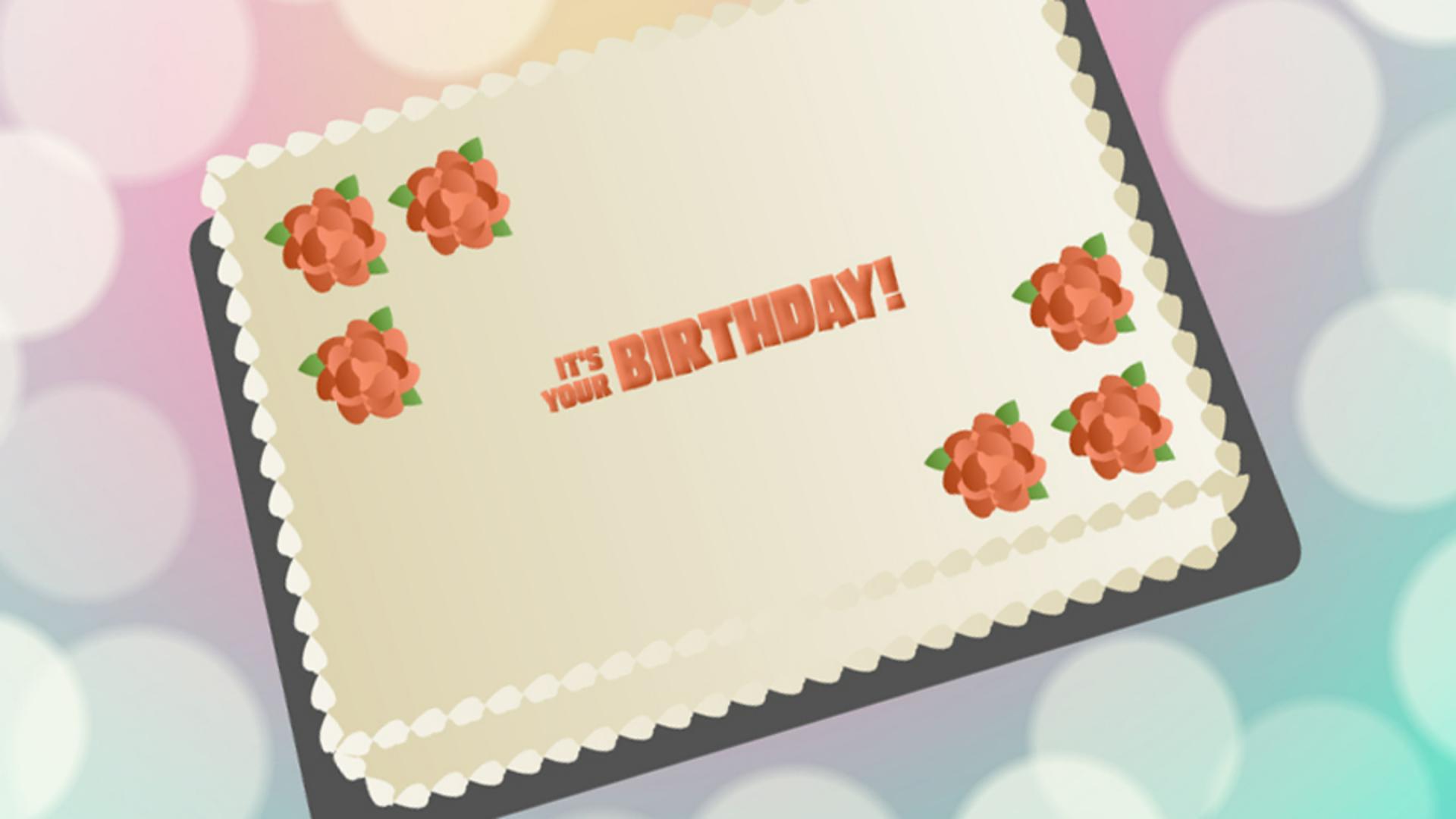
Ich habe hier einen Geburtstagskuchen mit festlichem Hintergrund und einer Textanimation, die Bewegungsvoreinstellungen nutzt.
Jetzt möchte ich Musik hinzufügen und die Animation darauf abstimmen.
Ich habe ein Lied getrimmt und importiert.
In diesem Geburtstagslied kommt der Text vor, der hier animiert wurde.
Ich möchte dieses Lied zur Zeitleiste (Timeline) hinzufügen und dann Animation und Musik synchronisieren.
Ich erstelle eine neue Ebene und ziehe das Lied in den Arbeitsbereich.
Wohin, ist egal.
Nachdem ich den Song aus der Bibliothek (Library) gezogen habe, wird die zugehörige Wellenform auf der Ebene angezeigt.
Damit die Wellenform besser zu sehen ist, öffne ich das Kontextmenü der Ebene, rufe die Eigenschaften (Properties) auf und ändere die Höhe der Ebene (Layer height).
Dann mache ich die Frames breiter.
Im Bedienfeld „Eigenschaften“ (Properties) unter „Sound“ wähle ich für „Synchronisation“ (Sync) die Option „Stream“.
Wenn das Audio auf „Stream“ eingestellt ist, wird es von Animate mit der Zeitleiste (Timeline) synchronisiert.
Bei der Einstellung „Stream“ wird das Lied außerdem beim Scrubben auf der Zeitleiste (Timeline) abgespielt.
Ich drücke die Eingabetaste, um das bisherige Ergebnis wiederzugeben.
Alle Textanimationen erfolgen zur selben Zeit.
Ich möchte aber die Animation der einzelnen Wörter mit der Musik synchronisieren.
Die animierten Segmente passen besser dazu, wenn ich die Animation beschleunige.
Mit gedrückter Umschalttaste wähle ich alle drei Ebenen auf einmal aus.
Dann platziere ich den Cursor am Ende der Frame-Bereiche und ziehe daran, um die Dauer zu kürzen.
Wenn ich die Dauer auf 12 Frames festlege, ist das Wort „IT’S“ fertig eingeblendet, kurz bevor das Wort gesungen wird.
Den Bereich für „YOUR“ verschiebe ich gleichermaßen.
An der Wellenform kann ich die ungefähre Position erkennen.
„BIRTHDAY“ ziehe ich auch kurz vor das gesungene Wort.
Jetzt sehe ich mir das Ganze an.
Alle Wörter müssen bis zum Ende der Liedzeile sichtbar bleiben.
Ich wähle also auf allen drei Ebenen den letzten Keyframe aus und füge einen Keyframe ein.
Dazu öffne ich das Kontextmenü und wähle „Schlüsselbild einfügen “ (Insert Keyframe).
Das sieht schon ganz gut aus.
Ich kann synchronisierte Textanimationen mit Kamerabewegungen kombinieren, um eine kinetische Animation zu erzeugen.



