

使用 Photoshop 尝试这些教程
编辑照片以创建新的图像和图形。
Having a resume isn’t enough. Create a beautiful online portfolio to show off your best work and get noticed – all in one place. And Adobe Portfolio is included with your Creative Cloud membership!
Use Photoshop tools like Curves to add creative final touches to your photos and designs and prepare them for how they’ll be presented in your new portfolio.

Select either a Gallery of work or a Splash page. You can upload content directly, or seamlessly import from Behance and Lightroom.
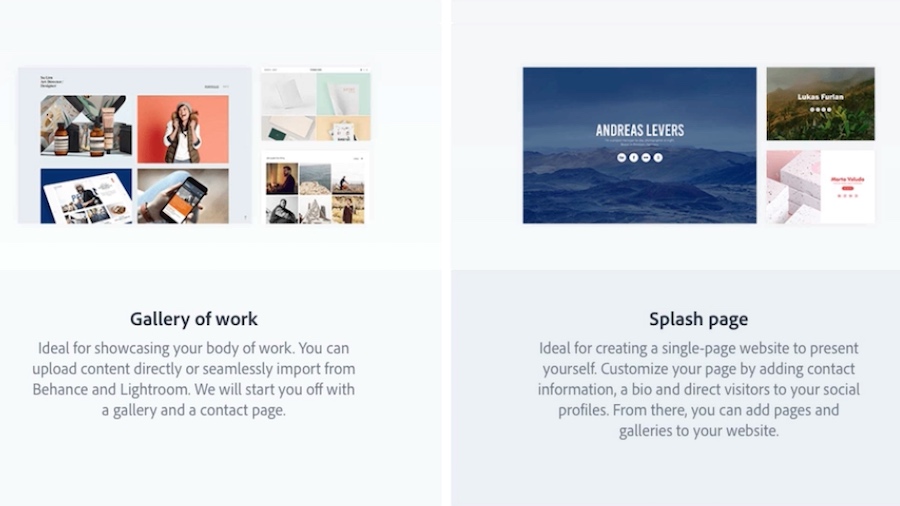
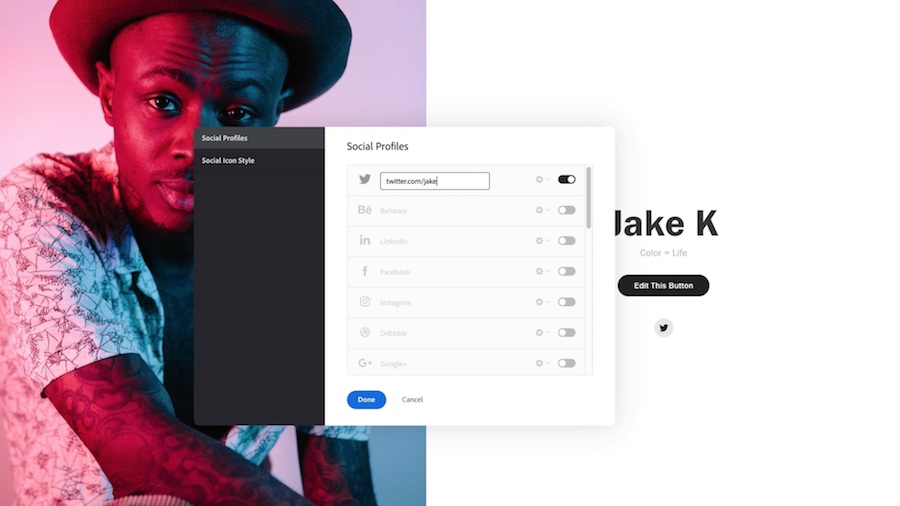
Choose your page layout and upload an image. Add additional information, like social profile links and a description of you and your work.
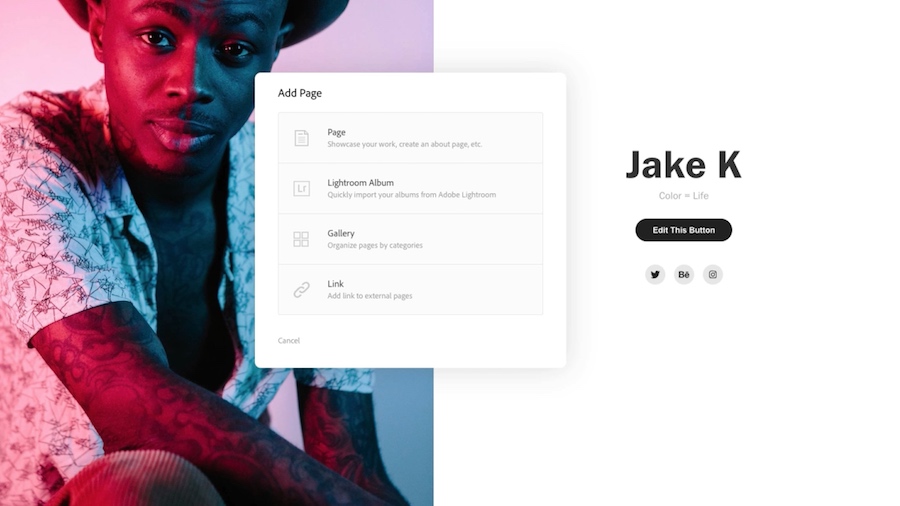
Select Add Page, choose a layout, and start building your page. Customize the Background and Colors & Font. You can choose from among thousands of best-in-class Adobe Fonts.
Then link your new page to your Splash page button.
Select Preview to see how your portfolio will look on multiple device platforms. Then select Publish Site.
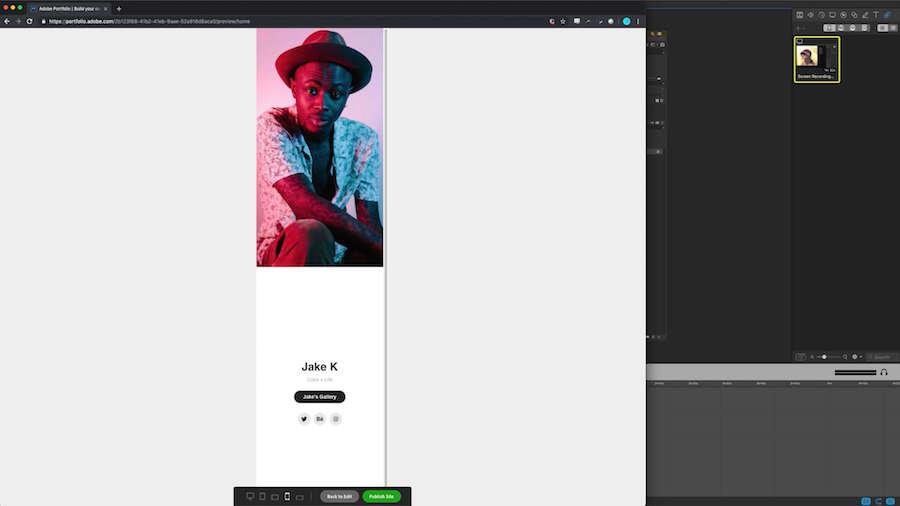
All your work is now in one place, and your beautiful new portfolio is ready to share!