PHOTOSHOP FEATURES
Give your art a rough-around-the-edges feel with grunge Adobe Photoshop brushes.
Download a brush pack that adds a gritty, grungy effect to give your graphic design project a little rock-and-roll edge.
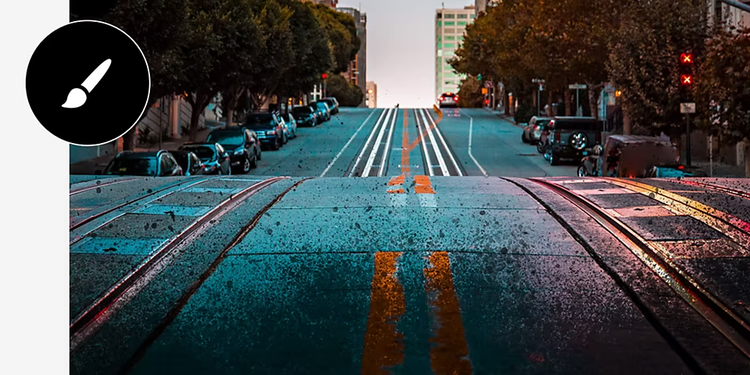
Grunge brushes in Photoshop give your art a punk rock touch.
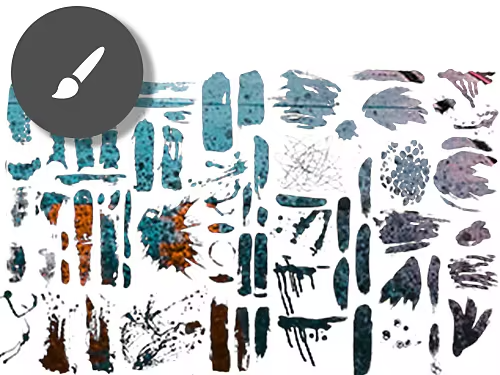
Discover free grunge brushes online.
Select Get More Brushes from the flyout menu on the Brushes panel to browse and download high-quality grunge brush packs as an ABR file.
Create a subtle grunge texture.
Edit brush settings like gradient or shape dynamics to modify how weathered and distressed your brush strokes look.
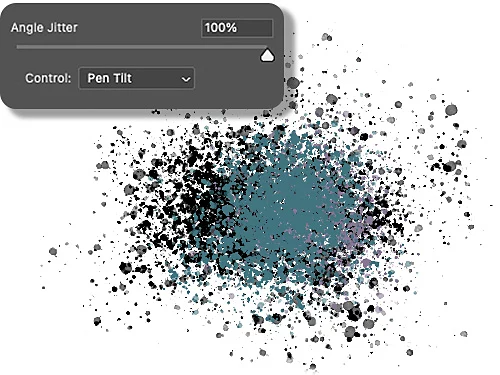
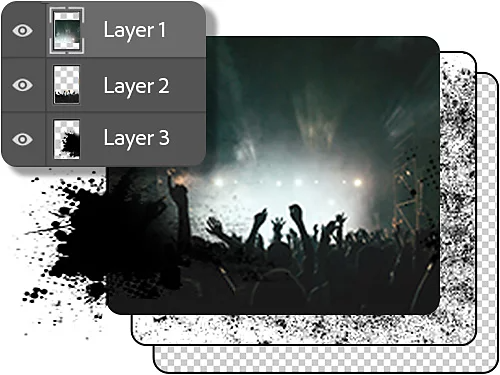
Enhance your grunge brushes with Adobe Photoshop features.
You can use layers to modify your grunge brush work separately from the other design elements in your work, and then overlay different filters or templates on top.
Mix and match your grunge brush strokes.
There are many different options to choose from in every Photoshop brush set. Play with different styles to find the right distressed texture for your project.
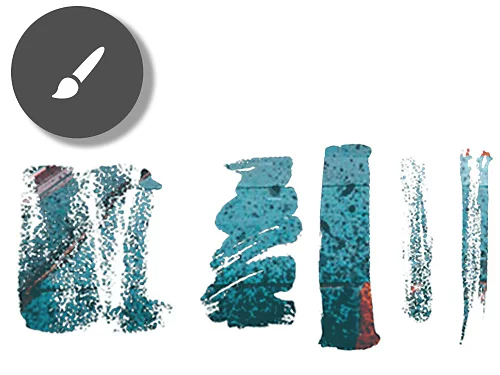

Download free high-resolution grunge texture brushes.
These brush downloads include hundreds of options for creating grungy textures.
Get free Photoshop brushes from Adobe|Get free Photoshop brushes from Adobe
Adobe grunge brush artist collection.
372 high-res grunge paint brushes with broken or misshapen edges and elements to give your artwork a gritty appearance.
Dry media brush set.
A collection of brushes with pronounced textures, including chalk, pastel, pencil, and smudge tools to help create a grunge effect.
How to install Photoshop grunge brushes.
Follow this brush set installation checklist to get started with your own grungy design
- Download it:
Download a selection of different brushes as plugins. - Open it:
Launch Photoshop and open the Brushes window, then click the hamburger menu to the right. - Import it:
Select Import Brushes. - Open it:
Select the ABR file for the brush pack you want to use, and then click Load. - Use it:
Your new grunge brushes will be available in the Brushes window.
Grunge brush questions? We have answers.
Discover new Photoshop skills and workflows.
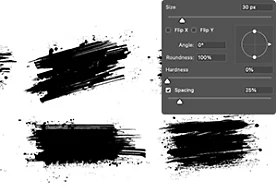
Make use of the Brush Settings panel.
Modify existing brushes or create your own by using the Brush Settings panel to change brush tip options and modify how to apply paint to an image.
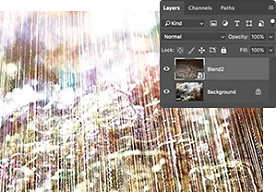
Combine two images to make a composite.
Photoshop makes it easy to take elements from one picture and add them to another using layers and masks.
Explore the world of composite images|Explore the world of composite images