Erfahre, wie du mit generativer KI neue Möglichkeiten im Kreativprozess entdeckst.
Benötigte Materialien
In der Anwendung üben
Einführung in den Kurs.
Erfahre, worum es in dieser Video-Reihe geht und wie du mit generativer KI neue Möglichkeiten im Kreativprozess entdeckst.
Lernziel:
KI-Terminologie
Die Kunst des Prompt-Engineering
Ideen umsetzen mit Adobe-Tools auf KI-Basis
Was ist generative KI?
Erfahre, wie du mit einfachen Text-Prompts und neuer Technologie einzigartigen Content gestaltest.
Lernziel:
KI-Modelle und Trainingsdaten für Bilder
Oberflächen, Prompts und Änderungen
Adobes Maßnahmen für den verantwortungsvollen Aufbau von KI-Modellen
Erste Schritte mit Adobe Firefly.
In diesem Tutorial geht es ums Spielen und Ausprobieren. Finde heraus, was mit den KI-basierten Funktionen „Text zu Bild“ und „Texteffekte“ inAdobe Express alles geht.
Lernziel:
Funktionen in Adobe-Programmen, die auf der generativen KI Firefly basieren
Erste Schritte mit Prompts für „Text zu Bild“
Anpassen der Ergebnisse zur Optimierung von Stil, Komposition etc.
Designs mit Texteffekten bereichern
Prompts und Workflows für generative KI.
Generative KI kann viel mehr als nur Bilder generieren. Lerne, wie du Prompts effektiv für spezielle Use Cases und Workflows nutzt.
Lernziel:
Tipps für optimalen KI-Output
Use Cases für generative KI
Prompts richtig formulieren
Ergebnisse generativer KI verfeinern und bearbeiten.
Lerne einfache Methoden kennen, wie du mit generativer KI erzeugte Inhalte zu deinen Werken machst und Abläufe in jedem Kreativprojekt beschleunigst.
Lernziel:
Use Cases für generative KI
Bildideen mit zusätzlichen Programmen umsetzen
Generierte Inhalte bearbeiten, optimieren und zu einem eigenen Werk machen
Vorurteile in generativer KI erkennen und vermeiden.
Die Erstellung generativer KI-Modelle muss auf der Grundlage ethischer Prinzipien erfolgen. Erfahre mehr über inklusive Trainingsdaten und Feedback-Mechanismen bei Adobe.
Lernziel:
Bias in Datensätzen und Outputs von generativer KI identifizieren
Häufige Risiken verstehen und minimieren
Vorurteile und Stereotypen effektiv vermeiden
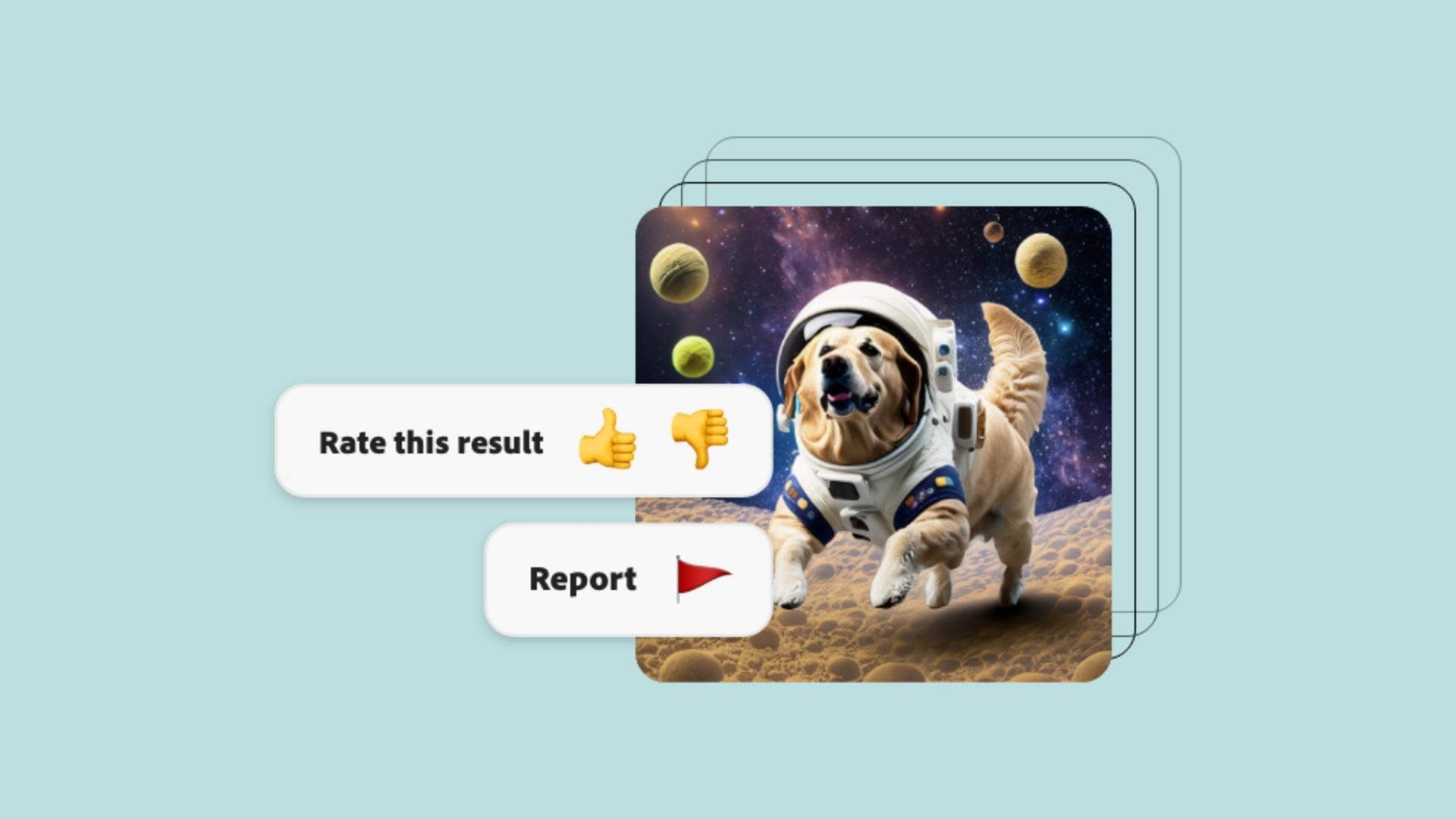
Feedback-Mechanismen in Adobe Firefly
Verantwortungsvolle Nutzung generativer KI.
Dieses Video erläutert Adobes ethische Prinzipien im Umgang mit generativer KI: Rechenschaftspflicht, Verantwortung und Transparenz.
Lernziel:
Die Content Authenticity Initiative
Content Credentials (Urhebernachweise)
Nutzungsrechte für Bilder
Adobe Stock
Mit generativer KI erstellte Inhalte bei der Job-Suche präsentieren.
Mit Tools auf KI-Basis gibst du deinen Projekten einen zusätzlichen Kick. Das macht Eindruck, auch bei künftigen Arbeitgebenden.
Lernziel:
Begehrte Skills im Job-Markt
Use Cases für den praktischen Einsatz von generativer KI
You can control how Adobe websites use cookies and similar technologies by making choices below. But note that if you disable cookies and similar technologies entirely, Adobe websites may not function properly.
Cookies are small text files stored by your web browser when you use websites. There are also other technologies that can be used for similar purposes like HTML5 Local Storage and local shared objects, web beacons, and embedded scripts. These technologies help us do things like remembering you and your preferences when you return to our sites, measure how you use the website, conduct market research, and gather information about the ads you see and interact with.
You can make choices in the menu below about what cookies and other technologies you want us to use on Adobe sites when you visit them from this browser. You can always change those choices later by clicking on the Cookie Preferences link at the bottom of the page.
If enabled:
We can improve your experience by tailoring the site and the content to things we think might be of interest
We can better keep track of your preferences — like what language you prefer to use
We will better understand your likely interests so we can provide you more relevant Adobe ads and content on non-Adobe websites and in non-Adobe apps
It will help us improve the performance of our website and those of our partners who use the Adobe Experience Cloud
If disabled:
We won’t be able to remember you from session to session so the experience may not be tailored to your interests
You’ll still have access to the content of the site but certain features that depend on cookies may not function
You’ll still see ads, they just may not be as relevant to you
General information
You can control how Adobe websites use cookies and similar technologies by making choices below. But note that if you disable cookies and similar technologies entirely, Adobe websites may not function properly.
Cookies are small text files stored by your web browser when you use websites. There are also other technologies that can be used for similar purposes like HTML5 Local Storage, web beacons, and embedded scripts. These technologies help us do things like remembering you and your preferences when you return to our sites, measure how you use the website, conduct market research, and gather information about the ads you see and interact with.
You can make choices in the menu below about what cookies and other technologies you want us to use on Adobe sites when you visit them from this browser. You can always change those choices later by clicking on the Cookie Preferences link at the bottom of the page.
If enabled:
We can improve your experience by tailoring the site and the content to things we think might be of interest
We can better keep track of your preferences — like what language you prefer to use
We will better understand your likely interests so we can provide you more relevant Adobe ads and content on non-Adobe websites and in non-Adobe apps
It will help us improve the performance of our website and those of our partners who use the Adobe Experience Cloud
If disabled:
We won’t be able to remember you from session to session so the experience may not be tailored to your interests
We’ll still count your use of our site and services
You’ll still have access to the content of the site but certain features that depend on cookies may not function
You’ll still see ads, they just may not be as relevant to you
Operate the site and core servicesOperate site and measure engagement
Always active
These cookies are required, and they are used to enable the site and related services core functionality. Without them the site could not operate, so they cannot be disabled.
These cookies enable the site and related services’ core functionality and collect statistics about user engagement, such as counting active use to help us understand trends. These cookies cannot be disabled.
Measure performance
These cookies are used to analyze site usage to measure and improve performance. Without them Adobe cannot know what content is most valued and how often unique visitors return to the site, making it hard to improve information we offer to you.
These cookies are used to analyze site usage to measure and improve performance. Without them Adobe cannot know what content is most valued, making it hard to improve information we offer to you.
Extend functionality
These cookies are used to enhance the functionality of Adobe sites such as remembering your settings and preferences to deliver a personalized experience; for example, your username, your repeated visits, preferred language, your country, or any other saved preference.
Personalize advertising
These cookies are used to enable Adobe and our partners to serve ads more relevant to your interests. Without them you will still see ads, but they might not be as relevant to you.
Personalize advertising
These cookies are used to enable Adobe and our partners to serve ads more relevant to your interests. Without them you will still see ads, but they might not be as relevant to you.