372 kostenlose Grunge- und Borsten-Pinsel für Photoshop.
372 kostenlose Grunge- und Borsten-Pinsel für Photoshop.
Veröffentlicht am
Erzielen Sie den Effekt urbaner Straßenkunst.
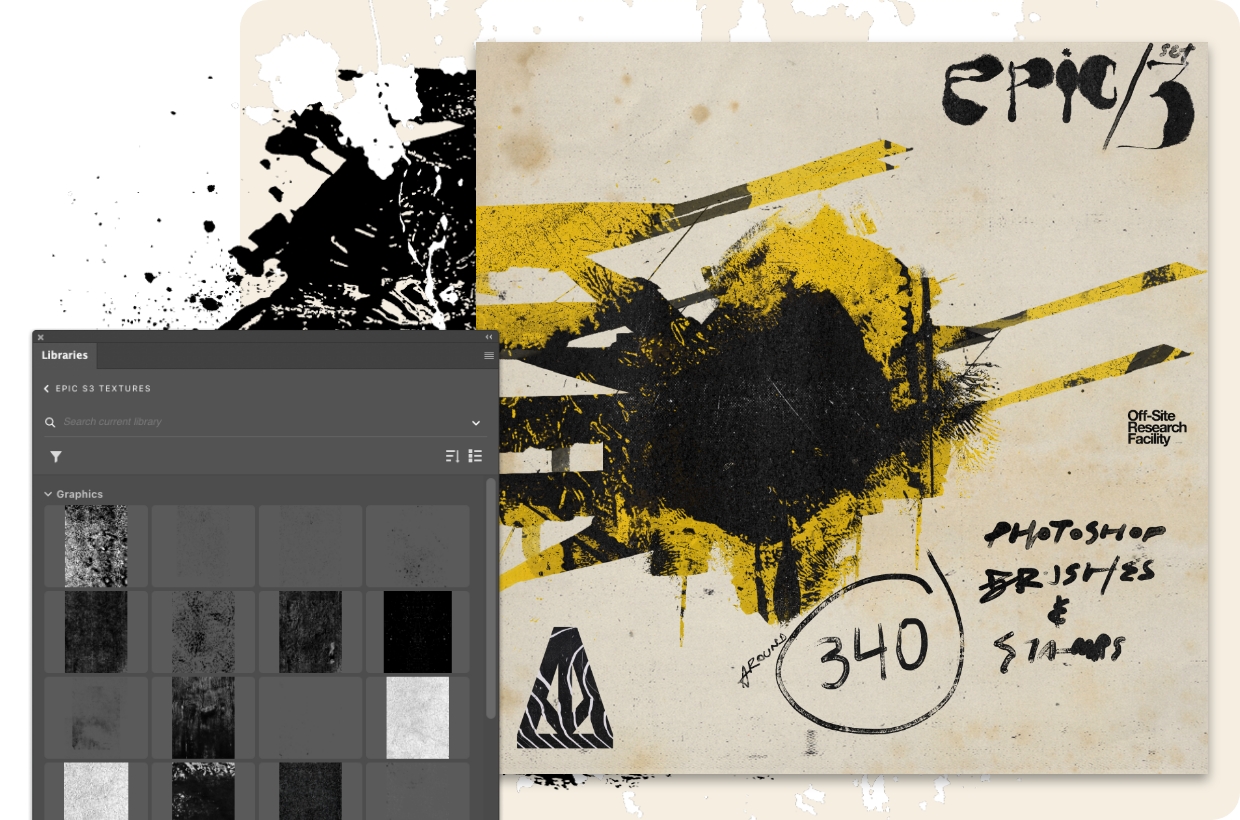
Schaffen Sie ein schönes Chaos mit diesem Grunge-Paket von Alejandro Chavetta.
Legen Sie los.
Öffnen Sie die Datei in Adobe Photoshop und entdecken Sie, wie Chavetta seine Kunstwerke und Texturen übereinander legt. Fügen Sie dann die Pinselbibliotheken hinzu und sprühen Sie Ihre eigenen Tags, um das Kunstwerk zu vollenden.
Hier geht gar nichts ohne ein paar Flecken.
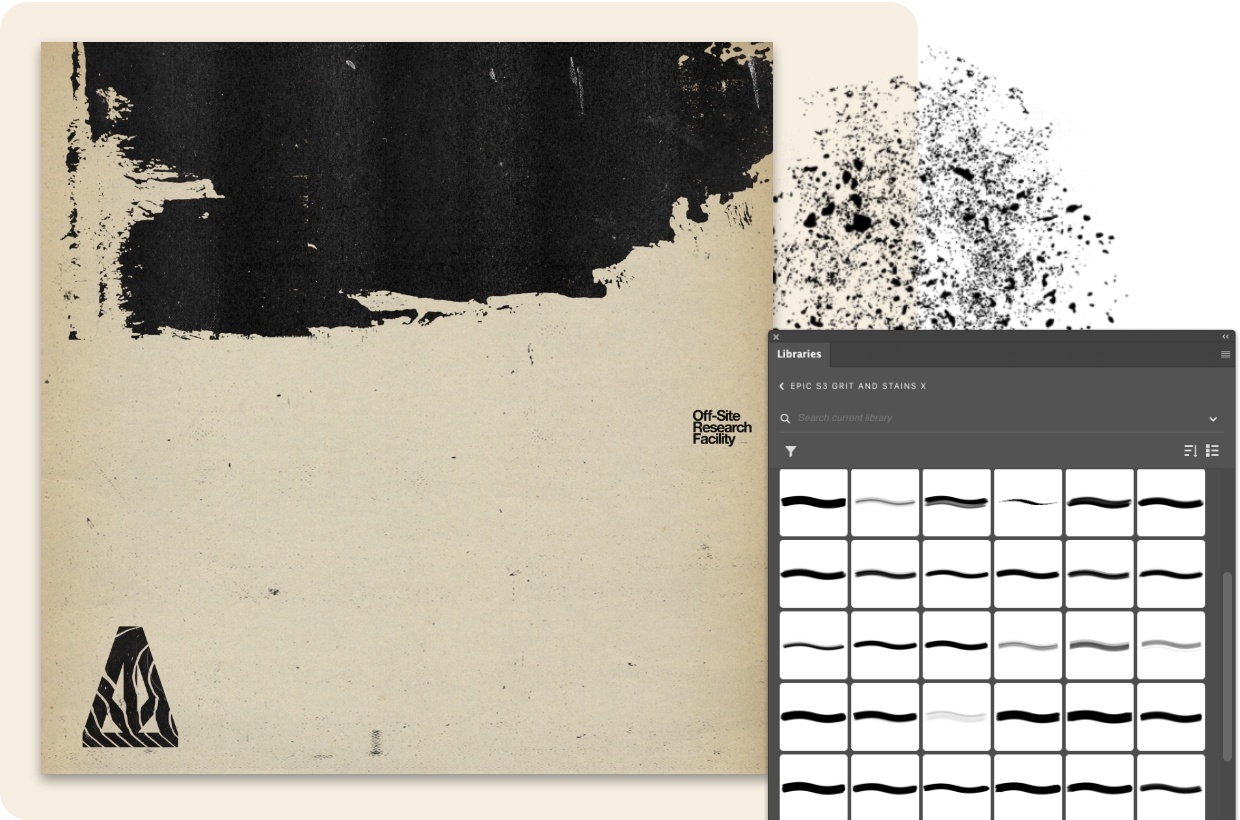
„Ich wollte ein „Trash/Grunge“-Set als Weiterentwicklung der Epic-Pinsel-Sets schaffen, an denen ich zuvor gearbeitet hatte“, erläutert Chavetta. Jetzt können Sie Ihre Arbeit mit 88 kostenlosen Borsten- und Flecken-Pinseln so richtig aufmischen.
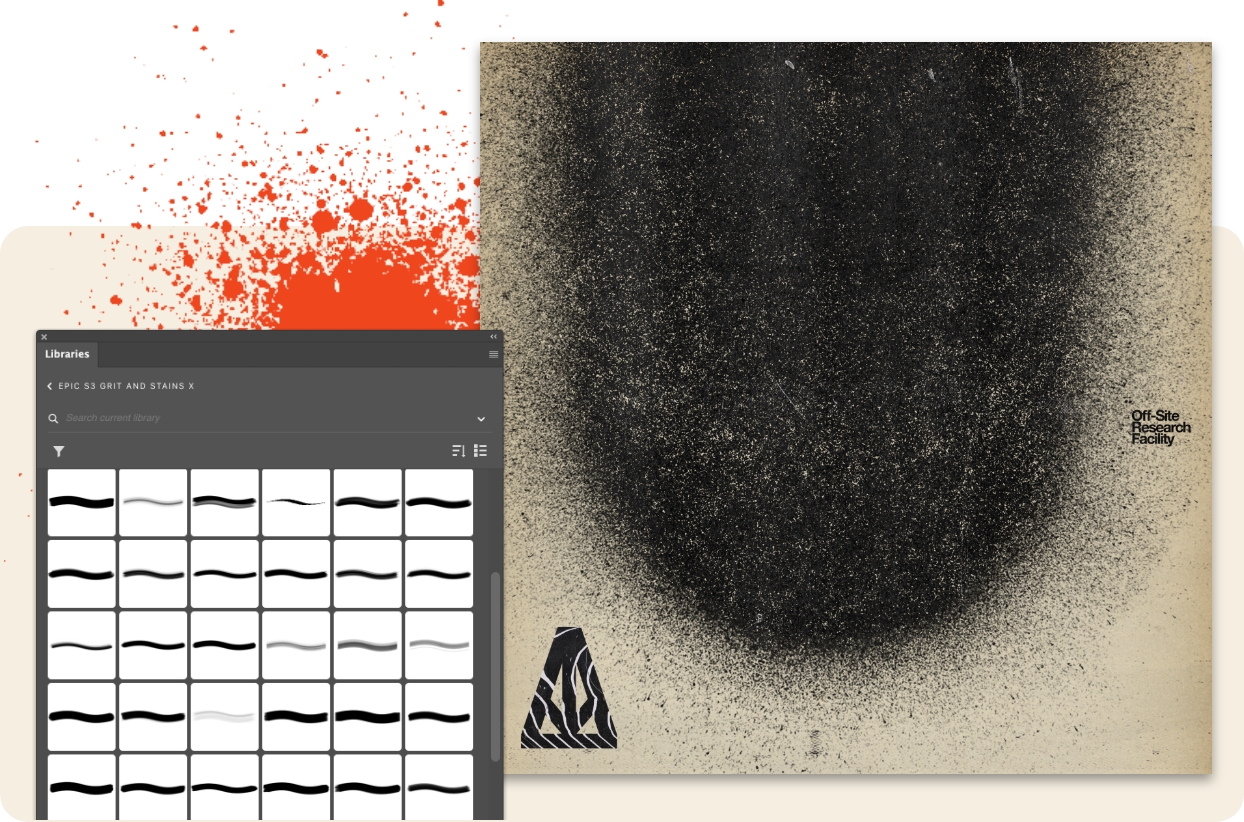
„Ich habe die analogen Tintenspritzer und Flecken in meinem Studio erstellt und eine Menge Texturen von meinen Spaziergängen in San Francisco gesammelt und dann alles in Photoshop zusammengemischt“, erklärt Chavetta. Fügen Sie jetzt 47 kostenlose Borsten-Texturen hinzu.
34 kostenlose Rollen und Walzen sorgen für einen frischen Farblook. „Diese Sammlung von Pinseln, Stempeln und Texturen sind Drag-&-Drop-Elemente für den Fall, dass Sie schnell eine borstige Textur hinzufügen möchten“, sagt er.
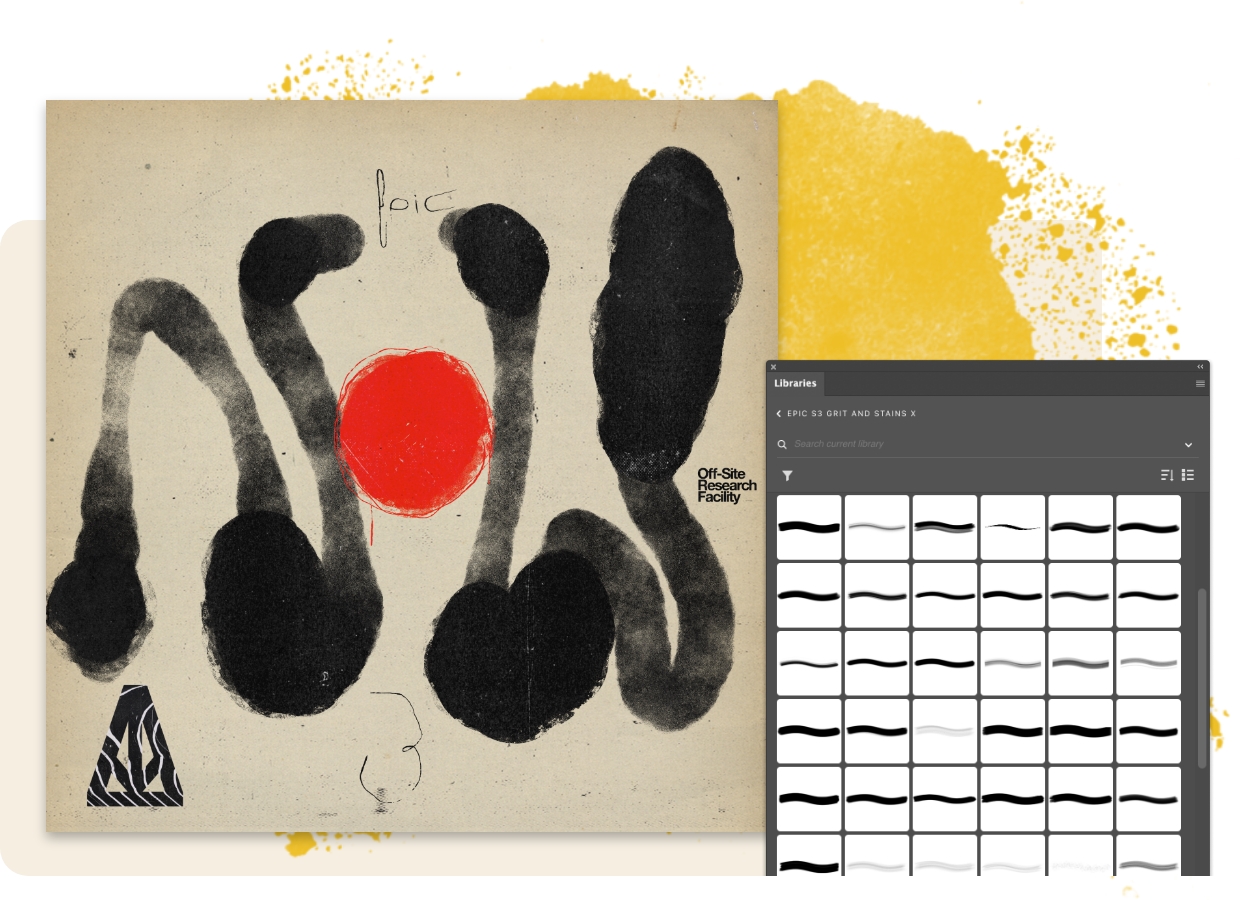
Schnappen Sie sich 83 kostenlose Borsten-Pinsel und machen Sie sich an die Arbeit. „Denken Sie daran, mit der Größe und dem Fluss zu spielen und Pinselstriche zu kombinieren, um Ihren Schriftzügen und Ihrer Typografie mehr Charakter zu verleihen“, sagt Chavetta.
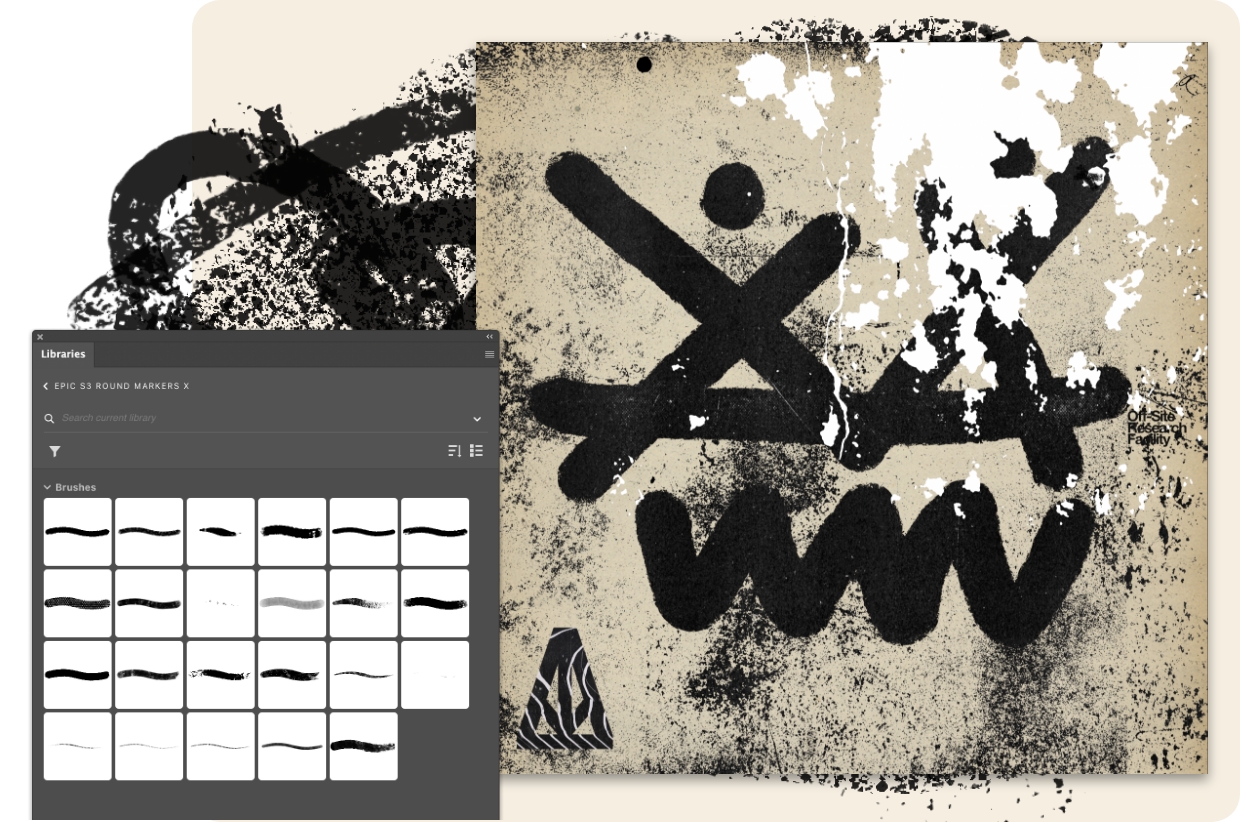
Chavetta hat diese 23 exklusiven runden Marker-Pinsel entworfen: „Sie sind druckempfindlich und wollen in verschiedenen Größen ausprobiert werden. Manchmal kann ein Pinsel, der auf seine maximale Größe von 5000 Pixeln eingestellt ist, unerwartete Texturergebnisse liefern.“
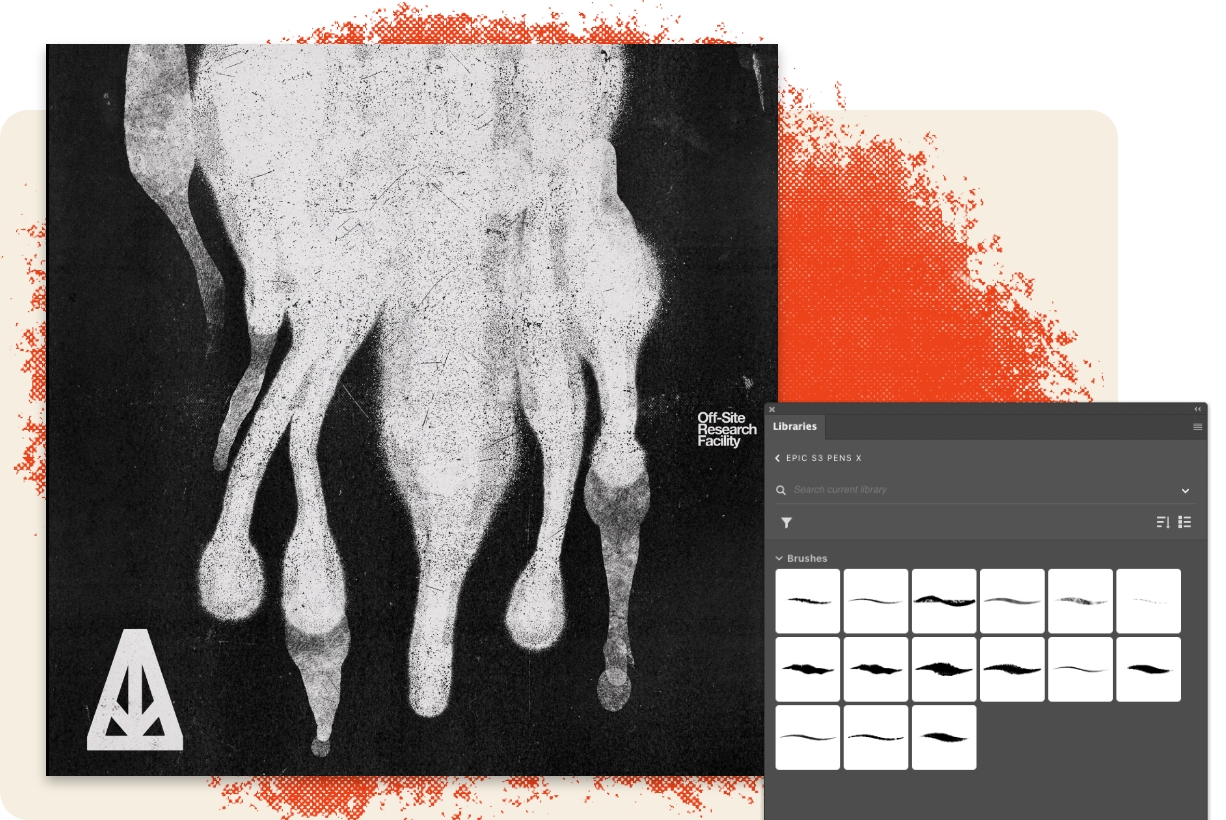
Probieren Sie diese 15 kostenlosen Stiftpinsel im Streetstyle aus. „Sie funktionieren am besten in Photoshop, und viele von ihnen können auch in Fresco verwendet werden“, ergänzt Chavetta.
You can control how Adobe websites use cookies and similar technologies by making choices below. But note that if you disable cookies and similar technologies entirely, Adobe websites may not function properly.
Cookies are small text files stored by your web browser when you use websites. There are also other technologies that can be used for similar purposes like HTML5 Local Storage and local shared objects, web beacons, and embedded scripts. These technologies help us do things like remembering you and your preferences when you return to our sites, measure how you use the website, conduct market research, and gather information about the ads you see and interact with.
You can make choices in the menu below about what cookies and other technologies you want us to use on Adobe sites when you visit them from this browser. You can always change those choices later by clicking on the Cookie Preferences link at the bottom of the page.
If enabled:
We can improve your experience by tailoring the site and the content to things we think might be of interest
We can better keep track of your preferences — like what language you prefer to use
We will better understand your likely interests so we can provide you more relevant Adobe ads and content on non-Adobe websites and in non-Adobe apps
It will help us improve the performance of our website and those of our partners who use the Adobe Experience Cloud
If disabled:
We won’t be able to remember you from session to session so the experience may not be tailored to your interests
You’ll still have access to the content of the site but certain features that depend on cookies may not function
You’ll still see ads, they just may not be as relevant to you
General information
You can control how Adobe websites use cookies and similar technologies by making choices below. But note that if you disable cookies and similar technologies entirely, Adobe websites may not function properly.
Cookies are small text files stored by your web browser when you use websites. There are also other technologies that can be used for similar purposes like HTML5 Local Storage, web beacons, and embedded scripts. These technologies help us do things like remembering you and your preferences when you return to our sites, measure how you use the website, conduct market research, and gather information about the ads you see and interact with.
You can make choices in the menu below about what cookies and other technologies you want us to use on Adobe sites when you visit them from this browser. You can always change those choices later by clicking on the Cookie Preferences link at the bottom of the page.
If enabled:
We can improve your experience by tailoring the site and the content to things we think might be of interest
We can better keep track of your preferences — like what language you prefer to use
We will better understand your likely interests so we can provide you more relevant Adobe ads and content on non-Adobe websites and in non-Adobe apps
It will help us improve the performance of our website and those of our partners who use the Adobe Experience Cloud
If disabled:
We won’t be able to remember you from session to session so the experience may not be tailored to your interests
We’ll still count your use of our site and services
You’ll still have access to the content of the site but certain features that depend on cookies may not function
You’ll still see ads, they just may not be as relevant to you
Operate the site and core servicesOperate site and measure engagement
Always active
These cookies are required, and they are used to enable the site and related services core functionality. Without them the site could not operate, so they cannot be disabled.
These cookies enable the site and related services’ core functionality and collect statistics about user engagement, such as counting active use to help us understand trends. These cookies cannot be disabled.
Measure performance
These cookies are used to analyze site usage to measure and improve performance. Without them Adobe cannot know what content is most valued and how often unique visitors return to the site, making it hard to improve information we offer to you.
These cookies are used to analyze site usage to measure and improve performance. Without them Adobe cannot know what content is most valued, making it hard to improve information we offer to you.
Extend functionality
These cookies are used to enhance the functionality of Adobe sites such as remembering your settings and preferences to deliver a personalized experience; for example, your username, your repeated visits, preferred language, your country, or any other saved preference.
Personalize advertising
These cookies are used to enable Adobe and our partners to serve ads more relevant to your interests. Without them you will still see ads, but they might not be as relevant to you.
Personalize advertising
These cookies are used to enable Adobe and our partners to serve ads more relevant to your interests. Without them you will still see ads, but they might not be as relevant to you.