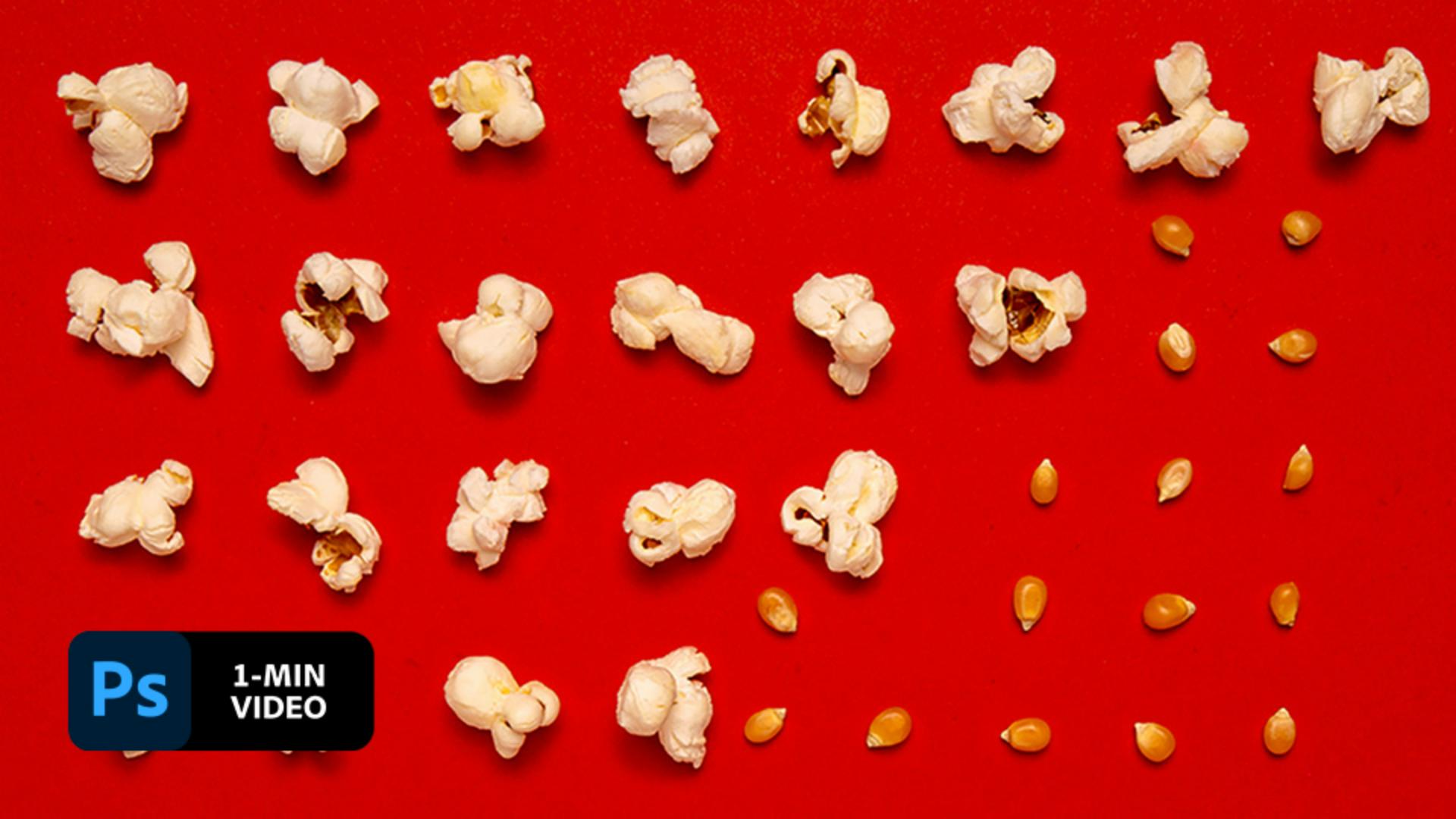
Fotos müssen nicht stillhalten. Mit nur wenigen Arbeitsschritten in Photoshop setzen sie sich in Bewegung. In diesem Kurz-Tutorial erfährst du, wie Aaron Bernstein Fotos in Adobe Photoshop mit Zeitleiste und Masken animiert.
Der ehemalige Adobe Creative Resident Aaron Bernstein lebt und arbeitet in New York City. In seinem digitalen Fotoprojekt „Hungry Boy“ reflektiert er Facetten der heutigen Kultur anhand von Lebensmitteln.
Transkript nicht verfügbar
1 Buchstäblich mit Knalleffekt.
Die Übungsdatei enthält zwei Ebenen: eine mit Maiskörnern und darüber eine mit Popcorn. Erstelle auf der Popcorn-Ebene eine Ebenenmaske und kehre sie durch Drücken von Strg+I (Windows) bzw. Befehl+I (macOS) um.
2 Überraschung!
Aaron Bernstein aktiviert die Ebenenmaske und wählt das Pinsel-Werkzeug mit der Farbe Weiß. Er malt mit dem Pinsel über die Maske, um die erste Popcorn-Flocke zum Vorschein zu bringen.
3 Eins nach dem anderen.
Für diesen Schritt braucht Aaron Bernstein viel Zeit. Er dupliziert die Ebene, auf der die erste Popcorn-Flocke zum Vorschein kam, mit Strg+J (Windows) bzw. Befehl+J (macOS). Dann malt er mit dem Pinsel-Werkzeug in Weiß darüber, um mehr Popcorn sichtbar zu machen. Diesen Schritt wiederholt er so oft, bis er genug Ebenen beisammen hat, um das gesamte Popcorn der unteren Ebene sichtbar zu machen.
4 Die Zeitleiste einrichten.
Aaron Bernstein klickt auf der „Zeitleiste“ (Fenster > Zeitleiste) auf „Frame-Animation erstellen“.
5 Animations-Frames erstellen.
Um die Animation schrittweise aufzubauen, wählt Aaron Bernstein auf der Zeitleiste die Option „Frames aus Ebenen erstellen“. Die Sichtbarkeit der Maiskörner-Ebene aktiviert und deaktiviert er wechselweise, um sie auf allen Frames der Animation sichtbar zu machen.
6
Popcorn ohne Ende.
Auch die Endlosschleife der Animation erzeugt Aaron Bernstein auf der Zeitleiste. Dazu wählt er „Alle Frames auswählen“, dann „Frames kopieren“ und „Frames einfügen“. Als Letztes wählt er die Option „Frames umkehren“, damit das Popcorn auch wieder zu Maiskörnern wird, die Animation also rückwärts abläuft. Er klickt auf der Zeitleiste auf „Abspielen“, um eine Vorschau der Animation anzusehen. Mit der Funktion „Für Web speichern“ speichert er seine Endlos-Animation im GIF-Format.
Immer in Bewegung bleiben.
Erwecke deine Bilder mit kurzen Animationen zum Leben.
Hinweis: Die in diesem Tutorial enthaltenen Projektdateien dürfen nur zu Übungszwecken verwendet werden.
You can control how Adobe websites use cookies and similar technologies by making choices below. But note that if you disable cookies and similar technologies entirely, Adobe websites may not function properly.
Cookies are small text files stored by your web browser when you use websites. There are also other technologies that can be used for similar purposes like HTML5 Local Storage and local shared objects, web beacons, and embedded scripts. These technologies help us do things like remembering you and your preferences when you return to our sites, measure how you use the website, conduct market research, and gather information about the ads you see and interact with.
You can make choices in the menu below about what cookies and other technologies you want us to use on Adobe sites when you visit them from this browser. You can always change those choices later by clicking on the Cookie Preferences link at the bottom of the page.
If enabled:
We can improve your experience by tailoring the site and the content to things we think might be of interest
We can better keep track of your preferences — like what language you prefer to use
We will better understand your likely interests so we can provide you more relevant Adobe ads and content on non-Adobe websites and in non-Adobe apps
It will help us improve the performance of our website and those of our partners who use the Adobe Experience Cloud
If disabled:
We won’t be able to remember you from session to session so the experience may not be tailored to your interests
You’ll still have access to the content of the site but certain features that depend on cookies may not function
You’ll still see ads, they just may not be as relevant to you
General information
You can control how Adobe websites use cookies and similar technologies by making choices below. But note that if you disable cookies and similar technologies entirely, Adobe websites may not function properly.
Cookies are small text files stored by your web browser when you use websites. There are also other technologies that can be used for similar purposes like HTML5 Local Storage, web beacons, and embedded scripts. These technologies help us do things like remembering you and your preferences when you return to our sites, measure how you use the website, conduct market research, and gather information about the ads you see and interact with.
You can make choices in the menu below about what cookies and other technologies you want us to use on Adobe sites when you visit them from this browser. You can always change those choices later by clicking on the Cookie Preferences link at the bottom of the page.
If enabled:
We can improve your experience by tailoring the site and the content to things we think might be of interest
We can better keep track of your preferences — like what language you prefer to use
We will better understand your likely interests so we can provide you more relevant Adobe ads and content on non-Adobe websites and in non-Adobe apps
It will help us improve the performance of our website and those of our partners who use the Adobe Experience Cloud
If disabled:
We won’t be able to remember you from session to session so the experience may not be tailored to your interests
We’ll still count your use of our site and services
You’ll still have access to the content of the site but certain features that depend on cookies may not function
You’ll still see ads, they just may not be as relevant to you
Operate the site and core servicesOperate site and measure engagement
Always active
These cookies are required, and they are used to enable the site and related services core functionality. Without them the site could not operate, so they cannot be disabled.
These cookies enable the site and related services’ core functionality and collect statistics about user engagement, such as counting active use to help us understand trends. These cookies cannot be disabled.
Measure performance
These cookies are used to analyze site usage to measure and improve performance. Without them Adobe cannot know what content is most valued and how often unique visitors return to the site, making it hard to improve information we offer to you.
These cookies are used to analyze site usage to measure and improve performance. Without them Adobe cannot know what content is most valued, making it hard to improve information we offer to you.
Extend functionality
These cookies are used to enhance the functionality of Adobe sites such as remembering your settings and preferences to deliver a personalized experience; for example, your username, your repeated visits, preferred language, your country, or any other saved preference.
Personalize advertising
These cookies are used to enable Adobe and our partners to serve ads more relevant to your interests. Without them you will still see ads, but they might not be as relevant to you.
Personalize advertising
These cookies are used to enable Adobe and our partners to serve ads more relevant to your interests. Without them you will still see ads, but they might not be as relevant to you.