



Personalize your banner for SoundCloud with Adobe Express.
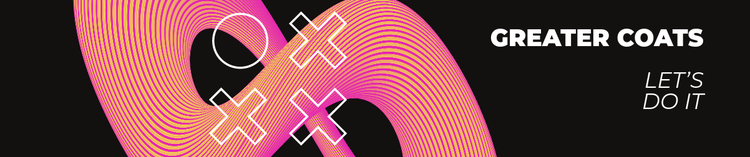
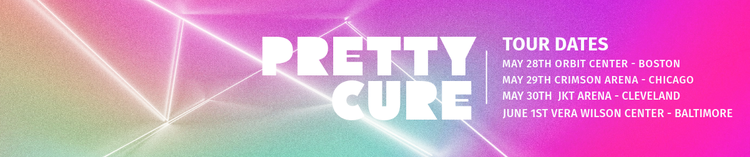
When your listeners arrive at your SoundCloud page, having a customized banner will help them dive into your music or recordings. A banner can reflect your music's mood and promote information like your social handles or an upcoming release. Browse the gallery of professionally designed templates from Adobe Express to get started, then customize your banner by adding colors, photos, text, and more. It's as easy as choosing a template, customizing, and sharing.


How to make a banner for SoundCloud.
Save and share your custom SoundCloud banner.
Hit that publish button and instantly download your SoundCloud banner right to your device. Print it out or share it on your social channels and website.
Resize for any destination.
Quickly resize your SoundCloud banner with our Resize tool. Choose from preset sizes for other social channels like Instagram, Facebook, or Twitter, then watch as your banner resizes in a snap. You can also enter your own custom dimensions.
Customize your SoundCloud banner.
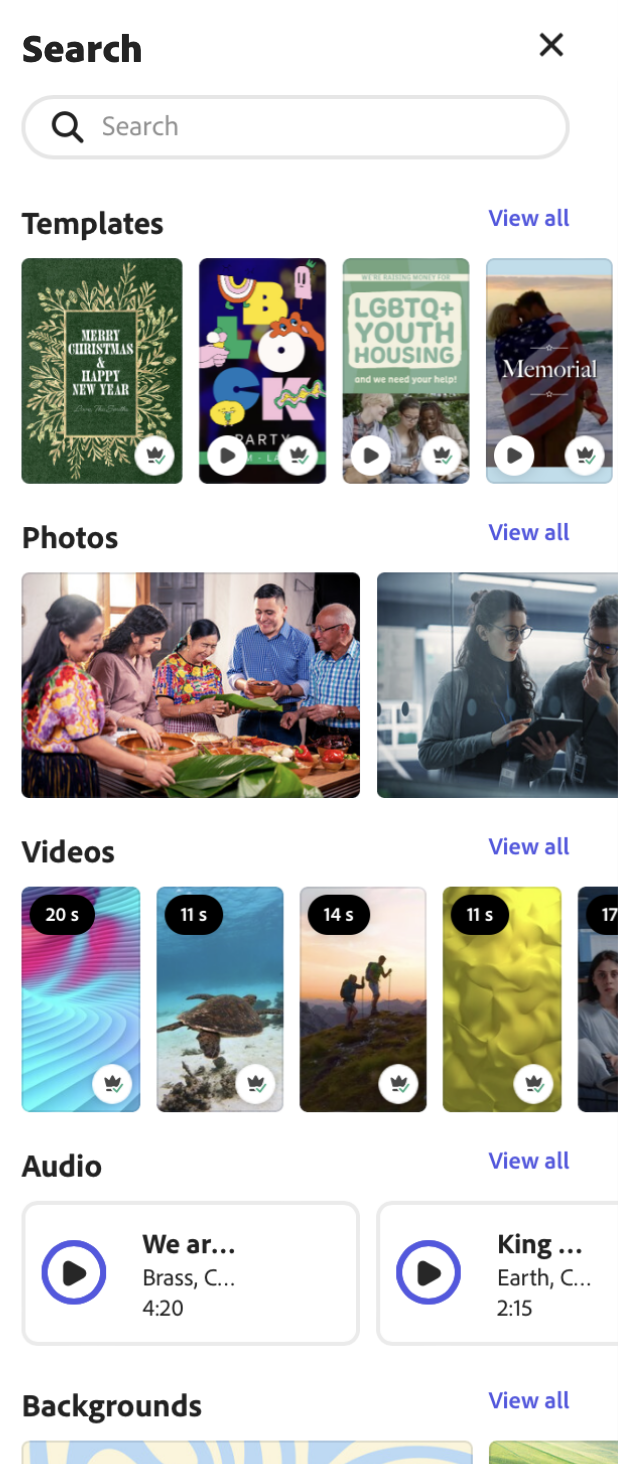
Upload your own photos or add stock images and designs from our libraries. Add animation effects to the text or images in your design.
Explore standout templates.
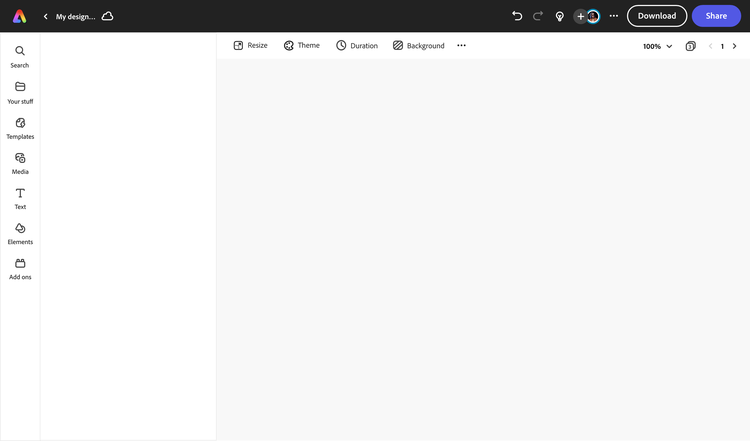
Browse through thousands of SoundCloud banner templates or create from a blank canvas.
Get started for free.
Open Adobe Express for free on your desktop or mobile device to start creating your banner.
Capture your listener's attention with a stunning banner.
Adobe Express inspires you to think outside the box when it comes to starting a new project. Get started making your banner for SoundCloud with Adobe Express, then resize it to create social graphics, profile photos, stickers, GIFs, and so much more branded content for your band or artist. There are endless creative opportunities to turn your banner into a branding makeover.
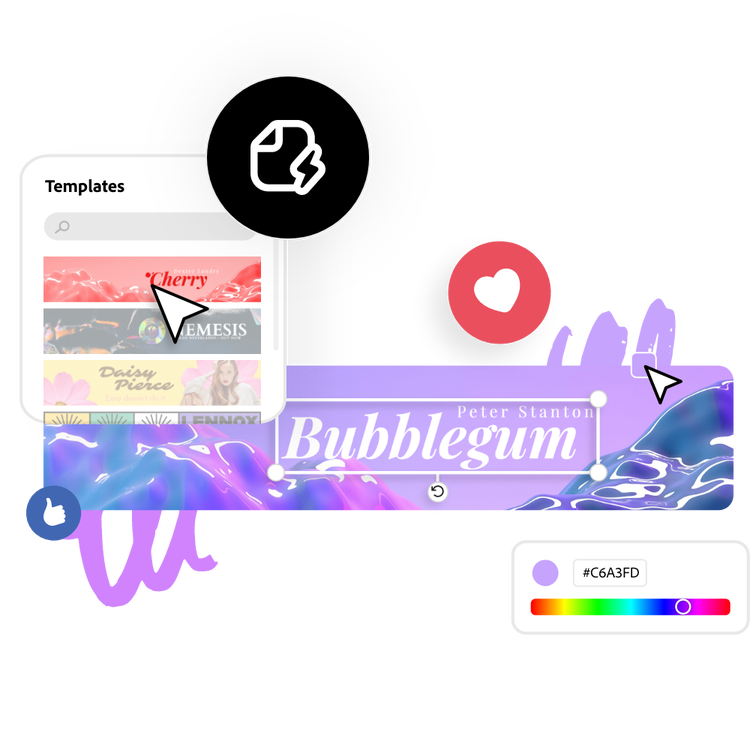
Let Adobe Express be your SoundCloud banner design expert.
Explore professionally designed templates to get your wheels spinning or create your own banner for SoundCloud from scratch. Establish a theme for your designs using photos, icons, logos, personalized fonts, and other customizable elements to make them feel entirely authentic. Duplicate designs and resize them to create consistency across multiple types of assets. With Adobe Express, it's free and easy to make, save, and share your designs within minutes so you can add collaborators, get approval, and publish your custom-made banner to your SoundCloud page.
What size is a SoundCloud banner?
SoundCloud recommends you upload a banner that is at least 2480px by 520px and no larger than 2MB. Start from one of our SoundCloud banner templates or use the Resize tool to enter your custom dimensions.
What should I include on my SoundCloud banner?
There are many ways to take advantage of your header real estate. Promote a new album, merch launch, or mixtape on your banner. Make your banner match your profile picture for branded consistency. Or simply choose an image that matches the aesthetic of your page.
Should I add text to my SoundCloud banner?
Of course, but try to keep any text, logos, or key details toward the center of your banner. SoundCloud notes that header images crop according to the device the page is being viewed on, so keeping details toward the center will make them appear best across most devices.
Can I create my own SoundCloud banner template?
Any new or existing project can be turned into a shareable template. To turn your SoundCloud banner into a template, click on the three-dot menu at the left of the Download button and follow the steps to turn your design into a template.
Can I get Adobe Express for free? If so, what’s included?
Yes, Adobe Express has a free plan that includes core features like photo editing tools and effects and thousands of free templates. Learn more about our plans and pricing.
illustrator

