Make a custom brochure for free in minutes.
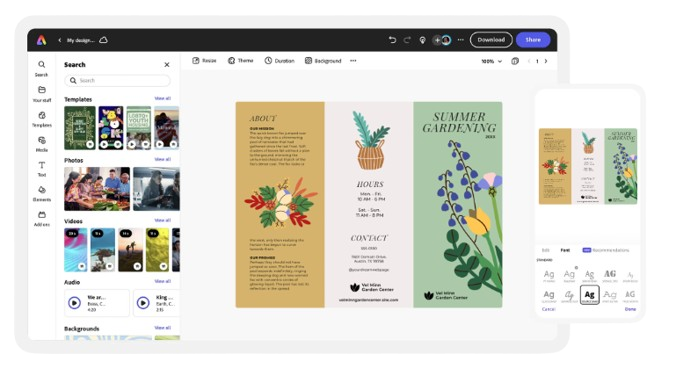
Quickly and easily design impactful brochures with Adobe Express, the quick and easy create-anything app. Get started with tons of customizable templates and effortless layout formatting, no experience needed.
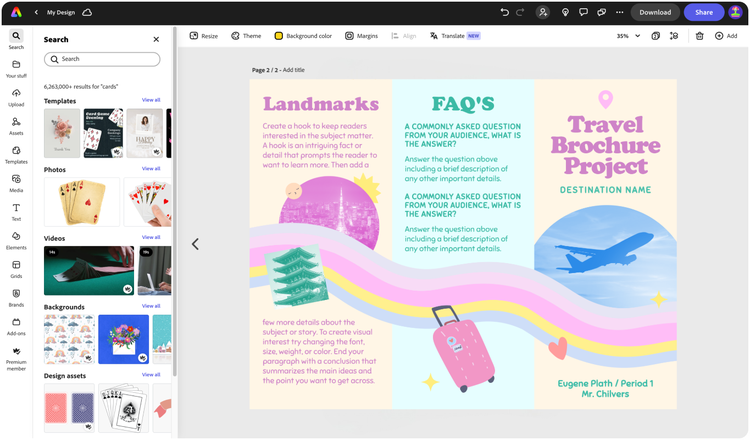

Easy all-in-one editor

One-click edits from any device

Fast creation with generative AI

Thousands of professionally-designed templates
Easily get started in Adobe Express.
- Templates
- Upload Content
- Stock Content
- AI
Explore more categories:
Upload or import your content.
Add your own photos or videos and start your creation from there. You can also import your PSD or Ai files and Adobe Express will recognize all of your layers.

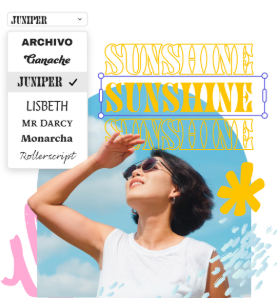
Upload your photos or videos
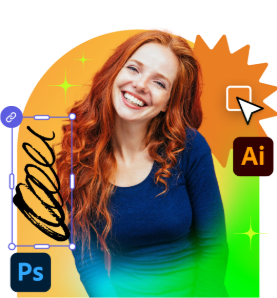
Upload your PSD or Ai files
Upload or import your content.
Add your own photos or videos and start your creation from there.
Upload your photos or videos
Start from our amazing collection of stock content.
You can start your project from the Adobe Stock royalty-free photo, video, or audio collection.

Start with video
Start with photo
Start with audio
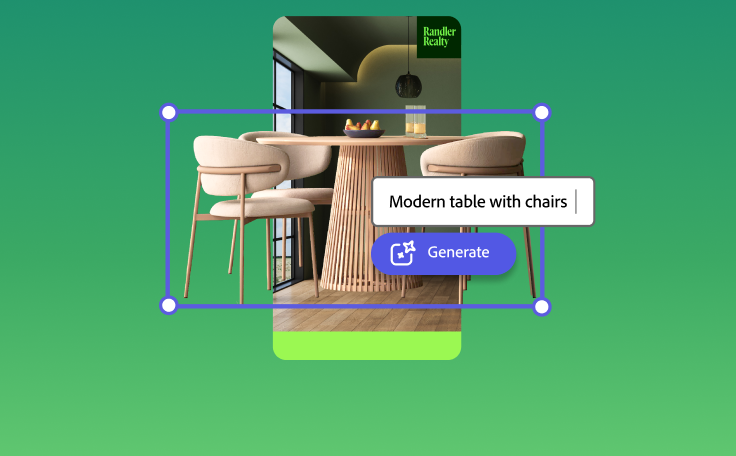
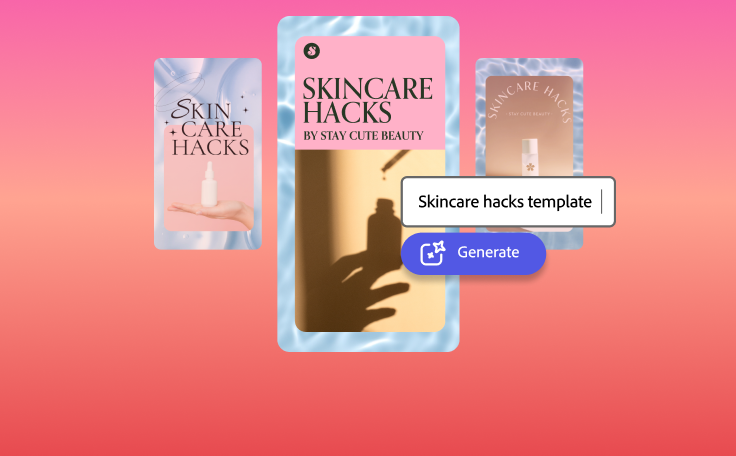
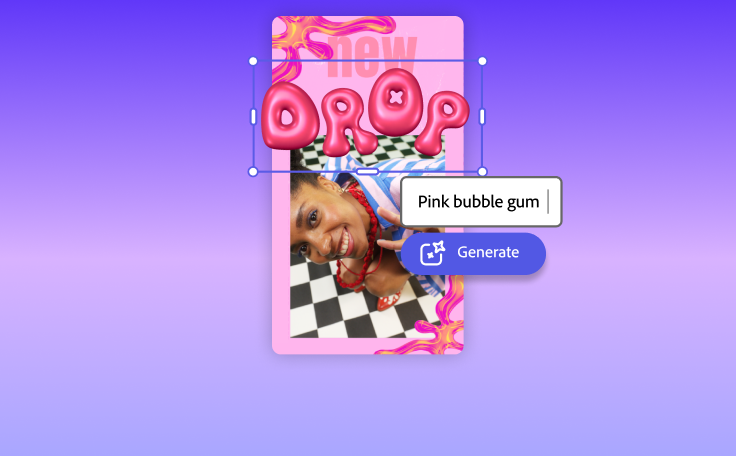
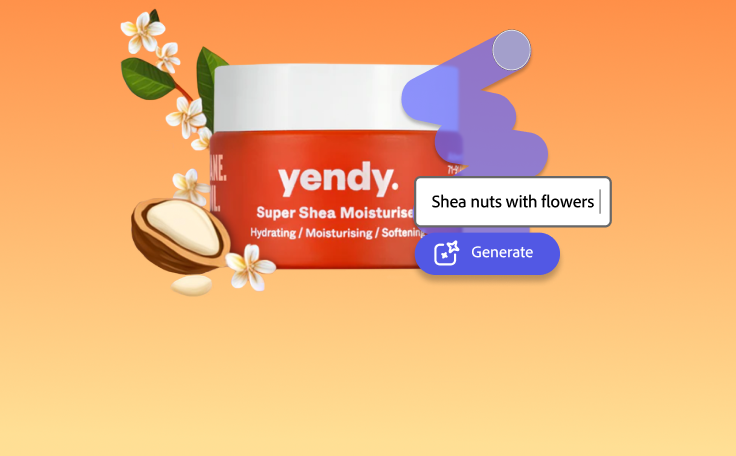
Imagine and create from a text prompt.
Your imagination is your only limitation. You type it. Adobe Express generates it.
How to make a brochure.
See what people are saying about Adobe Express.

Abs Ahlijah
Marketing & Content Coordinator @ Soul Session

Liz Mosley
Owner, Liz Mosley Design

Penuel Stanley-Zebulon
Student @ Pennsylvania State University

Attabeira German de Turowski
Owner, Attabeira Oneline

Mike Nappi
Owner, NappiMusic
Discover even more features for easy content creation.

Add and rearrange text with ease.
Effortlessly arrange your text to fit your brochure layout exactly how you like. With your text boxes linked using Text flow, you can adjust the size of one text box and have text automatically flow into the next box, no additional tweaking or formatting required. Split lengthy paragraphs into multiple, adjustable columns to easily fit the dimensions of any space in your three-panel brochure design. Or divide your text into several blocks using a product photo for an editorial look.

Compliment your custom brochure with charts and graphs.
Enjoy the freedom of creating a professional-quality brochure without the hassle of adjusting your page layout or having to start your own from scratch. Create, edit, and add charts and visuals anywhere in your brochure design, blending visual elements alongside your text to further convey your message. With Adobe Express, it's free and easy to make, save, and share standout brochures.