



Make a leaflet for free in minutes.
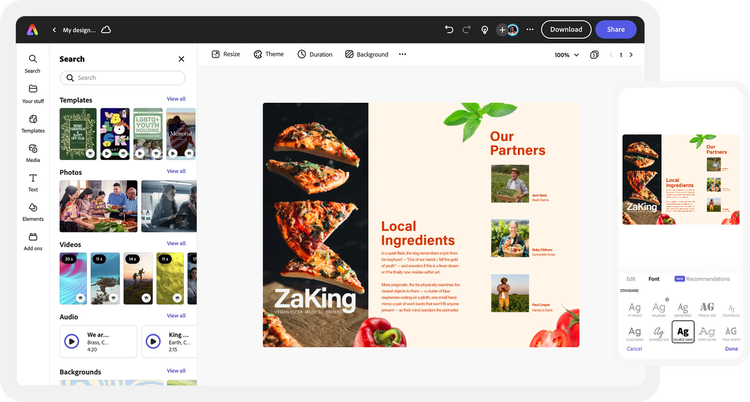
Easily build standout leaflets that will excite your audience with Adobe Express, the quick and easy create-anything app. Start from a professional-quality template, then add your text and graphics with effortless layout and formatting control.
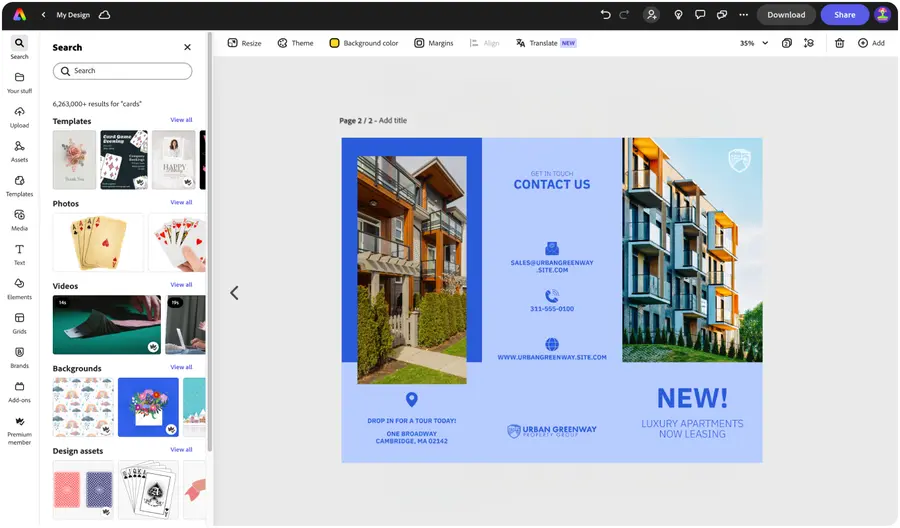

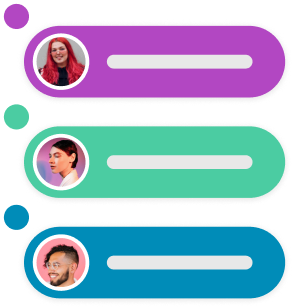
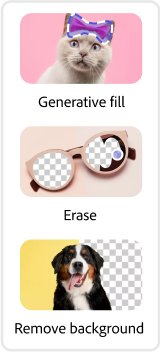
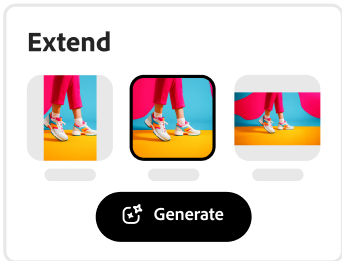


Easy all-in-one editor

One-click edits from any device

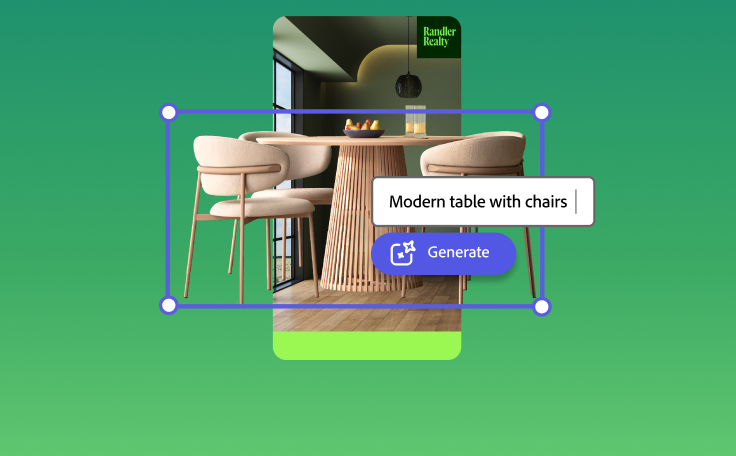
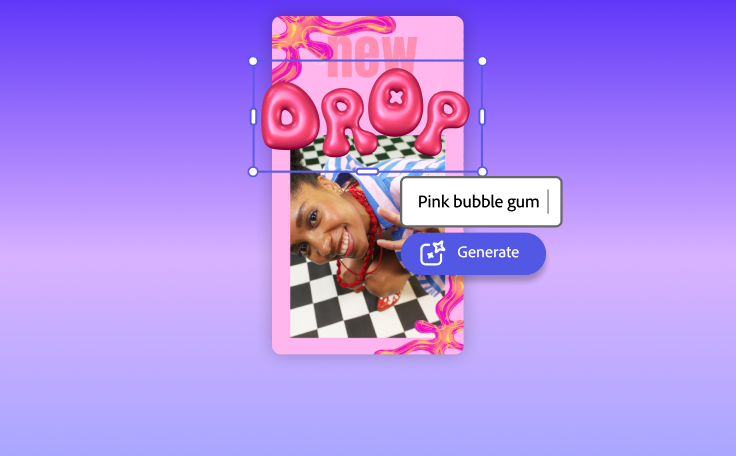
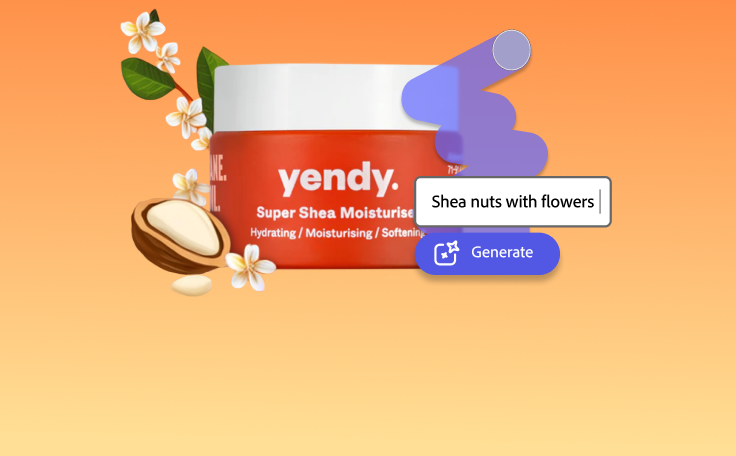
Fast creation with generative AI

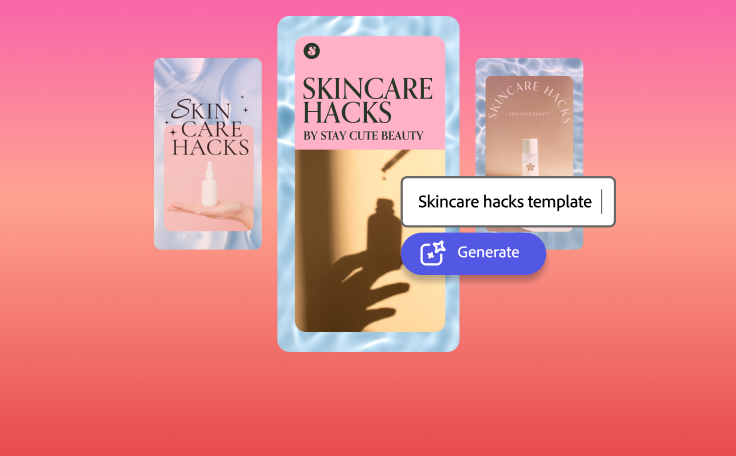
Thousands of professionally-designed templates
Easily get started in Adobe Express.
Make an eye-catching leaflet online in minutes.
Market your brand or business to your audience in a quick and creative way with a leaflet. Adobe Express features thousands of templates that you can customize for your own leaflet design for free. Specify your size and number of folds, then add your own images, messaging, and brand assets like logo, color schemes, and fonts. It’s fast and easy to get started today.
 New templates
- Popular
- New templates





Start creating for free.
Launch Adobe Express for free on your desktop or mobile device to make your leaflet.Explore templates.
Get a head start on your leaflet design by choosing a template to customize. Alternatively, you can import your own PDF to edit in Adobe Express.Customize with images and text.
Upload your own photos or browse through our Adobe Stock collection of free images and graphics to drop right into your leaflet. Add text to your leaflet and rearrange it exactly how you like.Add your branding.
Personalize your design to match your brand's visual identity. Include your brand elements like logos, color schemes, and fonts in your leaflet design for a professional touch. To add a layer of visual depth, place brand images and graphics between each paragraph of text to create space.Save and share your leaflet.
Send a share link to collaborators so they can view, comment, and edit your leaflet in real-time. Download your leaflet as a PDF to your device and print it out at home, work, or with a professional printer.
See what people are saying about Adobe Express.

Abs Ahlijah
Marketing & Content Coordinator @ Soul Session
"As a marketer who is always on the move. Adobe Express helps me to create fast, high quality content. Absolute endless features to enhance my creativity!"

Liz Mosley
Owner, Liz Mosley Design
"I use Adobe Express to create and schedule a lot of my own content, and by creating templates for my own brand I have saved my self hours marketing my business!”

Penuel Stanley-Zebulon
Student @ Pennsylvania State University
"The remove background image tool in Adobe Express saved me hours of tedious editing, effortlessly removing backgrounds and refining my images with just a few clicks."

Attabeira German de Turowski
Owner, Attabeira Oneline
"I use Express Premium for my social media efforts and Content Scheduler has helped me grow my following through consistent posting."

Mike Nappi
Owner, NappiMusic
"I'm all in on Adobe Express. Premium makes it easy for me to maintain a cohesive look and feel for my brand."
Discover even more features for easy content creation.

Insert and move text around effortlessly.

Whether promoting your new small business or including instructions in product packaging, it’s a walk in the park to create a visually captivating leaflet. Change the way your text looks by simply resizing one box with Text flow, then watch as rest of the text automatically adjusts to fit your layout of choice, no additional formatting needed. Add multiple columns of text or align them to one side.


Customize your leaflets with charts and graphs.
Effectively convey information in your leaflets using charts and infographics created with Adobe Express. Design pie or progress charts to represent your insights in a visual way. Create timelines to highlight major milestones or illustrate your goals. Adobe Express makes it fast, fun, and easy to quickly and easily produce standout leaflets.
The world's leading businesses use Adobe Express.





Discover even more.

Frequently asked questions.
What are the best practices for designing a leaflet?

Use high quality images, easy-to-read text, and a cohesive color palette. Depending on the intention of your leaflet, make sure you have a clear call to action or contact section for readers to follow up or learn more.
How do I make my leaflet double-sided?

What size should I make my leaflet?
Can I get Adobe Express for free? If so, what’s included?
Can I create my own leaflet template?
What are the best practices for designing a leaflet? opened
illustrator

