



Free video resizer.
Easily resize your video in seconds. Select from preset sizes to change the dimensions of your video for any destination.
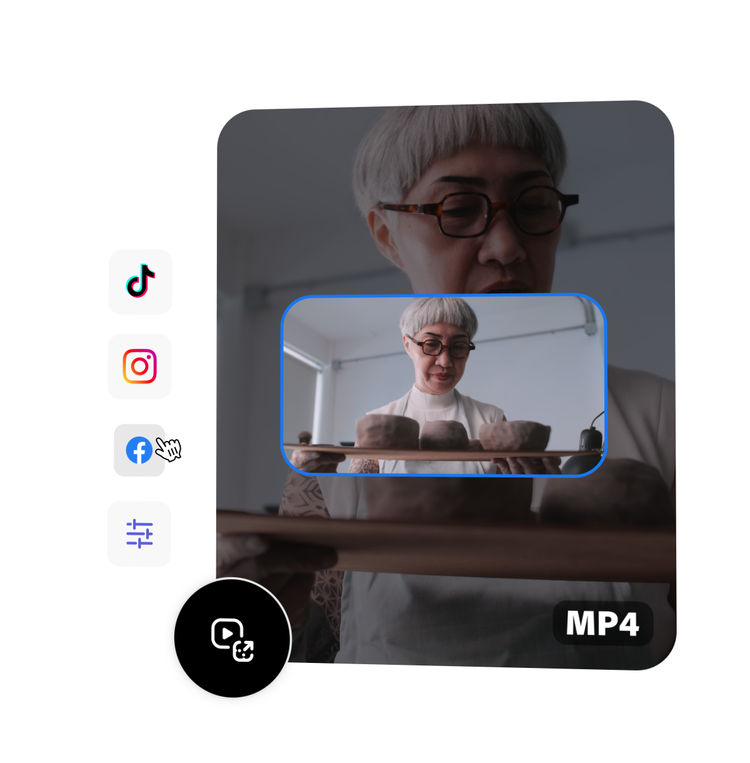
Drag and drop a video
or browse to upload.
File size can be up to 1GB
 Free to useNo credit card required
By uploading your image or video, you agree to the Adobe Terms of use and Privacy Policy
1. Select.
Upload a video from your device. Choose a video up to 1 hour long.
2. Resize.
Choose your destination or enter in a custom size.

3. Continue editing.
Instantly download your resized video clip, or keep editing.
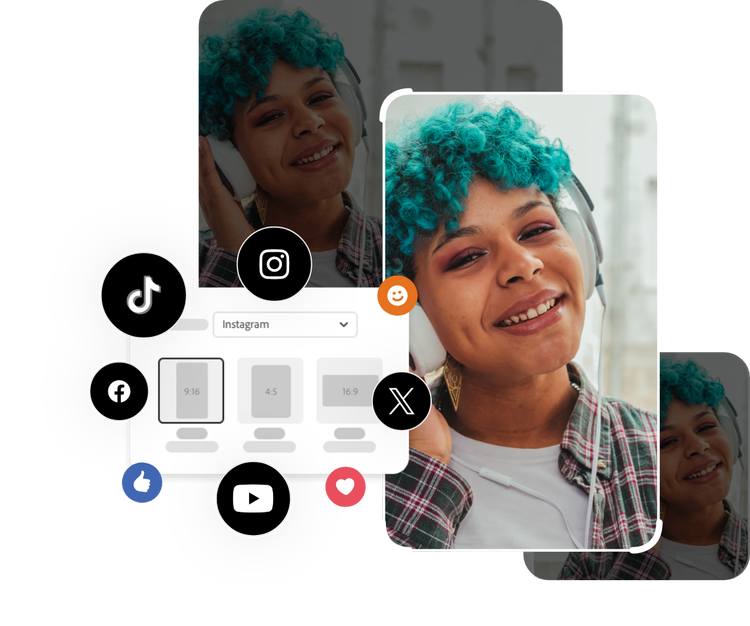
Resize video clips to share with audiences across all your platforms.
Want to publish a video on Instagram, TikTok, YouTube, or any of your other social destinations? Use our free online video resizer to adjust the size and dimensions of your videos in seconds. Don’t see the size you need? Use the option to define custom sizes. Resize your original video again and again to share with your followers on all your social media pages.
Scale your video clip.
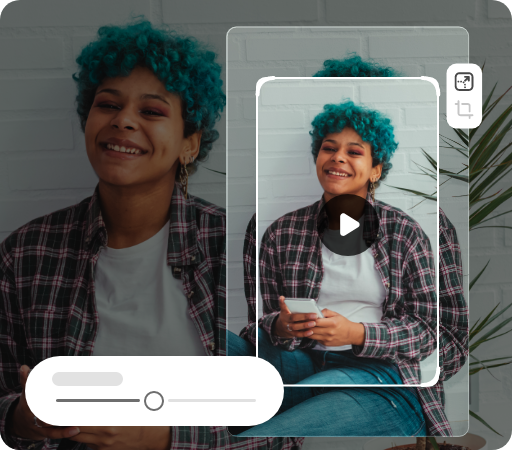
Once you’ve resized your video, you might still need to adjust the framing. Select any corner of your video to zoom in or out, then drag the video to center it so your subjects stay in the frame.

Trim your video to just the right length.
Get right to the good stuff with the video trimming tool. Use the handlebars to set your parameters or enter in the start and end time fields so you can get exactly the moment you are looking to trim.
Do more with your videos on the go.
Adobe Express lets you make professional quality edits to your videos for free in seconds. Shoot, edit, and share videos from your device to share across all your channels. Confidently create with the power of Adobe at your fingertips.
Frequently asked questions.
Can I resize a video for free?
The video resizer is free to use so you can make Adobe Express your go-to video editor on-the-go.
Can I resize a video on my phone?
Absolutely. This video resize tool works on both web and mobile, so you can resize your videos anytime, anywhere.
Can I resize videos for Instagram?
Easily resize videos for Instagram in seconds. Once you upload your video, choose Instagram from the dropdown menu and select your desired size.
Why can’t I resize my video?
Make sure your video is no longer than 1 hour long, and that it doesn’t exceed the maximum file size of 2GB. If you’re getting an error message, try reloading the page. The video resize tool supports dozens of video formats, including MP4, MOV, AVI, and WMV – check out the Quick Actions FAQ to see the full file type list, along with any other troubleshooting answers.
Can I use Adobe Express for free? If so, what’s included?
Yes, we have a free plan available for anyone. Enjoy everything you need to stand out, including dozens of quick action tools, thousands of templates, photo editing and effects, and much more. Explore our plans and pricing for details.

