



Free AI background changer.
Use the AI background changer to remove blurry or distracting backgrounds in an instant. Swap it out with tons of Adobe Express backgrounds, your own images, and more.
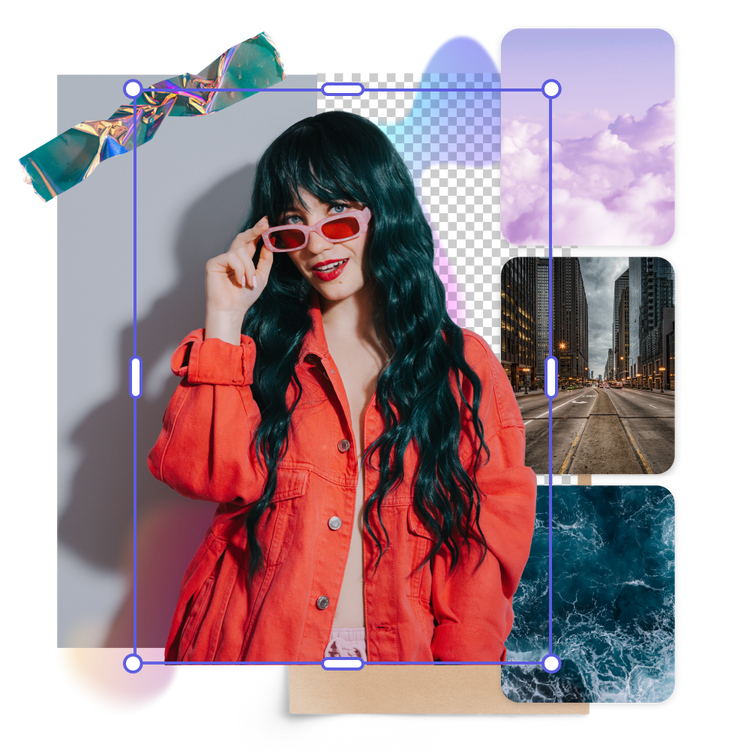
Drag and drop an image
or browse to upload.
File must be JPEG, JPG, PNG or WebP and up to 40MB
 Free to useNo credit card required
By uploading your image or video, you agree to the Adobe Terms of Use and Privacy Policy
1. Upload.
Select an image to upload with a clear subject. Make sure that your subject does not overlap with anything else for the best results.
2. Swap backgrounds.
Click on Add a background. You’ll be directed to the full Adobe Express editor where you can choose from our free background options in the Elements panel or create your own.

3. Continue editing.
Download your new image with a new background to save, share, or keep editing in Adobe Express.
See what people are saying about Adobe Express.
I enjoy using the remove background feature in Adobe Express during my product launches! In just a few steps, I’m able to quickly remove the original background and add a fun one with my product."

Shelly Kim
Owner @ Letters by Shells
As a marketer who is always on the move. Adobe Express helps me to create fast, high quality content. Absolute endless features to enhance my creativity!"

Abs Ahlijah
Marketing & Content Coordinator @ Soul Session
The remove background image tool in Adobe Express saved me hours of tedious editing, effortlessly removing backgrounds and refining my images with just a few clicks."

Penuel Stanley-Zebulon
Student @ Pennsylvania State University
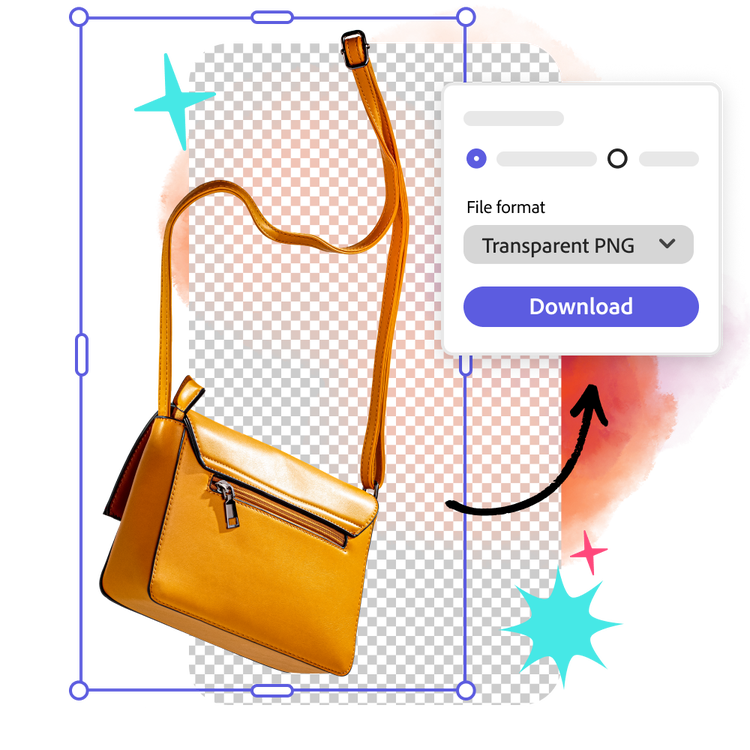
Give images a refresh with the AI background changer.
Got a product shot with a distracting background? No problem. Simply upload it to the AI background changer and watch as it disappears. Replace the background with tons of royalty-free Adobe Stock wallpapers and images to choose from or upload your own to make your project authentically yours. Put the focus back on your subject, no design skills needed.
Generate your own background fast.
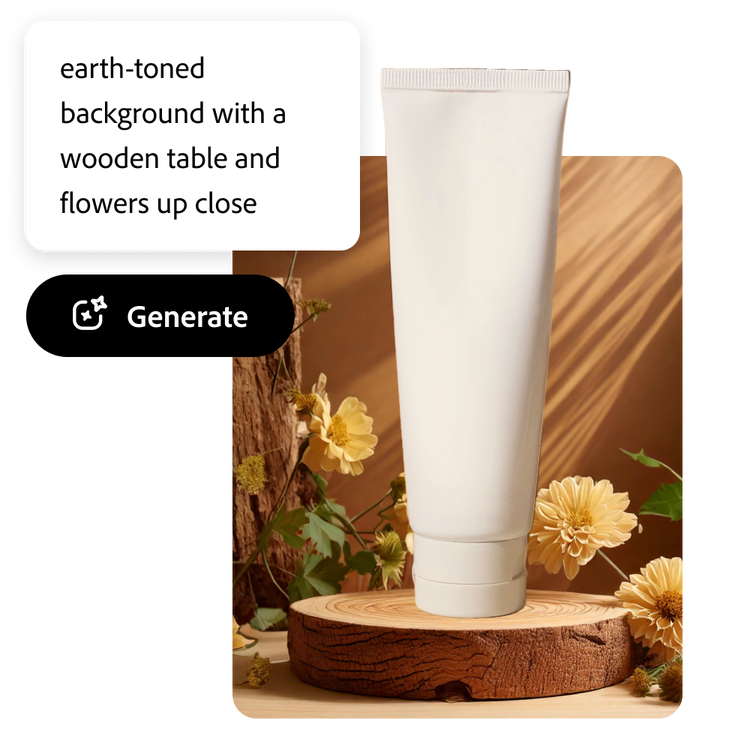
Short on time? Quickly generate a new background from a simple description with the Generate image tool. Type your desired scene into the prompt box, for example, “earth-toned background with a wooden table and flowers up close,” and watch as a fresh new background for your product photos is created. Experiment with various prompts for holidays or seasons to effortlessly refresh your images for social media.
Stay effortlessly on brand with the AI background changer.
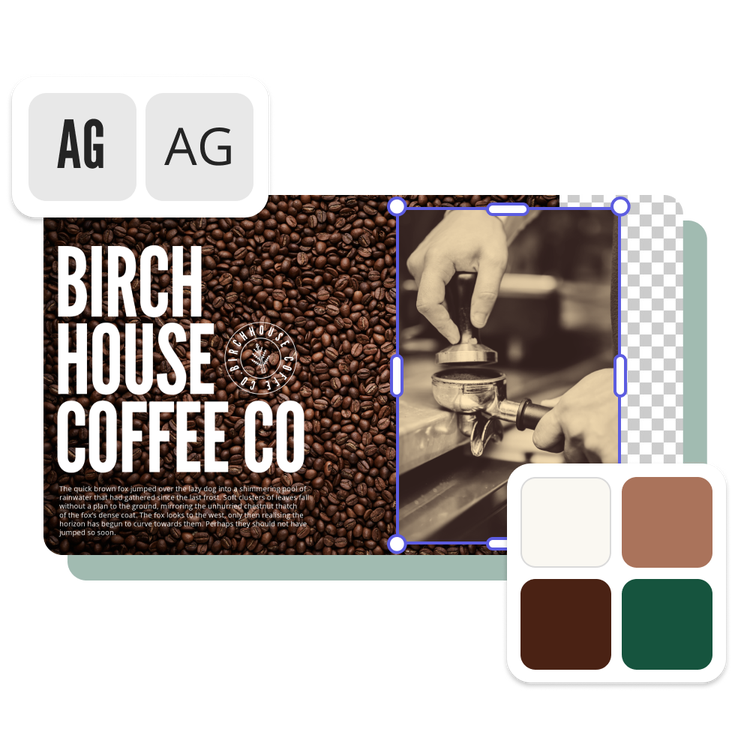
Put your brand in the spotlight with the AI background changer. Effortlessly design the ideal backdrop while ensuring brand consistency by incorporating your logos, fonts, and colors. Create a polished, unified look for all your visual content that’s easy to replicate time and time again. Consistency made easy.
Stand out with Adobe Express.
Adobe Express is the quick and easy create-anything app to make impactful social posts, images, videos, flyers, presentations, documents, and more. Create standout content fast, regardless of skill level, with powerful generative AI, easy-to-use editing tools, thousands of customizable templates, and Adobe Stock design assets at your side.

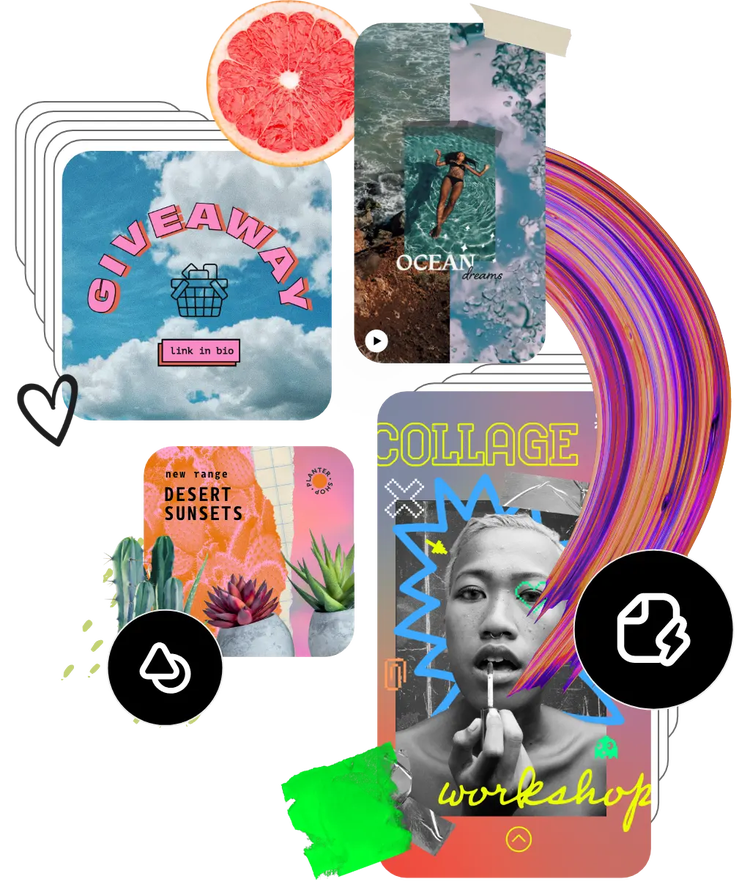
Start customizing with tons of templates and assets at your side.
How would your edited, transparent photo look on a book cover? What about an informational flyer or social media post? Use an Adobe Express template to kickstart your design, then personalize it with fonts, icons, GIFs, and, of course, your new dynamic photo. Elevate your designs quickly and easily with Adobe Express on your side.
Frequently asked questions.
Is the AI background changer easy to use?
Absolutely. The AI background changer is fast and easy to use and requires no design skills to get started. Simply upload your photo of choice and watch as your photo’s background becomes transparent in just a few taps.
Can I remove the background on my phone?
Yes. Open the AI background changer on your mobile device just as you would on desktop. All you need to do is upload an image, then download it after the background has been removed. Adobe Express, the quick and easy create-anything app makes it easy to remove the background on a photo and add it to any template of your choice.
How do I use the AI background changer to get a transparent background?
Removing the background from your photo using the AI background changer will automatically make the background transparent. Your new image will download as a PNG file, which typically shows your image with no background, so you can place your newly edited image in any Adobe Express project you like.
Can I change the photo’s background?
Yes, you can easily use the AI background changer tool as a starting point to change the background of a picture. Once the background has been removed, change the background in your photo by opening the full Adobe Express content creation app and add the image on a background of your choice, whether that’s a solid color, an Adobe Stock photo, or on top of another photo.
Can I use Adobe Express for free? If so, what’s included?
Yes, we have a free plan available for anyone. Enjoy everything you need to stand out, including dozens of Quick Action tools, thousands of templates, photo editing and effects, and much more. Visit our plans and pricing for details.

